Lifestyle
Review: Tesla Model S Premium Rear Console

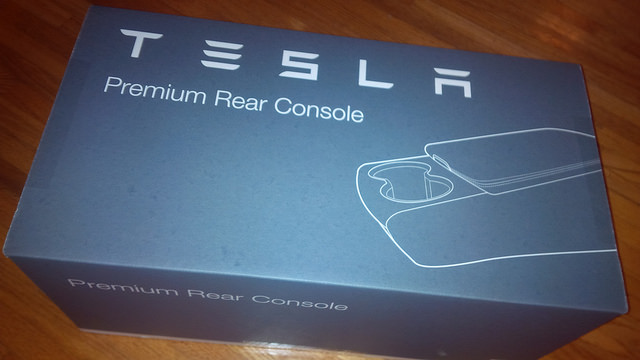
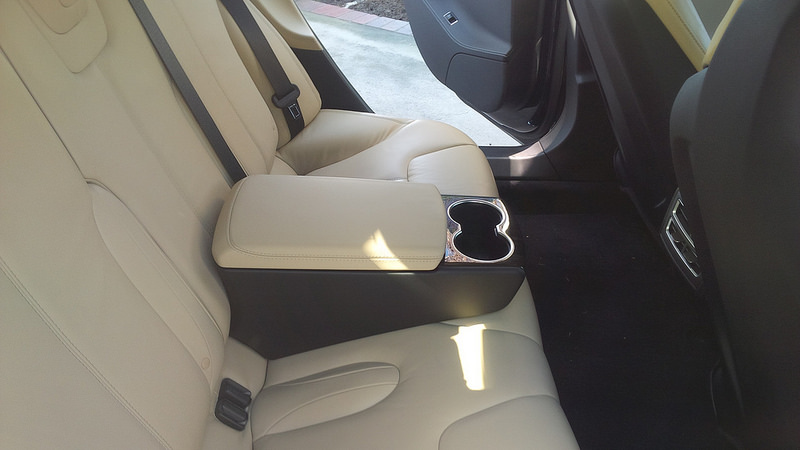
Most of the time I drive alone or with my wife on our Model S. We rarely use the rear seats for passengers. However, when we do, it’s usually one or two other people, and rarely are we fitting three people in the vehicle. It’s nice to have the option to fit three people, but we often ride with less.
One of the complaints that is common to owners of Model S are the lack of cup holders in the vehicle. The rear part of the vehicle have no cup holders unless the owner of the Model S opts for a rather interesting solution from Tesla.
I was uninterested in this rear cup holder solution and was surprised when I found the Premium Rear Console on Tesla’s site.
Since we rarely travel with five people, we figured that the Model S Premium Rear Console from Tesla would provide some traveling in style for our passengers.
Unboxing the Model S Premium Rear Console
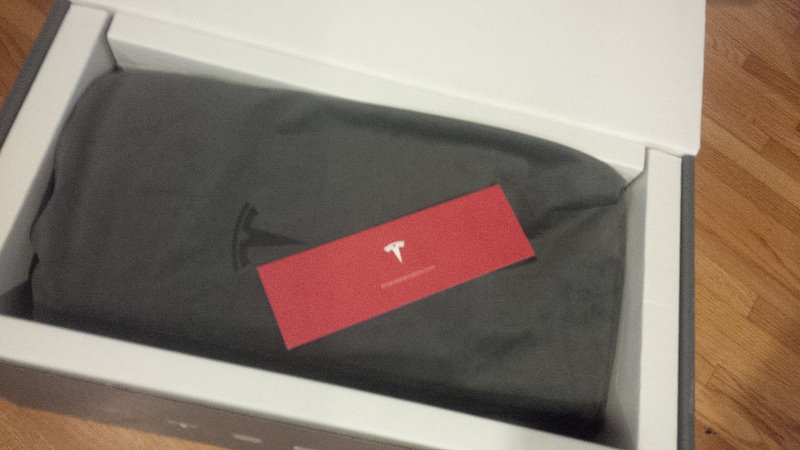
The storage bag that comes with Model S Premium Rear Console is pretty nice.
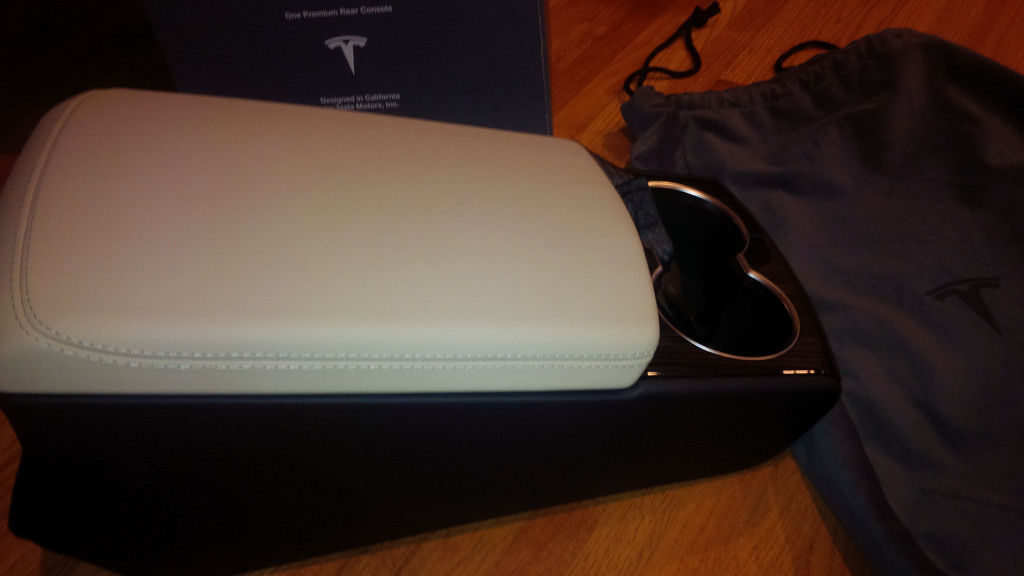
Installation
The installation instructions for the Model S Premium Rear Console seemed simple enough. The following pictograph was included in the shipment.
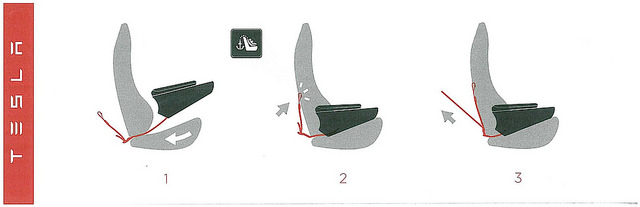
- Lengthen the child-seat hook so that one can install it on the center seat position.
- Click it in, and tighten. That’s it. Sounds simple enough.
The box is nicely packed with the pictograph instructions.
What you’ll want to do is lengthen the hook and get it ready to slide under the center section and hook it on to the center child restraint.
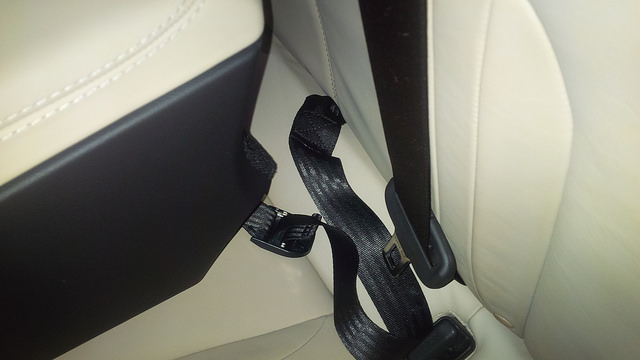
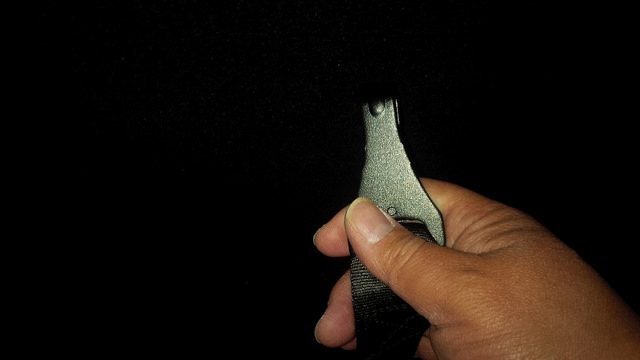
Feed the hook towards the trunk area and attach the hook the the latch on the back of the seat. Once it’s latched on, pull it tight in order to secure the rear console to the back seat.
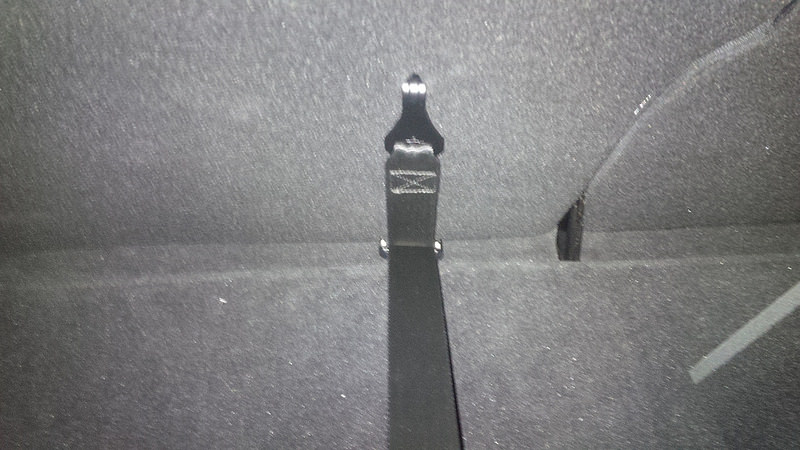
The Finished Product
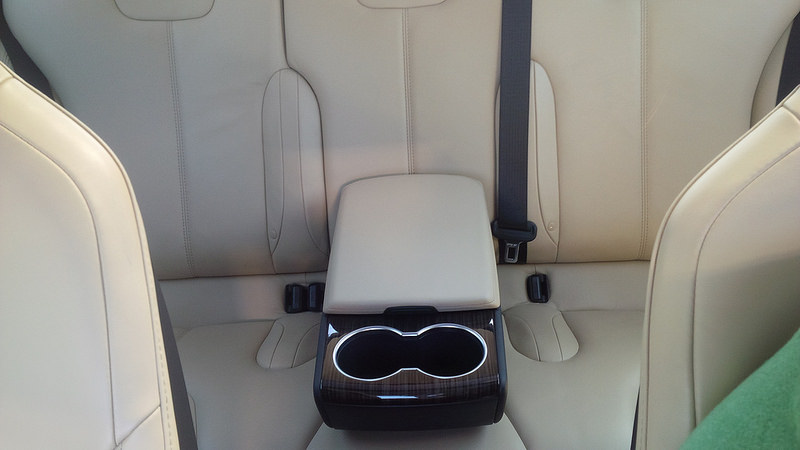
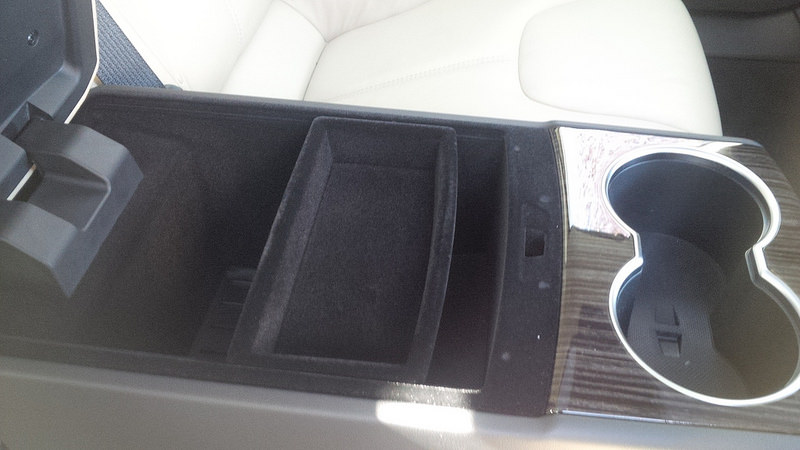
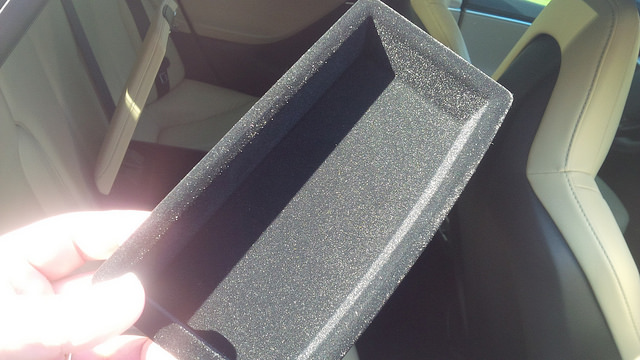
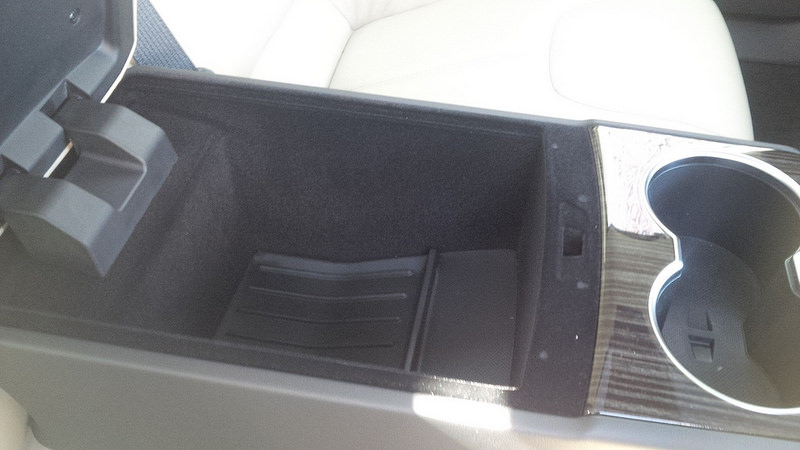
It took me about 20 minutes to install for the first time. This is going to go faster as I remove and re-install it in subsequent times.
Overall, I like it although the $600 starting price is somewhat pricey, but it works for us.
The original version of this review was published on Dennis’ blog.
It’s a great looking rear console for the times that you want your rear passenger to feel comfortable in the back. It fits nicely, but does move when passengers put weight on it as it is only secured by laying on top of the seat and the single child-seat latch in the back of the seat. The price point is a little expensive and is the most obvious deficit.


Lifestyle
Tesla teases “Halloween Mode” update with Optimus rising from a graveyard
Tesla’s Halloween teaser hides a covered vehicle and an Optimus hand rising from the ground.

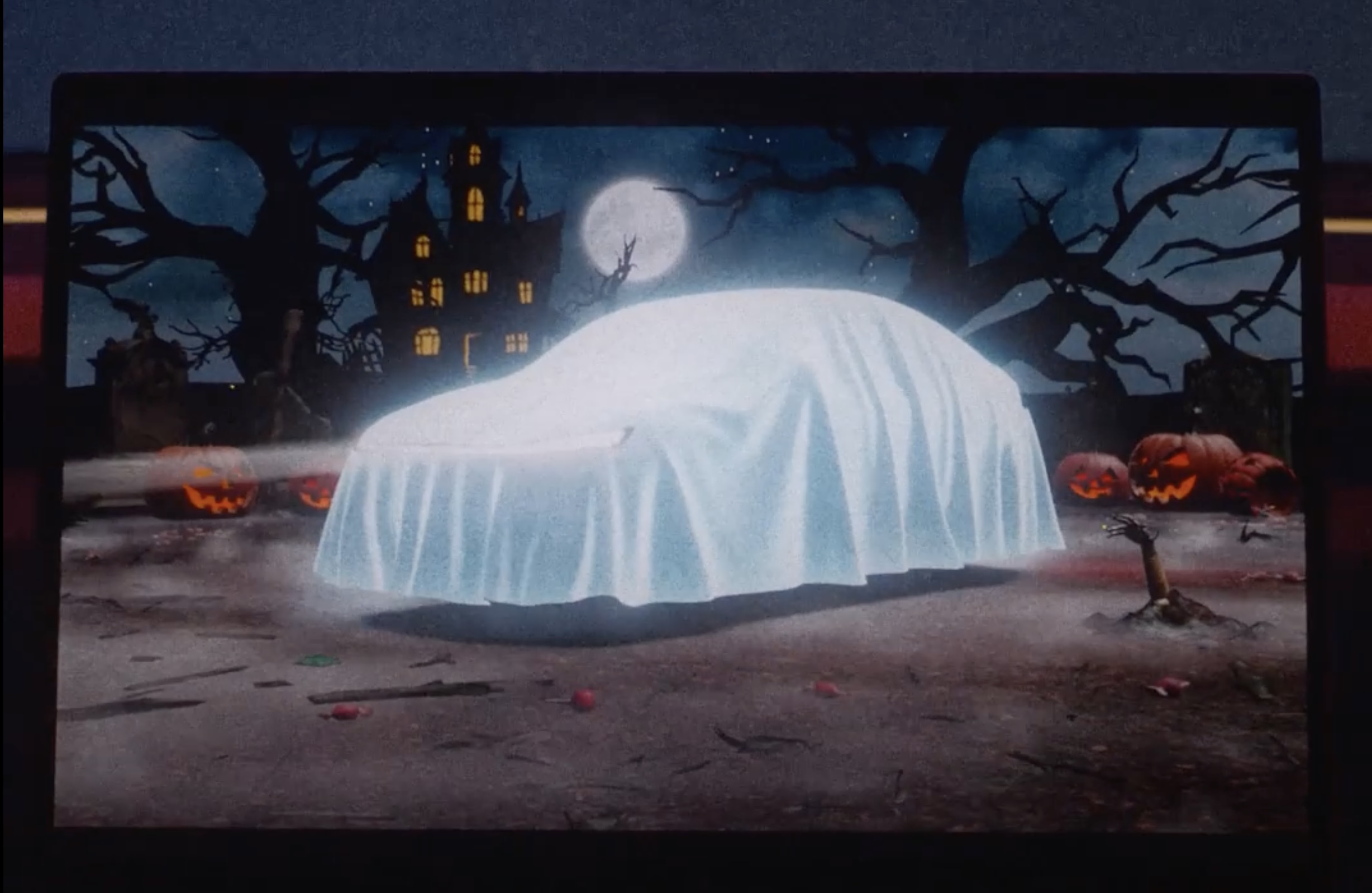
Tesla has started teasing a Halloween software update for its vehicles, with a short clip on X that reads, “Halloween is coming.” The clip opens on a glowing pumpkin before pulling back to the car’s center touchscreen, where the usual parked visualization has been replaced by a graveyard scene, and the vehicle draped with a white sheet so it reads as a cartoon ghost.
Halloween is coming pic.twitter.com/lM3ASUeOqX
— Tesla (@Tesla) October 1, 2026
The second detail is a robotic hand clawing its way out of the dirt like a zombie, which looks to be the hand of Tesla’s latest Optimus V3 humanoid robot. While Tesla still has not formally shown Optimus Gen 3 walking around in service, renders pulled from Tesla’s Android app last month gave the clearest look yet, including far more refined hands that Tesla has said carry 22 degrees of freedom. The hand has been the hardest part of the program. Musk has called it the majority of the robot’s engineering difficulty, and Tesla’s patents describe a design driven by tendons with the actuators moved into the forearm.
Tesla Optimus V3 hand and arm details revealed in new patents
Optimus also has a Halloween track record. Last October the robot handed out candy in Times Square, and a costumed “zombie” Optimus shuffled around the Tesla Diner in Los Angeles on Halloween night.
On the software side, Tesla’s 2025 Holiday Update expanded Santa Mode with a Santa sleigh, snowmen, snow effects, and a festive lock chime, so it wouldn’t be too far fetched if we saw something similar but themed for a Halloween Mode.
Lifestyle
Tesla’s newest feature lets you floor it out of a Supercharger while plugged in
Tesla’s new Emergency Drive Away feature lets owners flee a Supercharger while still plugged in.
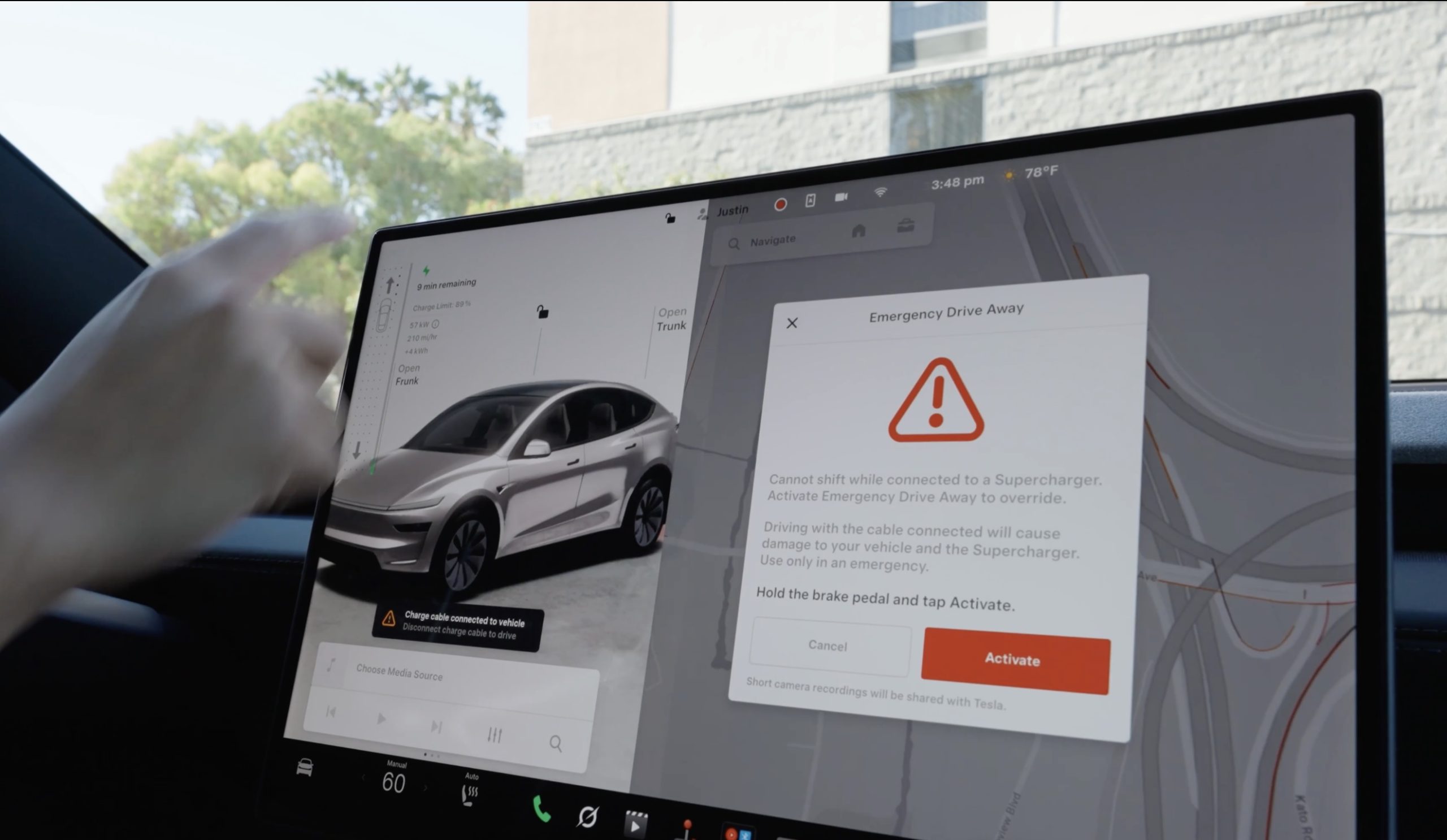
Tesla has given drivers a way to escape while a vehicle is plugged-in at a Supercharger, in the event of an emergency. The company’s charging team announced a new feature on X called Emergency Drive Away, which lets a driver shift into Drive and pull away while the charging cable is still connected to the car.
Until now, a Tesla would not leave Park with a charge cable plugged in. Drivers had to release the latch from the touchscreen, the Tesla app, or the button on the charge handle, then wait for the port to let go. Emergency Drive Away removes that lockout, but Tesla is clear that it comes at a cost. “Use of this feature will damage your vehicle and the Supercharger,” the company wrote, adding that the function is meant for emergencies only and that deliberate misuse will lead to “additional penalties.” Tesla did not say what those penalties are.
Emergency Drive Away lets you shift into Drive while still plugged into a Supercharger pic.twitter.com/40GSzyP4lG
— Tesla Charging (@TeslaCharging) October 1, 2026
The in-car prompt is just as direct, with the warning reading: “Driving with the cable connected will cause damage to your vehicle and the Supercharger. Short camera recordings will be shared with Tesla.” That footage gives Tesla a way to separate a real emergency from someone who simply did not want to wait for the latch.
The feature requires software update 2026.38.3, and Tesla said in replies to owners that it works at every Supercharger in the United States without new stall hardware. Model S and Model X vehicles built before 2021 are not supported, and the company says the feature applies to U.S. Superchargers “for now,” leaving Canada and other markets out at launch.
Tesla Supercharger argument leads to tragic shooting incident
Tesla did not tie the announcement to any specific event, but it arrives two months after a gunman opened fire at an In-N-Out in Twin Falls, Idaho, on August 1, targeting three people in two Teslas at the neighboring Supercharger. One of them, a 66 year old man from Salt Lake City, was killed. Superchargers have been the scene of violence before, including a fatal shooting at a station near Denver in 2023.
In the weeks after Twin Falls, owners pushed Tesla for a native way to escape a stall, and many pointed back to EVject, the aftermarket breakaway connector Tesla sued in 2024 over claims it lacked overtemperature protection. The two companies later reached an agreement that led EVject to recall its earlier connectors in favor of a version with thermal sensors.
Our mission has always been about providing peace of mind and eliminating sitting duck scenarios.
We patented the built-in breakaway charger tip on Feb 15, 2023. Awarded Jan 30, 2024. Then shared the designs with @TeslaCharging
Thank you @Tesla for rolling out a solution. This… https://t.co/djOzswLw9N
— EVject (@EVject) October 2, 2026
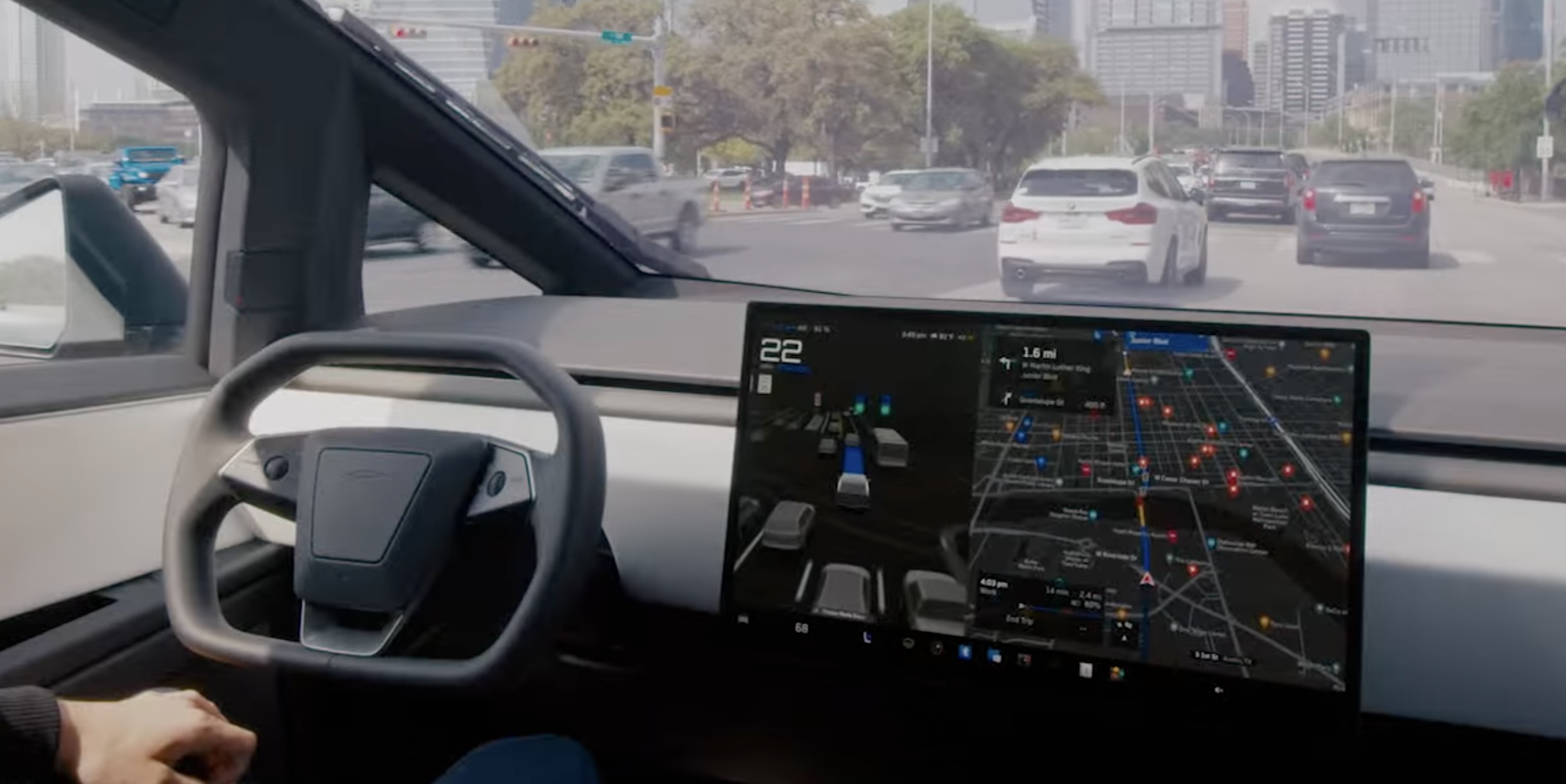
Tesla’s Automatic Collision Evasion feature can be seen in one of the first owner videos of it in action.
Tesla owner Spencer (@scotsrule08) posted on Monday that the feature “worked flawlessly,” saying FSD reengaged itself just as he was about to hit a curb. Ashok Elluswamy, who leads Tesla’s AI team, shared the clip and wrote, “A guardian angel always looking out for you.”
The video arrives in the middle of a staged rollout. Tesla first shipped Automatic Collision Evasion with FSD (Supervised) v14.3.9 in software update 2026.27.6 earlier this month, which Teslarati covered as it reached cars. Update 2026.27.10, which began going out on September 19, carried the feature improvements with FSD v14.3.10, according to release notes tracked by Not a Tesla App. The newer 2026.27.11 build is now reaching another wave of vehicles.
The new Automatic Collision Evasion feature worked flawlessly! FSD reengaged itself just as I was about to hit a curb.
Kudos @Tesla_AI team! 👏 pic.twitter.com/Fbp15HhpL2
— Spencer (@scotsrule08) September 28, 2026
The feature only runs on HW4 vehicles, and it requires an active FSD purchase or subscription with both FSD (Supervised) and Automatic Emergency Braking enabled. HW3 owners receive FSD v14.2 Lite in the same updates, but that build does not include collision evasion.
Tesla’s release notes describe two triggers. The first is an imminent frontal collision that braking alone may not prevent, in which case the car can activate FSD to steer, brake or accelerate around the hazard. That scenario is limited to highways below 85 mph, with no pedestrians or cyclists detected and no slippery road surface. The second covers a driver who appears inattentive, such as reaching into the back seat, or who seems to have switched off FSD by accident. Spencer’s curb clip appears to fall into that second category.
Tesla plans big safety improvements for Full Self-Driving v15
Once the system takes over, the accelerator is muted and light brake input will not cancel the maneuver. Drivers need to apply firm, deliberate steering force to take back control, and the car chimes to hand control back once the danger has passed.
Elluswamy recently noted that earlier hazard prediction, faster reaction time and better collision avoidance would arrive with FSD v15, the next major version.

Elon Musk follows Trump’s lead, says a SpaceX name change is coming

Starlink launches Communities Program for passive income through internet sharing


