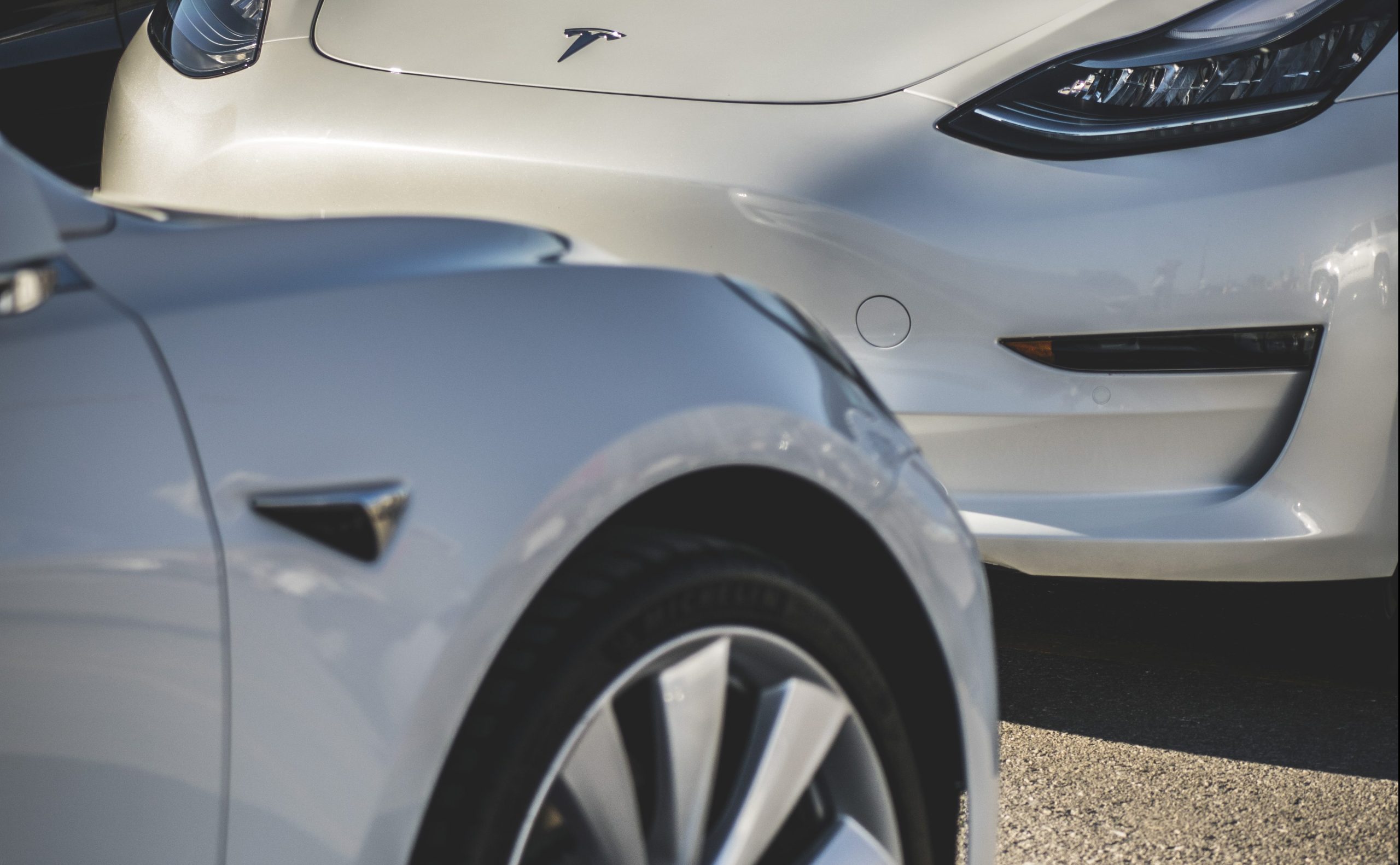

Tesla owners may soon have the benefit of using the side cameras of their vehicles when backing up. Elon Musk confirmed that such functionality can be added in future updates after a brief exchange with a Tesla owner on Twitter.
Tesla vehicles have eight cameras that practically serve as the eyes of the vehicle, giving it a 360-degree view of its environment. When backing up though, drivers rely only on the rearview camera and sensors to park. Being able to utilize the side cameras will give drivers a better view of any spots they want to back up into, thereby reducing annoying incidents of wheel rash, dings, or in some cases, dents.
The rear view camera has ample ability to see a max distance of 50 meters while the rearward looking side cameras and the forward looking cameras have a view of 100 meters and 80 meters, respectively.
Yes
— Elon Musk (@elonmusk) February 5, 2020
The ability to add vehicle features via over the air updates gives Tesla a huge advantage over legacy vehicle manufacturers. Such OTA software updates have given the Model 3, Model S, and Model X improved performance, enhanced functionality, and new features. Even Teslas that have already been on the road still get improvements, and almost all of these updates (save for the Acceleration Boost Upgrade that was offered for Model 3 owners) are rolled out for free.
Tesla CEO Elon Musk loves to interact with the community of Tesla vehicle owners and fans via Twitter and this practice provides the electric carmaker the valuable feedback from owners who use the vehicles in the real world. This is one of the reasons why the Cybertruck, an otherwise polarizing vehicle, included many features that were suggested by the community.
Recently, Musk also confirmed that future updates will let Tesla vehicles create micro maps that would help owners avoid potholes. These micro maps will also be shared with fellow Tesla owners who can use them when they drive on the same road. In earlier Twitter conversations, Elon Musk also nodded on the idea of adding a feature that will help protect bicyclists from unintended door openings or more commonly referred to as “dooring.”
Another simple but useful feature also brought up during conversations with Tesla owners on Twitter is Nap Mode. This feature will allow users to sleep in the car while the climate control of their Tesla is on and wake up to an alarm clock.



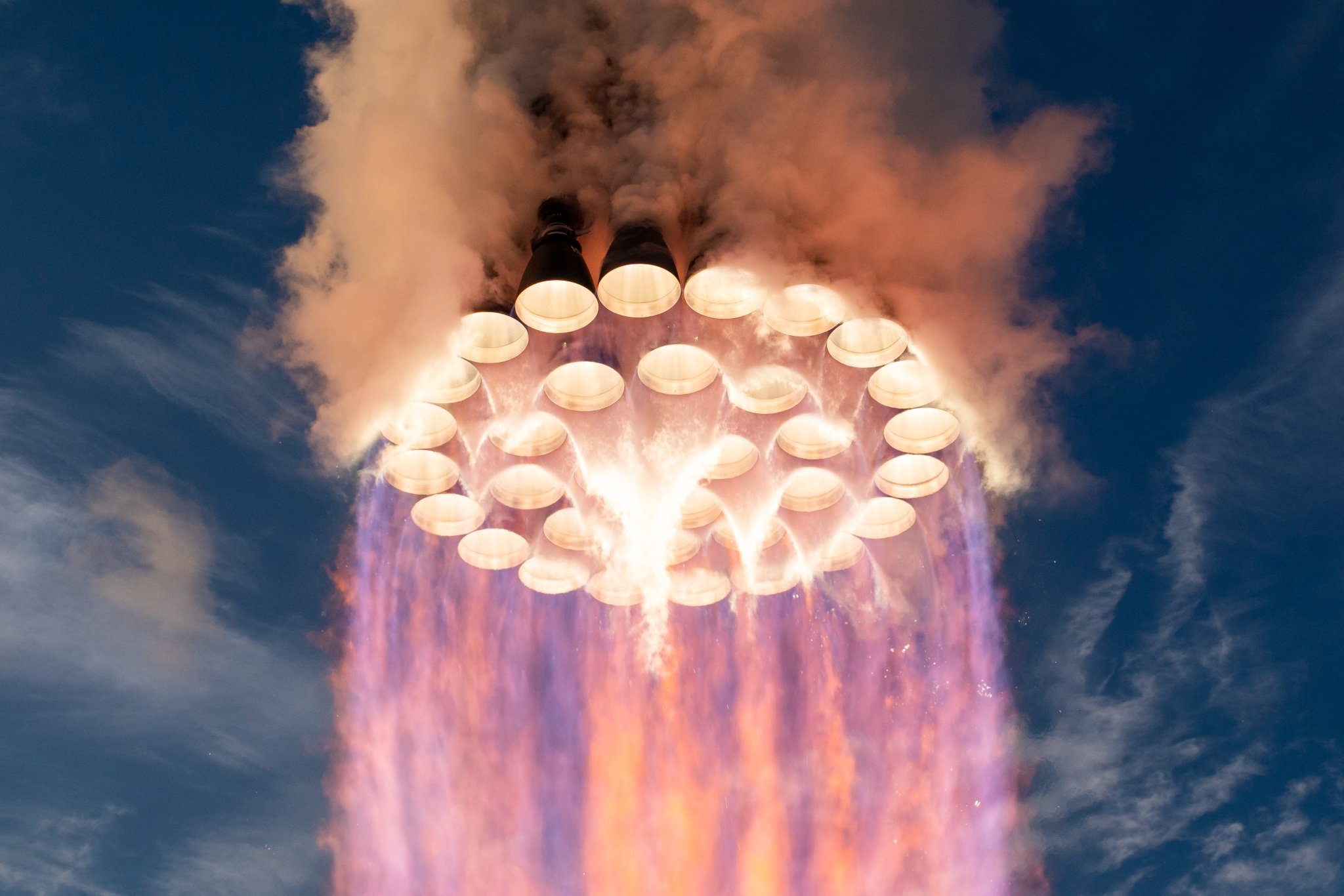
SpaceX’s Raptor engine family has steadily increased sea-level thrust while simultaneously reducing mass, turning iterative engineering gains into substantially higher performance for the Super Heavy booster. CEO Elon Musk shed more light on how powerful Raptor 4 will be, and it’s pretty crazy.
Raptor 1 delivered 185 metric tons of thrust at roughly 2,080 kilograms, while Raptor 2 raised that to 230 tons while cutting mass to about 1,630 kilograms. SpaceX data for Raptor 3 lists a target of 280 tons at 1,525 kilograms (with further reductions in associated vehicle hardware), while operational flight ratings have been cited near 250 tons.
This morning, Elon Musk stated that Raptor 4 is expected to reach 300 tons of sea-level thrust at roughly the same mass as Raptor 3. Across these versions, thrust has risen by more than 60 percent from the first engines while engine mass has fallen, producing a sharp improvement in thrust-to-weight ratio. This is a true testament to how great SpaceX engineering has been:
🚀 Elon says Raptor 4 will make 300 tons of thrust at sea level at roughly the same mass as Raptor 3.
How far Raptor has come:
Raptor 1: 185 tf, 2,080 kg
Raptor 2: 230 tf, 1,630 kg
Raptor 3: 250 tf, 1,525 kg
Raptor 4: 300 tf33 on Super Heavy = ~9,900 tf, nearly 3x Saturn V https://t.co/HQDswZhyvL
— TESLARATI (@Teslarati) October 26, 2026
With 33 engines on SuperHeavy, the jump from earlier versions to a 300-ton Raptor 4 would produce roughly 9,900 metric tons of total liftoff thrust, nearly three times the Saturn V’s approximately 3,400 metric tons from its five F-1 engines.
This is not just a larger number on a data sheet, either, as sea-level thrust is the force available the moment the vehicle leaves the pad. This is when it is heaviest and still deep in Earth’s gravity well and dense atmosphere.
Higher levels of sea-level thrust directly improves the initial thrust-to-weight ratio of the full stack. A higher ratio produces faster acceleration off the pad, which shortens the time the rocket has to spend fighting gravity, and gravity losses during the first minute or two of the flight are a major drain on total available delta-v. Every second shaved off of that early climb preserves more propellant energy for reaching orbital velocity or for carrying extra payload.
Because Super Heavy’s engine count is constrained by vehicle diameter and packing density, increasing thrust per engine is the most straightforward way to raise total liftoff performance without redesigning the booster structure or design.
The same-mass target for Raptor 4 is equally important. Holding engine mass roughly constant while raising thrust improves the engine’s own thrust-to-weight ratio and reduces the structural and propellant mass fraction that must be carried solely to support the engines.
Earlier Raptor iterations also simplified or eliminated extensive vehicle-side hardware such as heat shields. These gains compound: more force for less installed mass leaves additional capacity for propellant, payload, or operational margins such as engine-out capability.
For Starship’s architecture, the practical effects are large. Greater liftoff thrust supports heavier vehicles, larger propellant loads, and higher payloads to low Earth orbit, figures SpaceX has targeted in the 100-plus-ton reusable range. That capacity underpins orbital refueling, lunar missions, and eventual Mars cargo and crew flights.
Continued growth in sea-level thrust therefore tightens the gap between theoretical rocket performance and the high flight rates and reusability needed to make large-scale space transport practical.
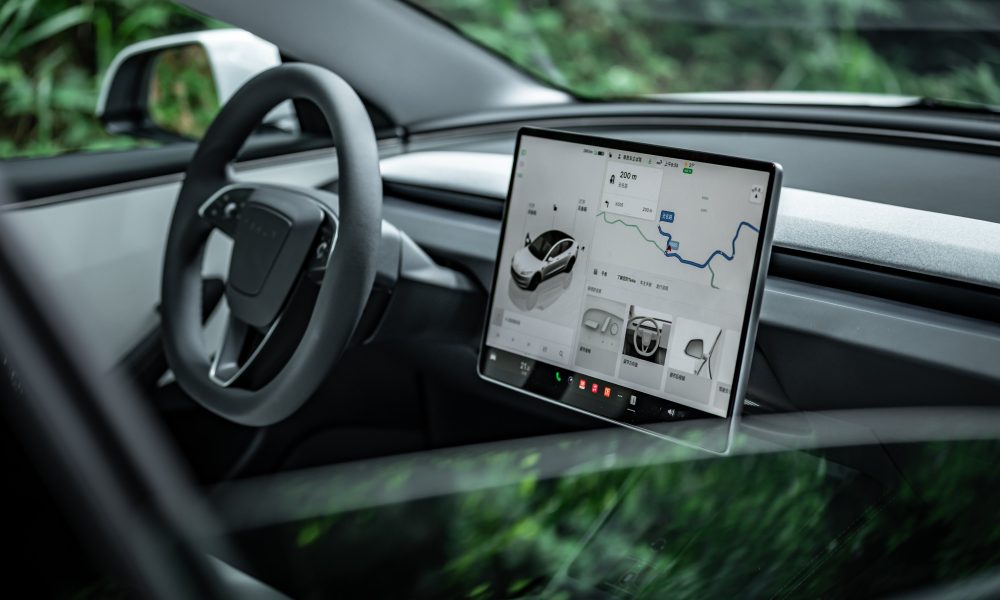
Tesla has expanded its Tesla Assisted Driving (TAD) suite to its tenth European country, as Latvia joined a growing list of European Union member states authorizing the company’s advanced driver assistance technology.
Tesla Europe announced this morning that the system is now approved in Latvia, with a software rollout to begin soon.
The approval and rollout follow recognition of a provisional European type approval originally granted by the Netherlands’ RDW authority on April 10.
🚨 Latvia has just received approval for Tesla Full Self-Driving (Supervised)
This is the 10th country in the EU to gain approval:
1. Netherlands — 10 April 2026 (original RDW approval)
2. Lithuania — 20 May 2026
3. Estonia — 29 May 2026
4. Denmark — 9 June 2026
5. Belgium — 10 June 2026
6. Slovenia — 7 September 2026
7. Czechia — 21 September 2026
8. Croatia — 29 September 2026
9. Slovakia — 16 October 2026— TESLARATI (@Teslarati) October 26, 2026
Latvia’s Road Traffic Safety Directorate (CSDD) evaluated the Dutch documentation, coordinated with the other national authorities, and reviewed updates from Tesla. These included tightened limits on speed offsets, automatic resets of any manual speed adjustments after each trip, and stronger driver monitoring.
In Europe, the feature is marketed as Tesla Assisted Driving after a recent rule change that labeled the name “Full Self-Driving” as misleading.
The system remains an SAE Level 2 driver assistance tool, not unsupervised autonomy. It can control speed, steering, braking, lane changes, and intersections while following a navigation route. Drivers need not keep their hands on the wheel at all times, yet they must continuously monitor the road and be prepared to intervene immediately.
The sequence of EU recognitions began with the Netherlands in April and continued through Lithuania, Estonia, Denmark, Belgium, Slovenia, Czechia, Croatia, and Slovakia. Most have relied on mutual recognition of the single Dutch provisional approval rather than independent national testing.
These national clearances do not yet constitute bloc-wide authorization. An EU-wide decision requires a qualified majority in the Technical Committee on Motor Vehicles: at least 15 of 27 member states representing 65 percent of the EU population. Larger markets, like Germany, France, and Italy, remain under review, and a vote is expected this December.
However, for Latvian Tesla owners with compatible vehicles and software, the imminent rollout expands access to the supervised system while underscoring that attentive human oversight remains essential.
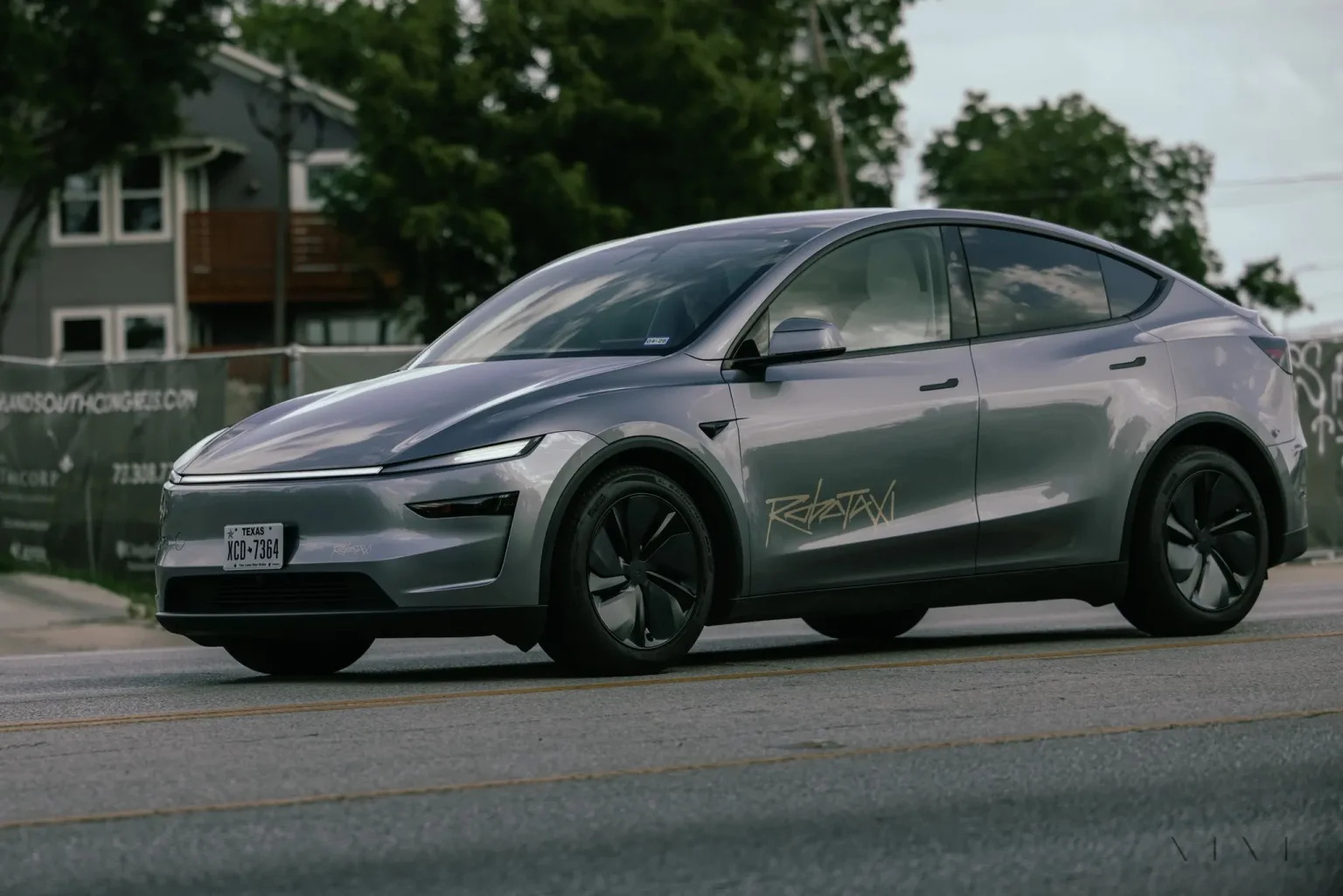
Tesla expanded its Robotaxi geofence in Houston, Texas, today, enlarging the service area and drawing a new rocket-shaped boundary across the city’s northwestern and central parts.
Although CEO Elon Musk said it was just a coincidence, the expansion seems to be an ode to SpaceX and its potential merger with Tesla.
🚨 Tesla has just expanded its Robotaxi geofence in Houston
It looks a lot like a rocket — we all remember the shape in Austin 🤣 https://t.co/cFOPEuiJ4u
— TESLARATI (@Teslarati) October 26, 2026
The official Tesla Robotaxi account announced the change with the lines “Houston, we have liftoff” and “Bigger service area now live,” pairing them with a map overlay.
The prior white geofence, roughly 25 square miles covering Jersey Village, Harvest Bend, and the Willowbrook corridor along U.S. 290 and State Highway 249, now sits inside a larger blue zone that stretches southeast toward Bellair and closer to central Houston.
Houston’s Robotaxi service launched on April 18, 2026, the same day as Dallas, as Tesla’s first unsupervised public expansion beyond Austin. From the start, the vehicles were Model Ys running without anyone in the front seats, booked through the dedicated Tesla Robotaxi app and open to the public inside the geofence.
Trackers measured the initial zone at about 25 square miles; by late September it had not grown substantially. Community and registry data indicated a modest local fleet of unsupervised Model Ys, while dozens to nearly 200 Cybercabs, the purpose-built, steering-wheel-free two-seaters, have been spotted staging and testing in Houston lots, though public Cybercab rides remain limited to Austin for now.
Across the broader Robotaxi program, Tesla began public Robotaxi rides in Austin in June 2025, as a small geofence and vehicles with safety monitors became available for a ride-hailing service. Later on, Tesla removed the monitors and steadily expanded the service area until it covered most of the Austin metro area.
Unsupervised Robotaxi services now run in six cities: Austin, Dallas, Houston, Miami, Orlando, and Tampa. Cumulative driverless miles reported by the company have reached several million. The Cybercab entered public service in Austin in early September 2026 and has scaled rapidly there. The company has also said that Dallas is next for Cybercab rides in November, with further cities and 24/7 hours targeted by year-end, plus fleet-operator sales of the vehicle.
Waymo also operates a fully driverless service in Houston, which has been open to the public since August of this year.
The Houston expansion continues Tesla’s pattern of starting with tightly controlled validation zones before widening coverage as real-world data accumulates, while the rocket motif on the map underscores the company’s habit of injecting visual flair into its autonomy rollout.
Riders inside the new boundary can request unsupervised Model Y trips in the Robotaxi app; exact operating hours and further Cybercab availability remain subject to app updates and company statements.

How SpaceX Is raising Raptor’s sea-level thrust while holding engine mass steady

Tesla Assisted Driving expands to tenth EU country


