News
Porsche teases Taycan trim levels, over $130,000 price for “Turbo” variant

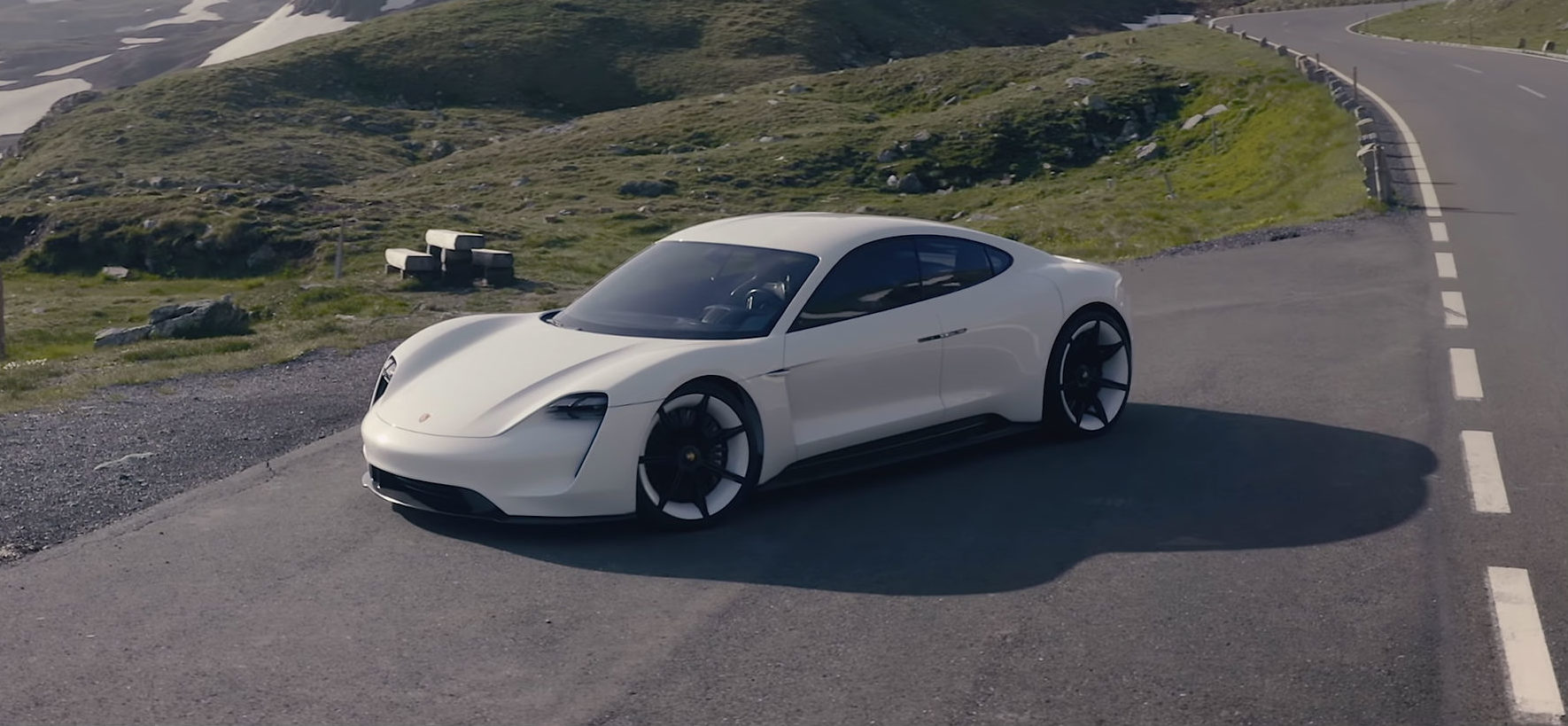
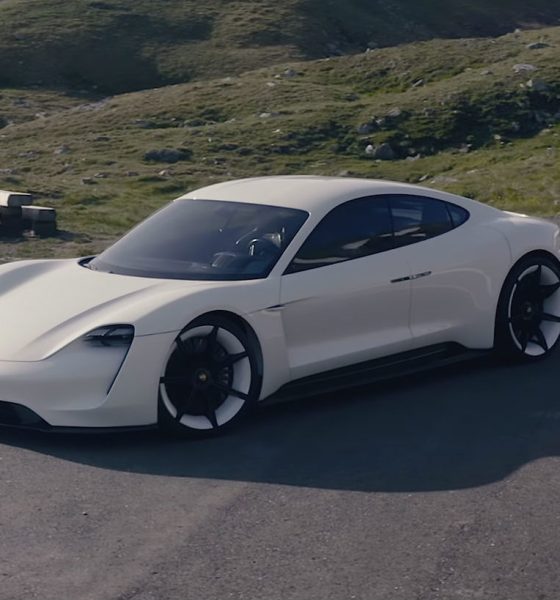
Porsche is expected to start the production of the Taycan, its first all-electric car, sometime in 2019. As the carmaker prepares to dip its feet into the premium EV market, some details about the upcoming vehicle are now starting to emerge. Take, for one, the names of the Taycan’s trim levels, as well as their corresponding price range.
Auto journalist Alex Roy recently shared a message he received from a Porsche Global Brand Ambassador as a response to an inquiry about the Taycan. As noted by the journalist, Porsche appears to be adopting a rather unique naming scheme for its Tesla Model S rival, particularly for the vehicle’s top trim.
Following is an excerpt from Porsche’s message to the journalist.
“I am following up on your inquiry on the upcoming Porsche Taycan. We are expecting to see the new model in about one year from now. Porsche is going to build three models — the Taycan, the Taycan 4S, and (the) Taycan Turbo. Pricing will start in the low $90,000 for the Taycan, high $90,000 for the 4S, and over $130,000 for the Turbo before options.”
Immediately noticeable is Porsche’s use of the word “Turbo” to denote the high-performance version of the Taycan. Such a naming scheme is a bit unusual for an electric car, considering that the vehicle would not have a turbo per se. That said, Roy noted in an article on The Drive that Porsche does tend to use the “Turbo” brand as a means to distinguish a halo vehicle from other cars in its lineup.
Thus, as unusual as it might be, calling the top-tier electric car the Taycan Turbo might actually be a very strategic move for the German legacy carmaker. After all, using familiar terminology on the electric car could help the company’s dedicated fanbase be more open to Porsche’s transition towards electrified mobility. Apart from this, using the “Turbo” designation for the Taycan’s top trim also gives the impression that the vehicle is a flagship car — one that the company intends to support for years to come.
Pricing-wise, the Taycan appears to be starting at a price above the entry-level Tesla Model S 75D. If the information provided by the Porsche Global Brand Ambassador proves accurate, the entry-level Taycan will start roughly $12,000 more than the entry-level Model S, which starts at $78,000. The midrange Taycan 4S, though, appears to be directly aimed at the Model S 100D, which starts at $96,000 before incentives.
Quite interestingly, the Taycan Turbo’s $130,000 starting price actually undercuts the Model S P100D’s current $135,000 starting price. That said, if the specs that Porsche announced for the vehicle — such as a 0-60 mph time of 3.5 seconds, a top speed of 155 mph, and a range of 310 miles per charge — are true for the Taycan Turbo, the vehicle would be slower off the line and have a slightly shorter range than Tesla’s flagship performance sedan. This would make the Taycan Turbo’s specs, down to its proficiency on the track, more comparable to the Model 3 Performance, which starts at a far more affordable price of $64,000.


Elon Musk
How to use Grok Bot to block spam calls and texts
Musk told users to ask Grok Bot to scrub their phone numbers from spam lists.

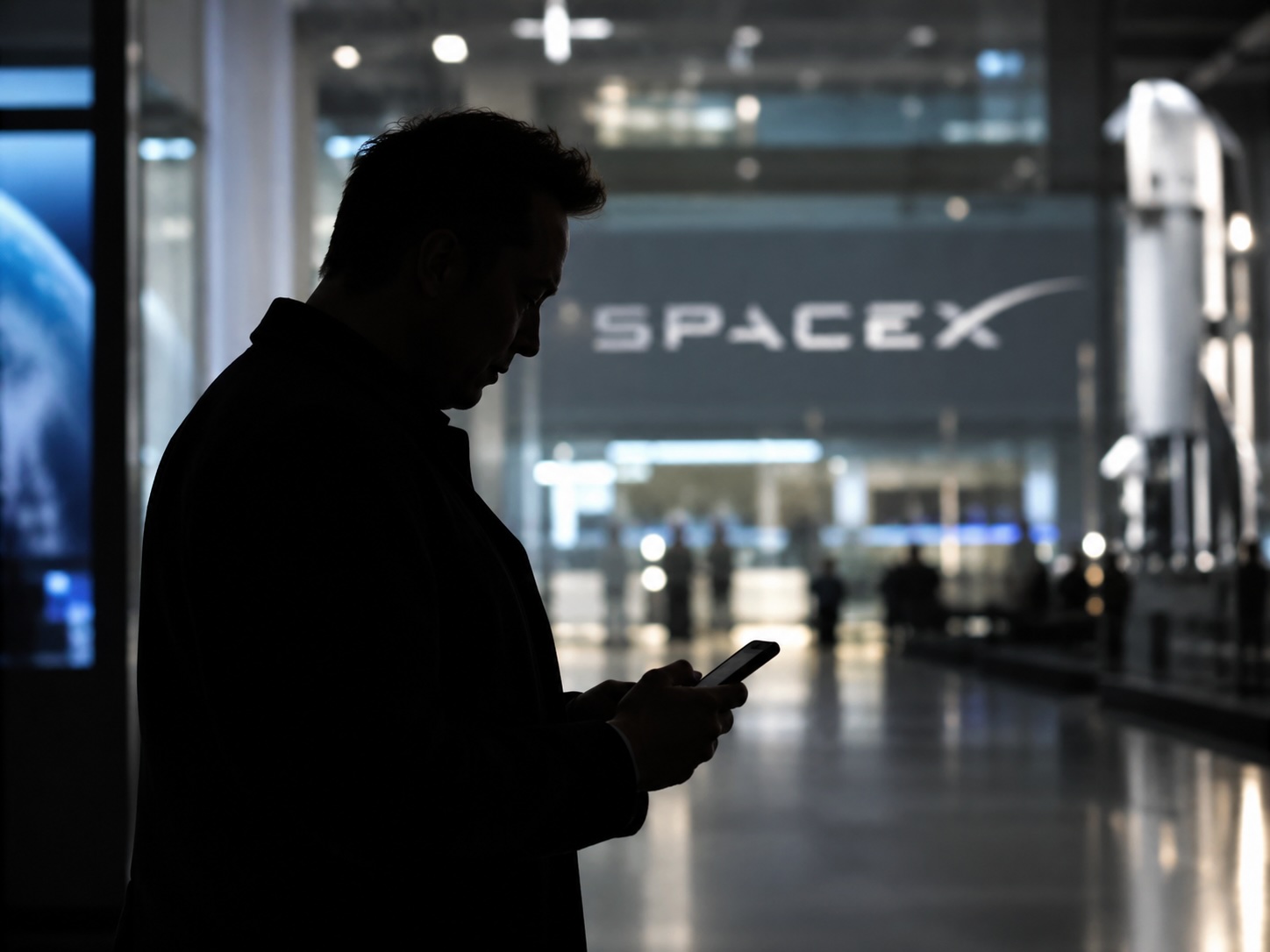
Elon Musk has a new use case for Grok Bot, and it is the spam call. On Thursday he replied to an X user named Arash with a short instruction: “Ask your @Grok @Bot to remove your phone number from spam call & text lists!” Arash had said he got tired of the calls, had an AI bot find his number on listing sites and file removal requests, and packaged the process as a free skill for others.
The skill is called Spam-Call Scrubber, which is described to find a phone number on people search sites and data brokers, submits the opt outs, completes the confirmation emails those sites send back, and rechecks on a schedule the user picks. Using it requires the Grok Bot app. The pitch is time saved, since most broker opt outs sit behind separate forms on separate sites.
Ask your @Grok @Bot to remove your phone number from spam call & text lists!
— Elon Musk (@elonmusk) October 15, 2026
Musk said Grok Bot now gives each bot its own email address, and that it can detect scam emails. On Thursday he also said SpaceX would make users whole if the bot botches a purchase or leaks a card, then told users to shop away from Amazon after the retailer blocked the agent, as Teslarati reported. The terms of service we reviewed at the time put responsibility for what an agent does on the user.
For Tesla owners, Grok Bot is not just a phone app. Tesla brought Grok Bot into its vehicles on September 22, and we argued earlier this week that the Cybercab’s real advantage may be the errands it runs during a ride. Every Cybercab and the rest of the Model Y Robotaxi fleet has it enabled. The more routine tasks like this one become, the more a rider has reason to hand over something personal in the back seat.
The new Spam-Call Scrubber skill can be downloaded for free and works on sites that honor removal requests, while noting that listings can reappear, and illegal robocallers do not check any registry. Whether Spam-Call Scrubber cuts anyone’s call volume is something the first wave of users will find out, and Musk’s endorsement guarantees that wave is coming.
Investor's Corner
Tesla’s flying Roadster just revealed something bigger than the car
Analysts say the Roadster demo puts a Tesla and SpaceX merger back on the table.
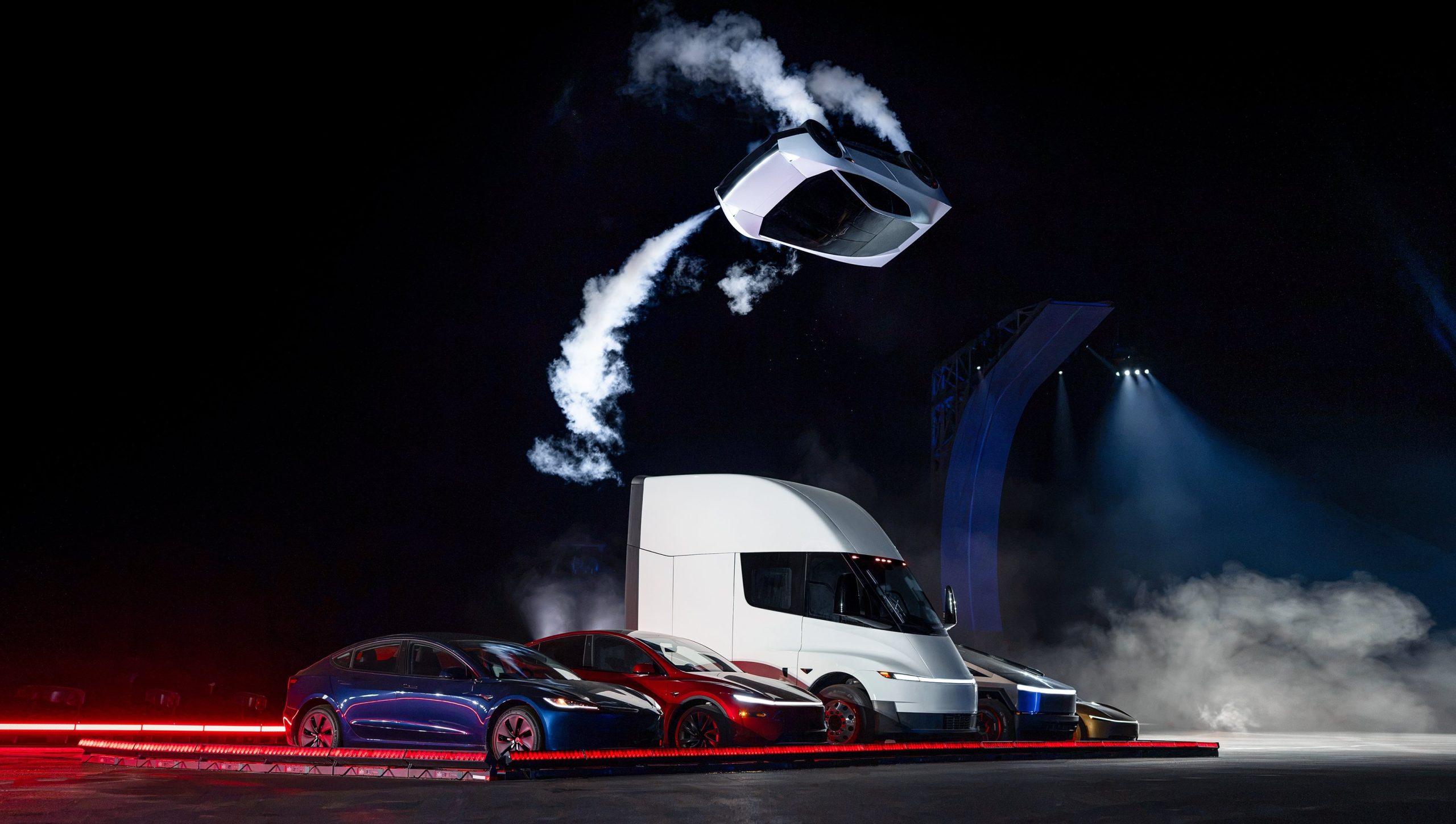
The Roadster unveiling near Waco ended Thursday night, and by Friday morning much of the investor reaction had less to do with the car than with who owns the rocket technology inside it.
Wedbush analyst Dan Ives said the event “puts the Tesla/SpaceX relationship on the table in a tangible way,” pointing to the propulsion, pressure vessel and control hardware sitting on a Tesla product. Gene Munster of Deepwater Asset Management called the demo “a ridiculous display of engineering” with “no commercial value” beyond embarrassing traditional automakers, though he said it showed Musk wants the two companies together.
The more specific forecast came a day earlier from Barclays. Analyst Dan Levy told clients a deal could be announced before Tesla’s annual meeting, which must happen by December 6, and that an announcement in late October or early November could make shareholder approval harder. Barclays expects SpaceX to be the buyer in an all stock deal, with Tesla holders receiving SpaceX shares at a premium, based on market values of roughly $2.1 trillion for SpaceX and $1.5 trillion for Tesla. If nothing lands around the meeting, the bank still sees an announcement within 6 to 12 months.
The Roadster demo just added more weight to merger speculations. Tesla’s demo used cold gas thrusters and pressure tanks of the kind SpaceX uses on Falcon 9, and Musk described the car as a collaboration between Tesla and SpaceX engineers, as we mentioned in our breakdown of the three Roadster configurations.
Musk has not publicly addressed a deal since the event, as far as we have seen. His most direct answer remains the one he gave at the All In Summit, when he said that with so much collaboration, “who can imagine what action one might take” without ruling anything out. Ives has held to a 2027 timeline since his March note, and Musk pushed back on the China piece of the speculation when ARK floated a year end announcement in August.
The next test is Tesla’s third quarter earnings call on October 21. However, we recall in July that Musk told analysts, “we can’t talk about combining companies and that kind of thing on an earnings call,” so a clear answer wouldn’t be expected.
News
How Tesla’s Roadster fan system and thrusters are built to dominate the corners
Tesla’s Roadster uses fans, active wings and cold gas thrusters to create grip at any speed.
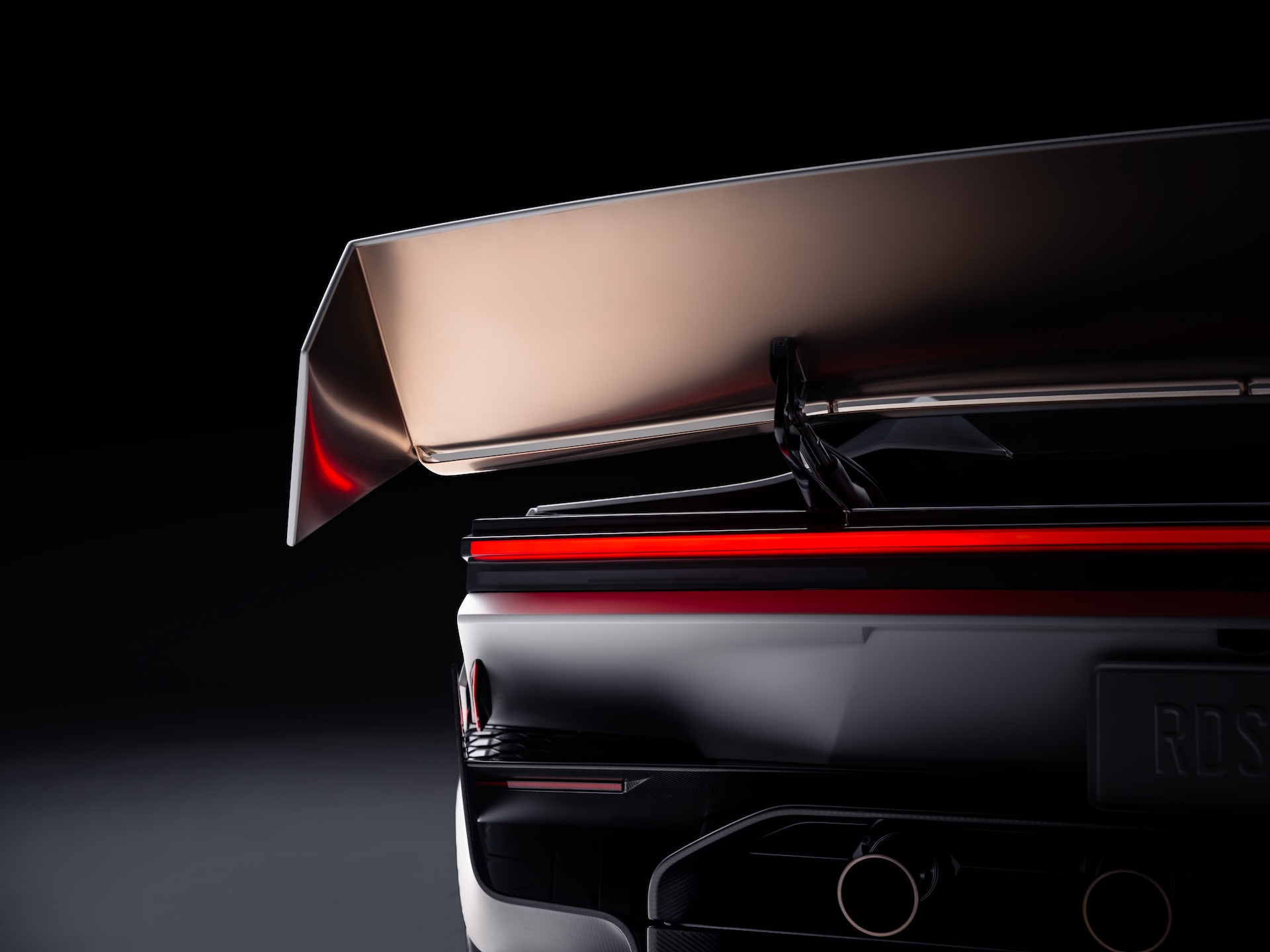
Tesla’s new Roadster is best known for flipping through the air in Texas, but the technology that matters most for a race track is the stuff that keeps it on the ground. Tesla’s Roadster page describes a multi-mode fan and ground sealing system that acts as a downforce generator, pulling air out from beneath the car. Tesla says it provides enough suction to hold the vehicle upside down, even when stationary.
That is the key difference from the wings and diffusers on a normal supercar. Conventional aero only makes downforce when the car is moving, and it grows with speed, so a car has the least grip in the slow corners and under hard braking. A fan system makes downforce at any speed. Tesla’s patent, which we covered last year, describes fans and deployable skirts that create sealed or partially sealed regions under the car, with the fans extracting air to lower the pressure and increase grip and stability.
Still processing this … the most unreal thing I’ve seen. https://t.co/HtEuvnkZjY
— TESLARATI (@Teslarati) October 16, 2026
Tesla pairs that with active wings, a next generation steer by wire system and a Track Mode that lowers the car and changes the suspension, with high downforce and low drag settings for the circuit. To keep weight down, Tesla points to magnesium, titanium and carbon fiber, manual controls and a fixed seat position, which it says lets the car respond to driver inputs almost instantly.
Tesla Roadster: Three configs, one can fly, 0-60 in 0.8 seconds
The cold gas thrusters are the other half. On the Thrust version they sit at the rear and Tesla says they take the car from 0 to 60 mph in under 0.9 seconds, while the Rocket version adds perimeter thrusters for forward, upward and lateral rotational movement. Tesla says the all electric actuators make micro adjustments within a fraction of a second.
Roadster transforms in Track Mode
These aero features aren’t just for looks: they provide the best passive downforce package of any road car (approaching F1 levels!) with wing actuation driven by the @Tesla_Optimus actuator system https://t.co/AqrC4qUga9
— Tesla (@Tesla) October 16, 2026
Musk has been talking about records for years. In June 2019 he said, “We’re going to do things with the new Roadster that are kind of unfair to other cars.” That September, when a follower asked whether the Roadster would beat the Nürburgring production car record, he replied with one word, “Absolutely,” as we reported at the time. In February 2024 he said Tesla had “radically increased the design goals” for the car and that its sub one second 0 to 60 time would be “the least interesting part.”
There are caveats. Tesla has not published a lap time or a verified cornering figure, so the record talk is still a promise rather than a result. Tesla also says the car is not approved for public road use, and the thruster features are limited to the Rocket trim, which is invite only. Fan cars have also been banned or withdrawn before, and getting a sealed underbody to work on a rough public road is a harder problem than on a smooth track. The first real test will be an official lap at a circuit.

How to use Grok Bot to block spam calls and texts

Tesla’s flying Roadster just revealed something bigger than the car

How Tesla’s Roadster fan system and thrusters are built to dominate the corners

SpaceX reveals how its 1 Million AI satellite network will work and prevent space collisions

Elon Musk’s Boring Company lands a new Middle East deal, and Nashville is about to get faster


