Video
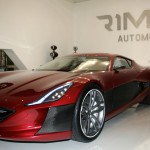
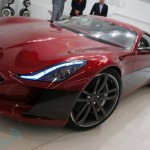
Million Dollar Electric Supercar: Rimac Concept One

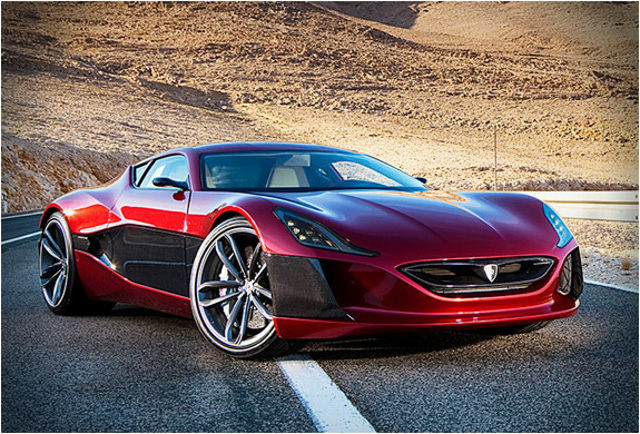
The world’s first million dollar electric supercar, the Rimac Concept One, will be powered by a 92 kWh battery producing the equivalent of 1,088 bhp.
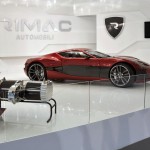
Car maker Rimac Automobili claims the Concept One will be able to achieve 0-60 mph in 2.8 seconds and reach an astounding 190 mph. The powertrain of the Concept One is divided into four sub-systems, each with its own electric motor, inverter and gearbox that are mounted to each individual wheel. The unique configuration is controlled by precision sensors and electronic control units that all operate independently from one another. The end result is phenomenal power while maintaining driving balance and finesse.
-
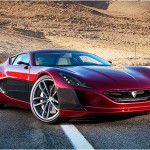
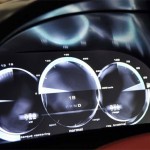
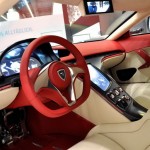
- Rimac’s first car, the Concept One. (Credit: Rimac)


Lifestyle
Tesla’s newest feature lets you floor it out of a Supercharger while plugged in
Tesla’s new Emergency Drive Away feature lets owners flee a Supercharger while still plugged in.

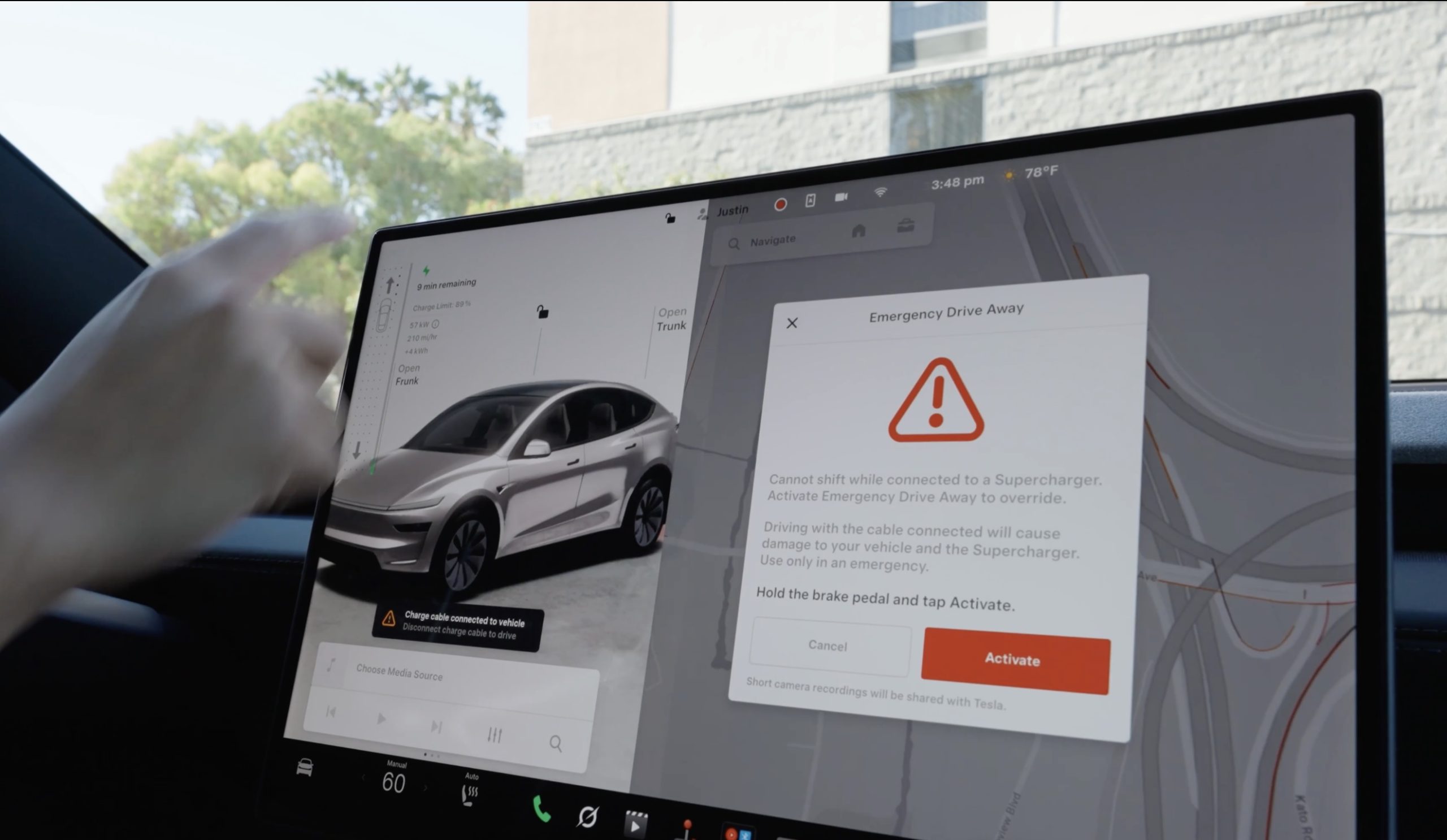
Tesla has given drivers a way to escape while a vehicle is plugged-in at a Supercharger, in the event of an emergency. The company’s charging team announced a new feature on X called Emergency Drive Away, which lets a driver shift into Drive and pull away while the charging cable is still connected to the car.
Until now, a Tesla would not leave Park with a charge cable plugged in. Drivers had to release the latch from the touchscreen, the Tesla app, or the button on the charge handle, then wait for the port to let go. Emergency Drive Away removes that lockout, but Tesla is clear that it comes at a cost. “Use of this feature will damage your vehicle and the Supercharger,” the company wrote, adding that the function is meant for emergencies only and that deliberate misuse will lead to “additional penalties.” Tesla did not say what those penalties are.
Emergency Drive Away lets you shift into Drive while still plugged into a Supercharger pic.twitter.com/40GSzyP4lG
— Tesla Charging (@TeslaCharging) October 1, 2026
The in-car prompt is just as direct, with the warning reading: “Driving with the cable connected will cause damage to your vehicle and the Supercharger. Short camera recordings will be shared with Tesla.” That footage gives Tesla a way to separate a real emergency from someone who simply did not want to wait for the latch.
The feature requires software update 2026.38.3, and Tesla said in replies to owners that it works at every Supercharger in the United States without new stall hardware. Model S and Model X vehicles built before 2021 are not supported, and the company says the feature applies to U.S. Superchargers “for now,” leaving Canada and other markets out at launch.
Tesla Supercharger argument leads to tragic shooting incident
Tesla did not tie the announcement to any specific event, but it arrives two months after a gunman opened fire at an In-N-Out in Twin Falls, Idaho, on August 1, targeting three people in two Teslas at the neighboring Supercharger. One of them, a 66 year old man from Salt Lake City, was killed. Superchargers have been the scene of violence before, including a fatal shooting at a station near Denver in 2023.
In the weeks after Twin Falls, owners pushed Tesla for a native way to escape a stall, and many pointed back to EVject, the aftermarket breakaway connector Tesla sued in 2024 over claims it lacked overtemperature protection. The two companies later reached an agreement that led EVject to recall its earlier connectors in favor of a version with thermal sensors.
Our mission has always been about providing peace of mind and eliminating sitting duck scenarios.
We patented the built-in breakaway charger tip on Feb 15, 2023. Awarded Jan 30, 2024. Then shared the designs with @TeslaCharging
Thank you @Tesla for rolling out a solution. This… https://t.co/djOzswLw9N
— EVject (@EVject) October 2, 2026

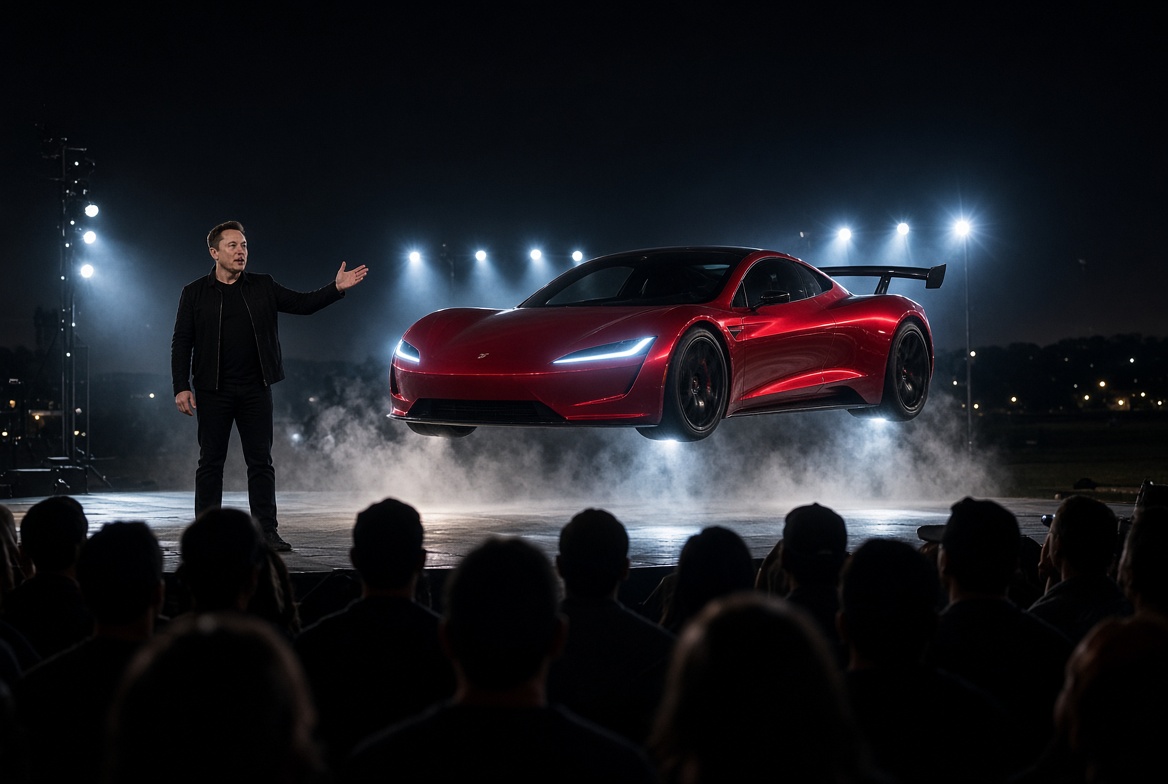
Tesla announced on Monday that the Roadster event scheduled for today would be postponed due to the need for it to be held outside.
Less than 24 hours later, CEO Elon Musk broadened that by stating it was due to high winds, immediately sending everyone into a frenzy over the Roadster’s potential ability to fly.
And realistically, it could definitely have to do with it flying, hovering, or hopping; whatever Tesla has in mind for this demonstration could not be impacted by wind. However, it might have nothing to do with the vehicle flying whatsoever, and instead could be a simple precaution, as the Roadster is a very unique vehicle with some already official specs that are just mind-blowing.
Tesla will very, very likely be showcasing both the acceleration rate and potentially even a top speed demo at the event in Waco. Both of these demonstrations, performed with a vehicle that has such incredibly fast metrics, could easily be impacted by wind as well.
Tesla Roadster event requires restricted airspace, and the FAA obliges
Top Speed Demo
At high speeds, aerodynamic forces are already overwhelmingly present. A crosswind or sudden gust adds a layer of sideways force that the tires must counter with slip angle. On a short demo course, that force can shove the car off the intended line, especially in a light car with a low frontal area and little mass to resist the push.
Electric cars, due to their battery packs, have an advantage of an extremely low center of gravity, giving them extra stability. However, the speeds at which the Roadster could travel at the demo could spell some issues if crosswinds are present.
Gusts are worse than a steady wind because the load changes faster than a driver can smoothly correct. That shows up as weaving or a late correction. Headwinds and tailwinds can also spell disaster. Headwinds cut a measured top speed but raise the power needed to get there or maintain it. Meanwhile, a tailwind can inflate the top speed, and downforce issues could become more noticeable.
Wind also loads the body unevenly. A low car can feel light on the upwind side or see a sudden change in downforce if the gust hits a wing or diffuser at an angle. Tire temperature and pressure might stay near a normal level, but lateral grip can be lost as the vehicle is spent fighting the wind.
Acceleration Demo
Launch and 0-60 MPH runs are shorter, so the car spends less time exposed to forces that could cause things to go awry. However, the first second is very sensitive, as a crosswind at launch could yaw the car before speed builds and prior to aerodynamic impact being too great. The driver will be required to correct traction control or manage how much the wheels are spinning, which will likely be corrected automatically by some sort of traction control system within the Roadster (we are fairly certain Tesla will implement something brilliant with it).
These things could cause an unstable run.
A headwind would increase drag as speed rises, while a tailwind would do the opposite. Meanwhile, surface effects, like wind-driven dust, light debris, or even rain, could reduce grip at the exact moment the tires are asked for peak longitudinal force. Standing water plus a crosswind is a common reason an acceleration attempt might be scrapped.
Flying or Not
No matter what Tesla has in store for the Roadster, waiting for ideal conditions is a great idea. People who follow and support the company, along with the engineers involved in the Roadster program, have been waiting nine years since the last unveiling for this moment. Everything should be ideal.
Some speculate that it’s just not ready, and that’s ridiculous. Why would Tesla even schedule the event — albeit prematurely — after nine years if it was not ready? Why would they jump the gun now?
We were all excited for today, but it truly is the most ideal thing in the world to wait two more weeks so everything, including the weather, can be perfect. The delay is simply worth it. But Tesla, seriously, make this the last one.
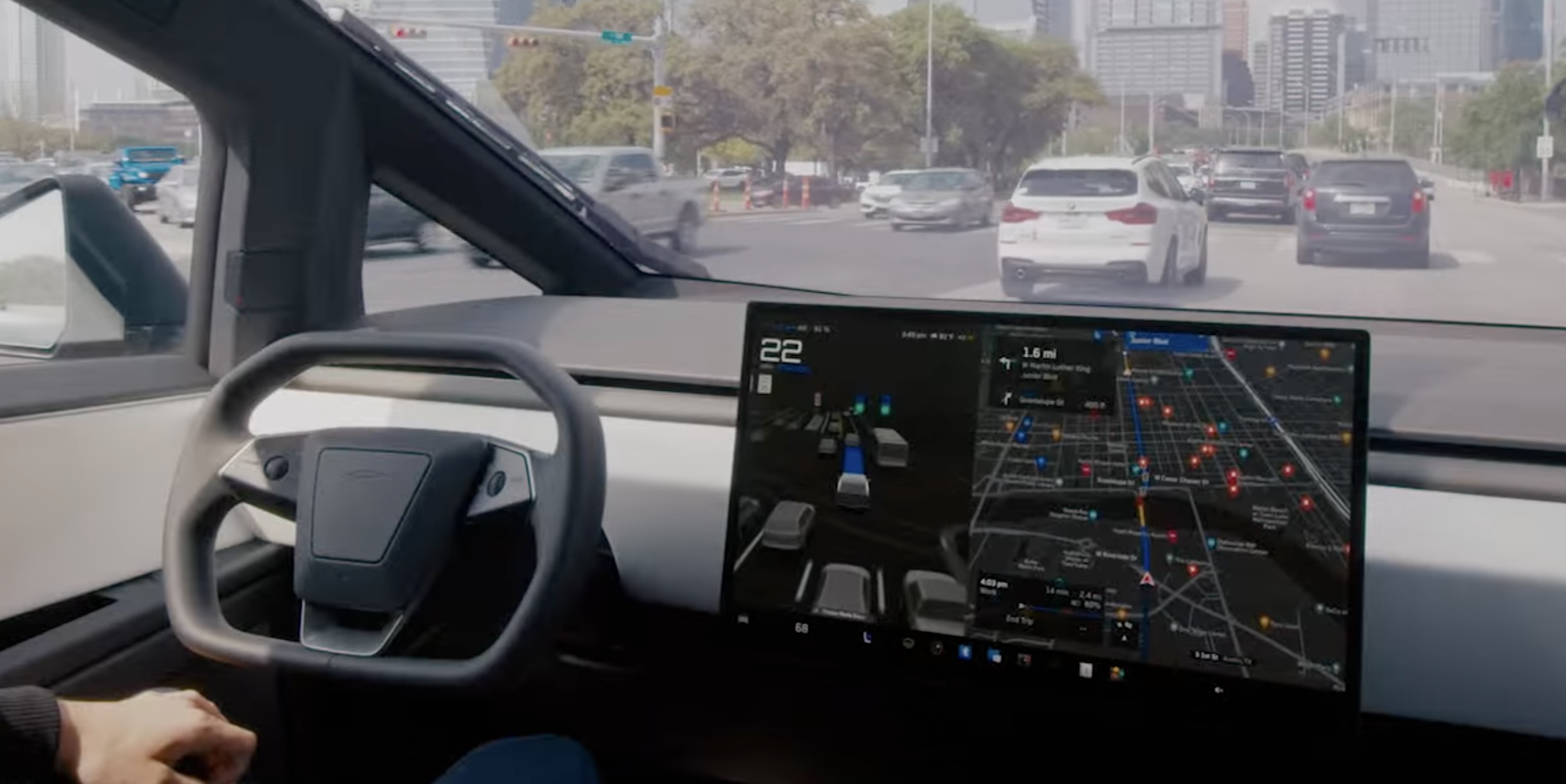
Tesla’s Automatic Collision Evasion feature can be seen in one of the first owner videos of it in action.
Tesla owner Spencer (@scotsrule08) posted on Monday that the feature “worked flawlessly,” saying FSD reengaged itself just as he was about to hit a curb. Ashok Elluswamy, who leads Tesla’s AI team, shared the clip and wrote, “A guardian angel always looking out for you.”
The video arrives in the middle of a staged rollout. Tesla first shipped Automatic Collision Evasion with FSD (Supervised) v14.3.9 in software update 2026.27.6 earlier this month, which Teslarati covered as it reached cars. Update 2026.27.10, which began going out on September 19, carried the feature improvements with FSD v14.3.10, according to release notes tracked by Not a Tesla App. The newer 2026.27.11 build is now reaching another wave of vehicles.
The new Automatic Collision Evasion feature worked flawlessly! FSD reengaged itself just as I was about to hit a curb.
Kudos @Tesla_AI team! 👏 pic.twitter.com/Fbp15HhpL2
— Spencer (@scotsrule08) September 28, 2026
The feature only runs on HW4 vehicles, and it requires an active FSD purchase or subscription with both FSD (Supervised) and Automatic Emergency Braking enabled. HW3 owners receive FSD v14.2 Lite in the same updates, but that build does not include collision evasion.
Tesla’s release notes describe two triggers. The first is an imminent frontal collision that braking alone may not prevent, in which case the car can activate FSD to steer, brake or accelerate around the hazard. That scenario is limited to highways below 85 mph, with no pedestrians or cyclists detected and no slippery road surface. The second covers a driver who appears inattentive, such as reaching into the back seat, or who seems to have switched off FSD by accident. Spencer’s curb clip appears to fall into that second category.
Tesla plans big safety improvements for Full Self-Driving v15
Once the system takes over, the accelerator is muted and light brake input will not cancel the maneuver. Drivers need to apply firm, deliberate steering force to take back control, and the car chimes to hand control back once the danger has passed.
Elluswamy recently noted that earlier hazard prediction, faster reaction time and better collision avoidance would arrive with FSD v15, the next major version.

Tesla teases “Halloween Mode” update with Optimus rising from a graveyard

Tesla says fixes on Full Self-Driving’s two biggest issues are on the way


