News
Tesla’s new Lane Departure Avoidance feature will steer owners out of harms way even without Autopilot

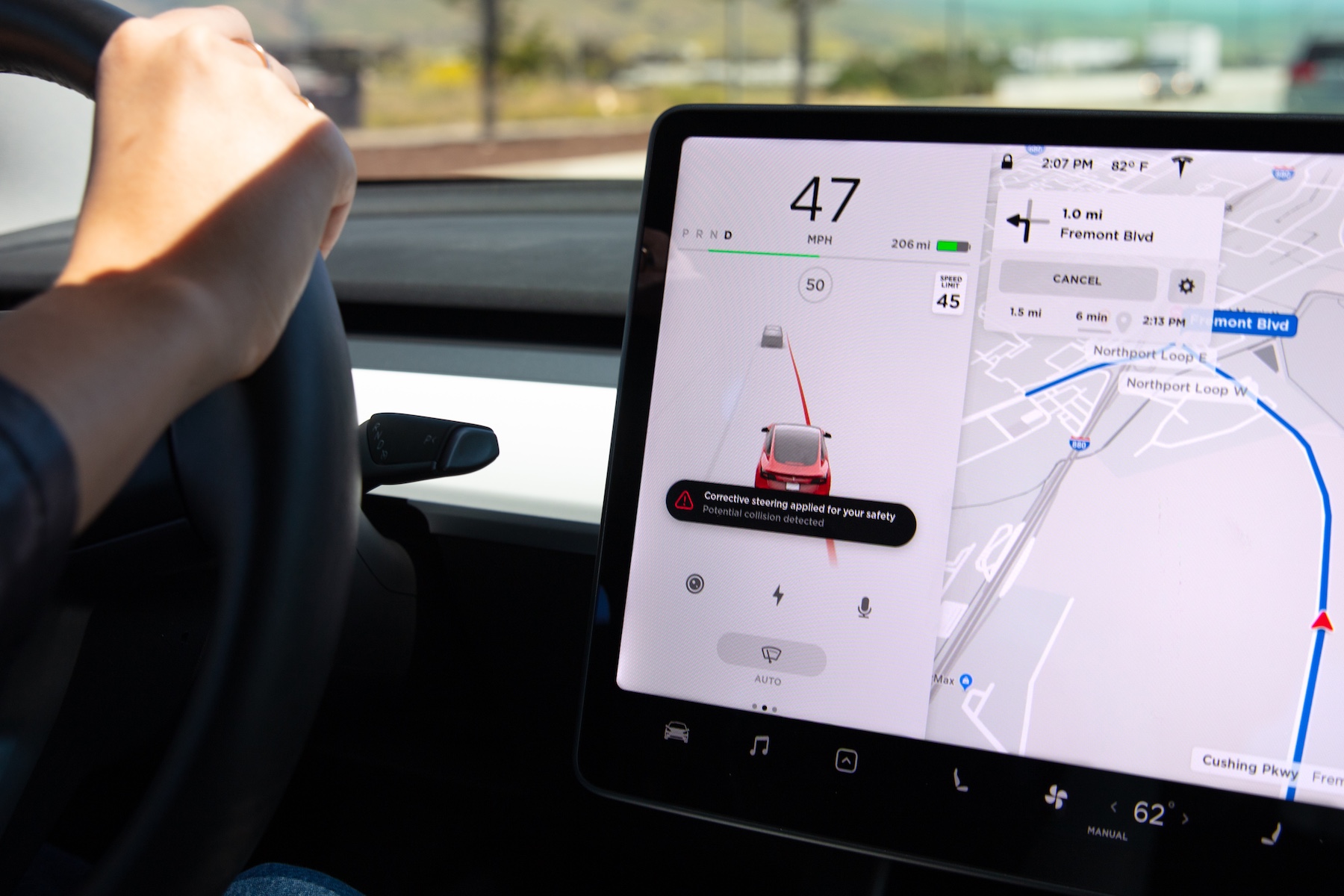
Tesla has introduced two new active lane monitoring features designed to help prevent drivers from unintentionally leaving their lane of travel as part of its safety-first mission to reduce vehicle accidents. The two features, named ‘Lane Departure Avoidance’ and ‘Emergency Lane Departure Avoidance’, are derived from Autopilot, yet work while it’s not on, and are being rolled out to all Model S, Model 3, and Model X customers worldwide with vehicles built after October 2016.
The Lane Departure Avoidance feature is an extension of Lane Departure Warning and applies corrective steering to keep drivers in their intended travel lane if a departure is sensed without a turn signal. It also monitors whether a driver’s hands are detected on the wheel and sends a series of reminders and alerts if not, similar to the warnings issued to Autopilot users. Additionally, if Traffic Aware Cruise Control is in use and hands are not detected on the wheel, the car will gradually slow down 15 miles below the speed limit or car’s set speed and turn the hazard lights on. The feature is optional and works between 25 and 90 mph.
Emergency Lane Departure Avoidance is automatically enabled and is designed to return a Tesla vehicle back to its original lane if a departure and an imminent collision are detected. The automatic steering will also come into play if the car is nearing the edge of a road. This version of Lane Departure Avoidance is turned on at the beginning of each drive and can only be turned off via the Autopilot Controls menu for single drives.
Tesla’s safety data indicates that these types of features may be effective for preventing accidents when Autopilot is not in use.
A blog post on Tesla’s recent Lane Departure Autopilot security features was published, a copy of which can be found below:
More Advanced Safety for Tesla Owners
The Tesla Team May 2, 2019
While no car can prevent all accidents, we work every day to make them less likely to occur. The massive amount of real-world data gathered from our cars’ eight cameras, 12 ultrasonic sensors, and forward-facing radar, coupled with billions of miles of inputs from real drivers, helps us better understand the patterns to watch out for in the moments before a crash.
As our quarterly safety reports have shown, drivers using Autopilot register fewer accidents per mile than those driving without it. That’s because Autopilot is designed to reduce fatigue by helping drivers stay in their lane, while also ensuring that they keep their hands on the wheel. While lane-keeping and hands-on monitoring can be extremely effective at helping to reduce the likelihood of an accident when Autopilot is in use, we believe that these precautions can also be extremely effective for preventing accidents when Autopilot is not in use.
Today, we’re introducing two new safety features designed to help prevent drivers from inadvertently departing their lane, which our data shows is a common cause of accidents when Autopilot is not in use. These new features – Lane Departure Avoidance and Emergency Lane Departure Avoidance – help drivers stay engaged and in their lane in order to avoid collisions.
Lane Departure Avoidance
Lane Departure Avoidance lets a driver elect to have corrective steering applied in order to keep them in their intended lane. When the feature is in use and a driver is departing a lane without their turn signal on, the car will also check to see whether a driver’s hands are on the wheel. If a driver’s hands are not detected on the wheel, the driver will receive a series of hands-on reminders and alerts, similar to the ones that our cars provide to customers who use Autopilot. If a drivers’ hands are repeatedly not detected on the wheel when Traffic Aware Cruise Control is in use, their car will gradually slow down to 15 miles below the speed limit or below the car’s set speed, and turn its hazard lights on.
This feature can be turned on or off, and works at speeds between 25 and 90 mph. It is an extension of Lane Departure Warning, which already warns drivers through a steering wheel vibration if they begin to drift out of their lane without their turn signal engaged.
Emergency Lane Departure Avoidance
Emergency Lane Departure Avoidance is designed to steer a Tesla vehicle back into the driving lane if our system detects that it is departing its lane and there could be a collision, or if the car is close to the edge of the road. This feature will automatically be enabled at the beginning of every drive, but can be turned off for a single drive by going to the Autopilot Controls menu.
At Tesla, improving safety is our primary goal, even after a customer purchases their car. That’s why we’re introducing these features beginning today via a free over-the-air software update, starting with Model 3 owners and gradually expanding to all cars that were built after October 2016. This is just another way that we are helping to protect Tesla drivers and passengers, and others on the road, every day.



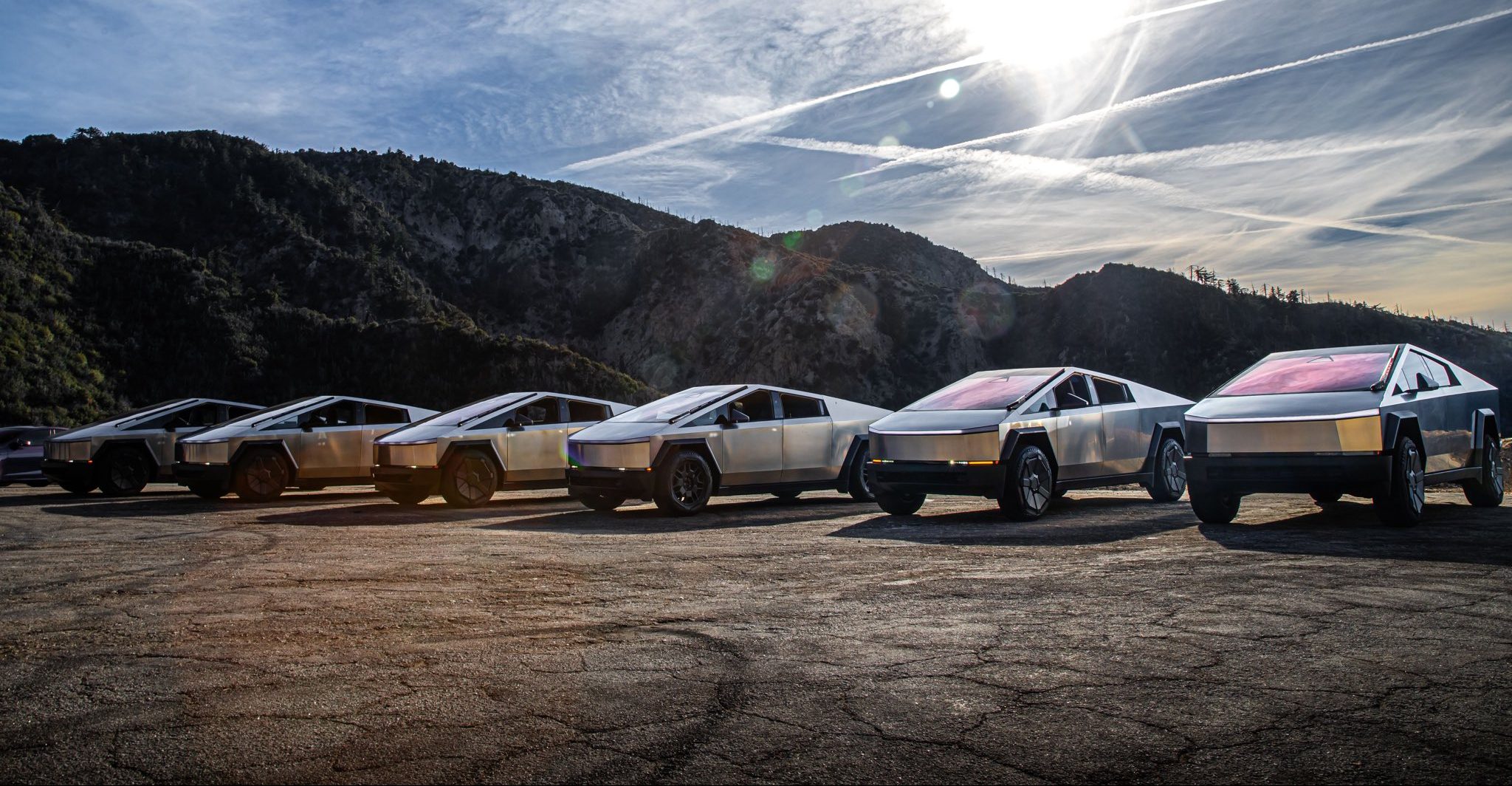
Tesla is ending Cybertruck production sometime in mid-2027, according to CEO Elon Musk.
Musk made the announcement on X last night, which came as a shock to many. He said that the Cybertruck will end production “to make room for increased Cybercab production” at Gigafactory Texas.
It is a huge blow to the fans of Tesla who have come to love the Cybertruck and identify with it as a symbol of their fandom. It has been the best-selling electric pickup, but it has had an underwhelming sales performance in terms of what was expected. This is mostly due to Tesla not meeting the prices it planned to offer the Cybertruck, as its unveiling and actual release were four years apart.
Tesla will be winding down production of the Cybertruck at Gigafactory Texas around the middle of next year to make room for increased Cybercab production
— Elon Musk (@elonmusk) November 6, 2026
Overall, the responses were mixed. Some fans understood the move toward Cybercab production, especially as Tesla is truly pushing the autonomous future through its Robotaxi platform. However, others did not understand it.
“Damn, how many Cybercabs do you guys need?” one response read. Another said it was “Sad but understandable.”Even analyst Gary Black had responded to the news, stating he hoped Tesla planned to replace it with a traditional pickup design.
It doesn’t seem like that will be the case.
Tesla is so hell-bent on delivering autonomy and eventually providing a driverless service that owning a car seems like an arbitrary idea, according to their thesis. Instead, Cybercabs will be available to pick you up and drop you off on demand, safely, without any human help.
As a result, Tesla has thinned its lineup considerably, and one can only ask where the vehicle lineup goes from here. Eventually, it seems like Cybercab could be the only vehicle that Tesla will sell.
Elon Musk
SpaceX’s next Starship flight set to make history on Friday the 13th
SpaceX is targeting Friday, November 13 for Starship Flight 15 and its first ship catch.

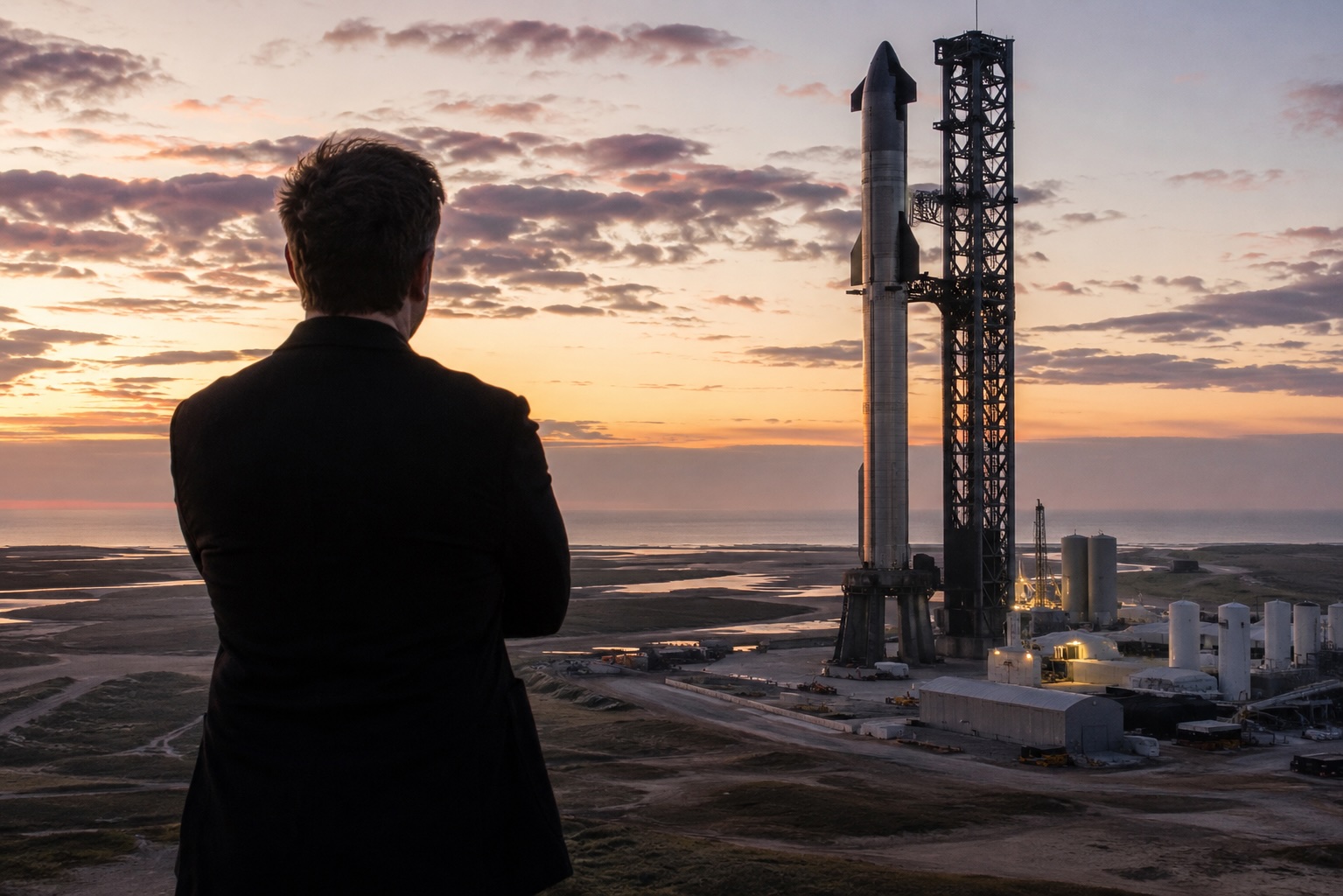
SpaceX is targeting Friday, November 13 for Starship Flight 15, the mission the company plans to use for its first attempt at catching the ship itself with the launch tower.
SpaceX Vice President of Launch Kiko Dontchev shared the date on stage at the UP.Summit on Thursday, according to Ars Technica’s Eric Berger, who was in attendance. It is the first launch target to come directly from a SpaceX executive. Until now, the public schedule had relied on FAA air traffic planning slides, which listed Flight 15 for no earlier than November 8 and later November 12. SpaceX has not posted an official mission page yet, and no launch time has been shared.
The date lands inside the window Elon Musk sketched out last month. Speaking at Giga Texas on October 10, Musk said the flight would “probably launch a little bit before Thanksgiving,” as Teslarati reported. On SpaceX’s third quarter earnings call ten days later, he confirmed that Flight 15 would try to catch both the Super Heavy booster and the ship, and put the odds of a successful ship catch at “more likely than not.” SpaceX also aired an animation of the maneuver during that webcast, showing the ship swinging vertical over Starbase before dropping into the tower’s chopsticks.
The hardware is ready. Booster 22 fired all 33 of its Raptor engines for a full duration static fire at Pad 2 on October 25. Ship 42 followed with a single engine burn simulating a deorbit maneuver on October 26 and a 60 second firing of all six engines the next day, according to NASASpaceflight. Ship 42 had already rehearsed the catch in September, when the Pad 2 arms lifted it into position and crews connected the quick disconnect arm while the vehicle hung from the tower.
The remaining hurdle is regulatory. The FAA’s Starship page does not yet list a Flight 15 license. SpaceX President Gwynne Shotwell said in October that, after “significant constructive engagement with the FAA,” she expects the license to cover a return to the launch site and a tower catch for both stages. Bringing the ship home means a reentry path that heads toward land, rather than ending over open ocean as every Starship flight so far has.
SpaceX has caught Super Heavy three times, on Flights 5, 7 and 8, but the ship comes back from orbital velocity and has never been caught. Flight 14 on September 28 was the first Starship to reach orbit, deploying 26 Starlink V3 satellites before splashing down despite an early engine shutdown that Musk blamed on engine computer software.
Musk has called a successful ship catch “the first time that there’s been full recovery of an orbital class rocket,” and he has already named the step after it: a Flight 16 where both the booster and the ship fly again. NASASpaceflight reports that Ship 43, the next vehicle in line, is set for static fire testing in December.
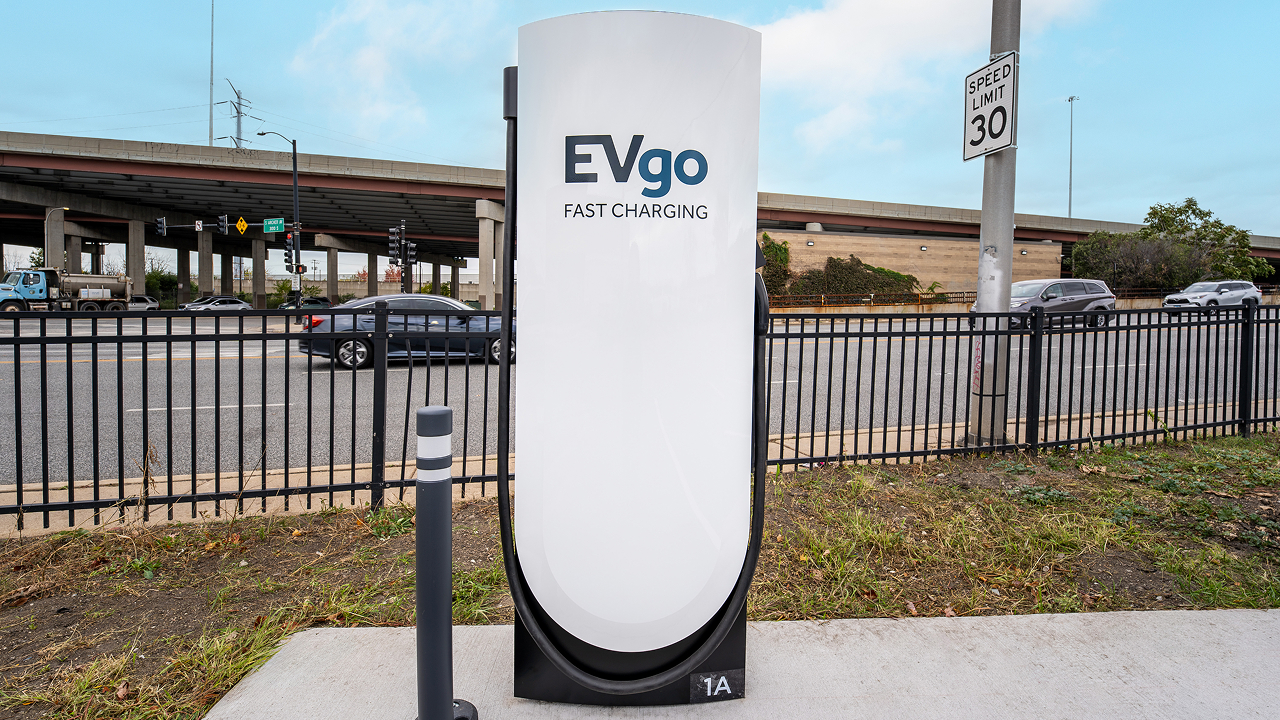
EVgo has tapped Tesla Superchargers for its most recent efforts to expand its charging presence in the United States, a move that seems logical based on the effectiveness of the automaker’s own infrastructure.
EVgo opened its first Supercharger site in Illinois, a 12-stall station near downtown Chicago at 3145 South Ashland Avenue in the Riverside Square & River’s Edge center, right beside a grocery store. This marks the start of the company’s plan to deploy hundreds of Supercharger stalls across the United States, primarily at grocery-anchored Regency Centers properties where drivers can shop, eat, or run errands while they charge.
We’ve opened our first EVgo Supercharger location in Illinois, marking the start of our plan to add hundreds of Supercharger stalls across the U.S.
Designed for both NACS and CCS vehicles with Magic Dock technology, these new sites help make fast charging more accessible and convenient for all EV drivers. Learn more: https://t.co/V92t5FDryQ
— EVgo Fast Charging Network (@evgonetwork) November 5, 2026
The new location uses Tesla’s Magic Dock technology so both NACS and CCS vehicles can plug in natively without drivers needing to carry their own adapters. Peak power reaches 325 kW at this site, with pricing set between $0.25 and $0.35 per kWh depending on the hour—the same rate for Tesla and non-Tesla drivers.
The stalls also appear in Tesla’s in-car navigation and Trip Planner, making them easy for Tesla owners to find and route to. Illinois has seen EV registrations rise nearly 60 percent over the past two years, and EVgo’s broader network has experienced more than 700 percent growth in charging demand over three years, so the timing fits the market’s trajectory.
Choosing Tesla hardware through the Supercharger for Business program turns out to have been a smart, practical move.
Tesla’s V4 stalls and cabinets deliver high, reliable power with a proven track record of strong uptime, while Magic Dock delivers true dual-standard compatibility in one package. Because the sites show up in Tesla’s navigation tools, EVgo instantly gains visibility among millions of existing Tesla drivers, which should raise utilization and help the company double its addressable market as more vehicles adopt NACS. EVgo still owns the stations and sets pricing, yet benefits from Tesla’s established hardware, longer cables, and operational support.
The result is faster, lower-risk infrastructure expansion that serves every EV driver—Tesla or otherwise—with convenient, high-power charging at everyday retail locations. For drivers, that means fewer adapters, more predictable stops, and a denser network just as electric vehicles become everyday transportation.

Tesla is ending Cybertruck production

SpaceX’s next Starship flight set to make history on Friday the 13th


