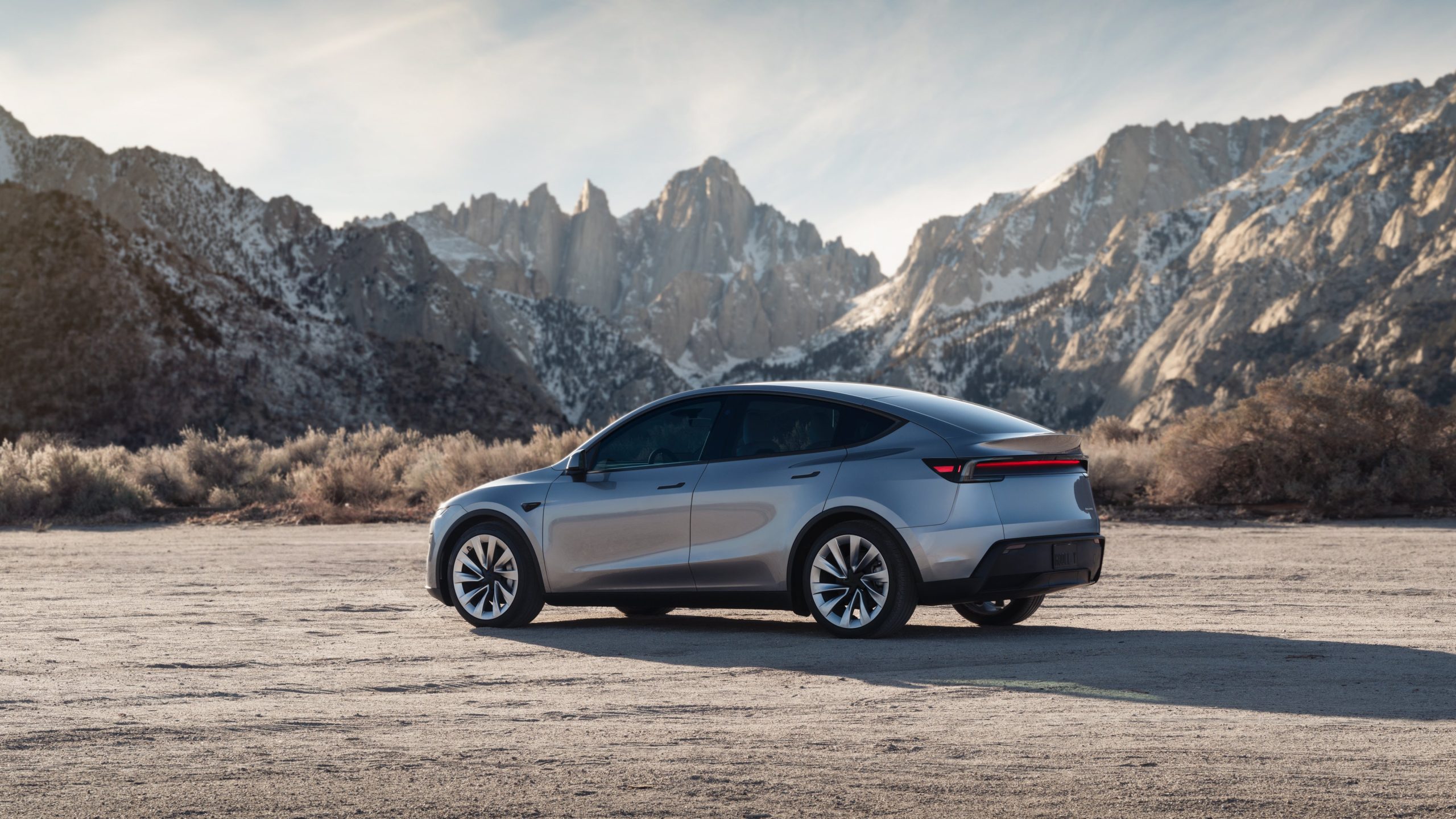
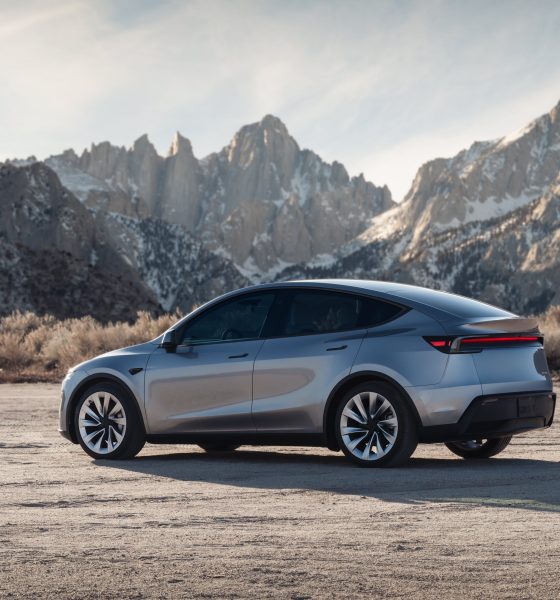

Tesla has formally launched the new Model Y in the United States. The vehicle is designed to be more comfortable and more efficient than its best-selling predecessor.
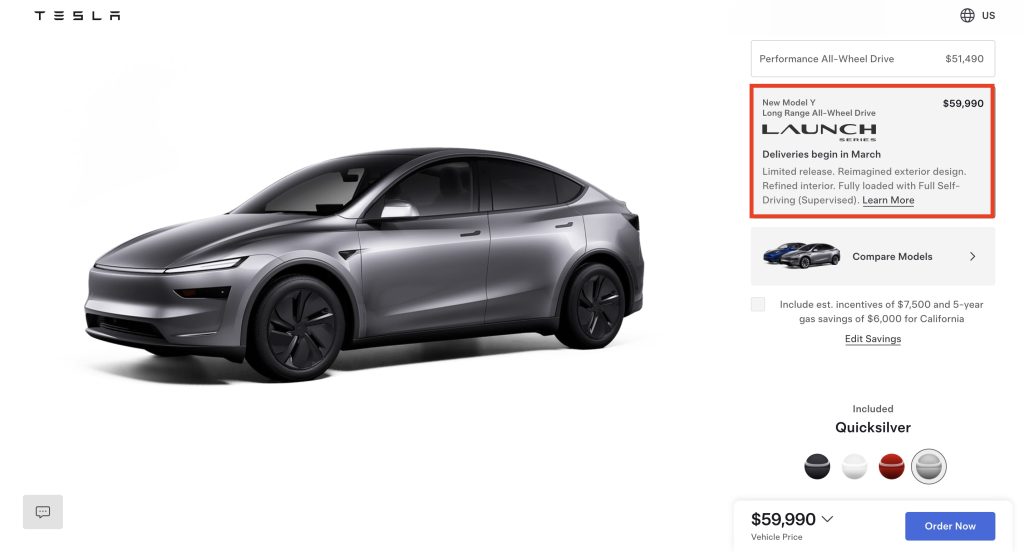
A look at the Model Y’s configurator shows that deliveries of the new Model Y Launch Series in the United States are expected to start in March 2025.
New exterior updates:
- The new Model Y is the first significant update to the all-electric crossover since its initial launch in 2019.
- As noted by Tesla, the new Model Y features a more aggressive, redesigned exterior that improves aerodynamics.
- This gives the new Model Y better range, performance, and longevity.
- Updates to the vehicle’s wheels, tires, and brakes, as well as a retuned suspension, also pave the way for a smoother ride.
- The new Model Y includes eight exterior cameras, including one in the front bumper that has a self-washing system.
- For now, the new Model Y in the United States is only offered in Stealth Gray, Ultra Red, Pearl White Multi-Coat, and Quicksilver paint. Glacier Blue, which is offered in vehicles supplied by Giga Shanghai, is unavailable in the United States. All new Model Y Launch Series paint options in the United States are free.
— Tesla (@Tesla) January 24, 2025
New interior updates:
- The significant updates to the Model Y are even more prominent in the interior.
- Similar to the reengineered Model 3, the front row seats of the new Model Y are ventilated.
- The second-row seats of the new Model Y power folding, and they are electronically adjusted.
- Thanks to acoustic glass all-around, the cabin of the new Model Y is extremely quiet.
- Tesla also promotes “invisible speakers” in the new Model Y cabin.
- The new Model Y also features a single, physical stalk, unlike the reengineered Model 3 sedan.
- The Model Y Launch Series is equipped with 15 speakers and one subwoofer, which should provide a great listening experience for occupants of the revamped vehicle.
Deliveries and pricing:
- So far, the Model Y Launch Series is only offered as a Long Range All-Wheel Drive variant with an EPA estimated range of 320 miles per charge. The vehicle is also listed with a 0-60 mph time of 4.1 seconds.
- The Model Y Launch Series Long Range AWD is priced at $59,990 before options. This price already includes FSD.
- The vehicle could also be leased for $699 per month with a down payment of $2,999 (36 months at 10,000 annual miles).
- The new Model Y Launch Series is expected to start deliveries in March.
Don’t hesitate to contact us with news tips. Just send a message to simon@teslarati.com to give us a heads up.


Elon Musk
The Starship moon landing number NASA and Elon Musk can’t agree on
Musk disputes NASA estimate of 22 Starship launches for Moon landing, predicting 6 to 8.

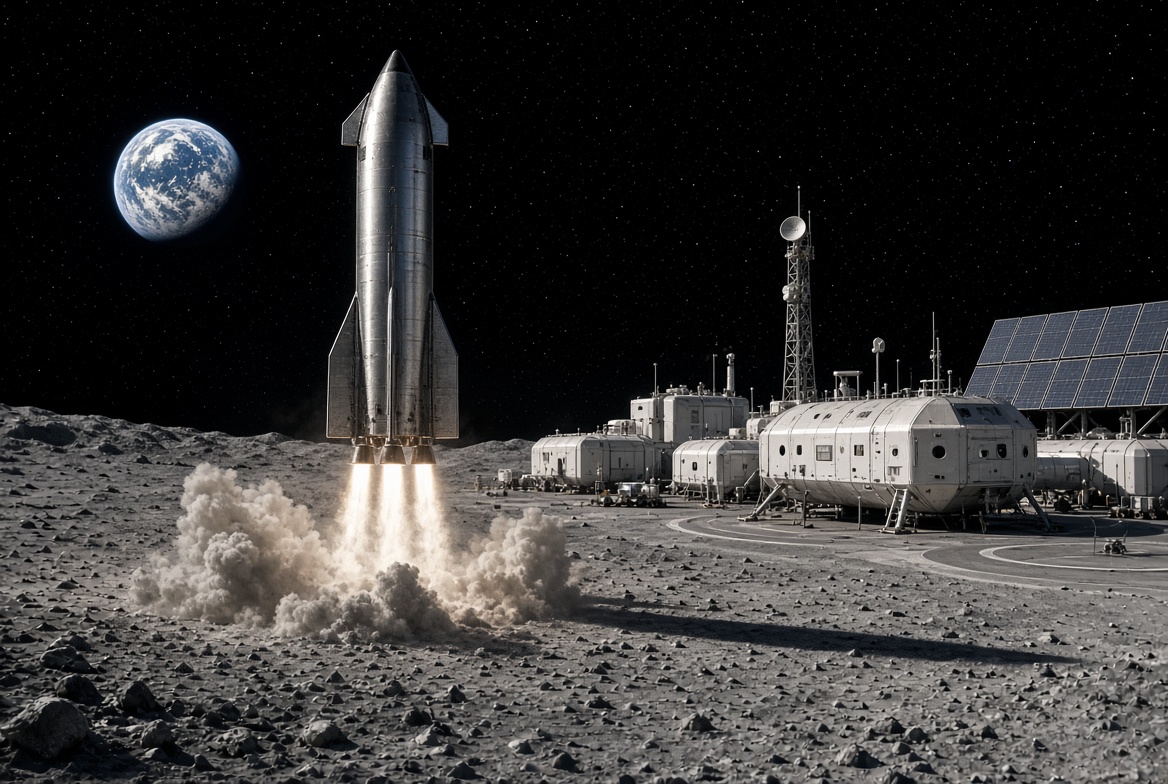
Elon Musk is disputing a new NASA safety panel estimate of how many Starship launches it will take to put astronauts on the Moon, saying the real number will be less than half the panel’s figure.
On Thursday, NASA’s Aerospace Safety Advisory Panel held its quarterly public meeting. Panel member Charlie Precourt, a former NASA astronaut, flagged the fueling process for SpaceX’s lunar lander as a major risk for Artemis IV, the mission planned to land a crew on the Moon in 2028. “We need to keep our eyes on numerous required fuelings for the lander,” Precourt said, according to Ars Technica. “I think the last estimate is around 22 flights.”
Ars Technica’s Eric Berger posted the comment on X, and Musk replied. “That’s way too high,” Musk wrote. “Actual number will be more like 6 to 8.”
The disagreement comes down to a basic problem with sending a ship as large as Starship to the Moon. Starship burns nearly all of its propellant just reaching Earth orbit, so it cannot continue on to the Moon without stopping for a refill. SpaceX’s answer is a gas station in space. First, a Starship that works as a storage tank, called a depot, is launched into orbit. Then a series of tanker Starships launch one at a time, dock with the depot and pump their leftover propellant into it. Once the depot is full, the lunar lander version of Starship launches, docks, fills up and heads for the Moon.
Every tanker trip is its own full rocket launch, which is why the count matters. More launches mean more time, more cost and more chances for something to go wrong before astronauts ever leave Earth. Berger estimated that even if SpaceX reaches twice weekly Starship launches by the end of 2027, filling a depot at the panel’s number would still take roughly three months.
How many tankers are needed depends mostly on how much propellant each one can carry to orbit and how much is lost along the way. Starship’s fuel and oxygen are stored at extremely cold temperatures, and some of it slowly boils off while waiting in orbit. More is lost in each transfer. NASA appears to be working from what Starship can lift today, while Musk’s range assumes a more capable rocket.
Musk has pushed back on higher counts before. In 2021, after a government document suggested 16 launches, he called that “extremely unlikely” and said eight tankers would be the most required.
Much of the answer depends on hardware SpaceX has not finished flying. As Teslarati noted earlier this year, the company plans to carry out the refueling process with its upgraded V3 Starship, and Precourt described Artemis IV as carrying “a large number of firsts.” He also praised NASA Administrator Jared Isaacman’s team for working to clear obstacles for both SpaceX and Blue Origin, whose Blue Moon lander does not rely on orbital refueling for its first mission.
Elon Musk
Tesla’s secretive “Project Crystal Sun” gets a big green light in Texas
Fort Bend County approved four incentive agreements Thursday for Tesla’s proposed $10.1 billion solar factory.
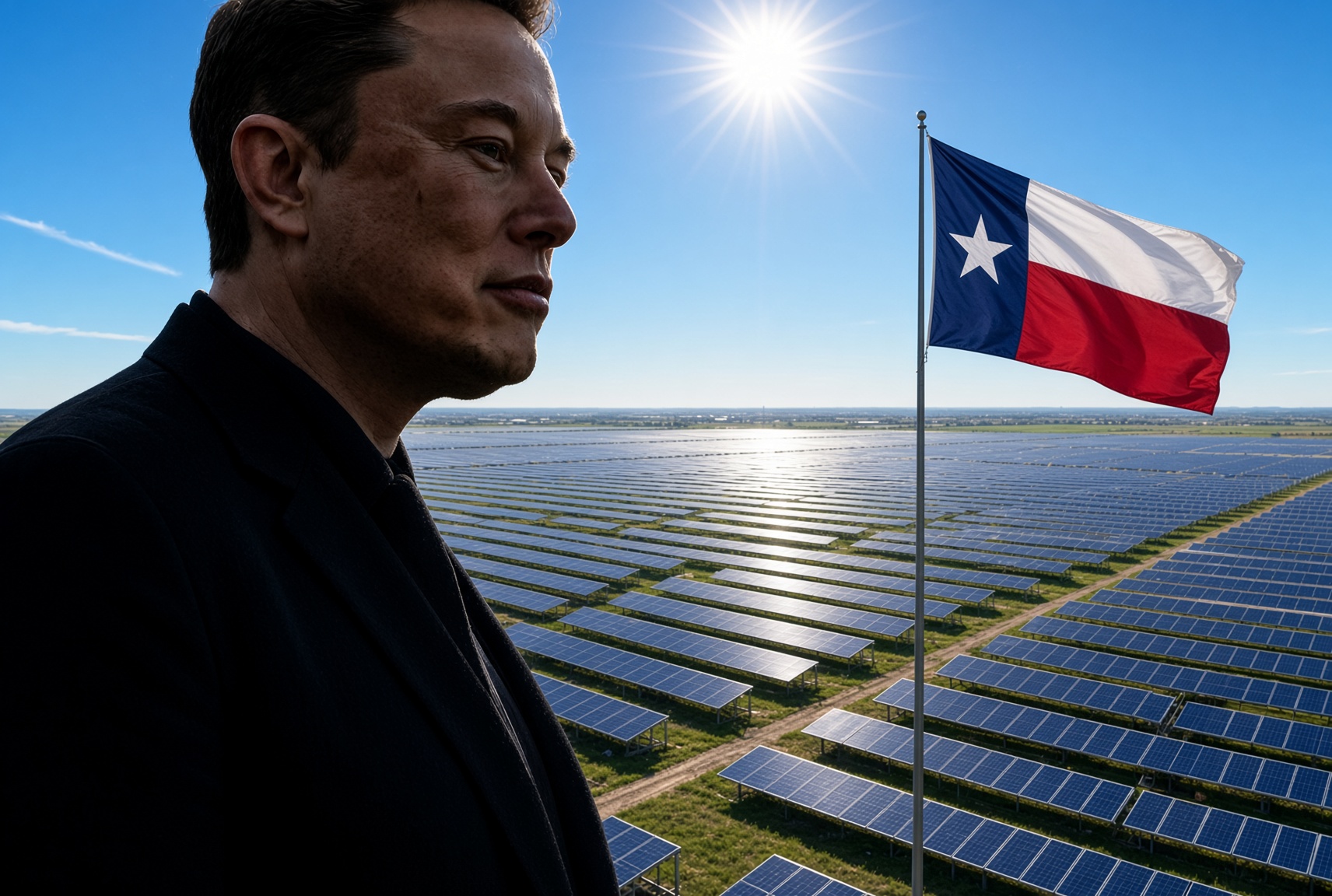
Fort Bend County commissioners on Thursday approved a package of tax incentives for Tesla’s proposed $10.1 billion solar cell factory near Needville, Texas, giving the company one of the last local approvals it needs before it decides where to build. All four Tesla agreements passed 4 to 0.
The votes covered a property tax abatement inside Reinvestment Zone No. 34, a Chapter 381 economic development agreement, a foreign trade zone non-objection paired with payments in lieu of certain taxes, and a separate payment in lieu of taxes “true up” agreement, according to agenda notes from the Fort Bend Commissioners Court meeting.
The project, known internally as “Project Crystal Sun,” would make solar cells and finished modules on roughly 3,000 acres near FM 762 and FM 1994, south of the Brazos River. As Teslarati reported when the filing first surfaced in August, Tesla’s application under the state’s JETI Act splits the investment into $1.5 billion in real property and $8.6 billion in equipment, with 9,712 permanent jobs projected by 2033 and commercial operations targeted for the first quarter of 2029. The plant would handle the full chain from ingot and wafer production through cell testing.
Inside Tesla’s secretive $10 Billion “Project Crystal Sun” filing
Thursday’s approval does not lock in the site. Tesla has told the Texas Comptroller it is still weighing other locations, and site selection adviser David Dennison told Lamar Consolidated ISD trustees in September that the race had narrowed to Fort Bend and one out of state rival with a “very compelling package,” according to the Houston Chronicle. Tesla hopes to decide before the end of 2026, and the incentives still need sign off from the Comptroller and the Governor’s office.
Local officials have now done nearly everything within their control. Commissioners created the reinvestment zone in an August 24 special meeting, with Interim County Judge Daniel Wong formally withdrawing himself over his engineering firm’s past work with Tesla. Lamar CISD trustees voted 7 to 0 on September 15 to advance a JETI agreement that would tax Tesla’s qualifying property at 50 percent of its value for maintenance and operations from 2029 through 2038.
The plant lines up with a target Elon Musk set on Tesla’s Q4 2025 earnings call in January, when he said the company would “work toward getting 100 GW a year of solar cell production, integrating across the entire supply chain from raw materials all the way to finished solar panels.” In March, Tesla was reported to be negotiating a $2.9 billion purchase of Chinese solar manufacturing equipment bound for Texas. The Houston area already hosts Tesla’s Megafactory in Brookshire, where Megapack 3 production has started. Tesla said on its Q3 call that Megapack supply for 2027 is nearly sold out, and Musk wrote on X Thursday that the company is “increasing production of Megapacks as much as possible,” as demand from data centers climbs.

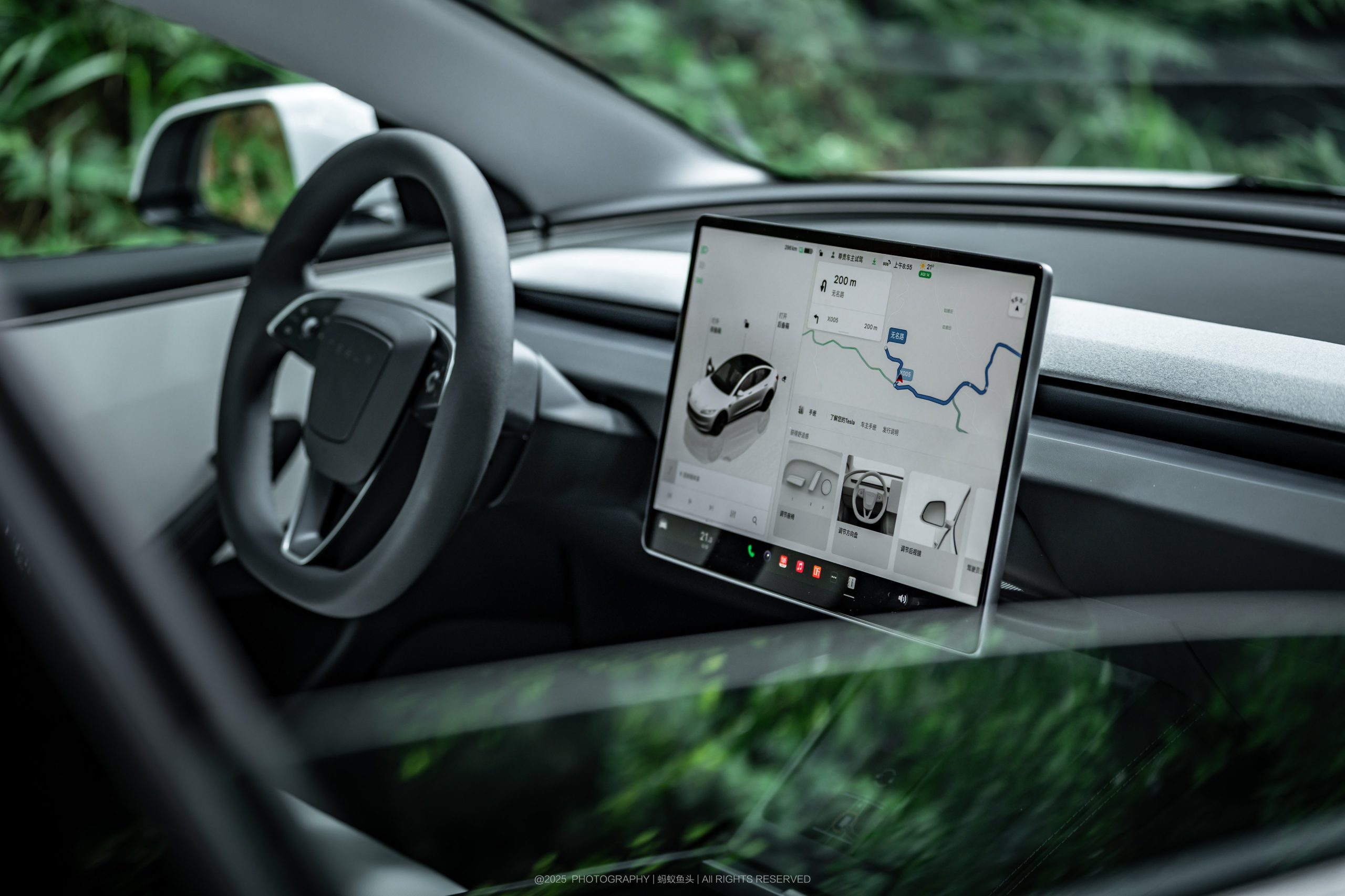
Tesla revealed plans to develop its own maps internally to fix Navigation issues and give owners more control over their routing.
On the company’s Q3 2026 Earnings Call, a question was asked about FSD Navigation issues, particularly speed limit recognition, parking, and routing. These are issues that surface from version to version and seem to be seriously challenging for Tesla’s AI team to resolve.
Tesla’s Head of AI, Ashok Elluswamy, said in response to the question:
“You’re totally right that we shouldn’t be depending on external people’s maps. So we are building our own maps, but not like the same way as OneMoreMap. We are building an entirely new architecture with essentially AI-based mapping and navigation.”
He continued:
“It’s going to be super awesome. It’s going to be integrated with voice. You can talk to it, ask for different routes. It’s going to learn your personalized preferences, plus the fleet preferences. The collective intelligence of all the cars is going to flow into making the maps and navigation super cool.”
Elluswamy said this issue should be confronted, and the mapping should be available for people by the time the v15 release starts deploying to customers.
“And over the next several months,” he added, “it’s just going to take over all of the navigation functions, parking, destination handling. And it will know you better than you know yourself in some regard for the driving task, and then handle it fully.”
Tesla Summon got insanely good in FSD v14.3.2 — Navigation? Not so much
Navigation is perhaps the most notable complaint with FSD, and although it has gotten better, it is still flawed. Much of the time, FSD will take people on routes that are not preferred by the driver, but Tesla tried to combat this with a routing feature in the Summer 2026 Update.
Tesla currently relies on Google for map data, but it is sort of counterintuitive to believe the company would rely on a third party for this. These improvements will be welcome, as routing and navigation have been such a pain point for so many owners for so long.
Quotes via Motley Fool

The Starship moon landing number NASA and Elon Musk can’t agree on

Tesla’s secretive “Project Crystal Sun” gets a big green light in Texas


