Tesla
Elon Musk companies under scrutiny in the EU
The EU Commission was requested to look into funding for Musk’s companies as Trump’s tariffs loom.

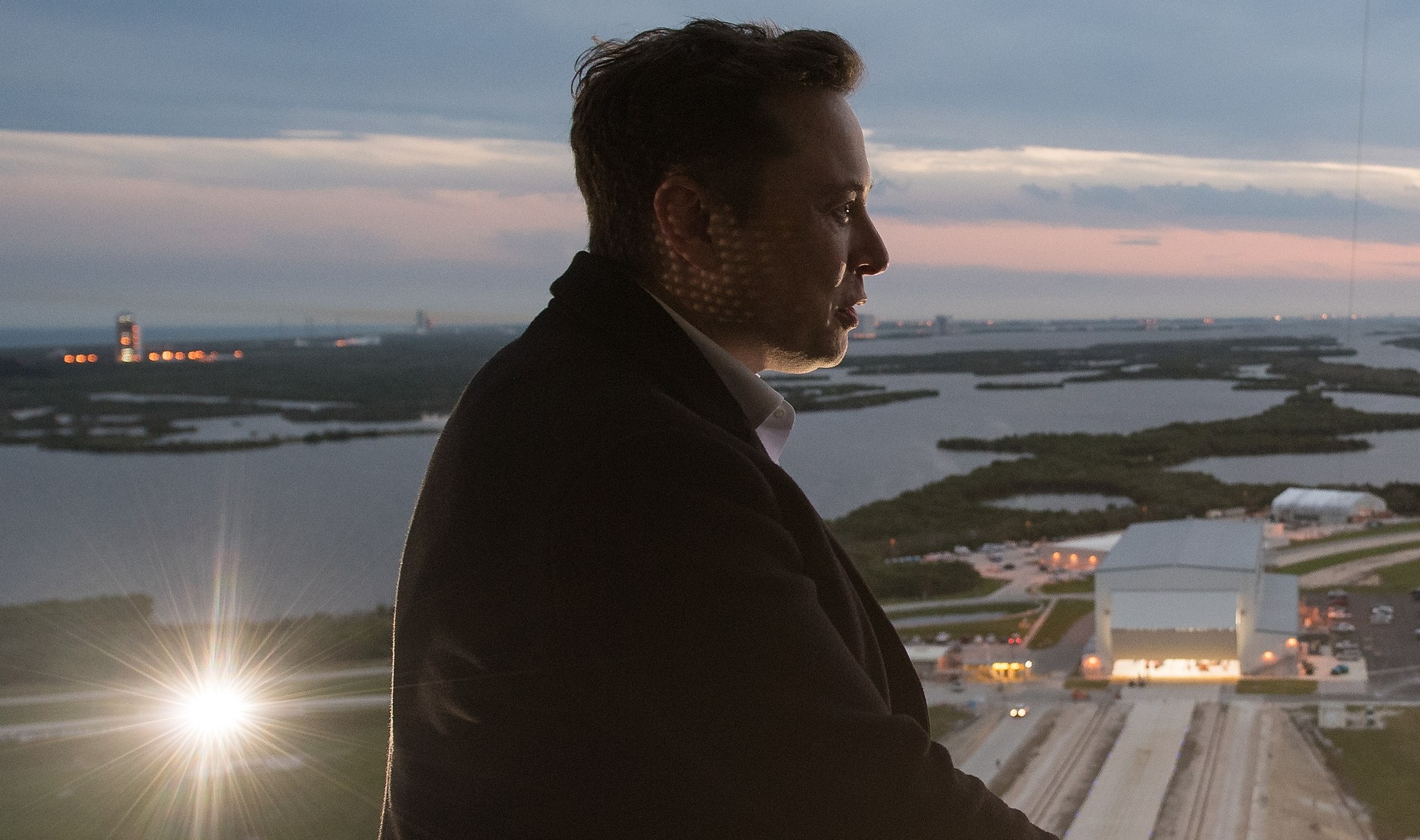
Elon Musk-led companies are under scrutiny in Europe (EU) as tensions continue to rise between the bloc and the United States.
Germany’s Green EU lawmaker Daniel Freund sent a letter to the European Commission requesting “a detailed list of EU funding allocated to companies owned or controlled by Elon Musk” in the past five years. The list reportedly includes some of Musk’s well-known companies, including SpaceX, Tesla, X, xAI, and Neuralink.
Trump’s Tariffs & Europe
The scrutiny on Elon Musk’s companies comes after U.S. President Trump implemented his tariffs on specific goods from Mexico, Canada, and China. A second wave of Trump’s tariffs will come in April and are expected to affect Europe.
According to Reuters, many European companies were not directly affected by Trump’s first wave of tariffs. However, they are now scrambling to adapt to Trump’s tariffs with their operations in North America in mind. European companies are also bracing for Trump to implement a 25% reciprocal rate on EU goods.
Elon Musk in the Middle
Looking into Elon Musk’s companies that received funding from the EU seems to be a way for Europe to negotiate with the Trump Administration regarding tariffs.
“Trump’s MAGA crowd, including Musk, have the clear aim to weaken or even destroy the EU. So we should have a very close look at the EU funding we provide to them. For me it’s clear: the EU should not give millions to people that want to destroy it,” Freund commented.



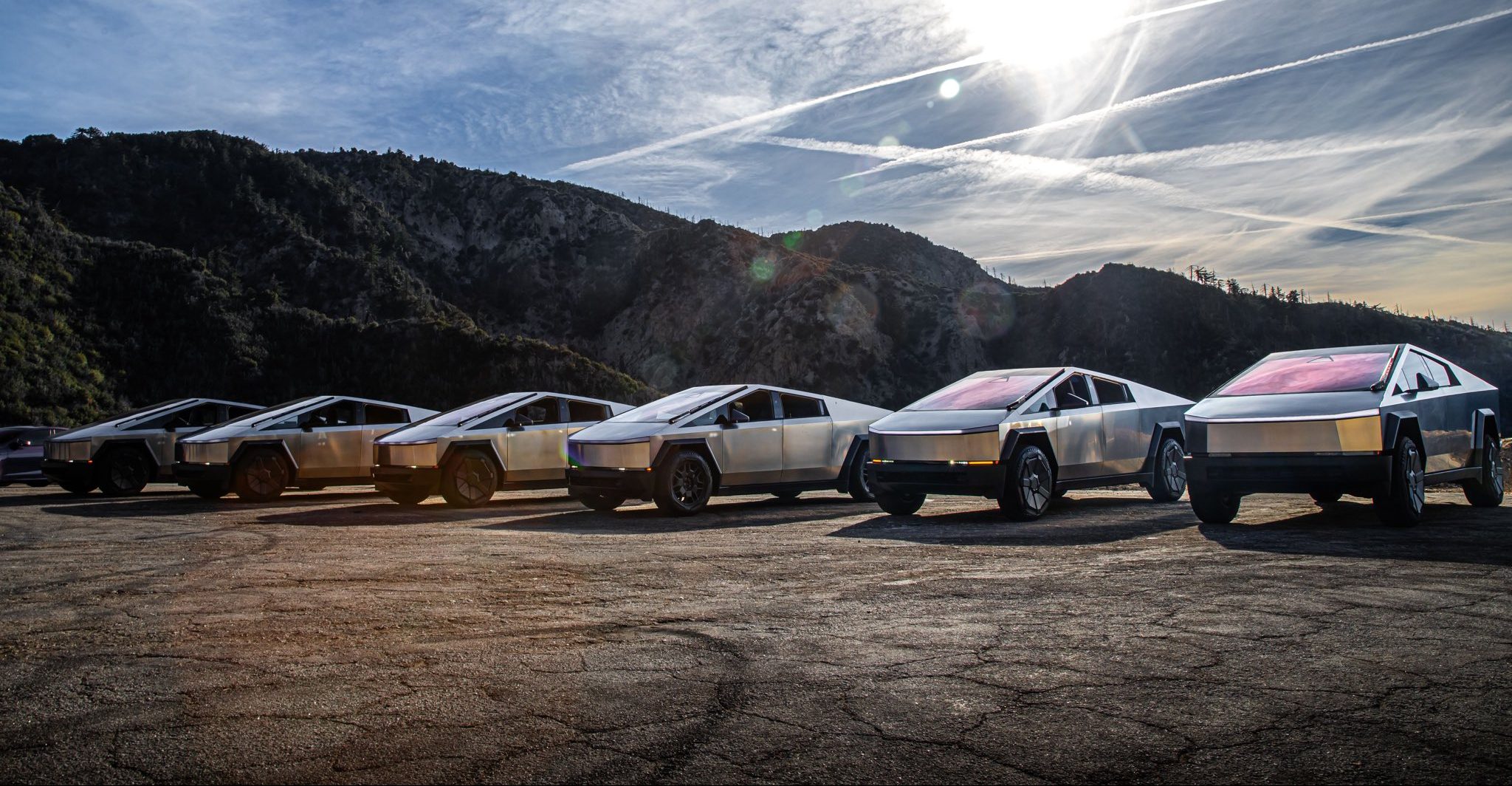
Tesla is ending Cybertruck production sometime in mid-2027, according to CEO Elon Musk.
Musk made the announcement on X last night, which came as a shock to many. He said that the Cybertruck will end production “to make room for increased Cybercab production” at Gigafactory Texas.
It is a huge blow to the fans of Tesla who have come to love the Cybertruck and identify with it as a symbol of their fandom. It has been the best-selling electric pickup, but it has had an underwhelming sales performance in terms of what was expected. This is mostly due to Tesla not meeting the prices it planned to offer the Cybertruck, as its unveiling and actual release were four years apart.
Tesla will be winding down production of the Cybertruck at Gigafactory Texas around the middle of next year to make room for increased Cybercab production
— Elon Musk (@elonmusk) November 6, 2026
Overall, the responses were mixed. Some fans understood the move toward Cybercab production, especially as Tesla is truly pushing the autonomous future through its Robotaxi platform. However, others did not understand it.
“Damn, how many Cybercabs do you guys need?” one response read. Another said it was “Sad but understandable.”Even analyst Gary Black had responded to the news, stating he hoped Tesla planned to replace it with a traditional pickup design.
It doesn’t seem like that will be the case.
Tesla is so hell-bent on delivering autonomy and eventually providing a driverless service that owning a car seems like an arbitrary idea, according to their thesis. Instead, Cybercabs will be available to pick you up and drop you off on demand, safely, without any human help.
As a result, Tesla has thinned its lineup considerably, and one can only ask where the vehicle lineup goes from here. Eventually, it seems like Cybercab could be the only vehicle that Tesla will sell.
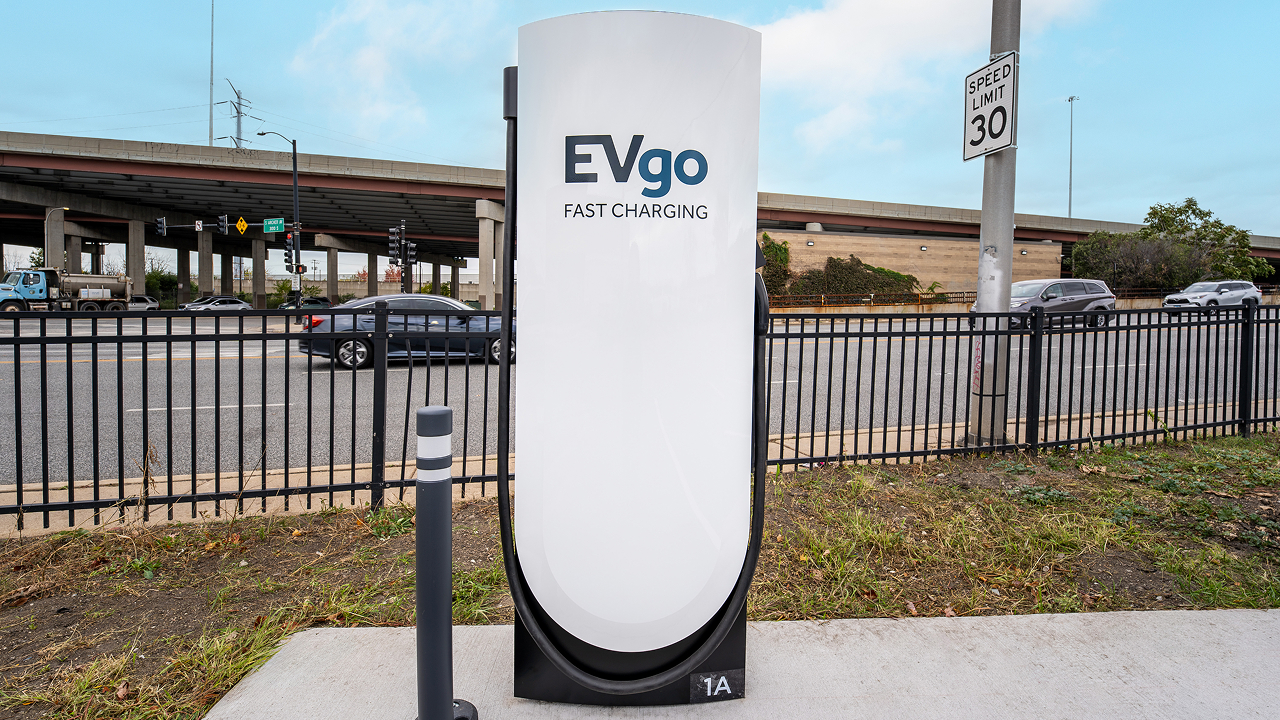
EVgo has tapped Tesla Superchargers for its most recent efforts to expand its charging presence in the United States, a move that seems logical based on the effectiveness of the automaker’s own infrastructure.
EVgo opened its first Supercharger site in Illinois, a 12-stall station near downtown Chicago at 3145 South Ashland Avenue in the Riverside Square & River’s Edge center, right beside a grocery store. This marks the start of the company’s plan to deploy hundreds of Supercharger stalls across the United States, primarily at grocery-anchored Regency Centers properties where drivers can shop, eat, or run errands while they charge.
We’ve opened our first EVgo Supercharger location in Illinois, marking the start of our plan to add hundreds of Supercharger stalls across the U.S.
Designed for both NACS and CCS vehicles with Magic Dock technology, these new sites help make fast charging more accessible and convenient for all EV drivers. Learn more: https://t.co/V92t5FDryQ
— EVgo Fast Charging Network (@evgonetwork) November 5, 2026
The new location uses Tesla’s Magic Dock technology so both NACS and CCS vehicles can plug in natively without drivers needing to carry their own adapters. Peak power reaches 325 kW at this site, with pricing set between $0.25 and $0.35 per kWh depending on the hour—the same rate for Tesla and non-Tesla drivers.
The stalls also appear in Tesla’s in-car navigation and Trip Planner, making them easy for Tesla owners to find and route to. Illinois has seen EV registrations rise nearly 60 percent over the past two years, and EVgo’s broader network has experienced more than 700 percent growth in charging demand over three years, so the timing fits the market’s trajectory.
Choosing Tesla hardware through the Supercharger for Business program turns out to have been a smart, practical move.
Tesla’s V4 stalls and cabinets deliver high, reliable power with a proven track record of strong uptime, while Magic Dock delivers true dual-standard compatibility in one package. Because the sites show up in Tesla’s navigation tools, EVgo instantly gains visibility among millions of existing Tesla drivers, which should raise utilization and help the company double its addressable market as more vehicles adopt NACS. EVgo still owns the stations and sets pricing, yet benefits from Tesla’s established hardware, longer cables, and operational support.
The result is faster, lower-risk infrastructure expansion that serves every EV driver—Tesla or otherwise—with convenient, high-power charging at everyday retail locations. For drivers, that means fewer adapters, more predictable stops, and a denser network just as electric vehicles become everyday transportation.
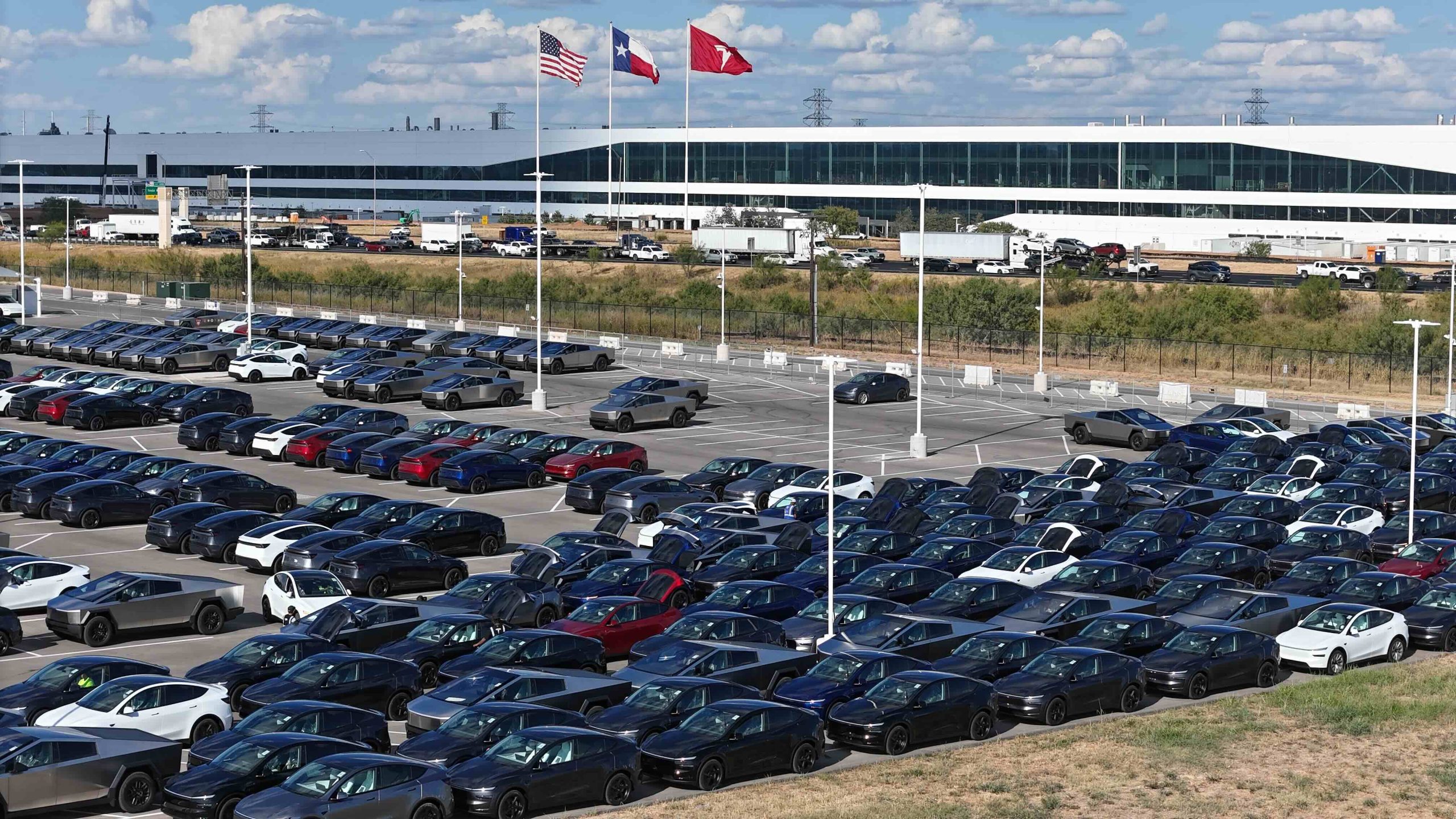
Tesla’s Austin Gigafactory is reportedly shifting to round-the-clock vehicle production through the end of 2026, according to longtime drone observer Joe Tegtmeyer.
In his November 2 update, Tegtmeyer, widely regarded as one of the most reliable independent sources on Giga Texas activity (we call him the Drone GOAT), stated that the plant has added a night shift, creating two 12-hour production shifts.
Tegtmeyer said in his video:
“Now, I do have some interesting news about that when it comes to the production schedule here at Giga Texas, and things are actually looking pretty good, especially when you think about what the demand is and the delivery numbers that they’re looking for and what they’re expecting. So, normally they have shifts Monday through Friday. It’s a day shift and it’s about 10 hours long or so, give or take. But now they’re on day and night shifts and they’re going to 12-hour days. So they’re going to be adding or they have another shift. They have 12 hours for both of them. In addition to that, the typical downtime that we’re going to be seeing around the holidays, specifically Thanksgiving and Christmas to the New Year time frame is actually changed. And we’re not going to see those big several day events where there is no production. At least that’s what the plan is right now. So, it’s really a great sign, I think, when we consider what they’ve done in the past and what production and the deliveries have been so far. So, maybe it’s shaping up to be a really strong quarter.”
Previously, General Assembly typically operated on a single roughly 10-hour day shift, Monday through Thursday or Friday. The new arrangement keeps General Assembly on its Monday-to-Thursday schedule while adding overnight capacity, and most other areas of the factory continue working the full week with some weekend activity.
Notably, the plant is also forgoing the multi-day shutdowns around Thanksgiving and the Christmas–New Year period that have occurred in prior years
Giga Texas currently builds the Model Y, the larger Model Y L, the Cybertruck, and the Cybercab robotaxi. Tesla has not confirmed the shift change or specified which lines will receive the extra output. Recent comments suggest Cybercab production has been constrained by the pace at which the Robotaxi fleet can absorb new vehicles, making the Model Y and Model Y L the more likely beneficiaries as the company works through order backlogs.
Tegtmeyer’s November 2 footage and commentary also highlighted broader site progress. Cortex 2 continues to expand, with additional compute coming online, a roughly 25 percent lengthening of the structure on the north end, and work on a third cooling plant.
The Boring Company tunnel site showed increased activity in the large launch pit, while the Advanced Technology Chip Fab (a SpaceX–Tesla joint R&D facility) continued steel superstructure and heavy truss installation, along with concrete pours.
The reported capacity increase arrives as Tesla aims for a strong fourth quarter following solid third-quarter results. While unconfirmed by the company, the information aligns with Tegtmeyer’s consistent track record of accurate on-site observations.
If Tesla makes the decision to sustain the all-day production plans, the dual 12-hour shifts would meaningfully raise weekly output potential at one of Tesla’s most important manufacturing hubs.

Tesla is ending Cybertruck production

SpaceX’s next Starship flight set to make history on Friday the 13th


