Firmware
First look at Tesla’s Autosteer Stop Light Warning for Autopilot in action

A series of videos from the Tesla community has provided a first look at how the electric car maker’s new Autosteer Stop Light Warning feature works in real-world settings. The safety feature is being rolled out by the electric car maker with 2019.8.3 and is available for customers who have purchased Tesla’s Autopilot driver-assist feature.
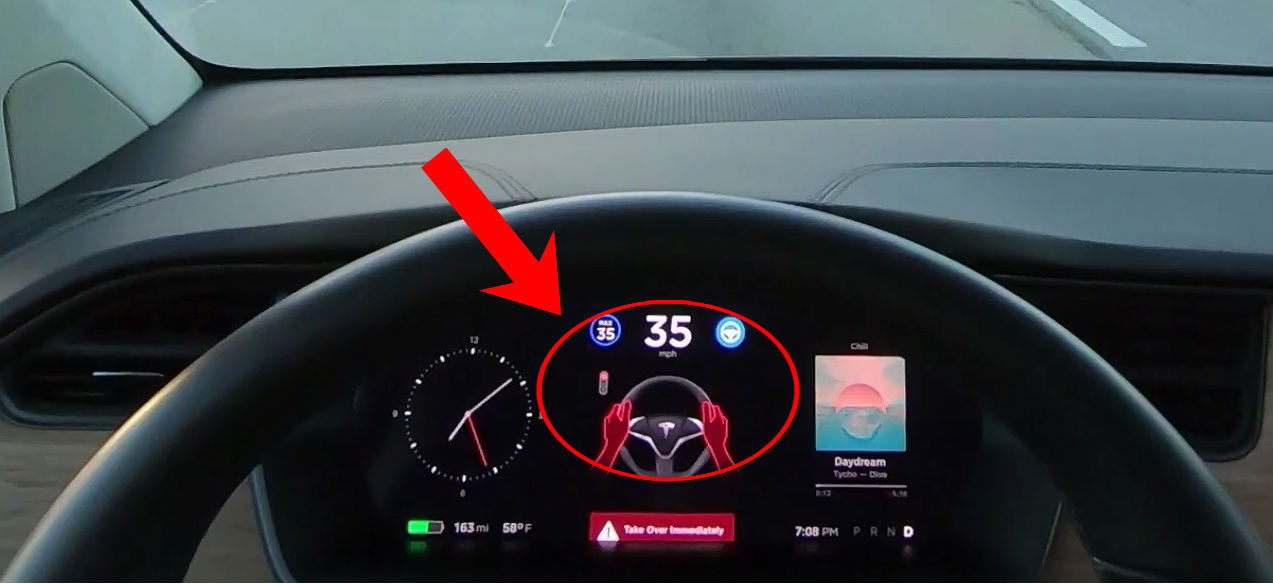
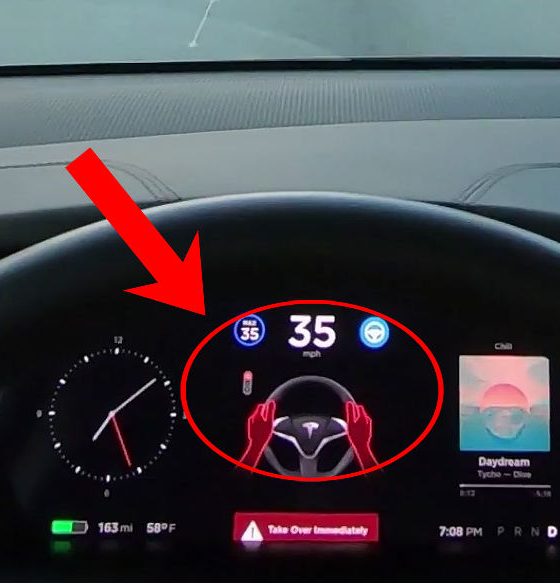
Tesla’s Autosteer Stop Light Warning provides an audible and visual warning that alerts drivers to take over the vehicle if a red light is detected. While these warnings are very noticeable, some instances recorded by the Tesla owners showed the safety feature not activating despite their electric cars approaching a stop light. This is understandable considering that Stop Light Warning is a very new feature, and it is all but certain that the capability will only improve as Tesla rolls out more over-the-air updates.
It should be pointed out that Tesla lists Stop Light Warning under Autosteer, which is currently listed under the company’s $3,000 basic Autopilot package. This means that even owners who do not purchase Tesla’s $5,000 Full Self-Driving suite will be able to take advantage of the Stop Light Warning capability, highlighting the company’s tendency to introduce safety systems to its vehicles proactively. This is notable since the Insurance Institute for Highway Safety has noted that injuries attributed to red light running have affected over 137,000 people in recent years.
Much like other features like Navigate on Autopilot, Tesla asserted in its recent release notes that Autosteer Stop Light Warning is not intended to replace a fully-attentive driver. Instead, it is only designed to make the driving experience easier. “Your car may warn you in some cases if it detects that you are about to run a red light while Autosteer is in use. This is not a substitute for an attentive driver and will not stop the car,” Tesla wrote.
As Tesla works to develop its Full Self-Driving suite, abilities such as Autosteer’s Stop Light Warning are only bound to get better. With the apparent rollout of Hardware 3, a custom solution specifically designed to make full self-driving possible, the idea of Tesla’s electric cars stopping on their own when approaching a red light is not too farfetched.
This was hinted at by Elon Musk in a tweet last December, when he noted that Tesla is “already testing traffic lights, stop signs, and roundabouts in development software.” In his tweet, Musk added that with such features in place, the time would soon come when Teslas can “go from your garage at home to parking at work with no driver input at all.” For now, the company continues to introduce new driver-assist features that will form part of its Full Self-Driving suite, such as no-confirmation Navigate on Autopilot and Enhanced Summon, which are already being tested to the first batch of Tesla owners today.
Watch Autosteer Stop Light Warning in action in the videos below.


Elon Musk
Tesla confirmed HW3 can’t do Unsupervised FSD but there’s more to the story
Tesla confirmed HW3 vehicles cannot run unsupervised FSD, replacing its free upgrade promise with a discounted trade-in.

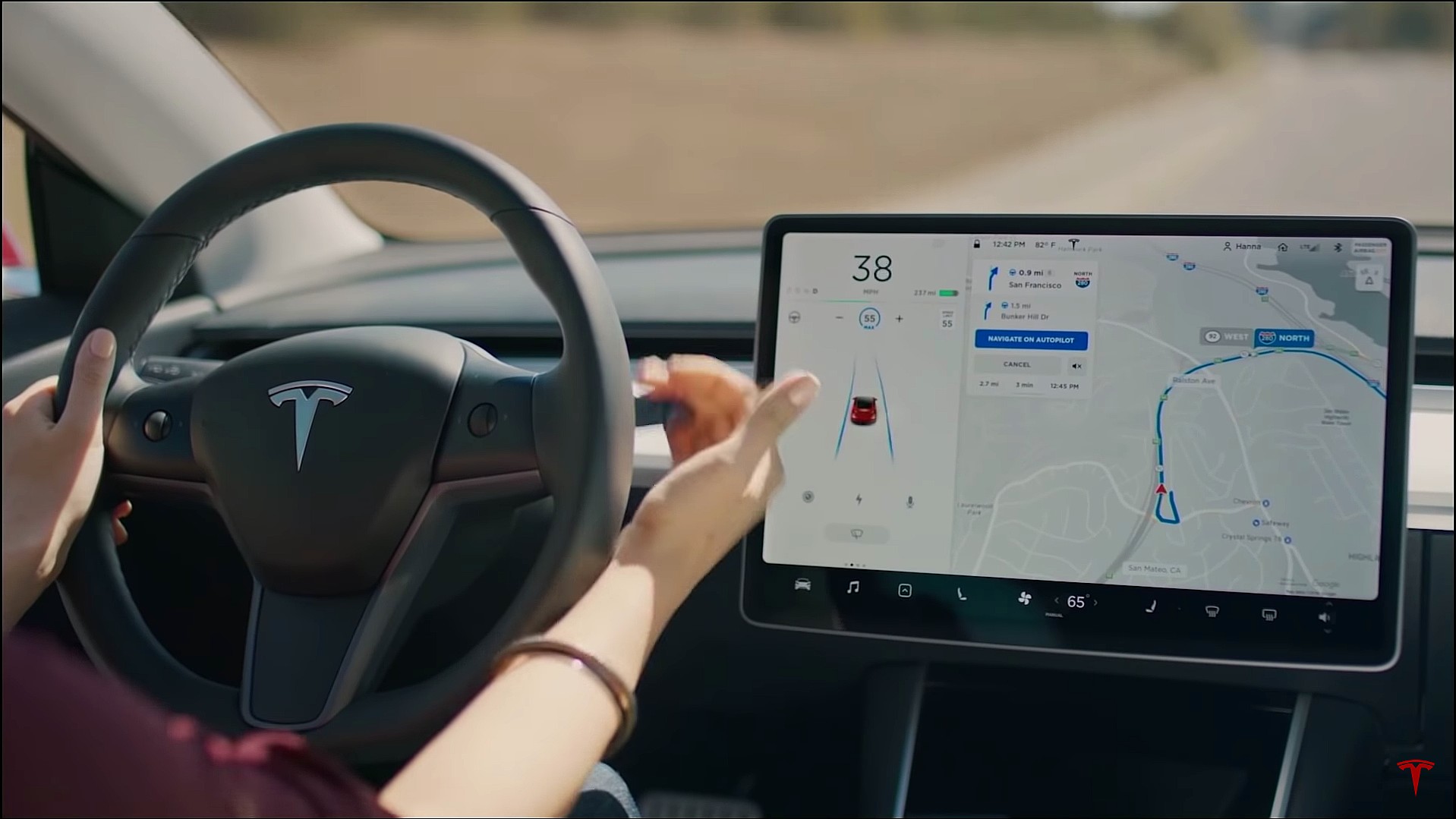
Tesla has officially confirmed that early vehicles with its Autopilot Hardware 3 (HW3) will not be capable of unsupervised Full Self-Driving, while extending a path forward for legacy owners through a discounted trade-in program. The announcement came by way of Elon Musk in today’s Tesla Q1 2026 earnings call.
🚨 Our LIVE updates on the Tesla Earnings Call will take place here in a thread 🧵
Follow along below: pic.twitter.com/hzJeBitzJU
— TESLARATI (@Teslarati) April 22, 2026
The history here matters. HW3 launched in April 2019, and Tesla sold Full Self-Driving packages to owners on the understanding that the hardware was sufficient for full autonomy. Some owners paid between $8,000 and $15,000 for FSD during that period. For years, as FSD’s AI models grew more demanding, HW3 vehicles fell progressively further behind, eventually landing on FSD v12.6 in January 2025 while AI4 vehicles moved to v13 and then v14. When Musk acknowledged in January 2025 that HW3 simply could not reach unsupervised operation, and alluded to a difficult hardware retrofit.
The near-term offering is more concrete. Tesla’s head of Autopilot Ashok Elluswamy confirmed on today’s call that a V14-lite will be coming to HW3 vehicles in late June, bringing all the V14 features currently running on AI4 hardware. That is a meaningful software update for owners who have been frozen at v12.6 for over a year, and it represents genuine effort to keep older hardware relevant. Unsupervised FSD for vehicles is now targeted for Q4 2026 at the earliest, with Musk describing it as a gradual, geography-limited rollout.
For HW3 owners, the over-the-air V14-lite update is welcomed, and the discounted trade-in path at least acknowledges an old obligation. What happens next with the trade-in pricing will define how this chapter ultimately gets written. If Tesla prices the hardware path fairly, acknowledges what early adopters are owed, and delivers V14-lite on the June timeline it committed to today, it has a real opportunity to convert one of the longest-running sore subjects among early adopters into a loyalty story.
Tesla announced its Spring 2026 software update, and it’s the most feature-dense seasonal release the company has put out. The update covers twelve named changes spanning FSD, voice AI, safety lighting, dashcam storage, and pet display customization, among other things.
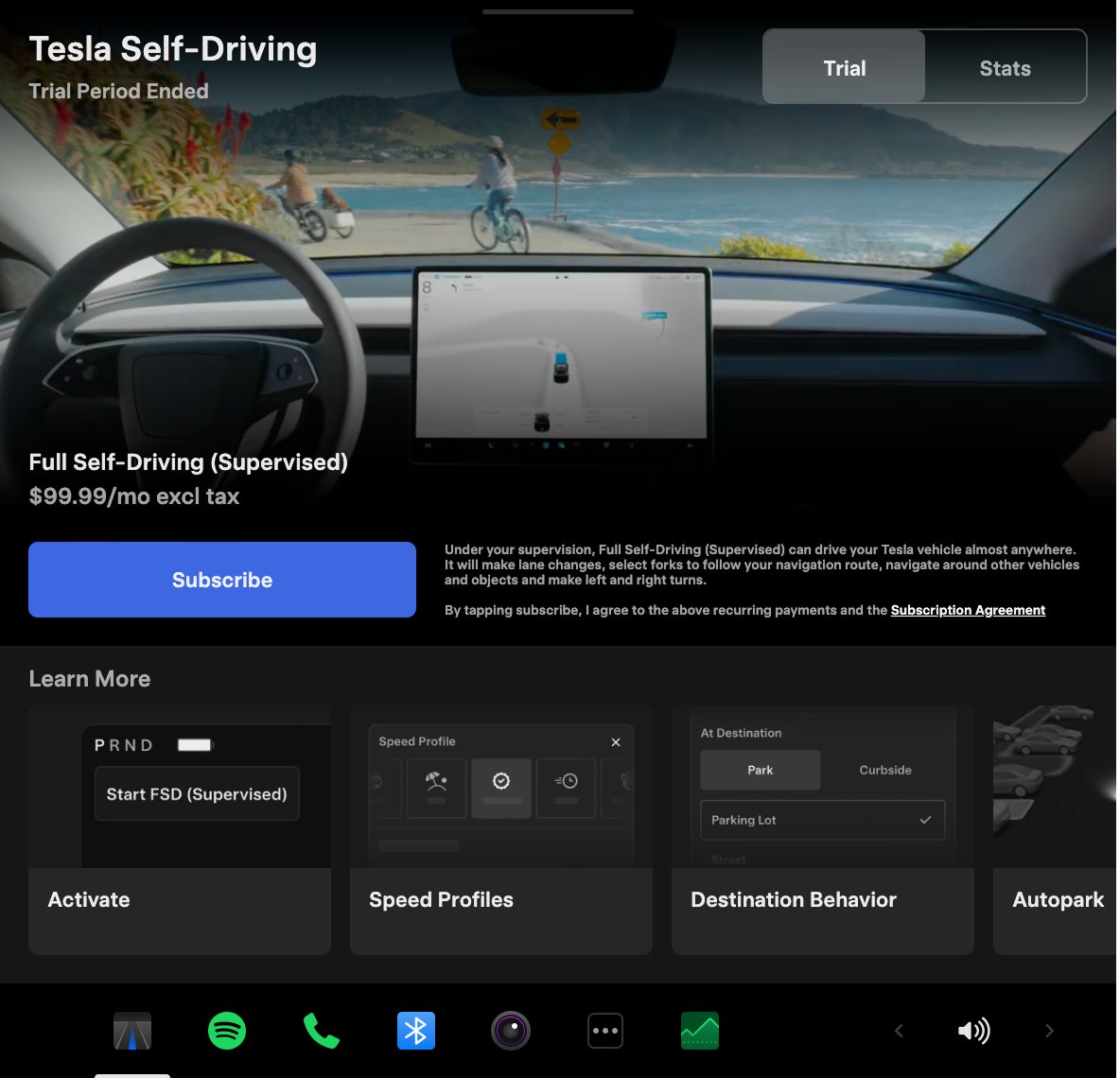
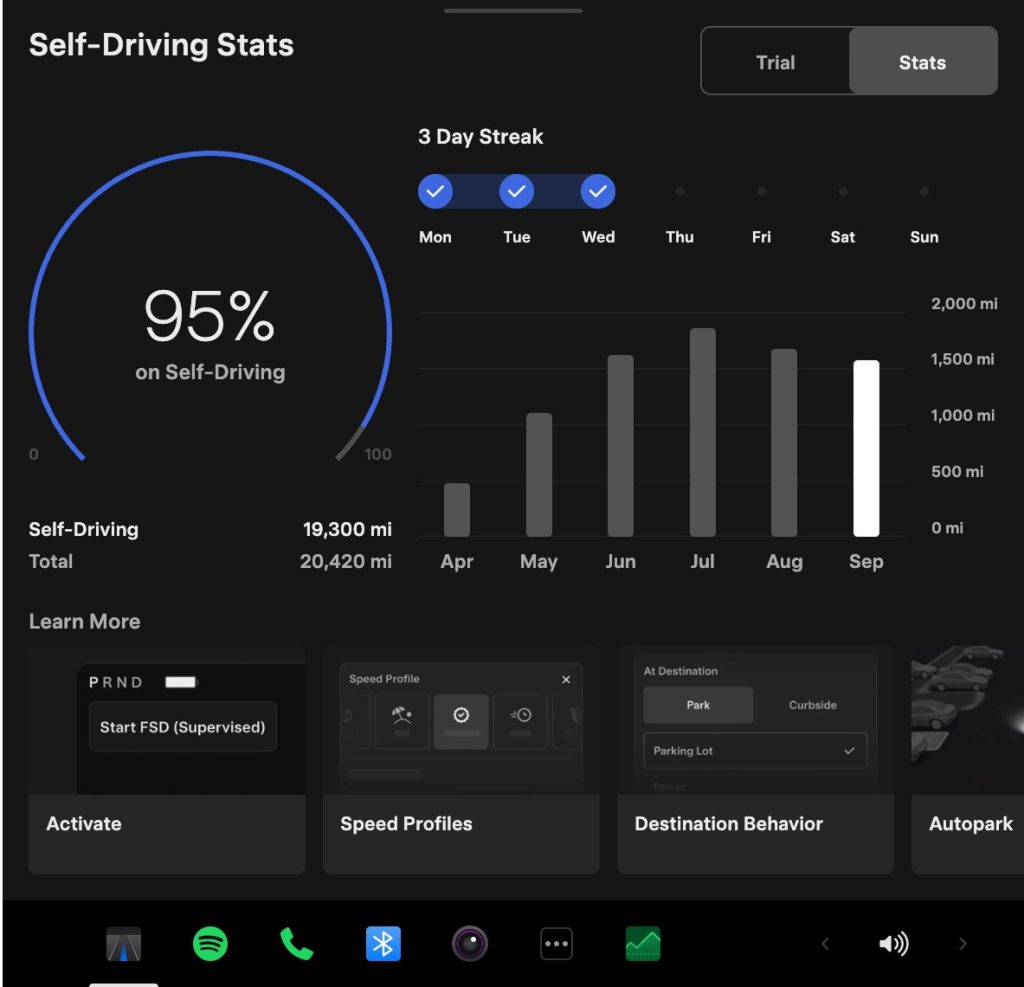
The centerpiece for owners with AI4 hardware is a redesigned Self-Driving app. The new interface lets owners subscribe to Full Self-Driving with a single tap and view ongoing FSD usage stats directly in the vehicle.
Grok gets its biggest in-car upgrade yet. The update adds a “Hey Grok” hands-free wake word along with location-based reminders, so a driver can now say “remind me to pick up groceries when I get home” without touching the screen. Grok first arrived in vehicles in July 2025, but each update has pushed it closer to genuine daily utility. Musk framed the broader vision clearly at Davos in January, saying Tesla is “really moving into a future that is based on autonomy.”
On safety, the update introduces enhanced blind spot warning lights that integrate directly with the cabin’s ambient lighting, building on the blind spot door warning that arrived in update 2026.8.
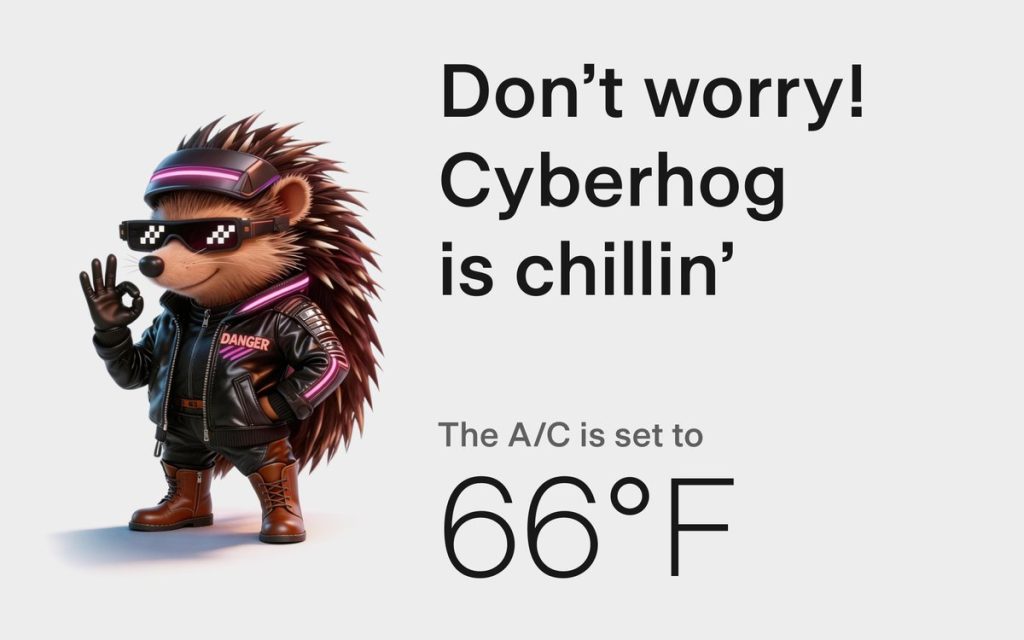
Dog Mode has been renamed Pet Mode and now lets owners choose a dog, cat, or hedgehog icon and add their pet’s name to the display.
Dashcam retention now extends up to 24 hours, up from the previous one-hour rolling loop, with a permanent save option for any clip. Weather maps now show rain and snow with better color differentiation and include the past hour of precipitation data along the route.
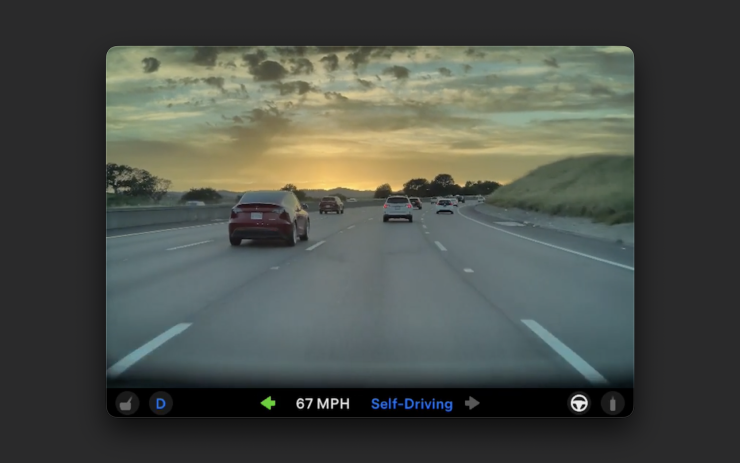
Tesla has now established a clear rhythm of two major OTA pushes per year. As with last year’s Spring update, that cycle started taking shape in 2025 with adaptive headlights and trunk customization. The 2025 Holiday Update then added Grok to the vehicle for the first time. This Spring follows that structure: the Holiday update introduces new architecture, and the Spring update broadens it across the fleet.
Two notable features still did not make it. IFTTT automations, which launched in China earlier this year, were held back from this North American release for unknown reasons, and Apple CarPlay remains absent, reportedly still delayed by iOS 26 and Apple Maps compatibility issues.
Below is the full list of feature updates released by Tesla.
— Tesla (@Tesla) April 13, 2026
It appears that Tesla may be preparing to roll out some subscription-based services soon. Based on the observations of a Wales-based Model 3 owner who performed some reverse-engineering on the Tesla mobile app, it seems that the electric car maker has added a new “Subscribe” option beside the “Buy” option within the “Upgrades” tab, at least behind the scenes.
A screenshot of the new option was posted in the r/TeslaMotors subreddit, and while the Tesla owner in question, u/Callump01, admitted that the screenshot looks like something that could be easily fabricated, he did submit proof of his reverse-engineering to the community’s moderators. The moderators of the r/TeslaMotors subreddit confirmed the legitimacy of the Model 3 owner’s work, further suggesting that subscription options may indeed be coming to Tesla owners soon.
Did some reverse engineering on the app and Tesla looks to be preparing for subscriptions? from r/teslamotors
Tesla’s Full Self-Driving suite has been heavily speculated to be offered as a subscription option, similar to the company’s Premium Connectivity feature. And back in April, noted Tesla hacker @greentheonly stated that the company’s vehicles already had the source codes for a pay-as-you-go subscription model. The Tesla hacker suggested then that Tesla would likely release such a feature by the end of the year — something that Elon Musk also suggested in the first-quarter earnings call. “I think we will offer Full Self-Driving as a subscription service, but it will be probably towards the end of this year,” Musk stated.
While the signs for an upcoming FSD subscription option seem to be getting more and more prominent as the year approaches its final quarter, the details for such a feature are still quite slim. Pricing for FSD subscriptions, for example, have not been teased by Elon Musk yet, though he has stated on Twitter that purchasing the suite upfront would be more worth it in the long term. References to the feature in the vehicles’ source code, and now in the Tesla mobile app, also listed no references to pricing.
The idea of FSD subscriptions could prove quite popular among electric car owners, especially since it would allow budget-conscious customers to make the most out of the company’s driver-assist and self-driving systems without committing to the features’ full price. The current price of the Full Self-Driving suite is no joke, after all, being listed at $8,000 on top of a vehicle’s cost. By offering subscriptions to features like Navigate on Autopilot with automatic lane changes, owners could gain access to advanced functions only as they are needed.
Elon Musk, for his part, has explained that ultimately, he still believes that purchasing the Full Self-Driving suite outright provides the most value to customers, as it is an investment that would pay off in the future. “I should say, it will still make sense to buy FSD as an option as in our view, buying FSD is an investment in the future. And we are confident that it is an investment that will pay off to the consumer – to the benefit of the consumer.” Musk said.

Tesla Semi spotted with ground truth validation equipment as launch looms

President Trump touts new Air Force One with Musk technology


