Firmware
How Does a Tesla Over-the-Air Software Update Work?

 Perhaps only geeks appreciate this, but I was excited the other day to see a Tesla over-the-air software update notification pop up on my Model S. Software updates typically consist of minor fixes and tweaks but will sometimes include new and exciting functionality. Tesla is no different. In a past article, we took a look at Tesla’s frequency of software updates and their contents, but this post will focus on the actual update process.
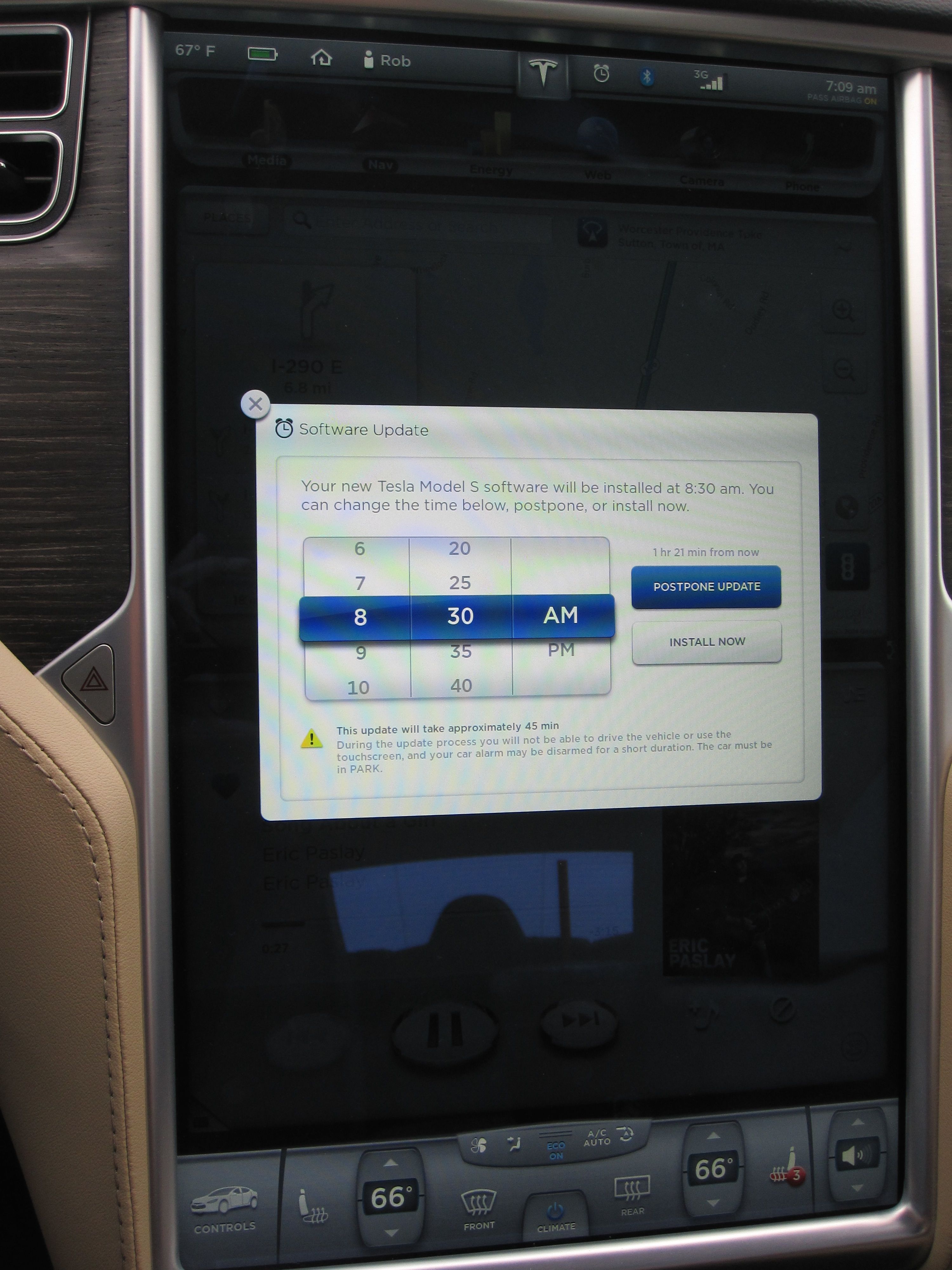
Tesla Over-the-Air Software Notification
An icon on the center touchscreen appears a new software update becomes available. Other than indicating availability of the software update, it doesn’t provide any details on what the update is about until after the installation.
Not everyone gets notified of an available update at the same time. However there are rumors that those with wifi connections tend to get updates faster than those relying only on a 3G connection.
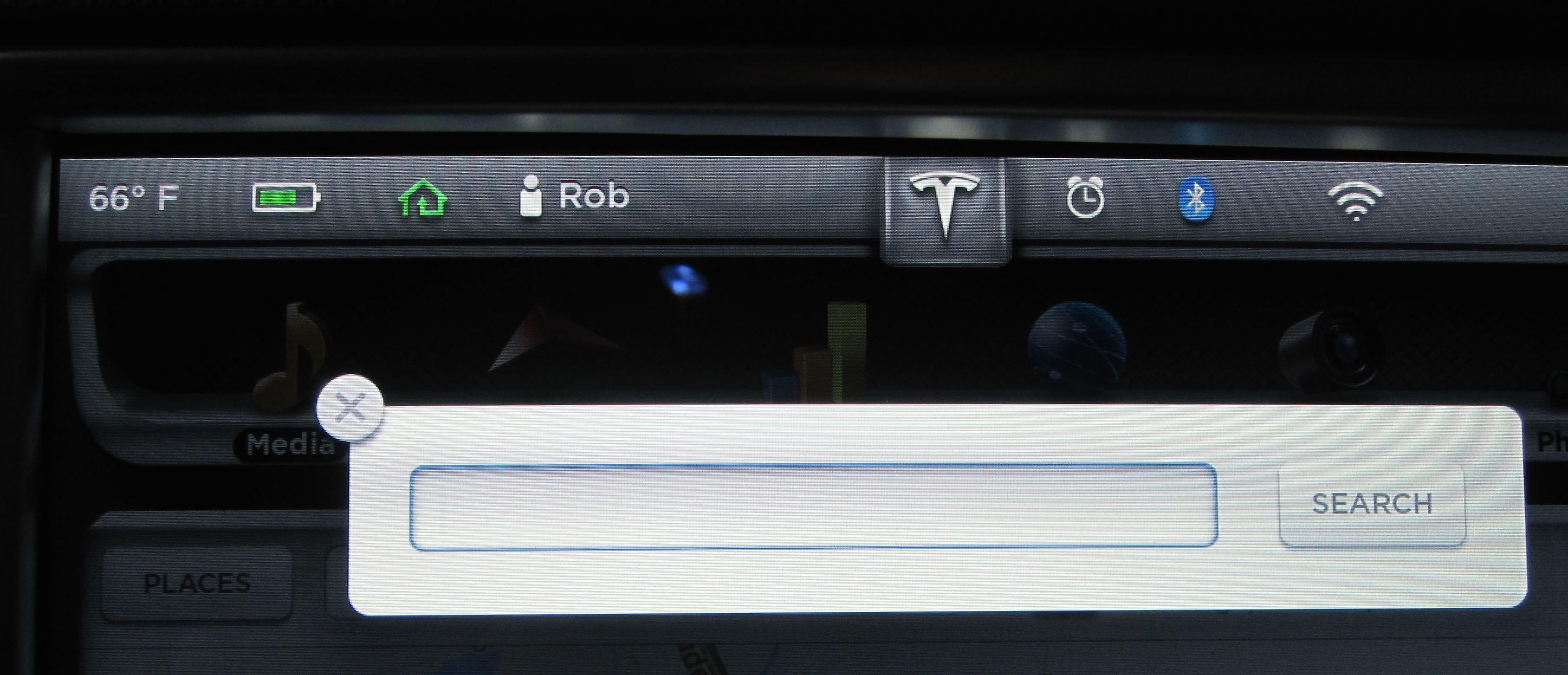
If you dismiss the notification you can make it reappear by pressing the Tesla logo at the top center of the 17″ touchscreen. Otherwise you can start the install or schedule it to auto install at a later time.
Scheduling
 The car must be in park mode for the update to get applied which can take upwards of 45 minutes to install.
This was my first time experiencing a Tesla over-the-air software update so I decided to schedule the install 5 minutes in the future so I can watch the entire process.
Once scheduled, a new clock icon appears at the top of the 17″ screen. Clicking on it brings you back to the scheduling options for the software update but otherwise it will just remind you that scheduling has already taken place.
Updating
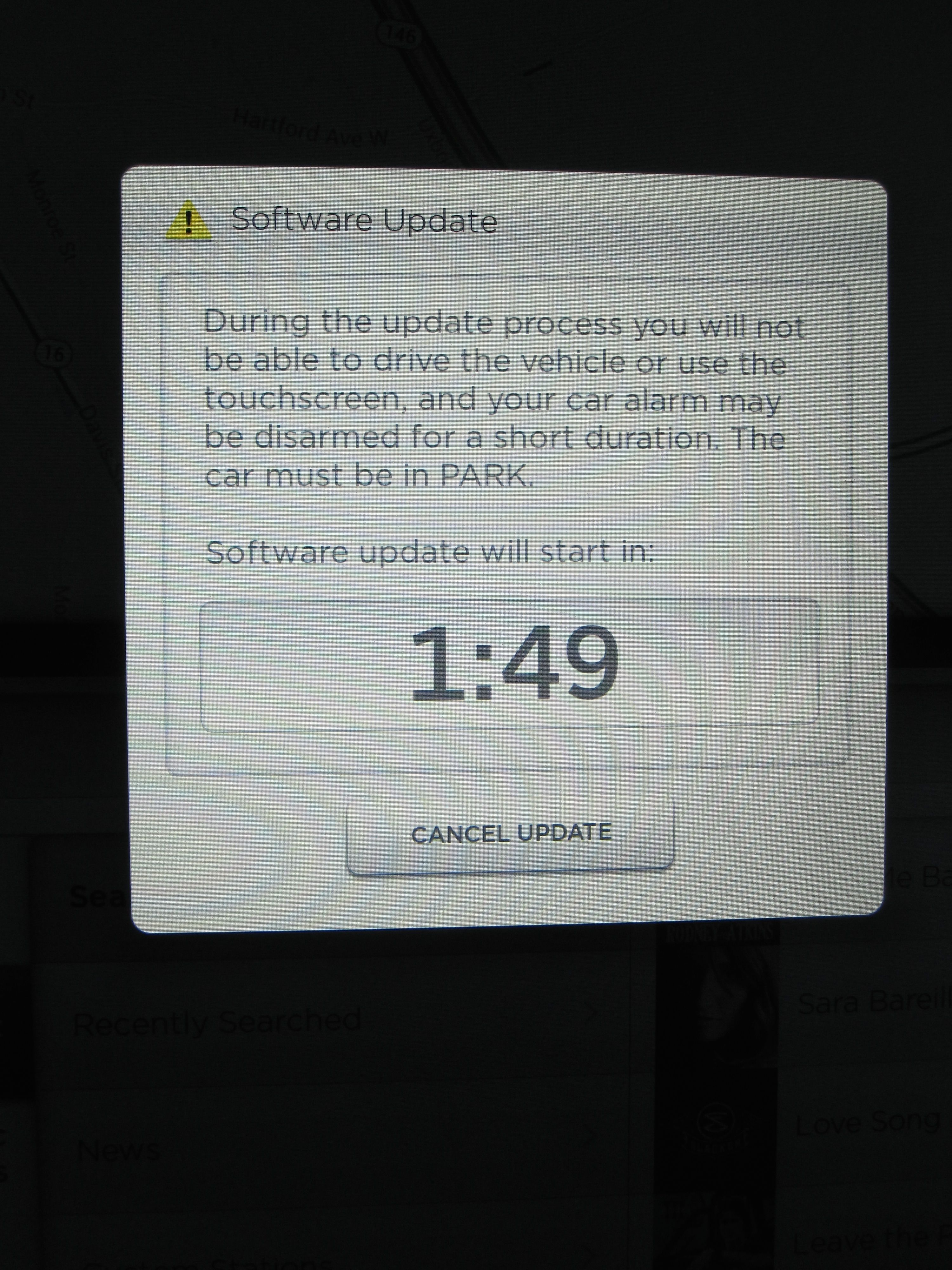 A countdown notifies you that the Model S is about to install a software update. The ability to cancel the update is present, but once you run out of the countdown, the update will begin. And that’s about it for up to 45 minutes.
Most people would walk away at this point, but the engineer in me couldn’t do that so I sat in the car for the entire update.
Your Model S will likely do things you didn’t know it could do. It’s going to make sounds, flash lights, spin fans, gurgle and do all sorts of other scary things. By the way, did you know your glove box button is lit?
There are a lot of components in a Model S. According to TeslaTap, there are 432 lights, 50 motors/solenoids, 52 processors and a host of other complex machinery in the Model S. Each component is controlled through software and thus paired with a test program.
The whole experience was kind of disturbing and I’m not sure I’d sit through another. At one point in the process the dash read this:

Although I was thinking “Uh oh, I bricked my $100K car!” Rather than hopping on the phone with Tesla, I waited it out. After 22 minutes of more frightening behavior including lost temperature readings, mismatched clocks on dash vs 17″ display, the sound of brakes tightening, and other exciting things, the touchscreen told me the update was successful.
Result
I lived through the Tesla over-the-air software update. I had previously been on version 5.9 (1.51.94) and was expecting to see version 5.11 but was disappointed to see the same 5.9 release notes when the update completed. Same minor release as before but just a few builds later.
I have no idea what Tesla did to my car since the release notes were identical between what I had and what I just got. I can’t say that I’ve noticed anything different since the update but I assume something was fixed or improved. I make sure my Model S is on wifi at all times (whenever possible) just to ensure I don’t miss my chance at getting an early Tesla over-the-air software update!


Firmware
Tesla unlocks in-car web conferencing to extend Google Meet, Teams and beyond
Tesla’s Summer Update lets owners join Google Meet, Teams, and Discord calls via cabin camera.

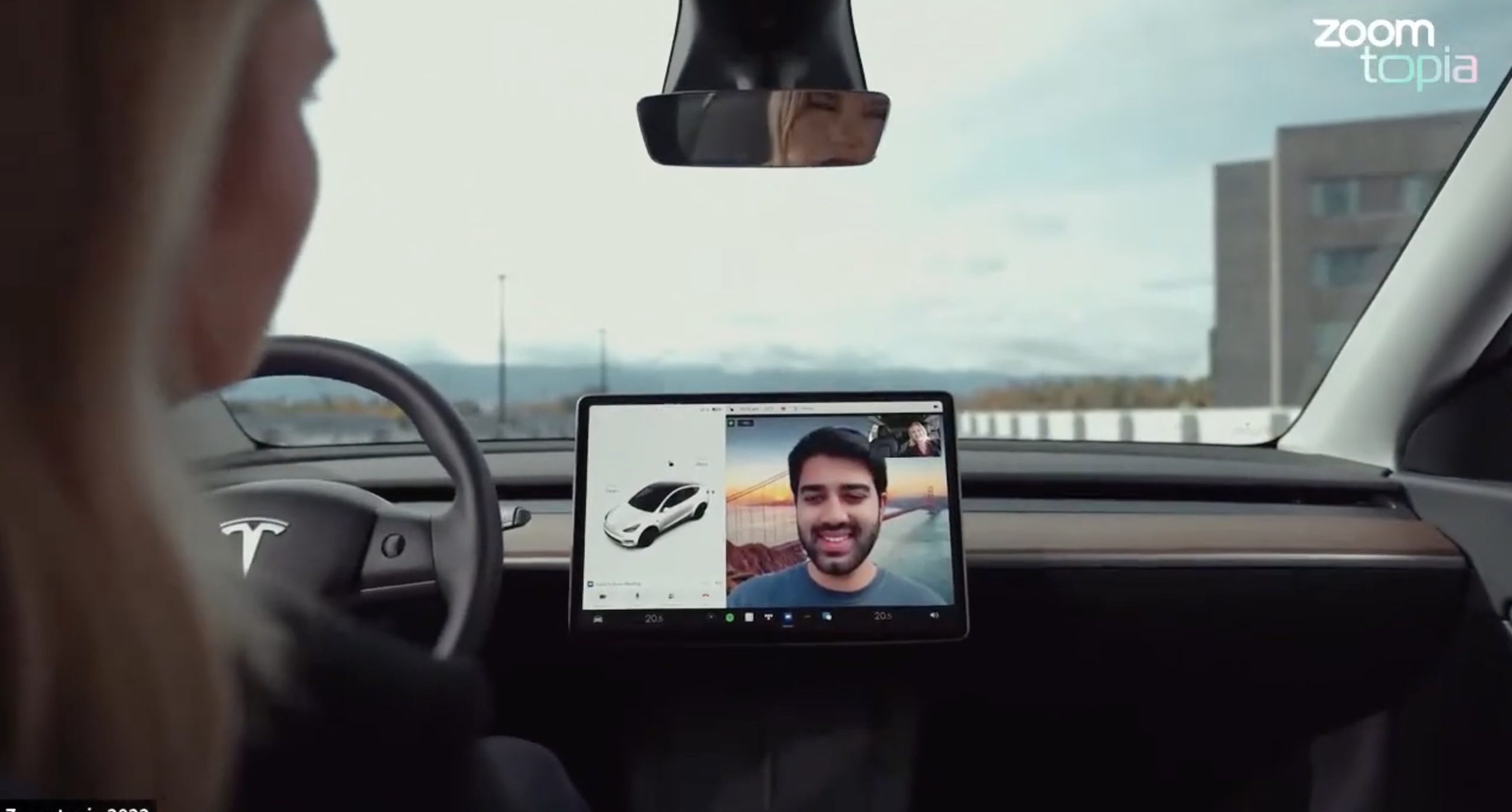
Tesla’s 2026 Summer Update, which just began rolling out to customer vehicles, now links the built-in web browser with the in-cabin camera feed and microphone input, thereby letting owners join video calls on nearly any browser-based service instead of just Zoom.
The change appears in Tesla’s own release notes for software version 2026.26 under “Web Browser,” which states that the vehicle can now use its interior camera and cabin microphone when a website requests access, with permission granted the same way a desktop browser handles it. As NotATeslaApp notes, this feature opens the door to Google Meet, Microsoft Teams, Discord, and other webcam-enabled sites to activate the in-car cabin-facing camera. The feed automatically crops and zooms to center the driver in frame.
Tesla has offered in-car video calling before, but only through a dedicated Zoom app that launched at the end of 2022, a stripped-down browser preloaded with Zoom’s own web client and gated behind Premium Connectivity. Opening the full browser to any camera-requesting site removes that walled garden. Elon Musk first called video conferencing “definitely a future feature” back in 2020, when the pandemic pushed remote meetings into daily life, so this update effectively finishes something Tesla has been promising for six years.
Tesla Summer Update begins rolling out: a look at the new features
The feature keeps the same restrictions that applied to Zoom on Tesla vehicles. It only works while the car is parked; shifting into Drive disables the camera feed, according to the release notes. It is also limited to vehicles running Tesla’s AMD Ryzen infotainment hardware, meaning older Intel-based Model S and Model X units, along with early Model 3 and Model Y builds, don’t get it.
Turning the browser into a general entry point for the in-cabin camera, rather than routing everything through one local app, widens the number of third-party sites that can ask for access, even though Tesla’s permission prompt.
With the Summer update only days into its rollout, be sure to stay with us on TikTok and X to see the latest video demonstrations.
Elon Musk
Tesla confirmed HW3 can’t do Unsupervised FSD but there’s more to the story
Tesla confirmed HW3 vehicles cannot run unsupervised FSD, replacing its free upgrade promise with a discounted trade-in.
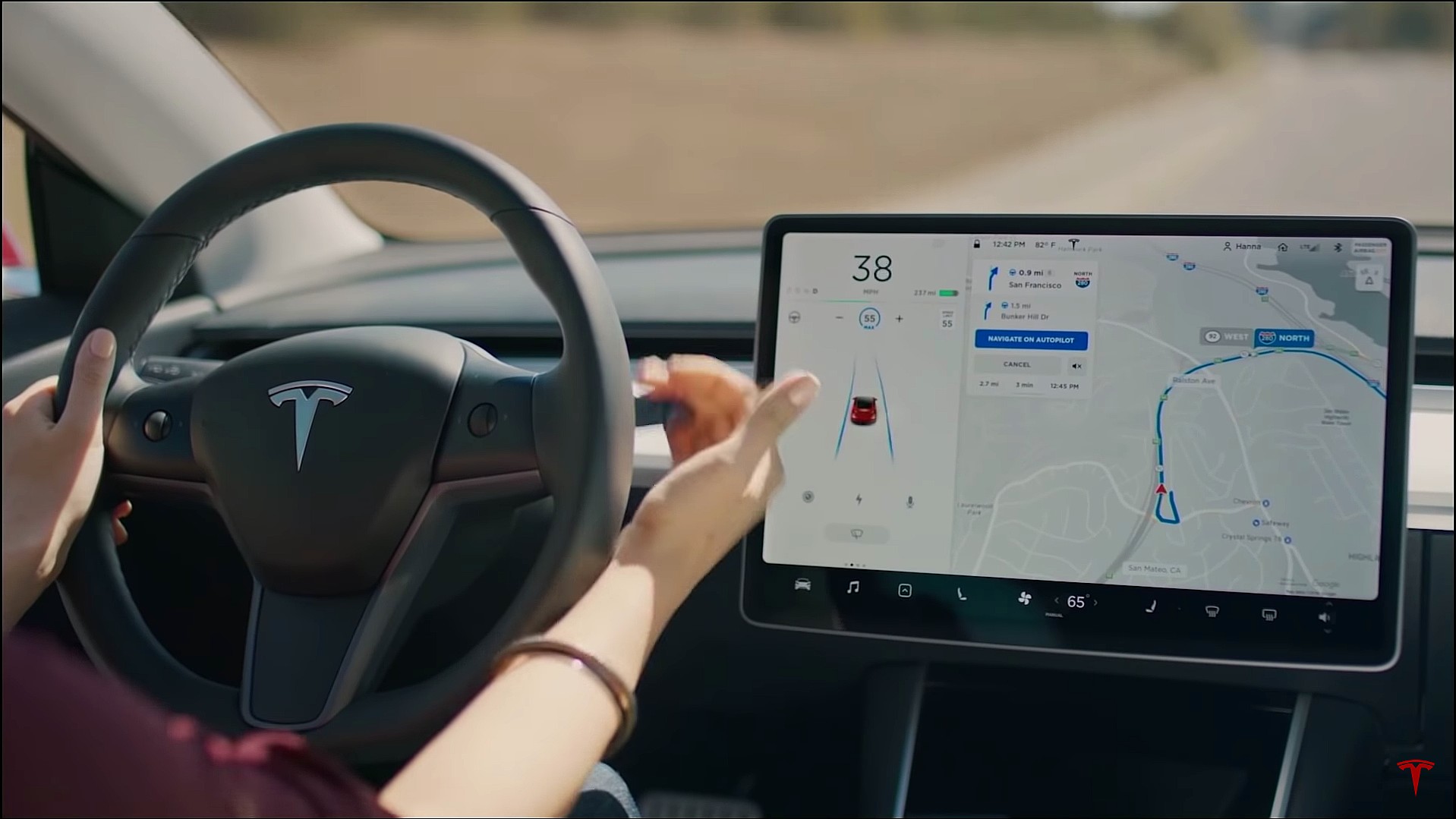
Tesla has officially confirmed that early vehicles with its Autopilot Hardware 3 (HW3) will not be capable of unsupervised Full Self-Driving, while extending a path forward for legacy owners through a discounted trade-in program. The announcement came by way of Elon Musk in today’s Tesla Q1 2026 earnings call.
🚨 Our LIVE updates on the Tesla Earnings Call will take place here in a thread 🧵
Follow along below: pic.twitter.com/hzJeBitzJU
— TESLARATI (@Teslarati) April 22, 2026
The history here matters. HW3 launched in April 2019, and Tesla sold Full Self-Driving packages to owners on the understanding that the hardware was sufficient for full autonomy. Some owners paid between $8,000 and $15,000 for FSD during that period. For years, as FSD’s AI models grew more demanding, HW3 vehicles fell progressively further behind, eventually landing on FSD v12.6 in January 2025 while AI4 vehicles moved to v13 and then v14. When Musk acknowledged in January 2025 that HW3 simply could not reach unsupervised operation, and alluded to a difficult hardware retrofit.
The near-term offering is more concrete. Tesla’s head of Autopilot Ashok Elluswamy confirmed on today’s call that a V14-lite will be coming to HW3 vehicles in late June, bringing all the V14 features currently running on AI4 hardware. That is a meaningful software update for owners who have been frozen at v12.6 for over a year, and it represents genuine effort to keep older hardware relevant. Unsupervised FSD for vehicles is now targeted for Q4 2026 at the earliest, with Musk describing it as a gradual, geography-limited rollout.
For HW3 owners, the over-the-air V14-lite update is welcomed, and the discounted trade-in path at least acknowledges an old obligation. What happens next with the trade-in pricing will define how this chapter ultimately gets written. If Tesla prices the hardware path fairly, acknowledges what early adopters are owed, and delivers V14-lite on the June timeline it committed to today, it has a real opportunity to convert one of the longest-running sore subjects among early adopters into a loyalty story.
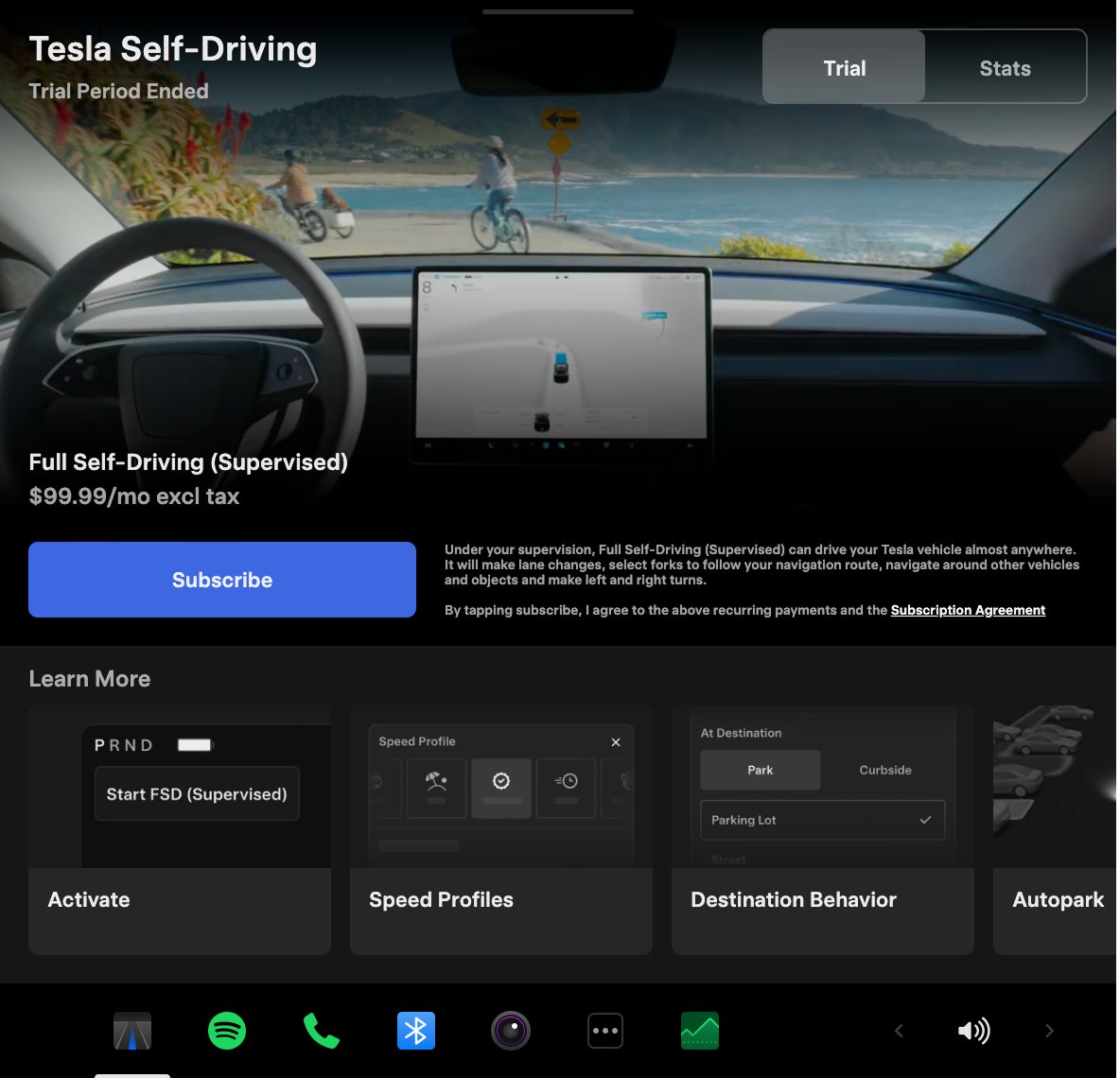
Tesla announced its Spring 2026 software update, and it’s the most feature-dense seasonal release the company has put out. The update covers twelve named changes spanning FSD, voice AI, safety lighting, dashcam storage, and pet display customization, among other things.
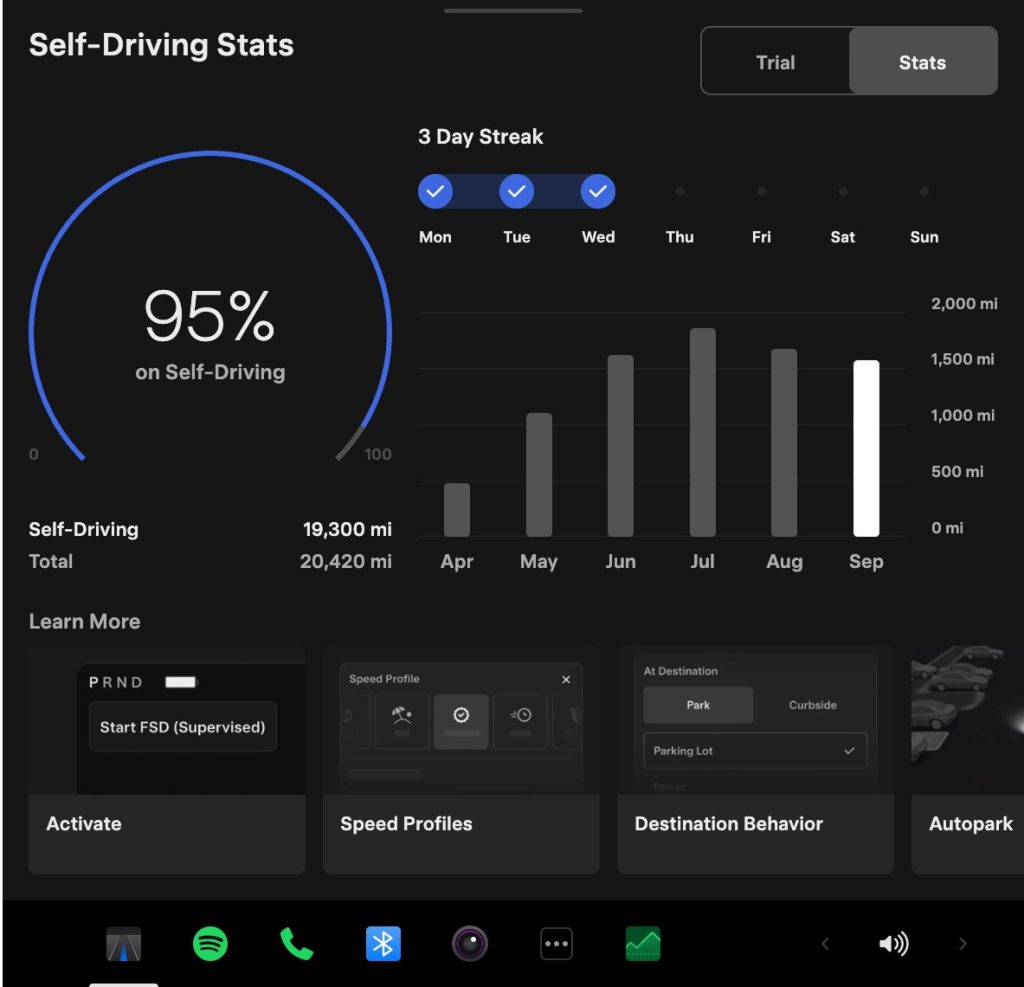
The centerpiece for owners with AI4 hardware is a redesigned Self-Driving app. The new interface lets owners subscribe to Full Self-Driving with a single tap and view ongoing FSD usage stats directly in the vehicle.
Grok gets its biggest in-car upgrade yet. The update adds a “Hey Grok” hands-free wake word along with location-based reminders, so a driver can now say “remind me to pick up groceries when I get home” without touching the screen. Grok first arrived in vehicles in July 2025, but each update has pushed it closer to genuine daily utility. Musk framed the broader vision clearly at Davos in January, saying Tesla is “really moving into a future that is based on autonomy.”
On safety, the update introduces enhanced blind spot warning lights that integrate directly with the cabin’s ambient lighting, building on the blind spot door warning that arrived in update 2026.8.
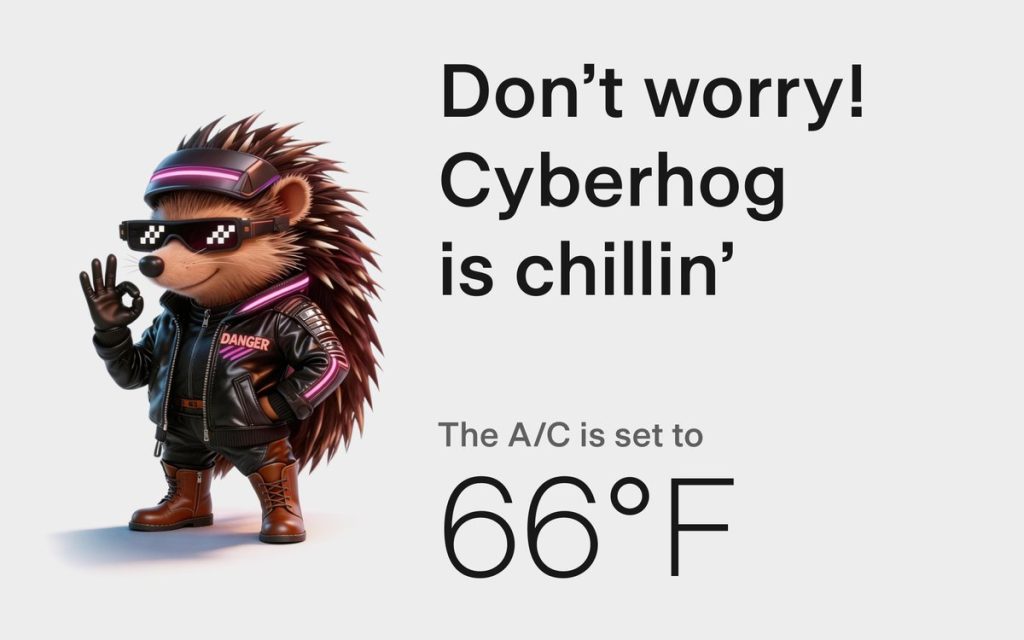
Dog Mode has been renamed Pet Mode and now lets owners choose a dog, cat, or hedgehog icon and add their pet’s name to the display.
Dashcam retention now extends up to 24 hours, up from the previous one-hour rolling loop, with a permanent save option for any clip. Weather maps now show rain and snow with better color differentiation and include the past hour of precipitation data along the route.
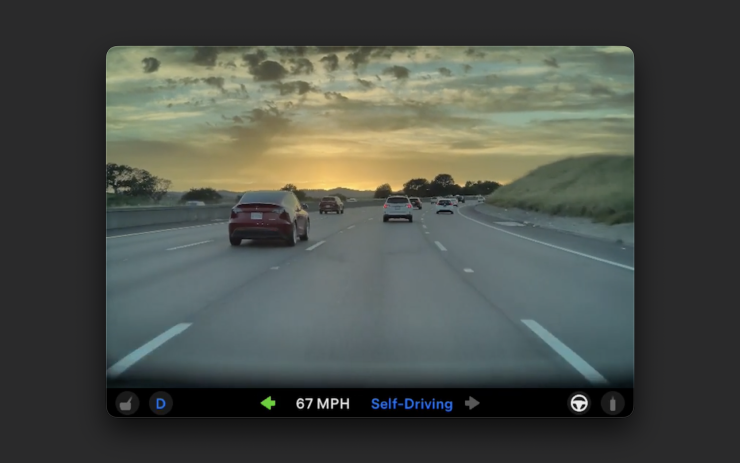
Tesla has now established a clear rhythm of two major OTA pushes per year. As with last year’s Spring update, that cycle started taking shape in 2025 with adaptive headlights and trunk customization. The 2025 Holiday Update then added Grok to the vehicle for the first time. This Spring follows that structure: the Holiday update introduces new architecture, and the Spring update broadens it across the fleet.
Two notable features still did not make it. IFTTT automations, which launched in China earlier this year, were held back from this North American release for unknown reasons, and Apple CarPlay remains absent, reportedly still delayed by iOS 26 and Apple Maps compatibility issues.
Below is the full list of feature updates released by Tesla.
— Tesla (@Tesla) April 13, 2026

Tesla reveals Optimus Academy, where robots teach themselves

The Starship moon landing number NASA and Elon Musk can’t agree on


