Tesla Model 3
Tesla Model 3 ditches fob for keycard and Bluetooth smartphone access

As we originally reported, Tesla has confirmed that accessing and starting the Model 3 can be done through the use of a keycard but also through one’s smartphone.
Updated: We’ve included the official Tesla Model 3 keys manual at the bottom of the article.
The Silicon Valley electric car company has ditched the ubiquitous Tesla key fob in the Model 3 for a pair of near-field communication (NFC) keycards that can be used for accessing the car. The cards are embedded with a tiny chip that acts as a digital signature for the vehicle.
If you haven't seen it, no more digging around for keys – keep #Tesla Model 3 card in wallet. pic.twitter.com/Fr63UdQZMn
— follow me @bonnienorman on 💙sky (@bonnienorman) July 29, 2017
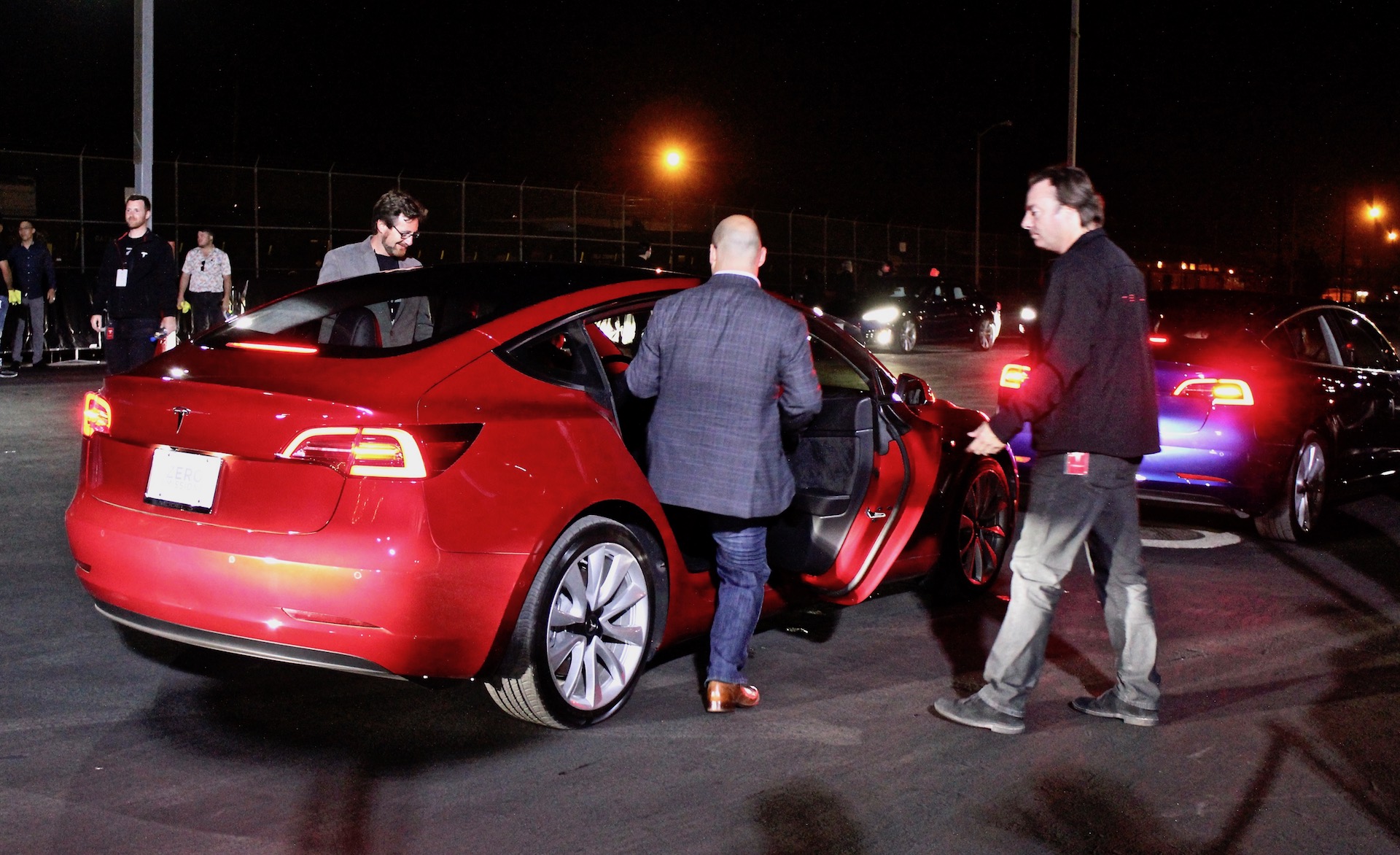
Since NFC technology generally has a limited transmission range of roughly 4-inches, Model 3 owners will be required to tap the B-pillar to unlock the door, followed by a tap between the front seats to start the car. This would explain why Tesla SVP of Engineering Doug Field was seen placing the keycard inside Model 3’s front cupholders.
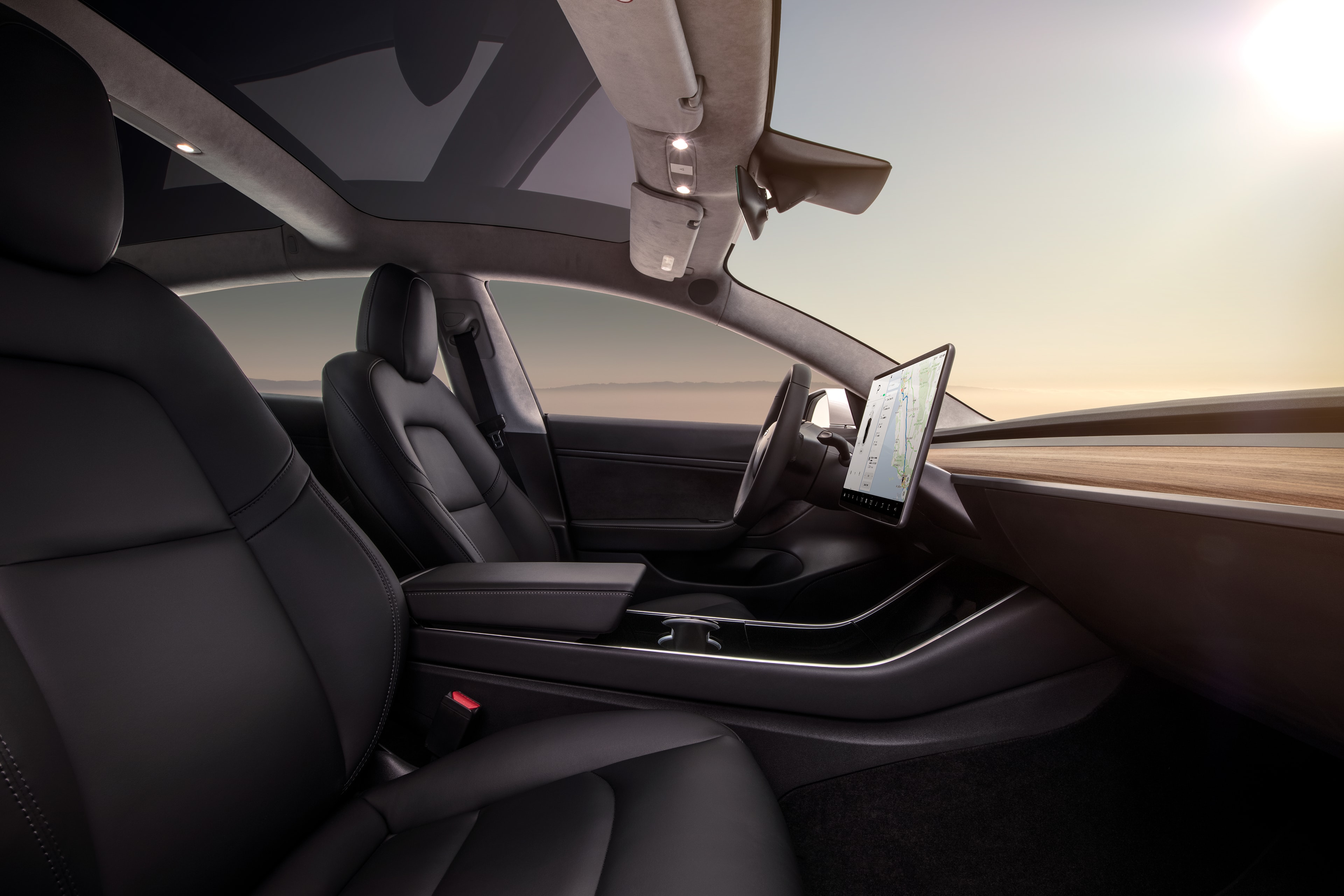
Tesla has also incorporated a digital key that’s transmitted through a driver’s smartphone using Bluetooth LE, a low energy standard for Bluetooth that’s supported by most smartphones. Unlike Tesla’s current keyless entry system that requires drivers to access a sequence of buttons on its mobile app, Model 3 will use a unique bluetooth signal from your phone to unlock the car as you approach it, and start it when you get inside.
The decision to do away with the Tesla key fob that’s currently being used in the Model S and Model X is seen as a move that allows the company to further cut costs on Model 3 production, and reduce complexity wherever possible.
We’ve published the full specification list for Model 3 which includes itemized upgrade pricing for its long range 310 mile option.
[pdf-embedder url=”http://www.teslarati.com/wp-content/uploads/2017/07/tesla-model_3_keys-manual.pdf”]



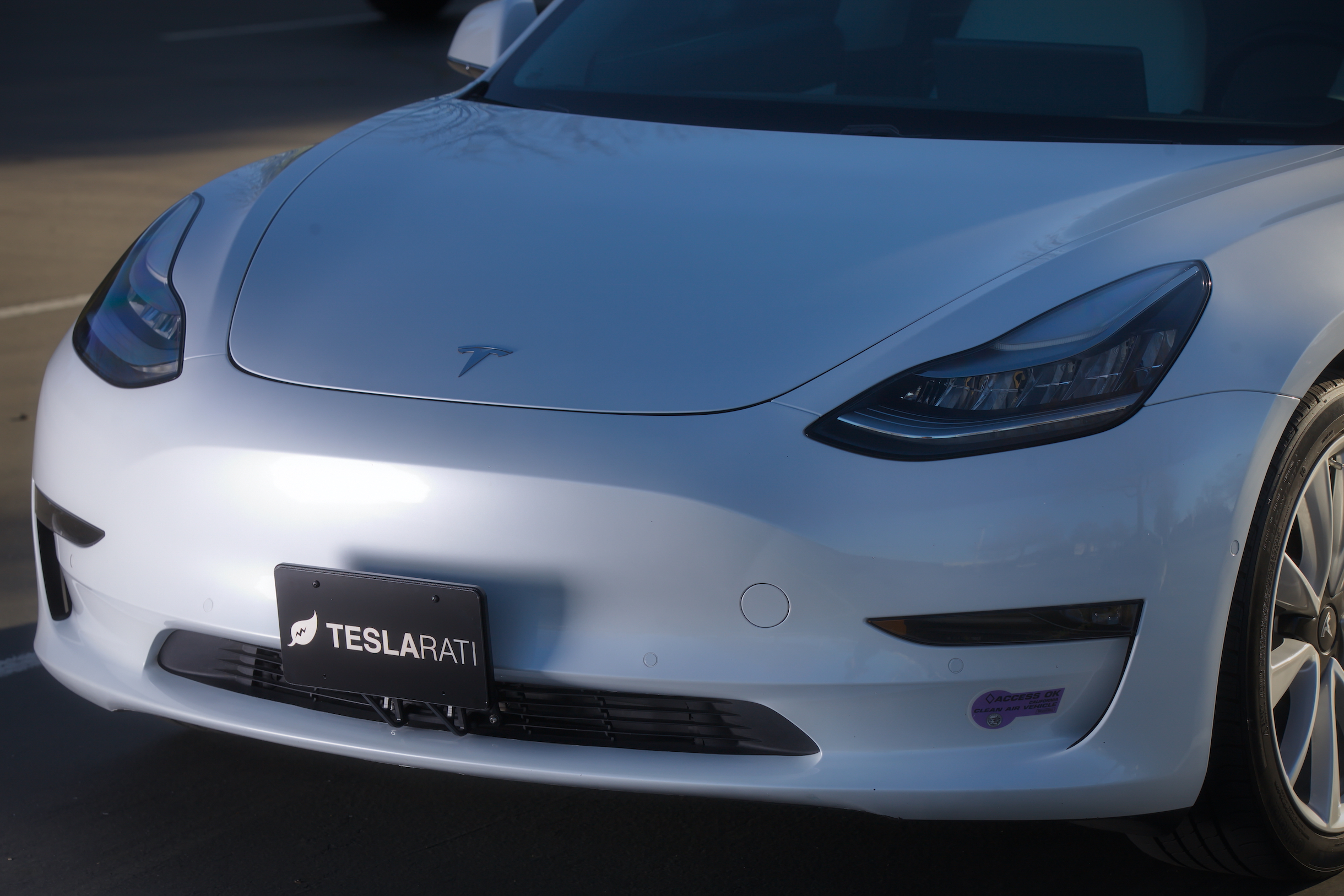
Tesla headlights have caused a recall of over 20,000 of the company’s two most popular vehicles, the Model 3 and Model Y, due to the low-beam bulb exceeding the maximum allowed intensity according to federal standards.
Tesla initiated the recall with the National Highway Traffic Safety Administration (NHTSA) this morning, stating that the low-beam output “exceeds the maximum allowed intensity in the outer upper-right and outer upper-left areas of the 10U and 90U zone, as prescribed in FMVSS No. 108.”
Tesla sourced the impacted headlights from Marelli Automotive Lighting, a Mexico-based company. The recall impacts 2020-2023 Model Y vehicles and 2017-2023 Model 3 vehicles. It is estimated that every VIN in this recall is impacted by the defect.
🚨 Tesla is recalling 20,349 2020-23 Model Y vehicles and 2017-23 Model 3 vehicles due to an excessively bright headlamp low beam.
Currently, there is no remedy plan in place, as it is still being developed. pic.twitter.com/y34cIO2U0B
— TESLARATI (@Teslarati) August 11, 2026
Typically, Tesla would remedy recalls of this nature through an Over-the-Air software update, which has been a major focus of criticism by the company and its supporters because the NHTSA still refers to it as a “recall,” even though it requires no action by the vehicle owner. The fix is shipped over the internet and downloaded to the car.
However, there appears to be a potentially different solution for this problem. Tesla has not developed a remedy for this issue, so it could potentially be on the way. The big issue appears to be the fact that these recalled lamps are out of production, and this is an old body style for both vehicles. The headlights and front-end designs are completely different.
Tesla switched to another supplier when the affected headlight design was discontinued. It plans to begin notifying owners of their remedy options by September 15.
Tesla filed a petition protesting the recall to fix the vehicles’ headlight issue, but the NHTSA denied it. Now, Tesla will come up with a solution to fix it.
Elon Musk
The Boring Company’s newest tunnel vehicle runs on Tesla parts and no one is driving it
The Boring Company’s new tunnel vehicle runs on Tesla Model 3 batteries and drive units.
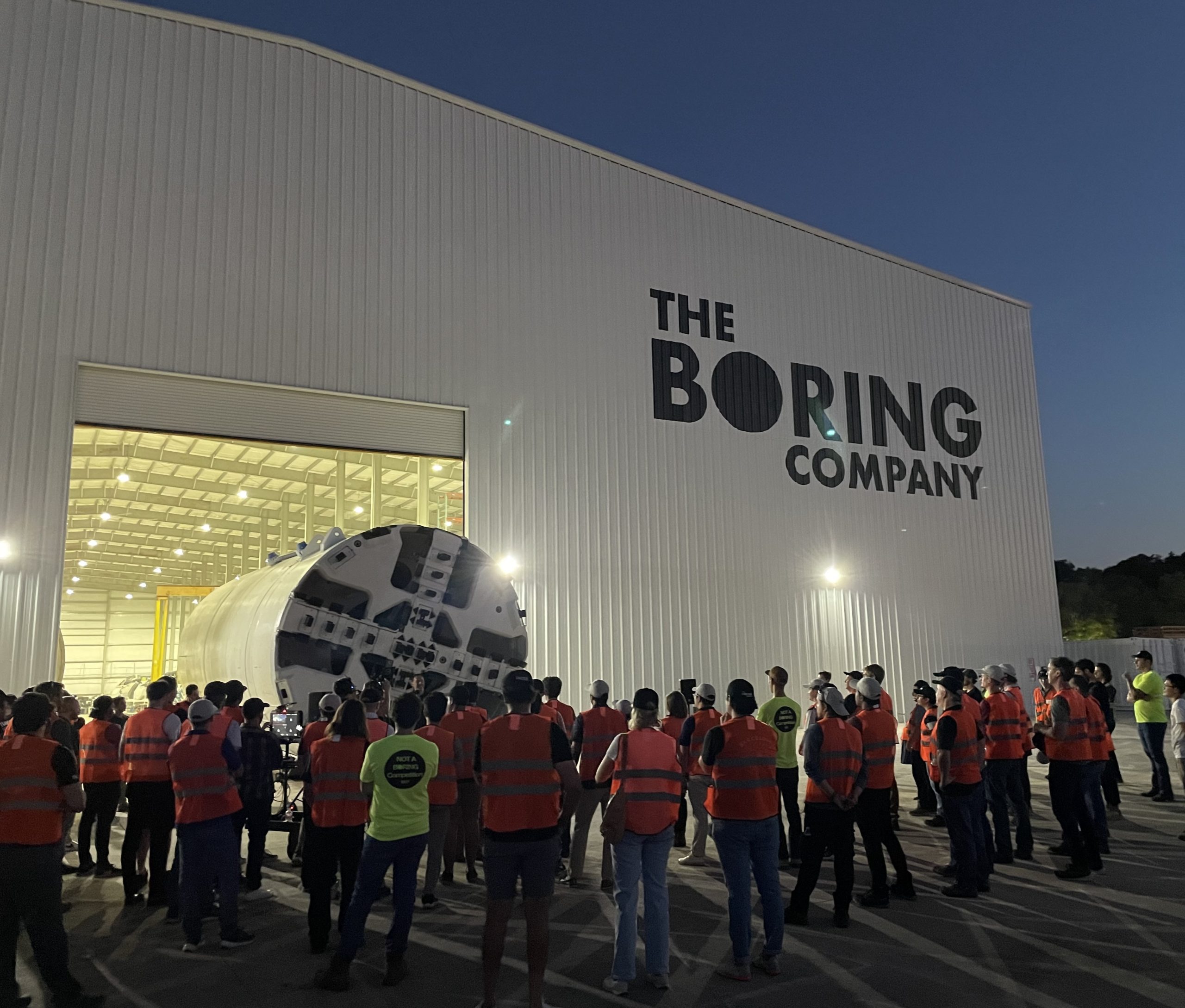
The Boring Company just introduced a new piece of hardware, and it runs on parts pulled straight from a Tesla showroom. Liner Truck 3, unveiled in a post from the tunneling company’s official X account, is an all electric vehicle built around Tesla Model 3 battery packs and drive units, purpose built to move concrete tunnel segments to the boring machine face without a single person underground.
Introducing Liner Truck 3 — our latest fully electric tunnel vehicle.
– Tesla Model 3 battery and drive units
– Transports 22,000+ lb of concrete segments to the boring machine
– 28 miles of range
– 12 mph max operating speed
– Remotely piloted from Global OCC in Texas, with… pic.twitter.com/XB7FgSXnpy— The Boring Company (@boringcompany) August 7, 2026
The job itself is unglamorous but critical. Each precast segment run weighs more than 22,000 pounds, roughly the load of a full cement mixer, and Liner Truck 3 hauls that weight repeatedly between the surface staging area and wherever the Prufrock machine happens to be cutting.
The Boring Company said Liner Truck 3 is piloted remotely out of its Global Operations Control Center in Texas, extending the Zero-People-In-Tunnel approach the company has spent years building toward. An earlier version of a ZPIT liner truck was already tested at the company’s Bastrop, Texas research tunnels, and a factory tour released last month showed an employee flying a fully loaded liner truck with a PlayStation controller. Liner Truck 3 looks like the production version of that same idea, cleaned up and pushed into daily use.
The timing lines up with a company digging in more places than it ever has before. The Boring Company now has multiple Prufrock machines active or arriving in Nashville, where Music City Loop construction has been accelerating since February, and its Vegas Loop network keeps adding tunnel mileage on a near monthly basis. Every one of those projects depends on getting concrete segments to the cutting face fast enough to keep the boring machine from idling, which is exactly the bottleneck Liner Truck 3 is designed to remove.
It also reinforces something Tesla owners have watched happen gradually across Musk’s companies: passenger car hardware finding a second life in heavy equipment. Model 3 drive units already move people through the Vegas Loop, and now the same components are hauling concrete underground in Nashville and wherever The Boring Company digs next. Whether that kind of component reuse extends further into TBC’s equipment lineup, or into other Musk owned industrial hardware, is the next thing worth watching.
Firmware
Tesla unlocks in-car web conferencing to extend Google Meet, Teams and beyond
Tesla’s Summer Update lets owners join Google Meet, Teams, and Discord calls via cabin camera.
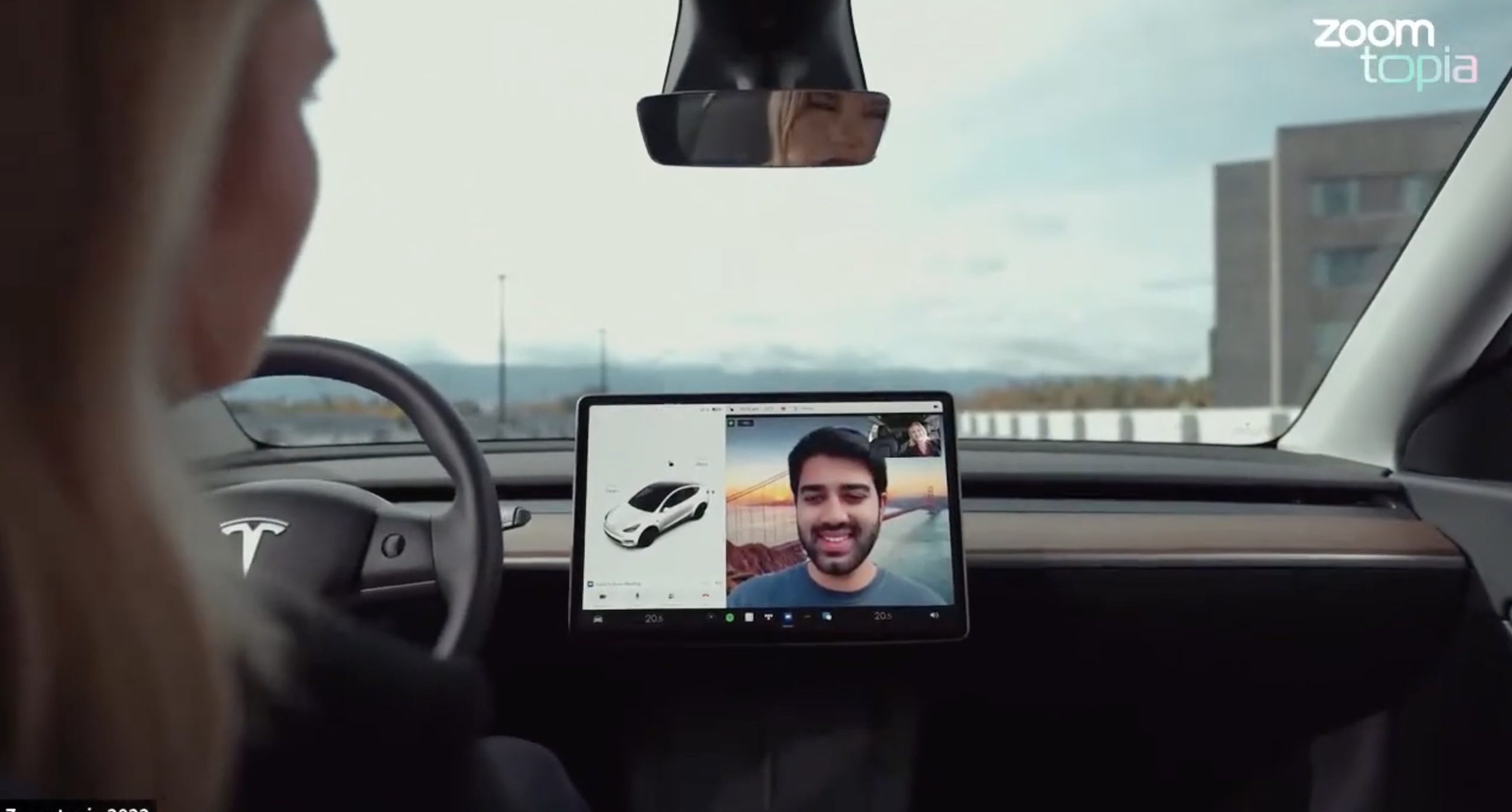
Tesla’s 2026 Summer Update, which just began rolling out to customer vehicles, now links the built-in web browser with the in-cabin camera feed and microphone input, thereby letting owners join video calls on nearly any browser-based service instead of just Zoom.
The change appears in Tesla’s own release notes for software version 2026.26 under “Web Browser,” which states that the vehicle can now use its interior camera and cabin microphone when a website requests access, with permission granted the same way a desktop browser handles it. As NotATeslaApp notes, this feature opens the door to Google Meet, Microsoft Teams, Discord, and other webcam-enabled sites to activate the in-car cabin-facing camera. The feed automatically crops and zooms to center the driver in frame.
Tesla has offered in-car video calling before, but only through a dedicated Zoom app that launched at the end of 2022, a stripped-down browser preloaded with Zoom’s own web client and gated behind Premium Connectivity. Opening the full browser to any camera-requesting site removes that walled garden. Elon Musk first called video conferencing “definitely a future feature” back in 2020, when the pandemic pushed remote meetings into daily life, so this update effectively finishes something Tesla has been promising for six years.
Tesla Summer Update begins rolling out: a look at the new features
The feature keeps the same restrictions that applied to Zoom on Tesla vehicles. It only works while the car is parked; shifting into Drive disables the camera feed, according to the release notes. It is also limited to vehicles running Tesla’s AMD Ryzen infotainment hardware, meaning older Intel-based Model S and Model X units, along with early Model 3 and Model Y builds, don’t get it.
Turning the browser into a general entry point for the in-cabin camera, rather than routing everything through one local app, widens the number of third-party sites that can ask for access, even though Tesla’s permission prompt.
With the Summer update only days into its rollout, be sure to stay with us on TikTok and X to see the latest video demonstrations.

SpaceX completes another secret Pentagon launch, adding to suspected Starshield buildout

Tesla hints at new Roadster design in surprise clip


