News
SpaceX Crew Dragon NASA astronaut launch debut will carry a surprise payload

SpaceX has plans to include a surprise payload aboard Crew Dragon’s inaugural NASA astronaut launch, scheduled to lift off as soon as May 27th.
Per a NASA update published on May 13th, SpaceX and the space agency remain on track for what will arguably be the company’s single most important mission since its founding in 2002. Over the last 6-9 years, depending on how one counts, SpaceX and NASA have worked relentlessly to develop the next-generation Crew Dragon spacecraft, a dramatically different variant of the extensively flown Cargo Dragon (Dragon 1).
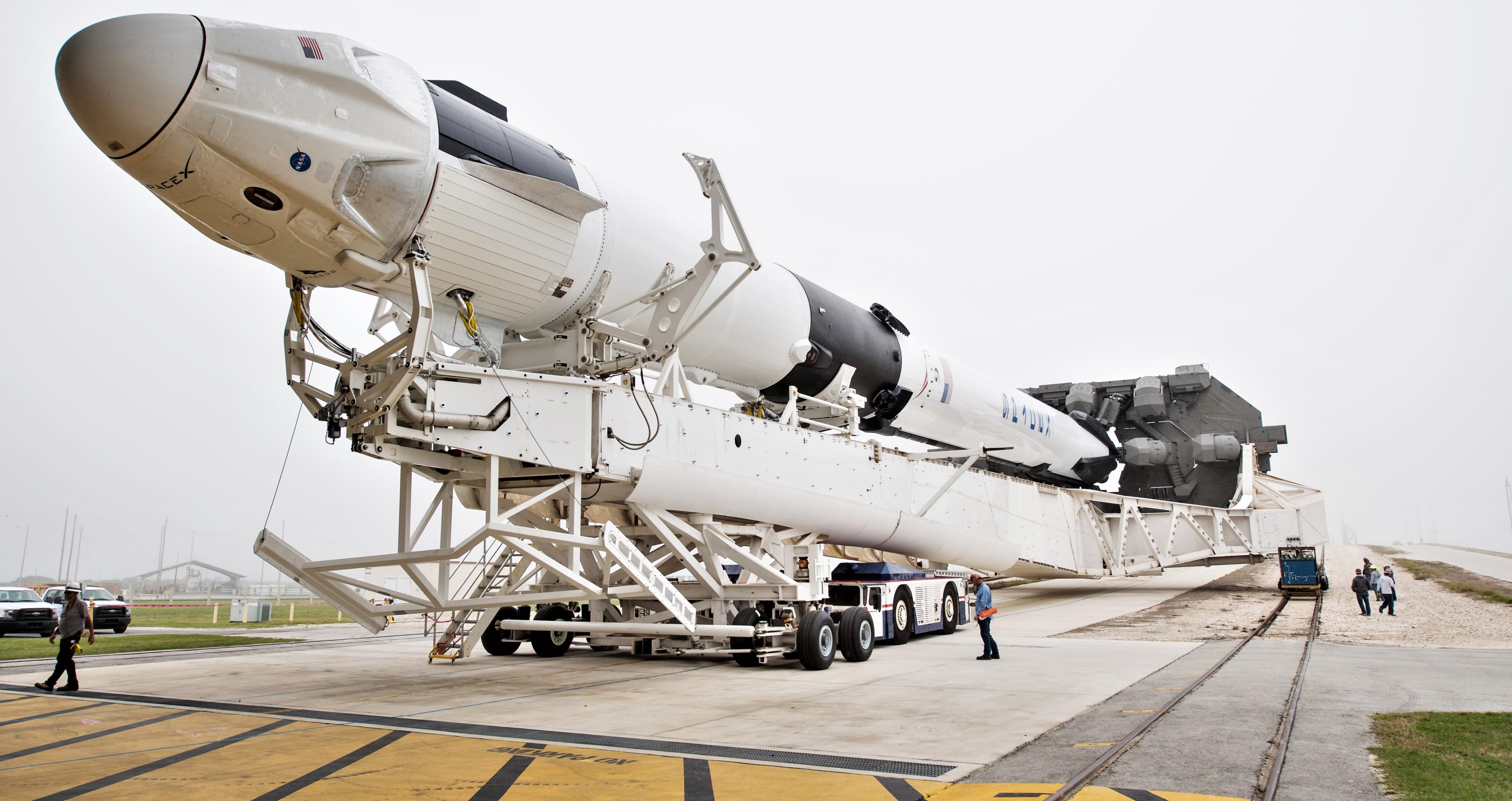
Although the spacecraft’s next launch will be both its and SpaceX’s first crewed launch ever, Crew Dragon has already completed two successful abort tests in 2015 and 2020, as well as a flawless orbital launch debut in March 2019. Just shy of 16 months and no shortage of technical hurdles since that uncrewed orbital debut, the third Crew Dragon spacecraft completed by SpaceX (capsule C206) and a brand new Falcon 9 rocket are ready to make history. Now, on top of the many historic milestones attached to Crew Dragon’s Demo-2 mission, NASA astronauts Bob Behnken and Doug Hurley will be joined by a mosaic of Earth created by tens or even hundreds of thousands of students – both young and old – from around the world.
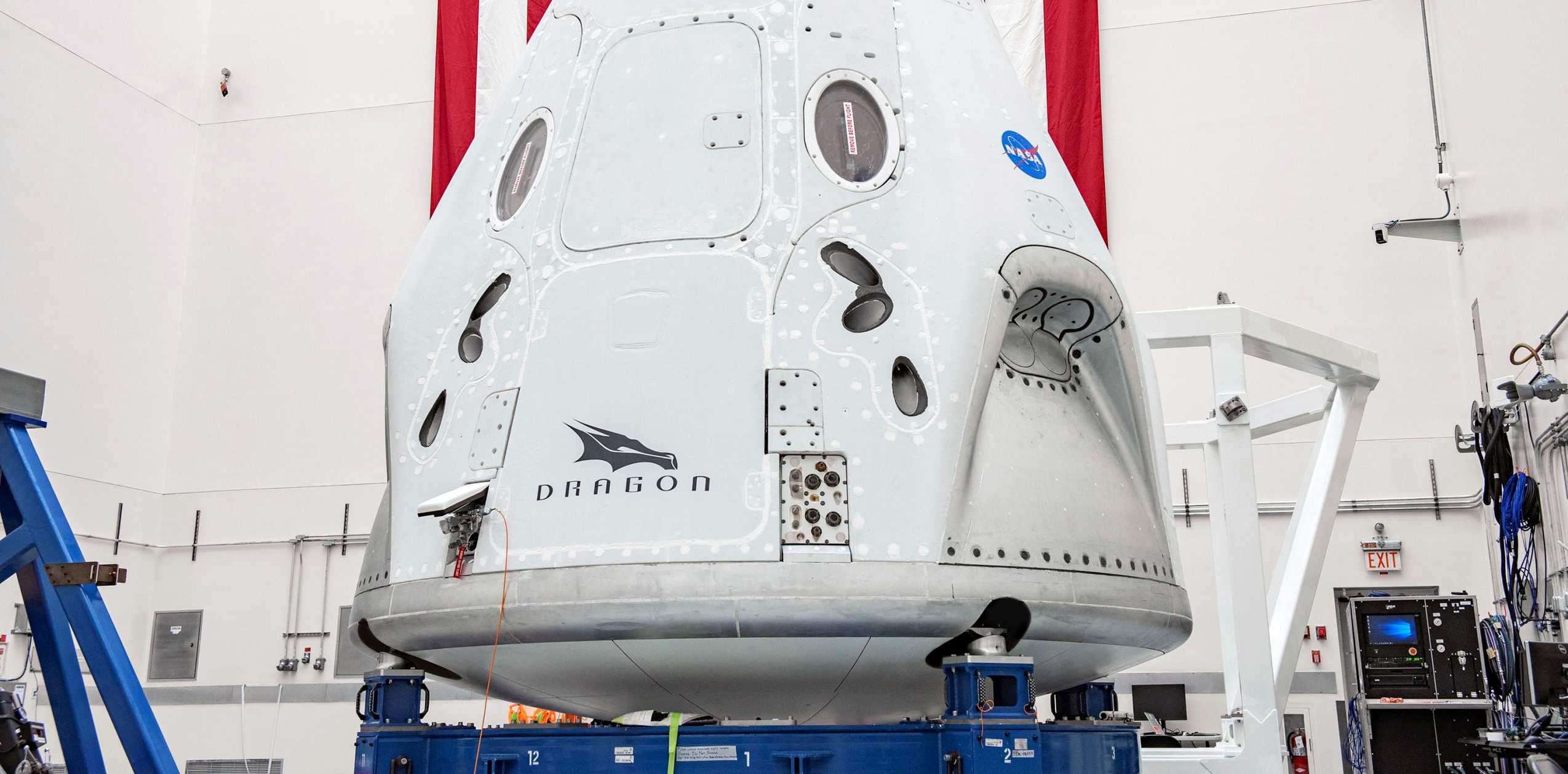
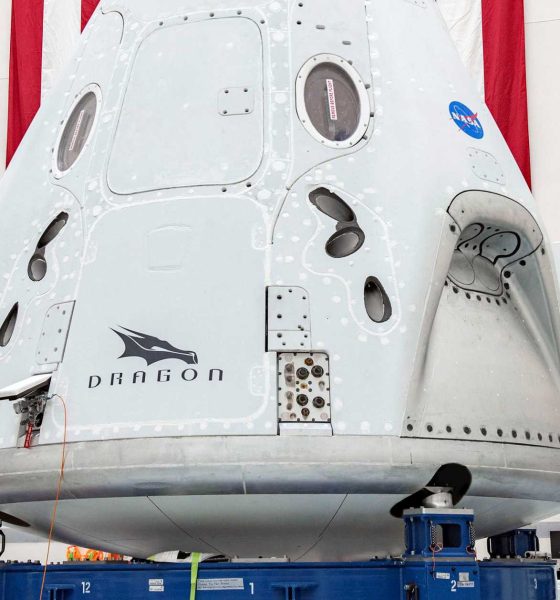
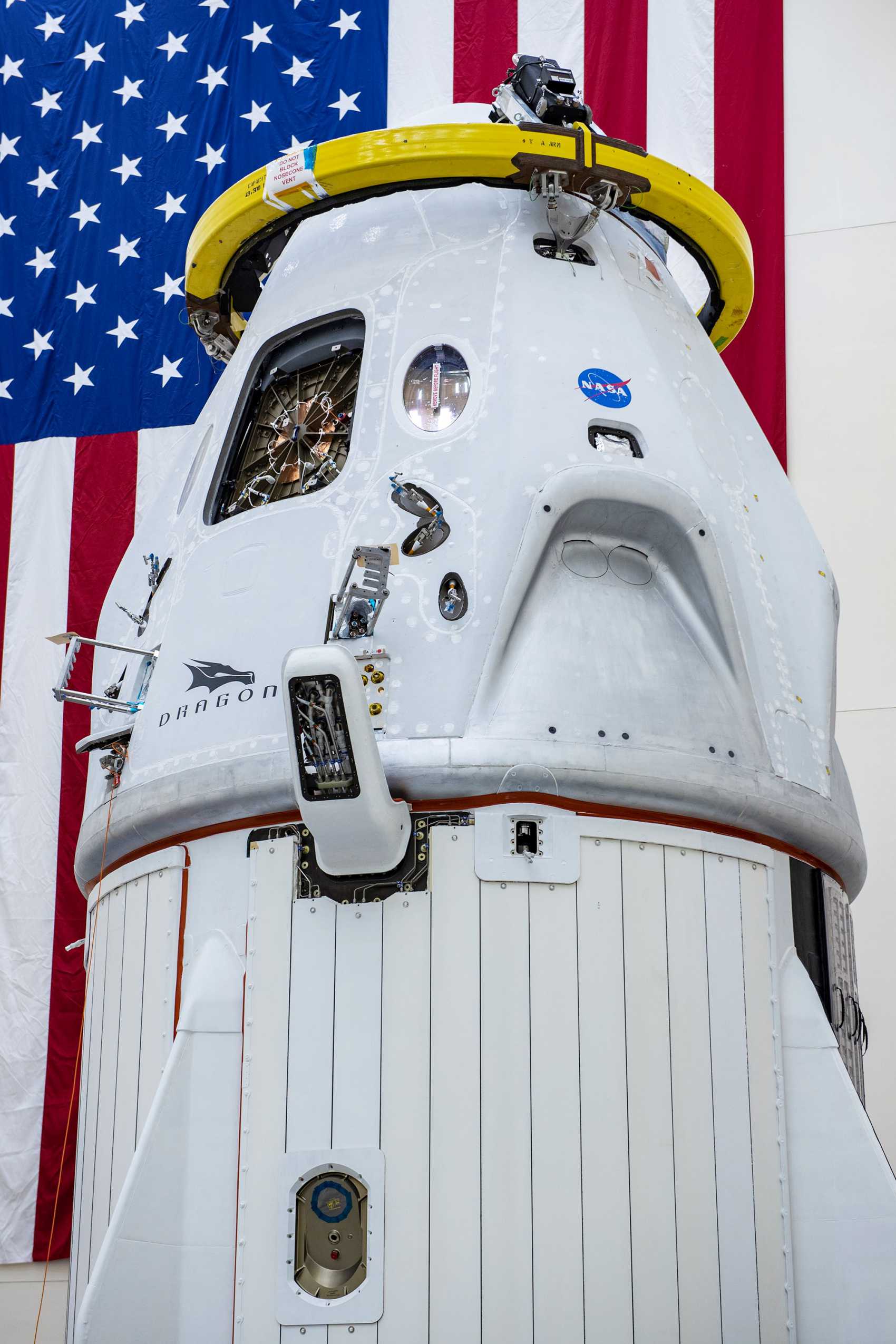
As of May 15th, per NASA’s latest blog post updates, SpaceX’s plethora of Crew Dragon Demo-2 hardware appears to be just shy of 100% ready for flight, at least from a technical perspective. As of May 12th, NASA and SpaceX officially cleared Crew Dragon’s interior and both astronauts’ space suits for flight, effectively closing out the crew capsule. That reusable Crew Dragon capsule was attached atop an expendable trunk section – responsible for providing power with a solar array and thermal management with radiators – around May 1st.
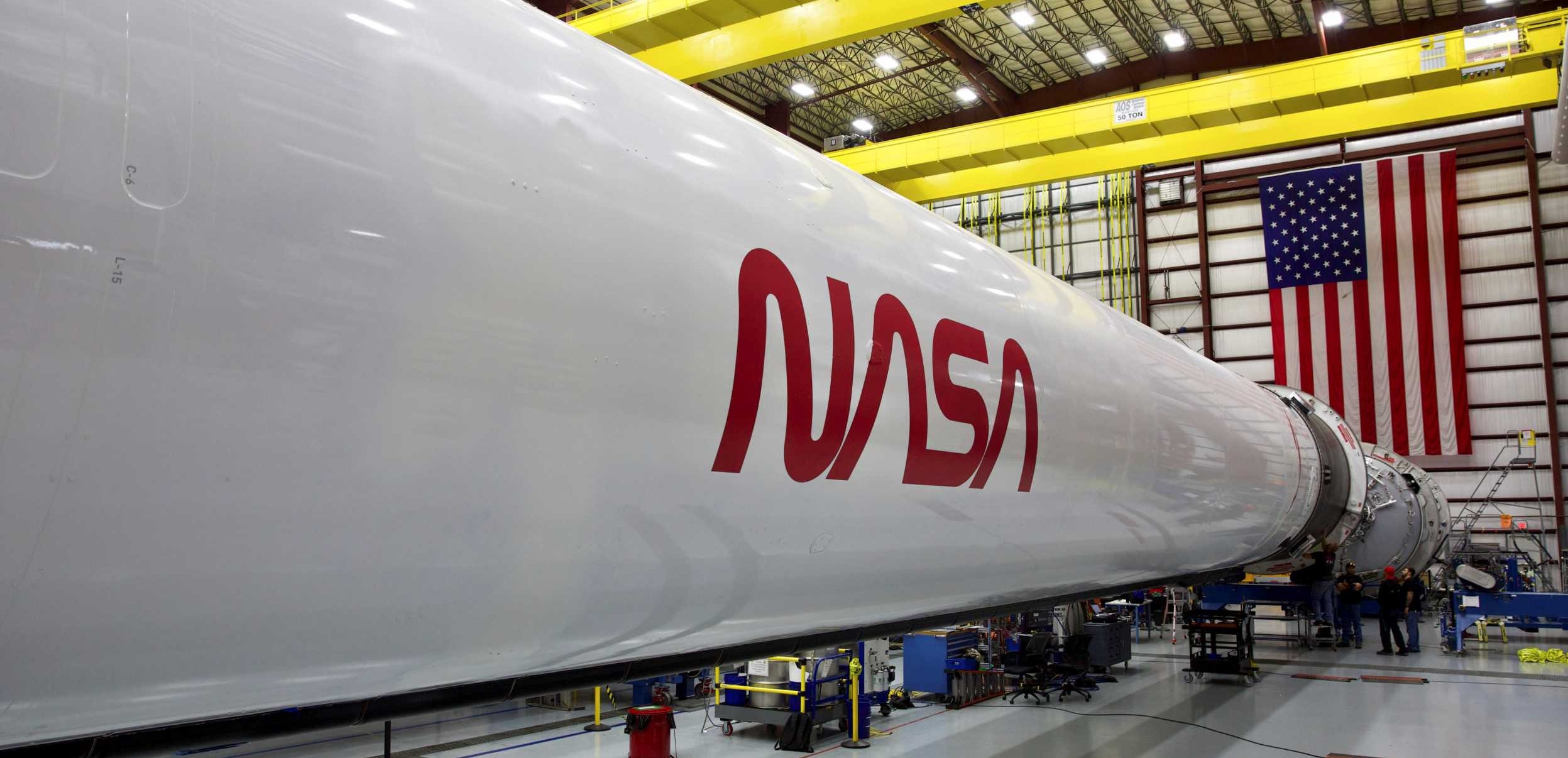
Meanwhile, a brand new Falcon 9 Block 5 booster – B1058 – and expendable upper stage are just shy of ready to go inside SpaceX’s main Launch Complex 39A (Pad 39A) hangar. Both were shipped from California to Florida only after both their Merlin engines and each integrated stage completed static fire acceptance tests in McGregor, Texas. As of April 1st, they appeared to be just shy of fully integrated, with B1058 missing only its titanium grid fins (and possibly landing legs).
Now T-12 days to launch, SpaceX could attach the spacecraft to that Falcon 9 rocket at any moment – if it hasn’t already. Before the rocket is fully ready for launch, SpaceX will need to perform a routine wet dress rehearsal (WDR) and static fire test at Pad 39A – partially unique for Crew Dragon because the spacecraft attached during them. Given that Demo-2 is far from a normal SpaceX launch, Crew Dragon and Falcon 9 could roll out for that critical preflight test at any moment.
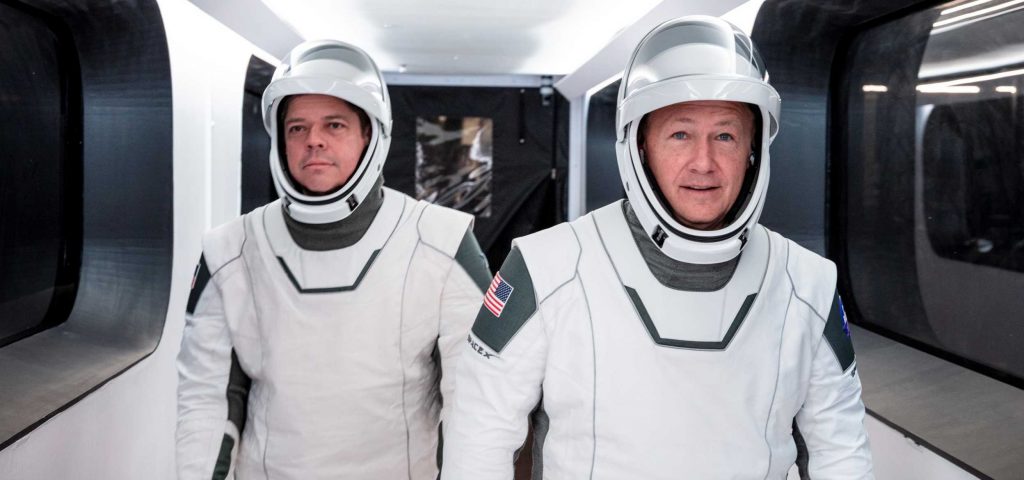
NASA has assigned astronauts Bob Behnken and Doug Hurley to fly Crew Dragon’s inaugural crewed mission to the International Space Station (ISS) and both astronauts have been training more or less 24/7 for the last 12-18 months, as well as advising SpaceX on Crew Dragon’s design. Now, according to SpaceX, those astronauts will be joined by a mosaic image comprised of thousands of photos uploaded by students around the world, ranging from kindergarten to graduate school and more.
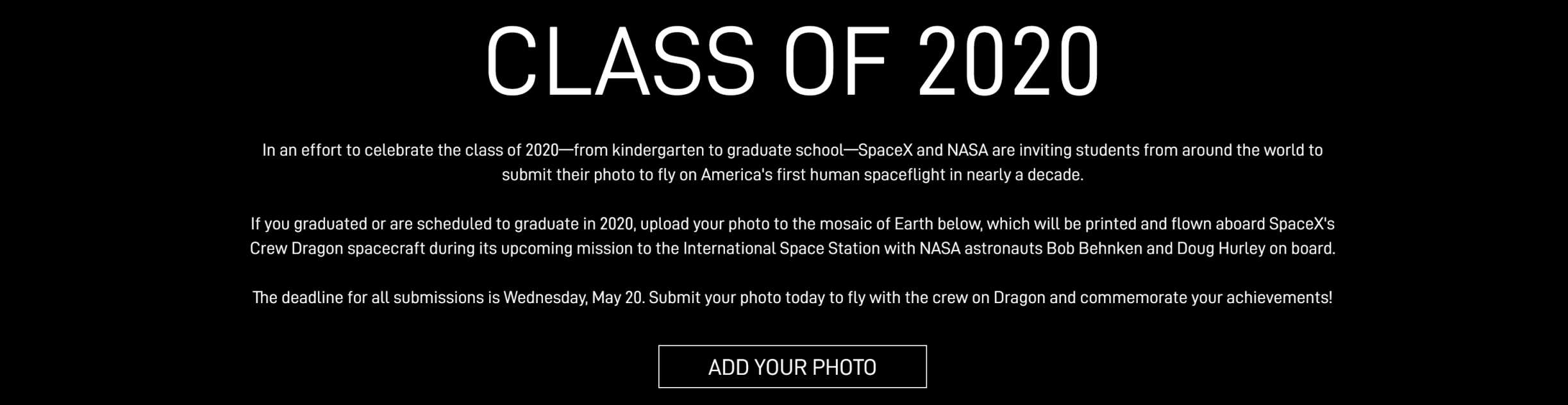
Deemed “Class of 2020”, the project is meant to celebrate the class of 2020 – anyone and everyone set to graduate this year. Although unmentioned, the celebration comes at a time when the coronavirus pandemic will almost certainly preclude or dramatically curtail (for good reason) large public gatherings for the sake of public health, disrupting or fully canceling graduation ceremonies around the world. SpaceX says that photos submitted by students will be added to a mosaic of Earth and “will be printed and flown aboard SpaceX’s Crew Dragon spacecraft during its upcoming mission to the International Space Station with NASA astronauts Bob Behnken and Doug Hurley on board.”
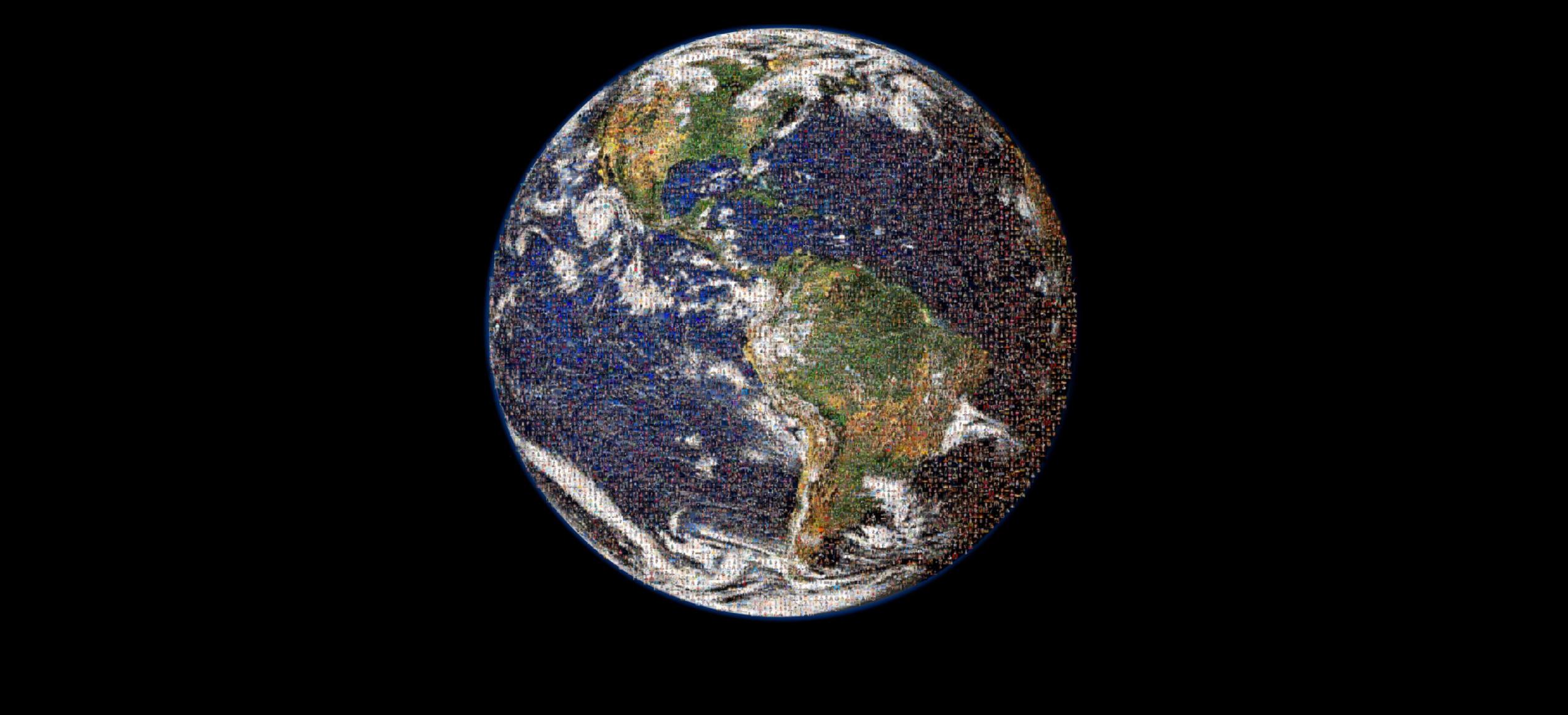
While it won’t replace the events themselves, having a photo physically sent to space certainly won’t hurt for tens of thousands, hundreds of thousands, or maybe even millions of students around the world. If you are a student or know one, you can submit your photo at SpaceX.com/ClassOf2020 before the end of May 20th.


Investor's Corner
Tesla has a Cybercab problem nobody saw coming
Tesla’s Cybercab line now builds robotaxis faster than Tesla can deploy them, Lars Moravy says.

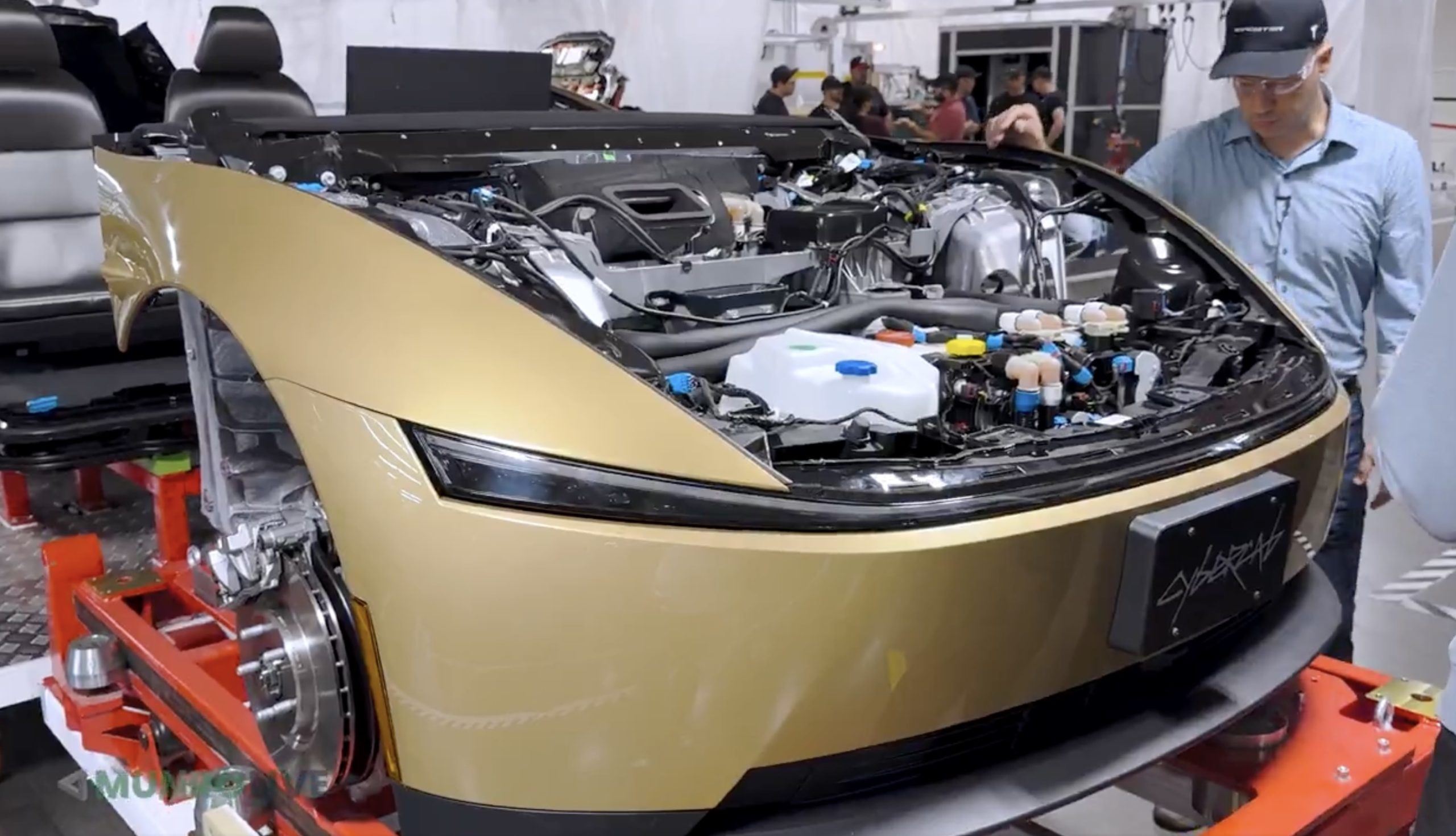
Tesla’s Cybercab line in Texas can now build the two seat robotaxi faster than the company can put it into service, according to Lars Moravy, Tesla’s Vice President of Vehicle Engineering. “We don’t run every day because the line can run so fast. It’s currently outpacing our deployments,” Moravy said in a new Cybercab deep dive from Munro Live. “So, it’s a bit of a race right now. Who’s going to go faster? Right now the manufacturing line’s ahead.”
Tesla’s official Robotaxi account shared a Cybercab analysis video on X on Monday, calling it a “Cybercab engineering deep dive.” Moravy’s comments go further than what he told analysts on the Q3 earnings call last week, when he said the Cybercab line’s listed capacity of more than 125,000 units a year undersells what it can actually run.
The tour shows where that speed comes from. Tesla’s unboxed process splits the Cybercab into front, rear, side and center modules that are built and tested on their own before they meet on a short final line. That final line has just 25 fully automated stations, which Tesla’s team estimated is a fifth to a tenth of what a Model Y needs. The full line is about 78% automated, the framing line is already at 100%, and the layout uses roughly 50% less floor space per vehicle. The stated goal is “100% automation in 10 second cycle time,” or one finished Cybercab every 10 seconds.
Tesla also deleted the paint shop. Only the side modules are coated, and the exterior panels get their color inside the molding machine. Engineers said the car is designed to run at least 500,000 miles, which matters for a vehicle that will spend most of its day carrying riders.
The battery got the same treatment. The Cybercab uses an 88S6P pack of 4680 cells in a steel enclosure, a first for Tesla, with each module potted separately so a single failed module can be swapped instead of the whole pack. Wireless battery management boards replace a wiring harness, and new contactors are fast enough to drop the pyro fuse entirely. Tesla’s battery director graded the pack an A minus, compared with a D for the Model Y structural pack and a B minus for Cybertruck. Up front, the drive unit runs an 11:1 gear ratio versus roughly 9:1 on most Teslas, since the Cybercab does not need a high top speed.
Cybercab engineering deep dive — Robotaxi (@robotaxi) October 26, 2026
The deployment side is now the bottleneck Moravy described. Tesla had more than 50 Cybercabs working the Formula 1 weekend in Austin, and Texas records show 463 Cybercabs registered. Tesla said on its earnings call that Cybercab service will launch in Dallas next month, and Moravy said the company is aiming to get Cybercabs to customers by the end of 2026. Every unit built so far has gone into Tesla’s own fleet since the line moved into volume production in April.
Munro Live also asked when it could get a Cybercab to tear down. Tesla’s answer: “Not yet.”

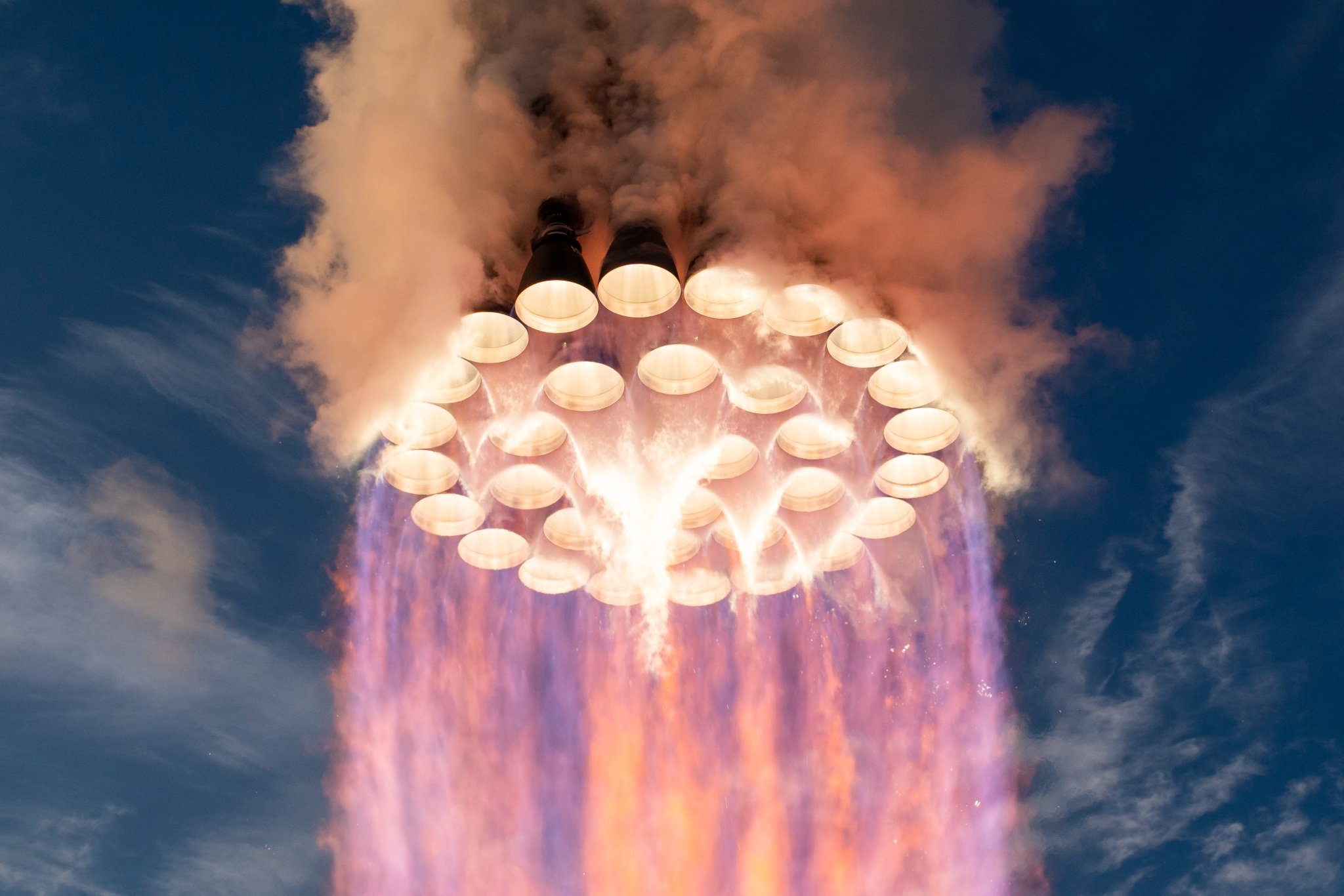
SpaceX’s Raptor engine family has steadily increased sea-level thrust while simultaneously reducing mass, turning iterative engineering gains into substantially higher performance for the Super Heavy booster. CEO Elon Musk shed more light on how powerful Raptor 4 will be, and it’s pretty crazy.
Raptor 1 delivered 185 metric tons of thrust at roughly 2,080 kilograms, while Raptor 2 raised that to 230 tons while cutting mass to about 1,630 kilograms. SpaceX data for Raptor 3 lists a target of 280 tons at 1,525 kilograms (with further reductions in associated vehicle hardware), while operational flight ratings have been cited near 250 tons.
This morning, Elon Musk stated that Raptor 4 is expected to reach 300 tons of sea-level thrust at roughly the same mass as Raptor 3. Across these versions, thrust has risen by more than 60 percent from the first engines while engine mass has fallen, producing a sharp improvement in thrust-to-weight ratio. This is a true testament to how great SpaceX engineering has been:
🚀 Elon says Raptor 4 will make 300 tons of thrust at sea level at roughly the same mass as Raptor 3.
How far Raptor has come:
Raptor 1: 185 tf, 2,080 kg
Raptor 2: 230 tf, 1,630 kg
Raptor 3: 250 tf, 1,525 kg
Raptor 4: 300 tf33 on Super Heavy = ~9,900 tf, nearly 3x Saturn V https://t.co/HQDswZhyvL
— TESLARATI (@Teslarati) October 26, 2026
With 33 engines on SuperHeavy, the jump from earlier versions to a 300-ton Raptor 4 would produce roughly 9,900 metric tons of total liftoff thrust, nearly three times the Saturn V’s approximately 3,400 metric tons from its five F-1 engines.
This is not just a larger number on a data sheet, either, as sea-level thrust is the force available the moment the vehicle leaves the pad. This is when it is heaviest and still deep in Earth’s gravity well and dense atmosphere.
Higher levels of sea-level thrust directly improves the initial thrust-to-weight ratio of the full stack. A higher ratio produces faster acceleration off the pad, which shortens the time the rocket has to spend fighting gravity, and gravity losses during the first minute or two of the flight are a major drain on total available delta-v. Every second shaved off of that early climb preserves more propellant energy for reaching orbital velocity or for carrying extra payload.
Because Super Heavy’s engine count is constrained by vehicle diameter and packing density, increasing thrust per engine is the most straightforward way to raise total liftoff performance without redesigning the booster structure or design.
The same-mass target for Raptor 4 is equally important. Holding engine mass roughly constant while raising thrust improves the engine’s own thrust-to-weight ratio and reduces the structural and propellant mass fraction that must be carried solely to support the engines.
Earlier Raptor iterations also simplified or eliminated extensive vehicle-side hardware such as heat shields. These gains compound: more force for less installed mass leaves additional capacity for propellant, payload, or operational margins such as engine-out capability.
For Starship’s architecture, the practical effects are large. Greater liftoff thrust supports heavier vehicles, larger propellant loads, and higher payloads to low Earth orbit, figures SpaceX has targeted in the 100-plus-ton reusable range. That capacity underpins orbital refueling, lunar missions, and eventual Mars cargo and crew flights.
Continued growth in sea-level thrust therefore tightens the gap between theoretical rocket performance and the high flight rates and reusability needed to make large-scale space transport practical.
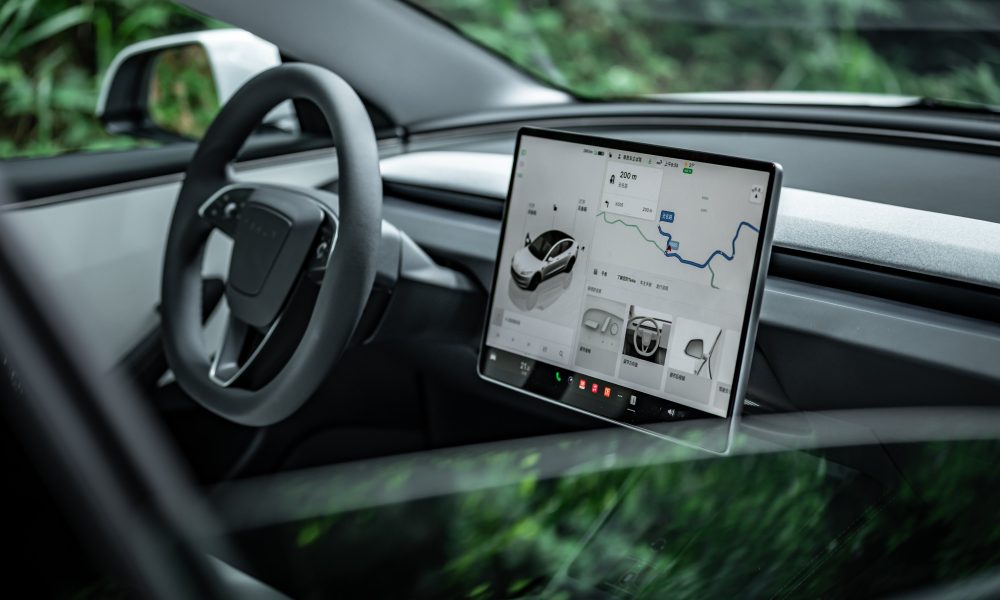
Tesla has expanded its Tesla Assisted Driving (TAD) suite to its tenth European country, as Latvia joined a growing list of European Union member states authorizing the company’s advanced driver assistance technology.
Tesla Europe announced this morning that the system is now approved in Latvia, with a software rollout to begin soon.
The approval and rollout follow recognition of a provisional European type approval originally granted by the Netherlands’ RDW authority on April 10.
🚨 Latvia has just received approval for Tesla Full Self-Driving (Supervised)
This is the 10th country in the EU to gain approval:
1. Netherlands — 10 April 2026 (original RDW approval)
2. Lithuania — 20 May 2026
3. Estonia — 29 May 2026
4. Denmark — 9 June 2026
5. Belgium — 10 June 2026
6. Slovenia — 7 September 2026
7. Czechia — 21 September 2026
8. Croatia — 29 September 2026
9. Slovakia — 16 October 2026— TESLARATI (@Teslarati) October 26, 2026
Latvia’s Road Traffic Safety Directorate (CSDD) evaluated the Dutch documentation, coordinated with the other national authorities, and reviewed updates from Tesla. These included tightened limits on speed offsets, automatic resets of any manual speed adjustments after each trip, and stronger driver monitoring.
In Europe, the feature is marketed as Tesla Assisted Driving after a recent rule change that labeled the name “Full Self-Driving” as misleading.
The system remains an SAE Level 2 driver assistance tool, not unsupervised autonomy. It can control speed, steering, braking, lane changes, and intersections while following a navigation route. Drivers need not keep their hands on the wheel at all times, yet they must continuously monitor the road and be prepared to intervene immediately.
The sequence of EU recognitions began with the Netherlands in April and continued through Lithuania, Estonia, Denmark, Belgium, Slovenia, Czechia, Croatia, and Slovakia. Most have relied on mutual recognition of the single Dutch provisional approval rather than independent national testing.
These national clearances do not yet constitute bloc-wide authorization. An EU-wide decision requires a qualified majority in the Technical Committee on Motor Vehicles: at least 15 of 27 member states representing 65 percent of the EU population. Larger markets, like Germany, France, and Italy, remain under review, and a vote is expected this December.
However, for Latvian Tesla owners with compatible vehicles and software, the imminent rollout expands access to the supervised system while underscoring that attentive human oversight remains essential.

Tesla has a Cybercab problem nobody saw coming

How SpaceX Is raising Raptor’s sea-level thrust while holding engine mass steady


