News
Ex-SpaceX engineer leads Stratolaunch to major rocket engine test milestone

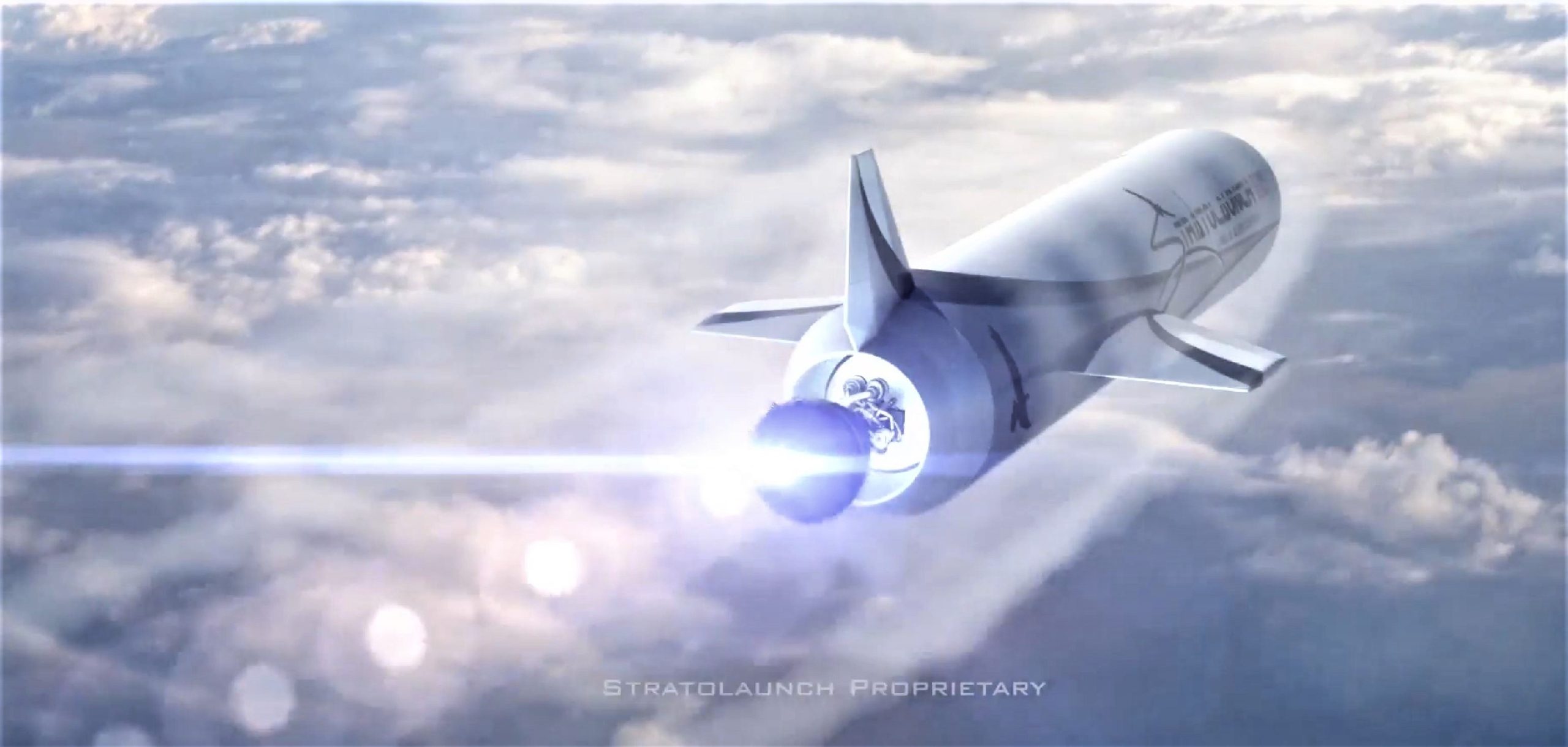
Led by rocket propulsion expert Jeff Thornburg, Stratolaunch – famous for owning the largest fixed-wing aircraft ever built – has completed the first hot-fire test of a full-scale rocket engine component known as the preburner, a major milestone in the development of any launch vehicle or propulsion system.
Despite the significant size and power of the component, destined to support an engine that will generate 200,000 pounds (~900 kN) of thrust, Thornburg and his team of engineers and technicians have managed to go from designing the preburner to successfully hot-firing a full-scale test article, an extraordinary achievement by any measure.
The team made amazing progress this week! Check out the #PGAEngine preburner’s first hot-fire test at @NASAStennis. #NewUSEngine pic.twitter.com/kKTnf0bj1S
— Stratolaunch (@Stratolaunch) November 6, 2018
Aside from SpaceX, Blue Origin, and Aerojet-Rocketdyne, Stratolaunch is the only private entity developing – let alone testing full-scale parts for – a liquid-fueled rocket engine as large as PGA. Shorthand for the Stratolaunch’s late founder and bankroller Paul G. Allen, PGA is a fuel-rich staged combustion cycle engine that uses liquid hydrogen and oxygen (hydrolox) fuel and oxidizer, typically resulting in high efficiency. In terms of scale and thrust, PGA is very closely comparable to SpaceX’s Merlin 1D engine, which uses kerosene instead of hydrogen but produces roughly 190,000 lbf (850 kN) of thrust and stands 4 feet (1.2m) wide and ~10 feet (~3m) tall.
Another major difference between PGA and Merlin 1D is the fact Merlin 1D’s nozzle is largely optimized for sea level while PGA is being built for a rocket that will be “launched” from a massive plane flying around 35,000 feet (~10.5 km), ultimately resulting in a nozzle that is much wider and longer, featuring nearly the same proportions as fully vacuum-optimized engines like SpaceX’s MVac. By widening the nozzle relative to the rest of the engine, rocket engines are able to operate far more efficiently at higher altitudes, where Earth’s atmosphere thins and exerts less pressure on the escaping exhaust gases. This is visualized well by the visible expansion of rocket exhausts during launches, morphing from a straight cylinder to a massive teardrop-shaped plume. At lower altitudes (and thus higher atmospheric pressures), wider nozzles can produce extreme turbulence and will ultimately shake themselves to destruction, preventing their usage on ground-launched rocket boosters.
Judging from official renders of the engine, PGA’s in-atmosphere variant appears to utilize a form of regenerative nozzle cooling very similar to that used on M1D, where liquid propellant flows through thin capillaries sandwiched between two or more layers of metal to cool the nozzle much like cold water chills the skin of an uninsulated water bottle.
-
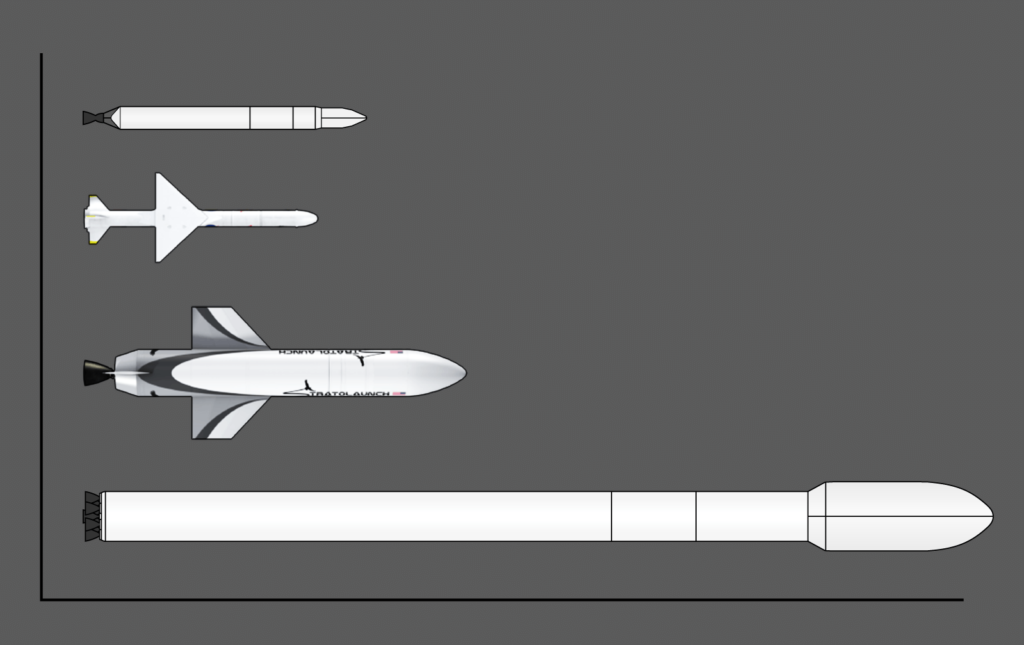
- A to-scale comparison of Falcon 1, Pegasus XL, MLV, and Falcon 9. (Teslarati/Stratolaunch/Wikipedia)
-
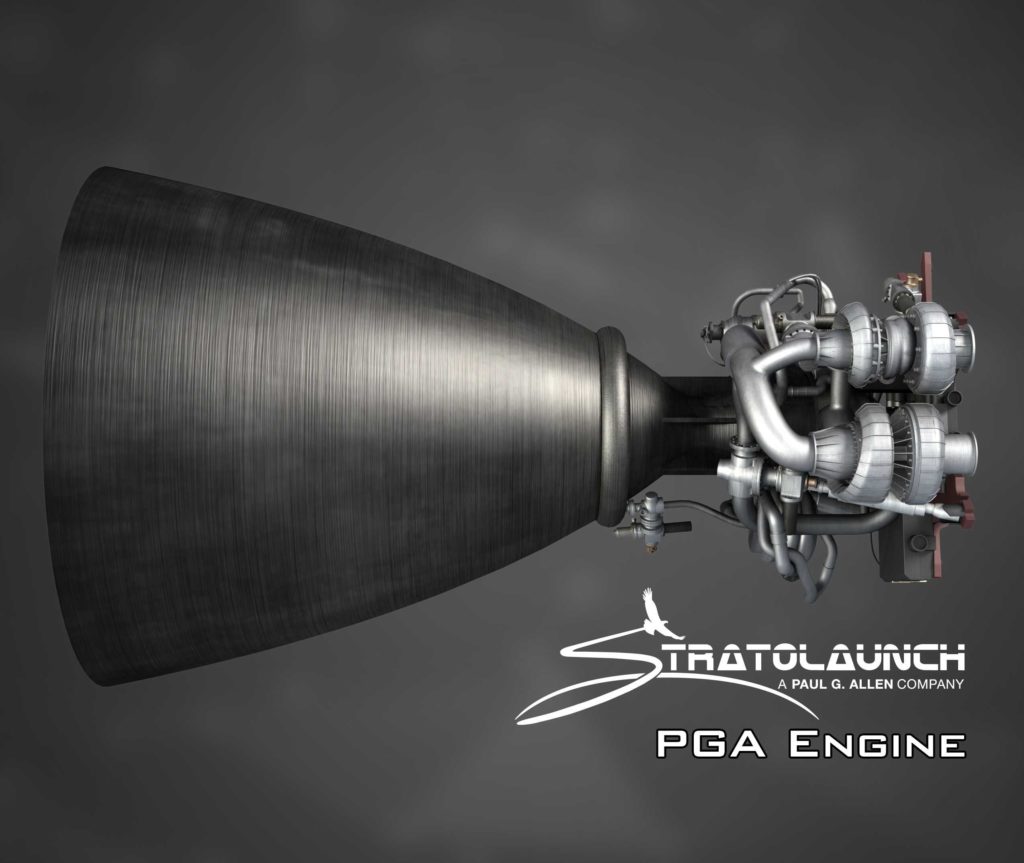
- A render of Stratolaunch’s impressive PGA engine. Note the giant nozzle relative to the throat. (Stratolaunch)
Testing rocket engine preburners
In the case of staged combustion cycle hydrolox rocket engines, a small portion of liquid oxygen and all of the liquid hydrogen (hence “fuel-rich”) are mixed and combusted to generate hot gas that then spools up the engine’s primary turbopump(s), ultimately drawing fuel and oxidizer into the combustion quickly enough to ignite the engine and generate sustained thrust. The components that get those main turbopumps started are known collectively as the preburner, which is what Stratolaunch successfully tested – at full-scale – for the first time ever last week. For any liquid rocket engine that cannot solely rely on propellant tank pressure to deliver fuel to the combustion chamber, full-scale tests of preburners or gas-generators effectively mark the moment that engines truly become real.
“This is the first step in proving the performance and highly efficient design of the PGA engine. The hot-fire test is an incredible milestone for both the propulsion team and Stratolaunch.” – Jeff Thornburg, VP of Propulsion, Stratolaunch
Stratolaunch’s propulsion team will continue to test the preburner for longer durations and at higher power levels over the next several months, likely optimizing operations and tweaking or upgrading the preburner’s hardware as real tests produce valuable lessons-learned. Built entirely with additive manufacturing (3D printing), the team should be able to rapidly iterate on the physical design of the engine, a rarity in a field where traditional fabrication methods can take weeks or months to produce complex turbomachinery components with mercilessly strict tolerances.
According to Thornburg, the ultimate goal is to continue that additive-manufacturing-only strategy throughout the development of this rocket engine, theoretically enabling unprecedented design flexibility while also slashing production time throughout. PGA will ultimately power the creatively-named Medium Launch Vehicle (MLV), a small-ish air-launched rocket designed to place a respectable 3400 kg into low Earth orbit (LEO) as early as 2022, as well as a Heavy version of MLV and, potentially, a reusable spaceplane somewhere down the line.
-
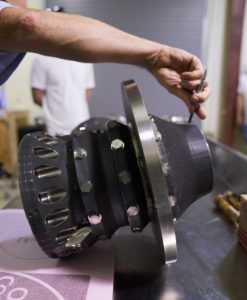
- PGA’s first full-scale preburner seen during assembly. (Stratolaunch)
-
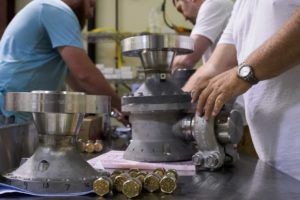
- PGA’s first full-scale preburner seen during assembly. (Stratolaunch)
-
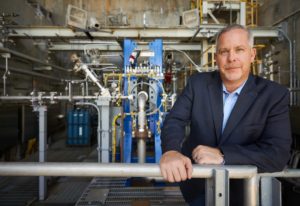
- Jeff Thornburg stands in front of Stratolaunch’s NASA Stennis Space Center test stand. (Stratolaunch)
-
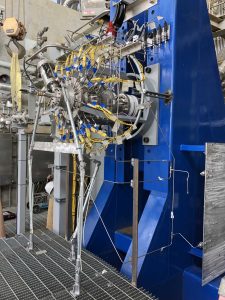
- The PGA preburner seen after installation at Stennis. (Stratolaunch)
-
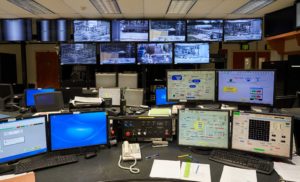
- The control center. (Stratolaunch)
-

- MLV is released from Stratolauncher. (Stratolaunch)
-

- A concept video produced by Stratolaunch shows the Roc launching a Kraken rocket. (Stratolaunch, via Wired)
For prompt updates, on-the-ground perspectives, and unique glimpses of SpaceX’s rocket recovery fleet check out our brand new LaunchPad and LandingZone newsletters!



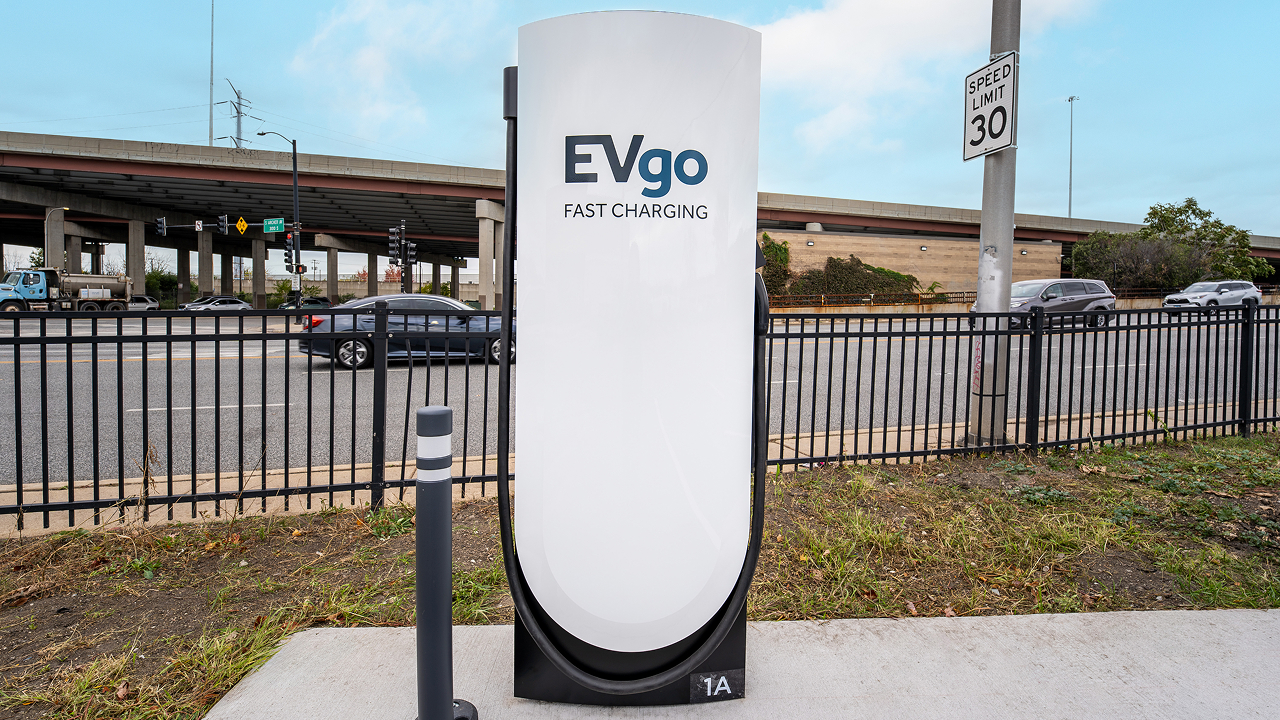
EVgo has tapped Tesla Superchargers for its most recent efforts to expand its charging presence in the United States, a move that seems logical based on the effectiveness of the automaker’s own infrastructure.
EVgo opened its first Supercharger site in Illinois, a 12-stall station near downtown Chicago at 3145 South Ashland Avenue in the Riverside Square & River’s Edge center, right beside a grocery store. This marks the start of the company’s plan to deploy hundreds of Supercharger stalls across the United States, primarily at grocery-anchored Regency Centers properties where drivers can shop, eat, or run errands while they charge.
We’ve opened our first EVgo Supercharger location in Illinois, marking the start of our plan to add hundreds of Supercharger stalls across the U.S.
Designed for both NACS and CCS vehicles with Magic Dock technology, these new sites help make fast charging more accessible and convenient for all EV drivers. Learn more: https://t.co/V92t5FDryQ
— EVgo Fast Charging Network (@evgonetwork) November 5, 2026
The new location uses Tesla’s Magic Dock technology so both NACS and CCS vehicles can plug in natively without drivers needing to carry their own adapters. Peak power reaches 325 kW at this site, with pricing set between $0.25 and $0.35 per kWh depending on the hour—the same rate for Tesla and non-Tesla drivers.
The stalls also appear in Tesla’s in-car navigation and Trip Planner, making them easy for Tesla owners to find and route to. Illinois has seen EV registrations rise nearly 60 percent over the past two years, and EVgo’s broader network has experienced more than 700 percent growth in charging demand over three years, so the timing fits the market’s trajectory.
Choosing Tesla hardware through the Supercharger for Business program turns out to have been a smart, practical move.
Tesla’s V4 stalls and cabinets deliver high, reliable power with a proven track record of strong uptime, while Magic Dock delivers true dual-standard compatibility in one package. Because the sites show up in Tesla’s navigation tools, EVgo instantly gains visibility among millions of existing Tesla drivers, which should raise utilization and help the company double its addressable market as more vehicles adopt NACS. EVgo still owns the stations and sets pricing, yet benefits from Tesla’s established hardware, longer cables, and operational support.
The result is faster, lower-risk infrastructure expansion that serves every EV driver—Tesla or otherwise—with convenient, high-power charging at everyday retail locations. For drivers, that means fewer adapters, more predictable stops, and a denser network just as electric vehicles become everyday transportation.
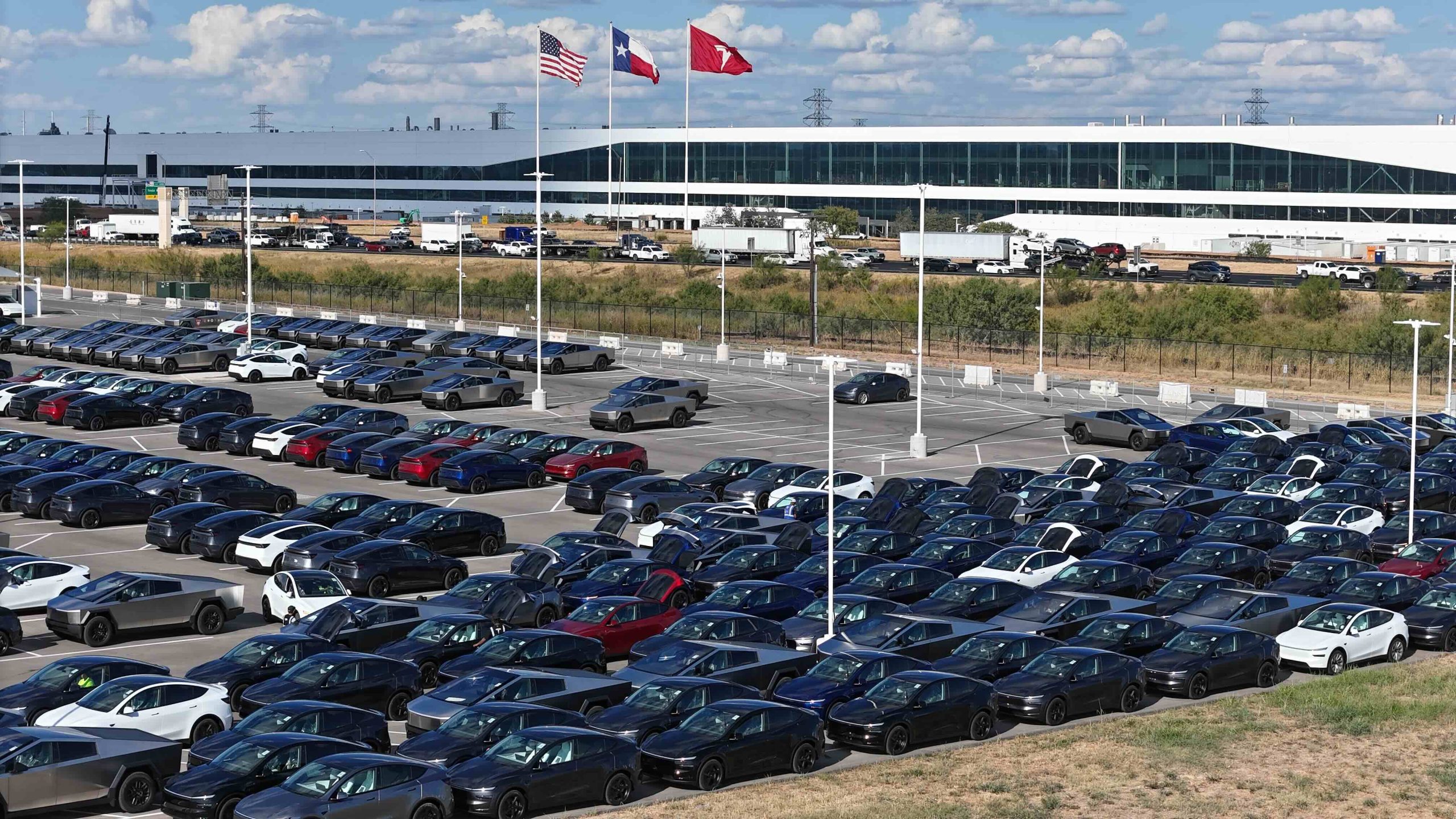
Tesla’s Austin Gigafactory is reportedly shifting to round-the-clock vehicle production through the end of 2026, according to longtime drone observer Joe Tegtmeyer.
In his November 2 update, Tegtmeyer, widely regarded as one of the most reliable independent sources on Giga Texas activity (we call him the Drone GOAT), stated that the plant has added a night shift, creating two 12-hour production shifts.
Tegtmeyer said in his video:
“Now, I do have some interesting news about that when it comes to the production schedule here at Giga Texas, and things are actually looking pretty good, especially when you think about what the demand is and the delivery numbers that they’re looking for and what they’re expecting. So, normally they have shifts Monday through Friday. It’s a day shift and it’s about 10 hours long or so, give or take. But now they’re on day and night shifts and they’re going to 12-hour days. So they’re going to be adding or they have another shift. They have 12 hours for both of them. In addition to that, the typical downtime that we’re going to be seeing around the holidays, specifically Thanksgiving and Christmas to the New Year time frame is actually changed. And we’re not going to see those big several day events where there is no production. At least that’s what the plan is right now. So, it’s really a great sign, I think, when we consider what they’ve done in the past and what production and the deliveries have been so far. So, maybe it’s shaping up to be a really strong quarter.”
Previously, General Assembly typically operated on a single roughly 10-hour day shift, Monday through Thursday or Friday. The new arrangement keeps General Assembly on its Monday-to-Thursday schedule while adding overnight capacity, and most other areas of the factory continue working the full week with some weekend activity.
Notably, the plant is also forgoing the multi-day shutdowns around Thanksgiving and the Christmas–New Year period that have occurred in prior years
Giga Texas currently builds the Model Y, the larger Model Y L, the Cybertruck, and the Cybercab robotaxi. Tesla has not confirmed the shift change or specified which lines will receive the extra output. Recent comments suggest Cybercab production has been constrained by the pace at which the Robotaxi fleet can absorb new vehicles, making the Model Y and Model Y L the more likely beneficiaries as the company works through order backlogs.
Tegtmeyer’s November 2 footage and commentary also highlighted broader site progress. Cortex 2 continues to expand, with additional compute coming online, a roughly 25 percent lengthening of the structure on the north end, and work on a third cooling plant.
The Boring Company tunnel site showed increased activity in the large launch pit, while the Advanced Technology Chip Fab (a SpaceX–Tesla joint R&D facility) continued steel superstructure and heavy truss installation, along with concrete pours.
The reported capacity increase arrives as Tesla aims for a strong fourth quarter following solid third-quarter results. While unconfirmed by the company, the information aligns with Tegtmeyer’s consistent track record of accurate on-site observations.
If Tesla makes the decision to sustain the all-day production plans, the dual 12-hour shifts would meaningfully raise weekly output potential at one of Tesla’s most important manufacturing hubs.
News
Tesla opens new “Cybaer” Engineering Center in Berlin
Tesla opened its Berlin Engineering Center, uniting four sites and 30 labs near Giga Berlin.

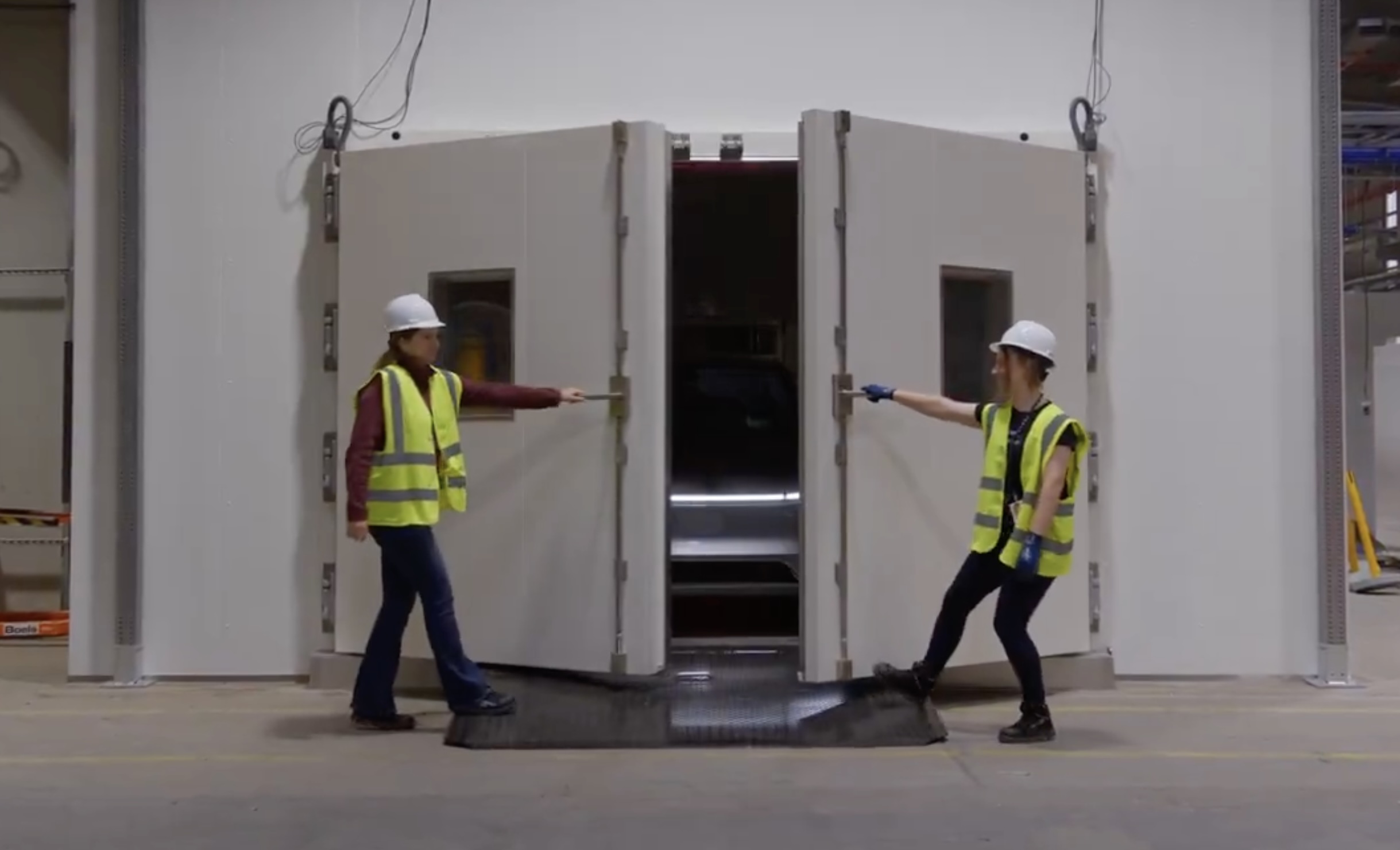
Tesla has opened a new engineering hub in Berlin, putting the teams that design and test its European parts about 30 minutes from the factory that builds them.
The Berlin Tesla Engineering Center, or BTEC, opened Wednesday in the Köpenick district. Tesla Europe said on X that the project went from permit to operational in under a year and consolidates four engineering sites and 30 labs onto a single campus. It is the company’s third hub of this kind, after Fremont and Shanghai.
“We’re combining materials, powertrain, vehicle engineering & validation under one roof, enabling a short feedback loop between development & ramp,” Tesla Europe wrote.
Berlin Tesla Engineering Center opens today From permit to operational in under a year, it brings 4 engineering sites onto 1 campus w/ 30 different labs in Köpenick, 30 minutes from Giga Berlin With our 3rd hub of this kind after Fremont & Shanghai, we’re combining materials, powertrain, vehicle engineering & validation under one roof – enabling a short feedback loop between development & ramp — Tesla Europe, Middle East & Africa (@teslaeurope) November 4, 2026
Tesla converted the former production halls of a cable factory for the site. About 250 engineers and technicians are starting there, most of them relocated from existing Tesla facilities such as Tilburg in the Netherlands. Tesla has already applied for approval of a second phase that would take the headcount to roughly 500, and it put the total investment at €100 million.
The labs cover battery cells, motors, materials and complete vehicles, and a large hall is set aside for safety testing of components, including airbags. During the opening, staff demonstrated a pedestrian leg impact test on the front of a Tesla using a catapult rig, Tagesspiegel reported. The center’s logo is a cubist Berlin bear that employees call the “Cybaer.”
Tesla said its Berlin design and engineering teams already contributed to the Model Y, Semi and Roadster, and that the work continues at BTEC. The center will handle technical problem solving for Giga Berlin in Grünheide while also developing and validating parts for vehicles built in China and the United States.
“We came here to stay,” BTEC head Brückner told dpa. “We serve all of Europe via Gigafactory Berlin-Brandenburg.” He said a site close to the plant was a priority, and that the old industrial building allowed Tesla to move quickly.
That proximity matters more now that Giga Berlin is growing again. In June, Tesla said it would raise Model Y output at the plant to 7,500 vehicles per week and hire 1,000 more workers after a record first quarter of more than 61,000 units. The factory recently built 7,000 Model Ys in a single week for the first time. Tesla also more than doubled the planned 4680 cell capacity at the site to 18 GWh per year in May, and has talked about eventually taking Grünheide to one million vehicles annually.
Sales are giving Tesla reason to invest. KBA data released the same day showed Tesla’s German registrations nearly quadrupled year over year in October to 2,932 units, bringing the total for the first ten months of 2026 to 47,742.

EVgo taps Tesla Superchargers for mass charging expansion

Tesla Giga Texas reportedly moves to 24/7 production


