Firmware
Tesla updates firmware to improve Model X Falcon Wing Door pinch sensors

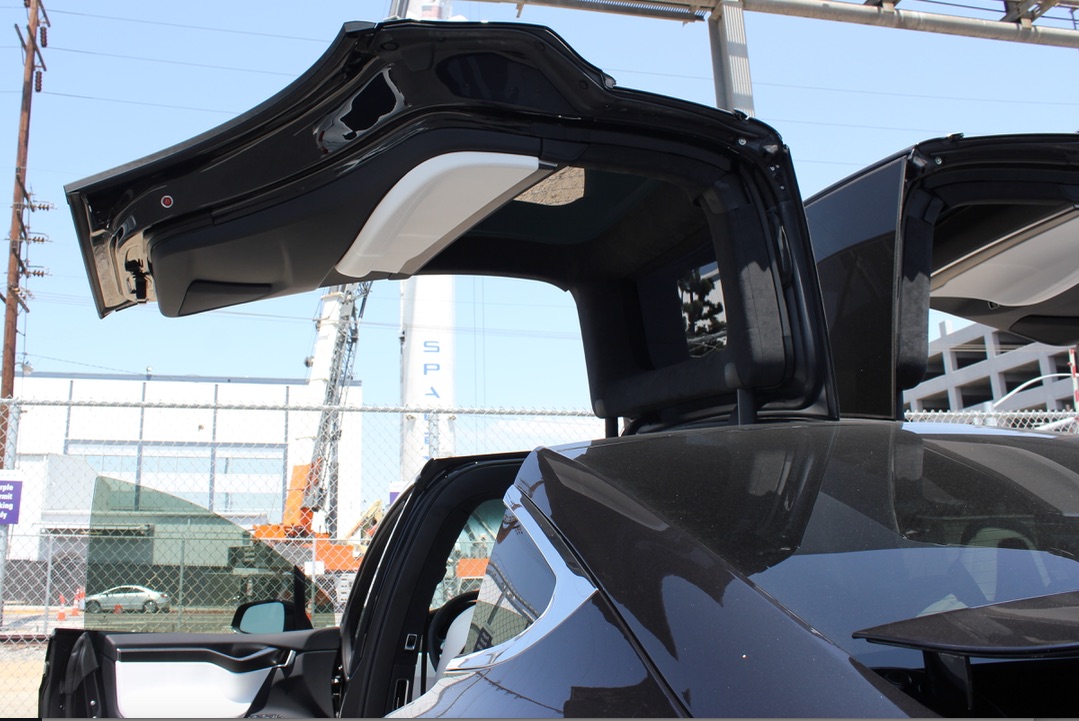
If Tesla’s famed over-the-air firmware updates doesn’t convince you that the experience of owning a Tesla is akin to purchasing a new car every month, then the company’s latest Model X v7.1 (2.32.100) will.
Tesla has released yet another update to improve upon the Model X, this time refining sensitivity of the pinch sensors on the Falcon Wing doors. Previously, there were reports of owners accidentally triggering the doors to close onto unsuspecting objects in its path of travel, including fingers. Tesla addressed the issue of accidental closure by releasing an update that would allow owners to set the behavior of their key fob: turning on and off the ability to close all doors via a single press of the key fob.
However, despite the new feature, closure of the Falcon Wing doors onto objects were met with little recourse. In specific, the pinch sensors on the doors would detect objects and stop the door from continuing on its path of travel while leaving the object trapped between the door and door frame.
We provided an article which includes a video demonstration of the Falcon Wing Door pinch sensors vs. objects, at that time.
Tesla Model X v7.1 (2.32.100)
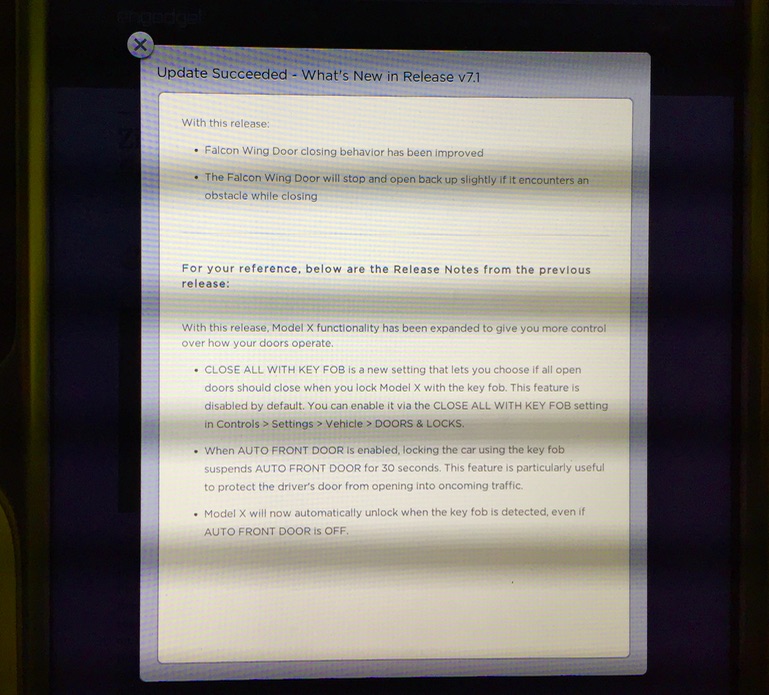
The latest Model X v7.1 (2.32.100) update indicates that “Falcon Wing Door closing behavior has been improved”. Specifically, the company writes in the software release notes, “The Falcon Wing Door will stop and open back up slightly if it encounters an obstacle while closing.”
The release notes are as follows.
Watch as a Model X owner takes to YouTube to demonstrate the improvements made in the Falcon Wing door behavior when the pinch sensors are triggered.
Tesla has made a tremendous amount of improvements to the Model X, and in a relatively short amount of time, through over-the-air updates since the vehicle’s release earlier in the year. We can only hope to see more to come over time.


Firmware
Tesla unlocks in-car web conferencing to extend Google Meet, Teams and beyond
Tesla’s Summer Update lets owners join Google Meet, Teams, and Discord calls via cabin camera.
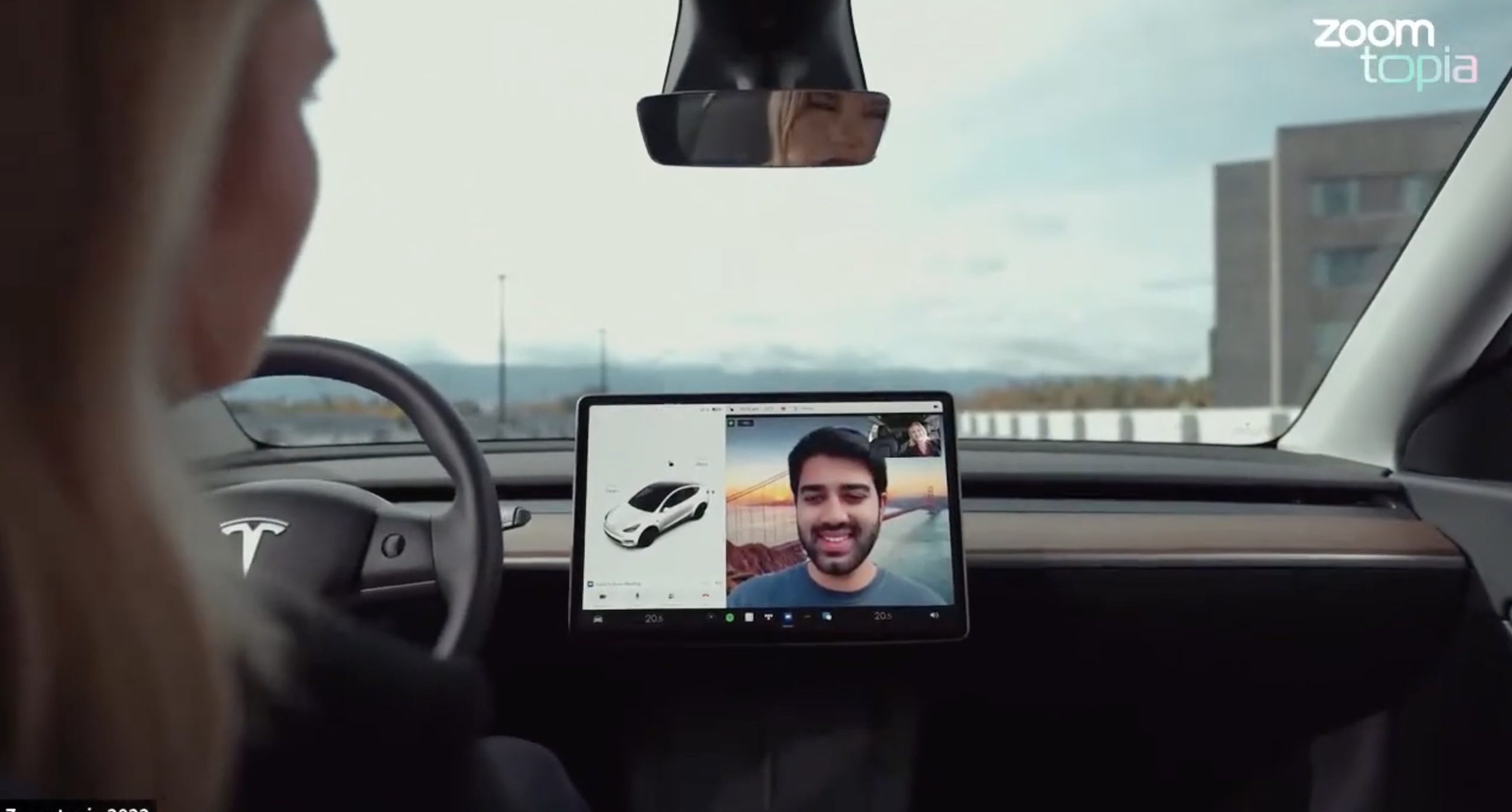
Tesla’s 2026 Summer Update, which just began rolling out to customer vehicles, now links the built-in web browser with the in-cabin camera feed and microphone input, thereby letting owners join video calls on nearly any browser-based service instead of just Zoom.
The change appears in Tesla’s own release notes for software version 2026.26 under “Web Browser,” which states that the vehicle can now use its interior camera and cabin microphone when a website requests access, with permission granted the same way a desktop browser handles it. As NotATeslaApp notes, this feature opens the door to Google Meet, Microsoft Teams, Discord, and other webcam-enabled sites to activate the in-car cabin-facing camera. The feed automatically crops and zooms to center the driver in frame.
Tesla has offered in-car video calling before, but only through a dedicated Zoom app that launched at the end of 2022, a stripped-down browser preloaded with Zoom’s own web client and gated behind Premium Connectivity. Opening the full browser to any camera-requesting site removes that walled garden. Elon Musk first called video conferencing “definitely a future feature” back in 2020, when the pandemic pushed remote meetings into daily life, so this update effectively finishes something Tesla has been promising for six years.
Tesla Summer Update begins rolling out: a look at the new features
The feature keeps the same restrictions that applied to Zoom on Tesla vehicles. It only works while the car is parked; shifting into Drive disables the camera feed, according to the release notes. It is also limited to vehicles running Tesla’s AMD Ryzen infotainment hardware, meaning older Intel-based Model S and Model X units, along with early Model 3 and Model Y builds, don’t get it.
Turning the browser into a general entry point for the in-cabin camera, rather than routing everything through one local app, widens the number of third-party sites that can ask for access, even though Tesla’s permission prompt.
With the Summer update only days into its rollout, be sure to stay with us on TikTok and X to see the latest video demonstrations.
Elon Musk
Tesla confirmed HW3 can’t do Unsupervised FSD but there’s more to the story
Tesla confirmed HW3 vehicles cannot run unsupervised FSD, replacing its free upgrade promise with a discounted trade-in.
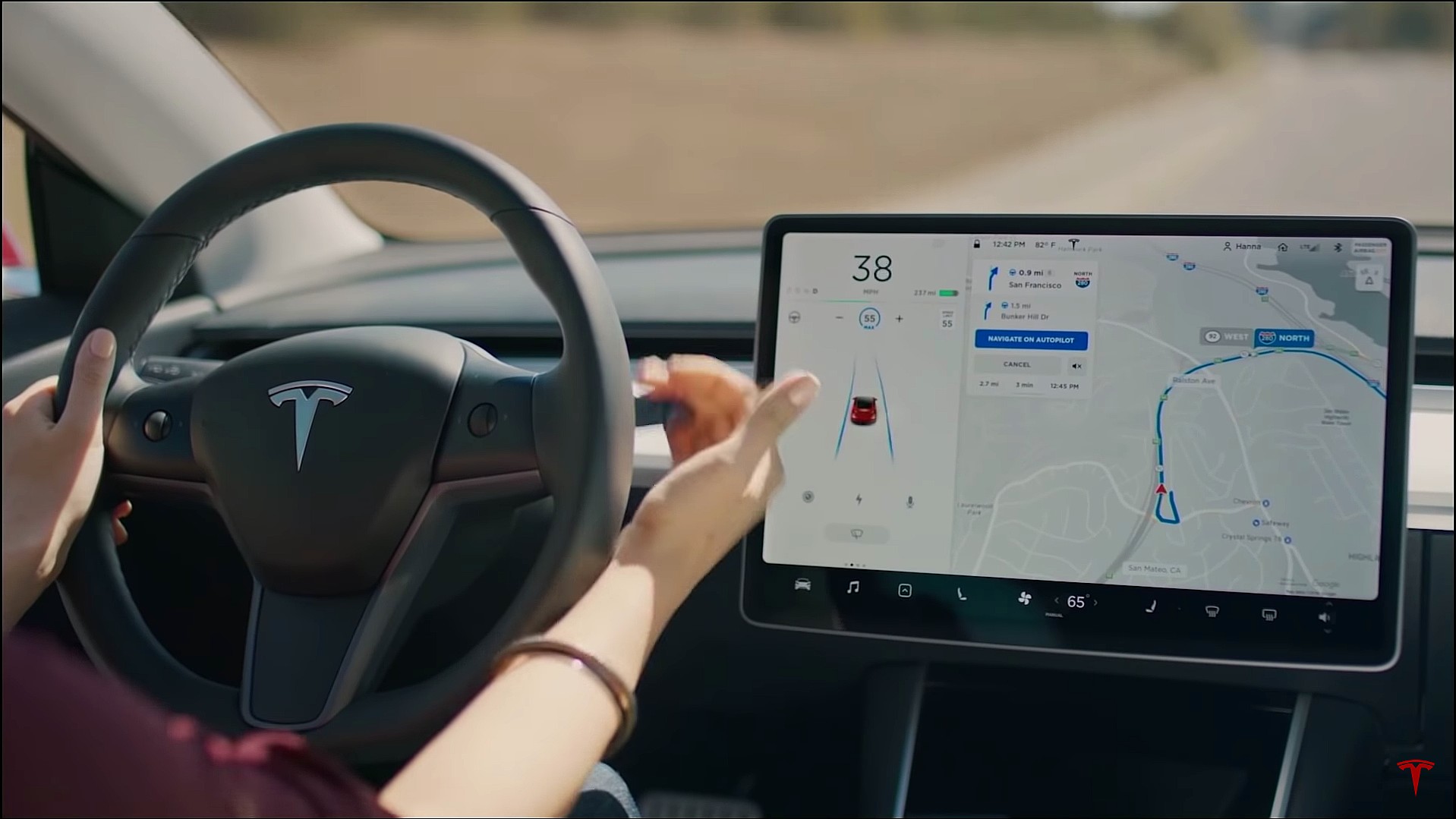
Tesla has officially confirmed that early vehicles with its Autopilot Hardware 3 (HW3) will not be capable of unsupervised Full Self-Driving, while extending a path forward for legacy owners through a discounted trade-in program. The announcement came by way of Elon Musk in today’s Tesla Q1 2026 earnings call.
🚨 Our LIVE updates on the Tesla Earnings Call will take place here in a thread 🧵
Follow along below: pic.twitter.com/hzJeBitzJU
— TESLARATI (@Teslarati) April 22, 2026
The history here matters. HW3 launched in April 2019, and Tesla sold Full Self-Driving packages to owners on the understanding that the hardware was sufficient for full autonomy. Some owners paid between $8,000 and $15,000 for FSD during that period. For years, as FSD’s AI models grew more demanding, HW3 vehicles fell progressively further behind, eventually landing on FSD v12.6 in January 2025 while AI4 vehicles moved to v13 and then v14. When Musk acknowledged in January 2025 that HW3 simply could not reach unsupervised operation, and alluded to a difficult hardware retrofit.
The near-term offering is more concrete. Tesla’s head of Autopilot Ashok Elluswamy confirmed on today’s call that a V14-lite will be coming to HW3 vehicles in late June, bringing all the V14 features currently running on AI4 hardware. That is a meaningful software update for owners who have been frozen at v12.6 for over a year, and it represents genuine effort to keep older hardware relevant. Unsupervised FSD for vehicles is now targeted for Q4 2026 at the earliest, with Musk describing it as a gradual, geography-limited rollout.
For HW3 owners, the over-the-air V14-lite update is welcomed, and the discounted trade-in path at least acknowledges an old obligation. What happens next with the trade-in pricing will define how this chapter ultimately gets written. If Tesla prices the hardware path fairly, acknowledges what early adopters are owed, and delivers V14-lite on the June timeline it committed to today, it has a real opportunity to convert one of the longest-running sore subjects among early adopters into a loyalty story.
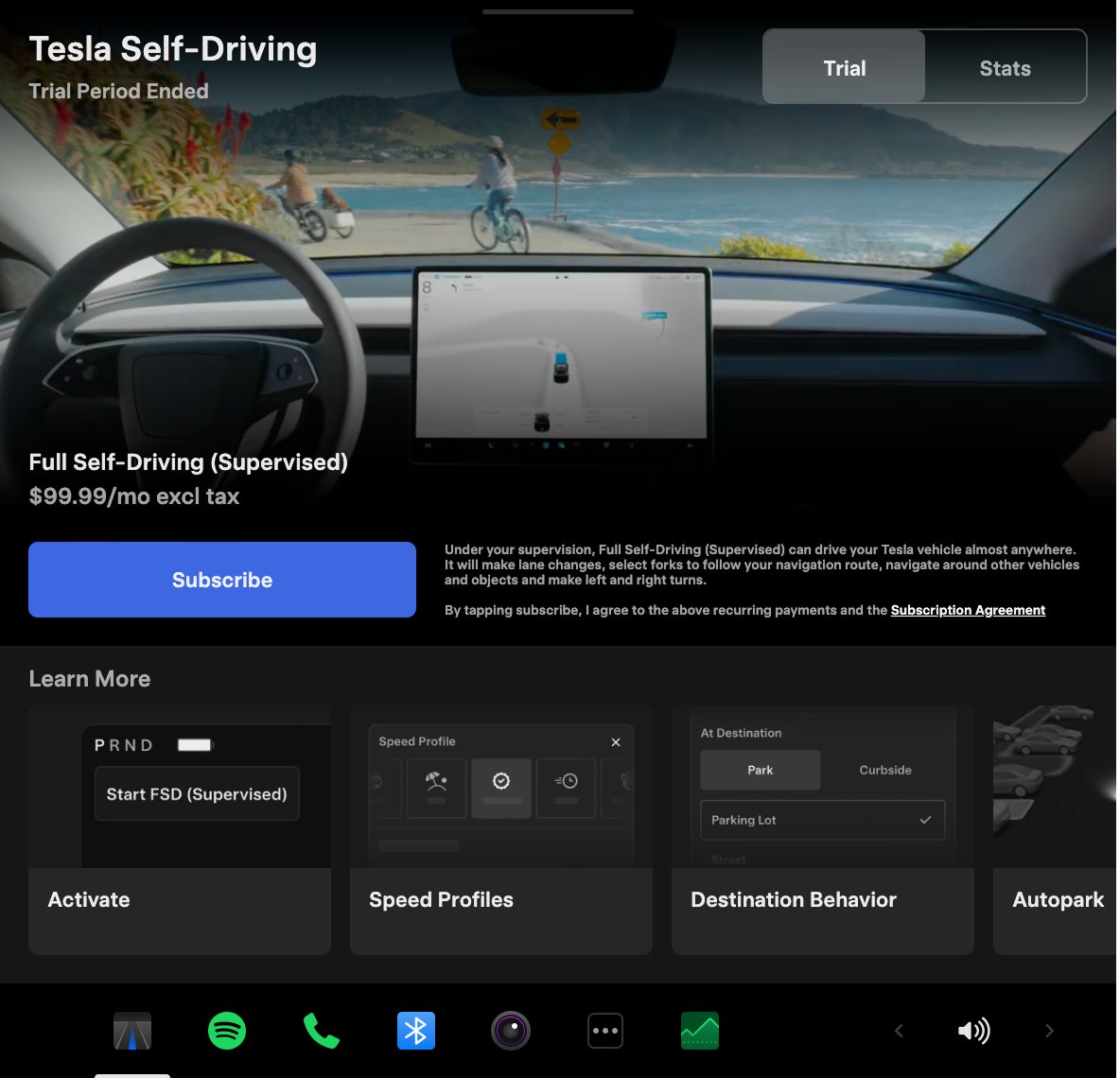
Tesla announced its Spring 2026 software update, and it’s the most feature-dense seasonal release the company has put out. The update covers twelve named changes spanning FSD, voice AI, safety lighting, dashcam storage, and pet display customization, among other things.
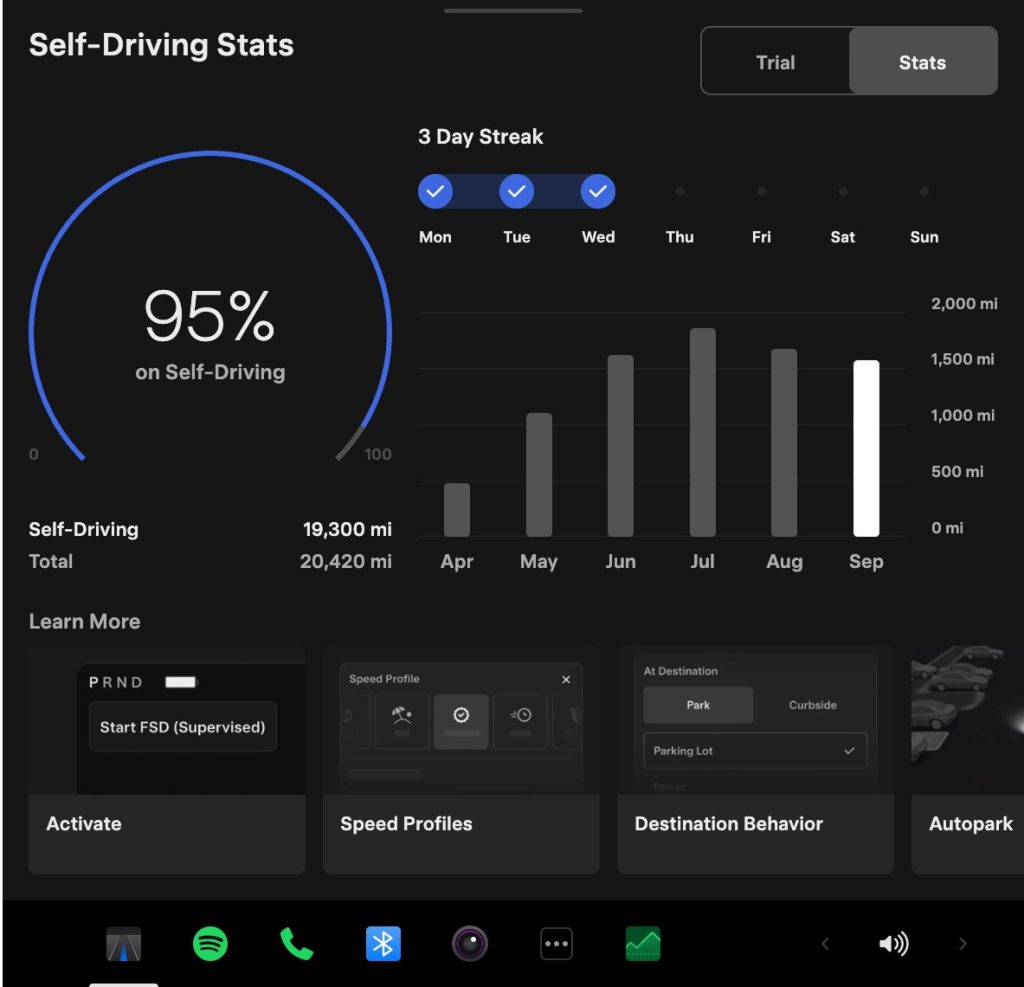
The centerpiece for owners with AI4 hardware is a redesigned Self-Driving app. The new interface lets owners subscribe to Full Self-Driving with a single tap and view ongoing FSD usage stats directly in the vehicle.
Grok gets its biggest in-car upgrade yet. The update adds a “Hey Grok” hands-free wake word along with location-based reminders, so a driver can now say “remind me to pick up groceries when I get home” without touching the screen. Grok first arrived in vehicles in July 2025, but each update has pushed it closer to genuine daily utility. Musk framed the broader vision clearly at Davos in January, saying Tesla is “really moving into a future that is based on autonomy.”
On safety, the update introduces enhanced blind spot warning lights that integrate directly with the cabin’s ambient lighting, building on the blind spot door warning that arrived in update 2026.8.
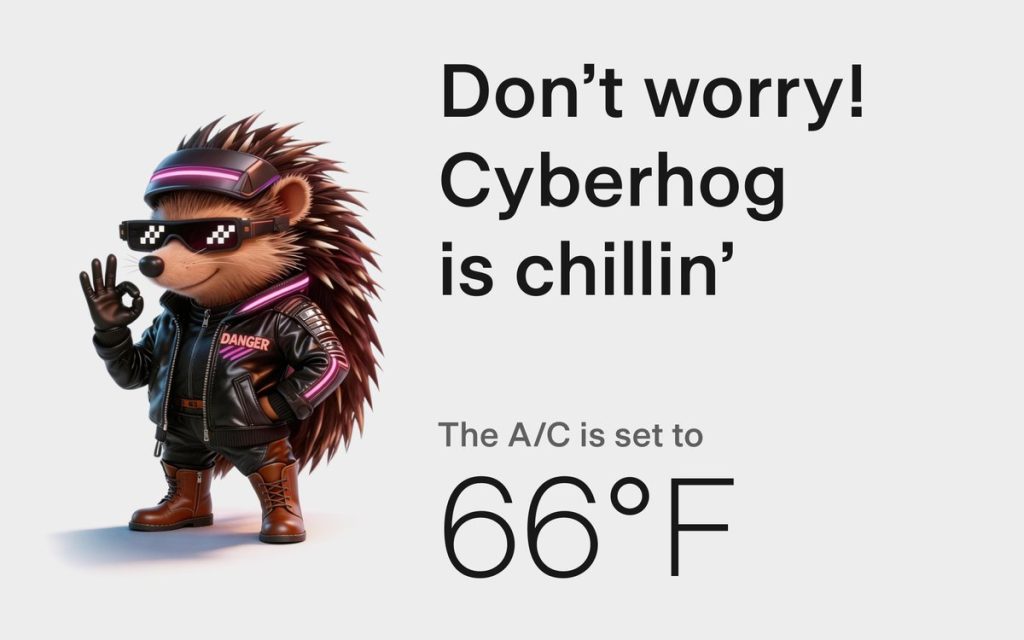
Dog Mode has been renamed Pet Mode and now lets owners choose a dog, cat, or hedgehog icon and add their pet’s name to the display.
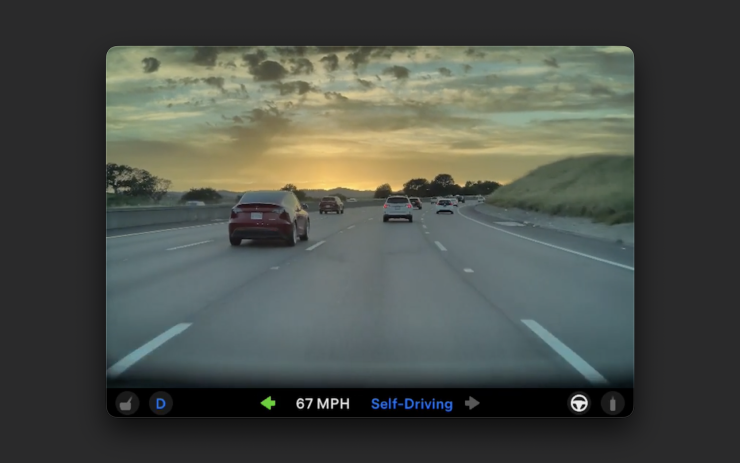
Dashcam retention now extends up to 24 hours, up from the previous one-hour rolling loop, with a permanent save option for any clip. Weather maps now show rain and snow with better color differentiation and include the past hour of precipitation data along the route.
Tesla has now established a clear rhythm of two major OTA pushes per year. As with last year’s Spring update, that cycle started taking shape in 2025 with adaptive headlights and trunk customization. The 2025 Holiday Update then added Grok to the vehicle for the first time. This Spring follows that structure: the Holiday update introduces new architecture, and the Spring update broadens it across the fleet.
Two notable features still did not make it. IFTTT automations, which launched in China earlier this year, were held back from this North American release for unknown reasons, and Apple CarPlay remains absent, reportedly still delayed by iOS 26 and Apple Maps compatibility issues.
Below is the full list of feature updates released by Tesla.
— Tesla (@Tesla) April 13, 2026

Why Elon Musk’s target date for buying an Optimus robot is harder than it sounds

Elon Musk drops a Thanksgiving hint about Starship’s biggest test yet

Tesla’s mirrorless Cybercab will give riders a visibility upgrade

The Pentagon taps Elon Musk to design the battlefield of the future

Tesla Roadster’s new patent preps white-knuckle speeds, keeping it grounded


