Firmware
Tesla Firmware 6.0 Updates Dashboard Display

I spent the morning hanging out at a body shop recently (ooo… yes… that IS a teaser, but you’ll have to wait to find out why). The guys there spend their days fiddling and finicking as they sort out cars that have been “modified” in accordance with the laws of physics. Their ultimate goal, of course, is to recreate a car so perfectly that even its owner can’t tell where it was previously damaged. Ah… but there’s a dark art to this far deeper than you might realize. The art of knowing when to stop trying to make something better– or, as one of fellows said (quoting someone else I wasn’t attentive enough to recall): “The enemy of good, is great.”
I think Tesla tried for great when they developed Version 6.0 firmware, but I’m reluctantly going to say that after all the build up and hype, so far, it is merely good. GASP!! What?? How dare I!! Let me show you what happens when the “the clock” popped up next to my “T”.
If you’re a fast scrolling type you’ll see that there are a lot of pictures here and even a video at the bottom (I was doing simultaneous Tesla and toilet upgrades — pretty sure that is a YouTube first). While I often seek to dazzle readers with extraneous photography, this time the pictures are here for coherent purposes in three sections. First we’ll look at the old graphics, then at the upgrade/installation process and then we’ll see what Tesla has wrought.
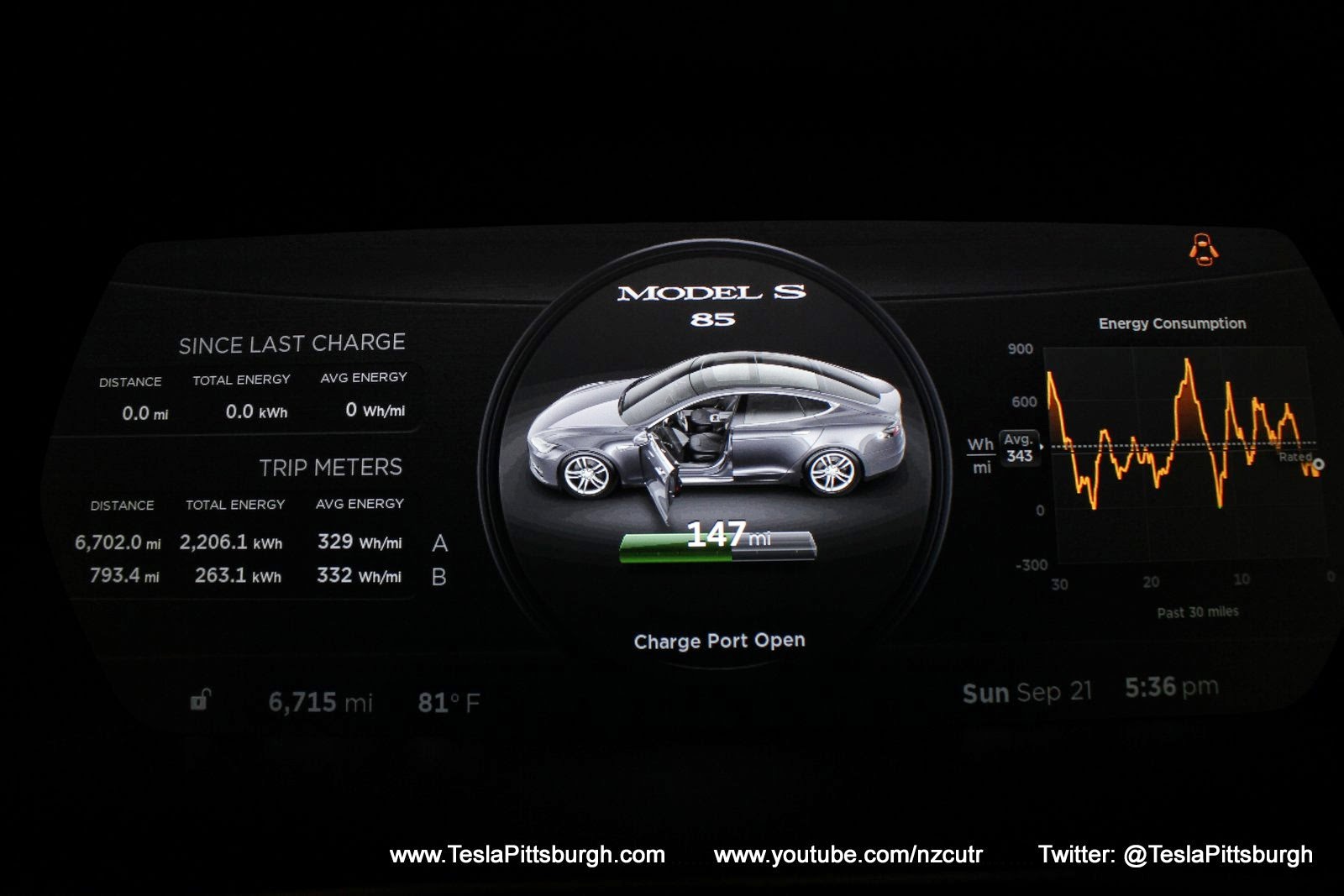
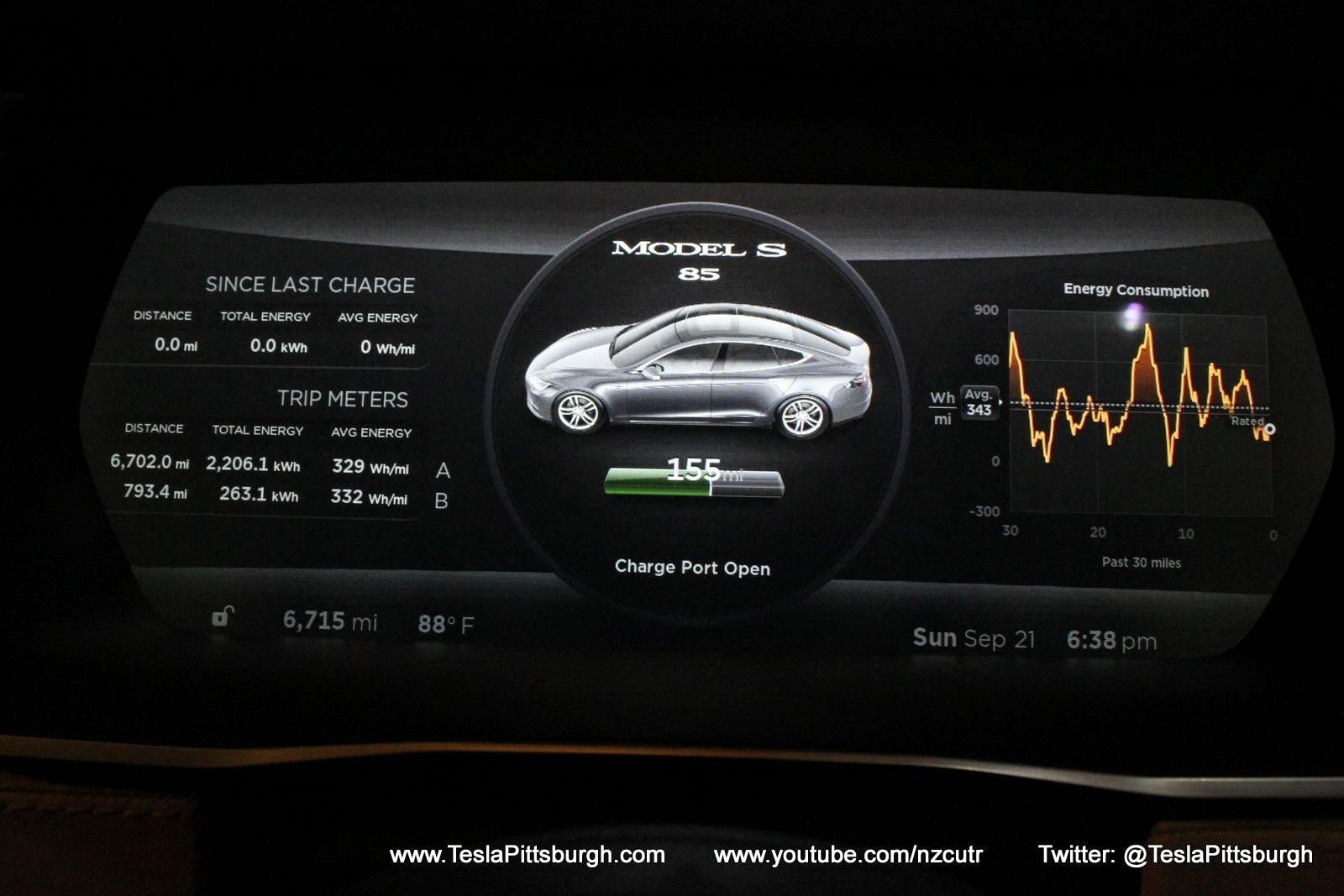
 Stepping into the Tesla for the last 3 months has always yielded the beautiful view above. Rich and dark grey and black tones with Serena spotlit in the middle. I choose to think of it as a model on a catwalk but I suppose as the car ages and IF it ever gets glitchy, that will morph into the bright light of an interrogator’s lamp. “WHY WON’T YOU ____?!?”
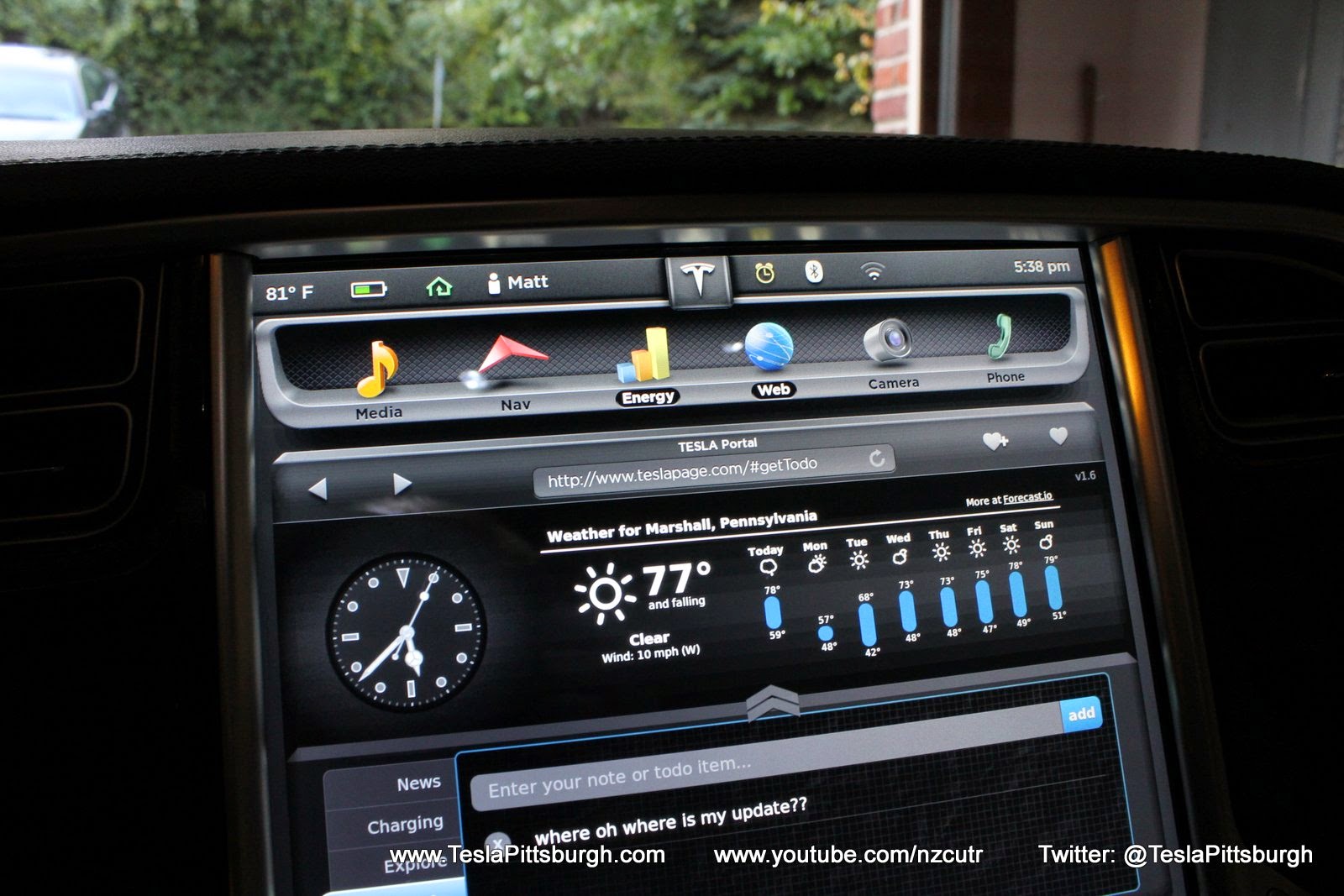
The center display– shown here in night mode– sports the same general look it has had since the car was launched. I’d bet it would be difficult to distinguish between a car running 5.12 (like mine) and a car running whatever the first software version was cleverly named.
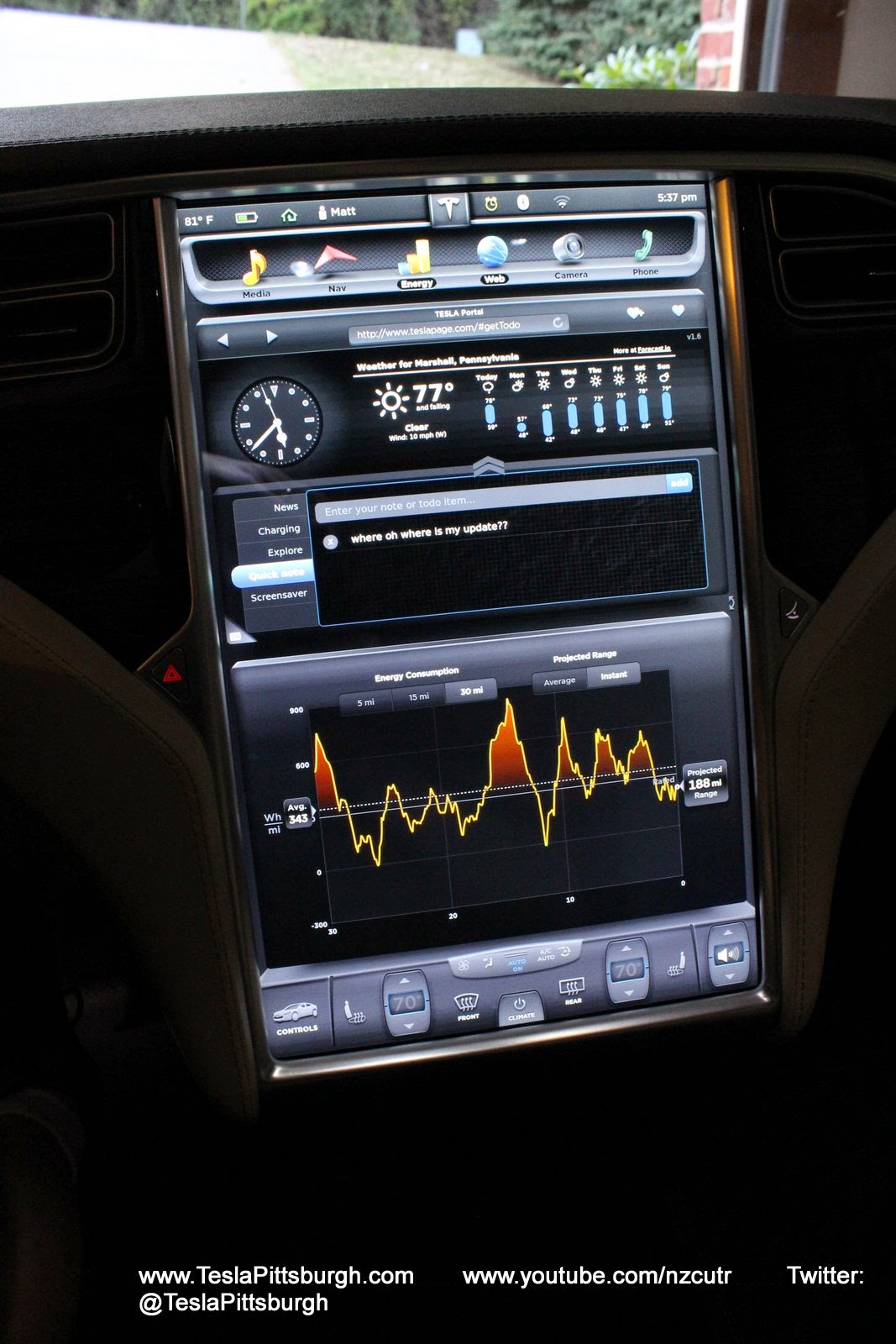
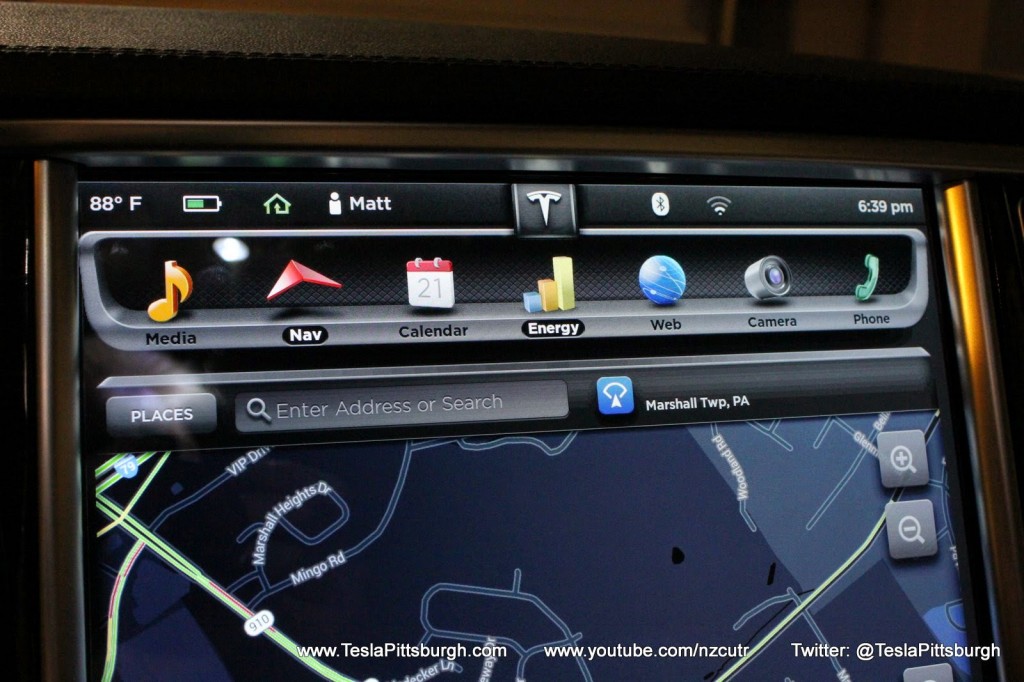
Looking at the top icons more closely, you can see the yellow alarm clock sitting beside the “T”. If you’re the first person in the car you’d actually see a notice for the upgrade. If, however, you have children… <sigh> they will close this notification and your only heads up will be that little clock. The webpage I have open in this picture is a handy one– even has a notepad function that appears to save your inputs from one day/user to the next. It could be a very handy message board.
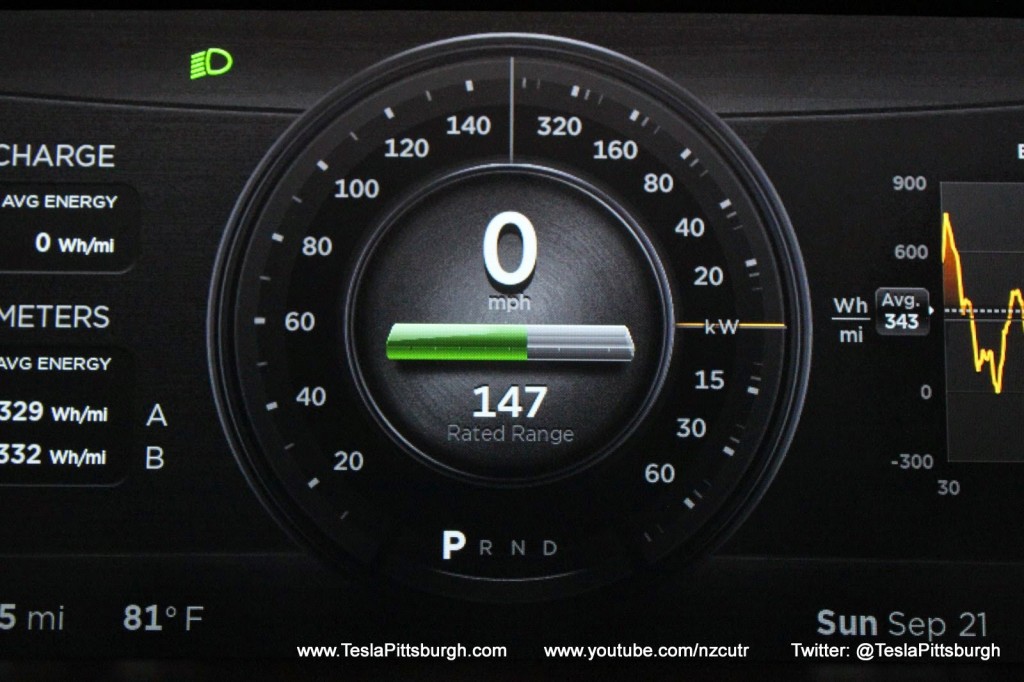
Back to the dash display with the car in drive mode, you can see the speedo-kilo-regeno-meter has replaced our fashion model car picture. The background is a brushed black aluminum type surface and the main dial has a burnished quality to it. Looking more closely, you can see the suggestion of a glass bubble sort of back-lighting the main dial. A light source that appears to be your face (maybe I need some Biden-style spray tanner?) creates a nice reflection on center section of the dial. The faux swirl marks and highlights are most noticeable here.
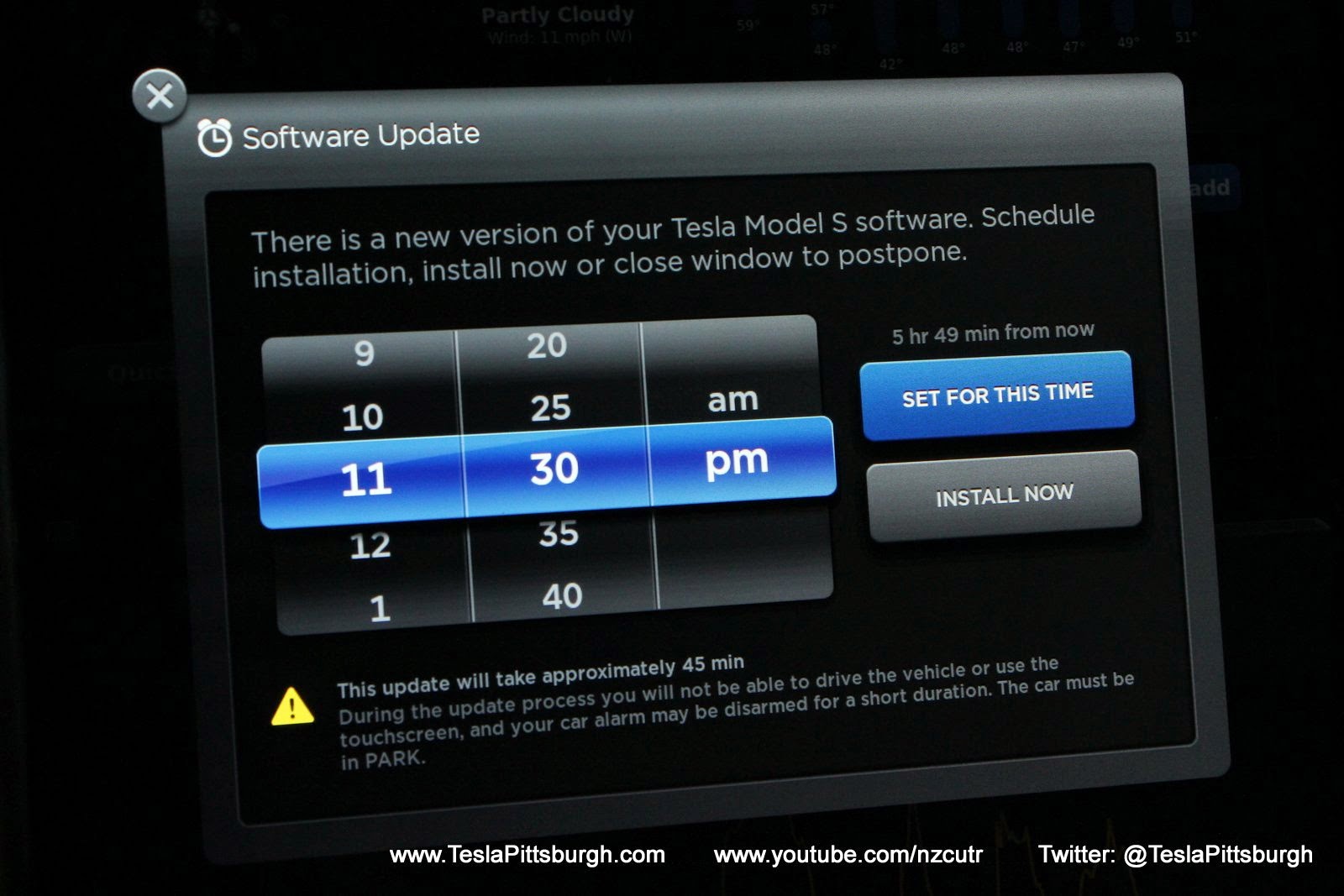
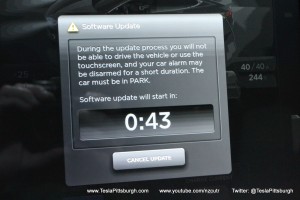 If your children haven’t already negated your numerous excited trips to check for this window by secretly “x”ing it out, you’ll find it popping up when your firmware download has finished. There are lots of rumors, voodoo rituals,electrical sacrifices and networking exorcisms that can supposedly increase the availability and speed at which you receive your upgrade notice… but from what I’ve read, my conclusion is that it comes when it comes and it downloads when it downloads (and sleep mode doesn’t appear to have any affect on it).
Once you’ve clicked the install button, a two minute countdown timer appears and warns you to not anger or look disparagingly at Happy Fun Ball.
Omigosh… here it goes! What follows is a spooky sequence of creaks, groans, flashing headlights, louvers popping and loud clicks. This drama goes on for the duration of the installation and charging will stop for most of it. Your clue that all is back to normal will be when charging resumes and your UMC’s green light starts happily throbbing again.
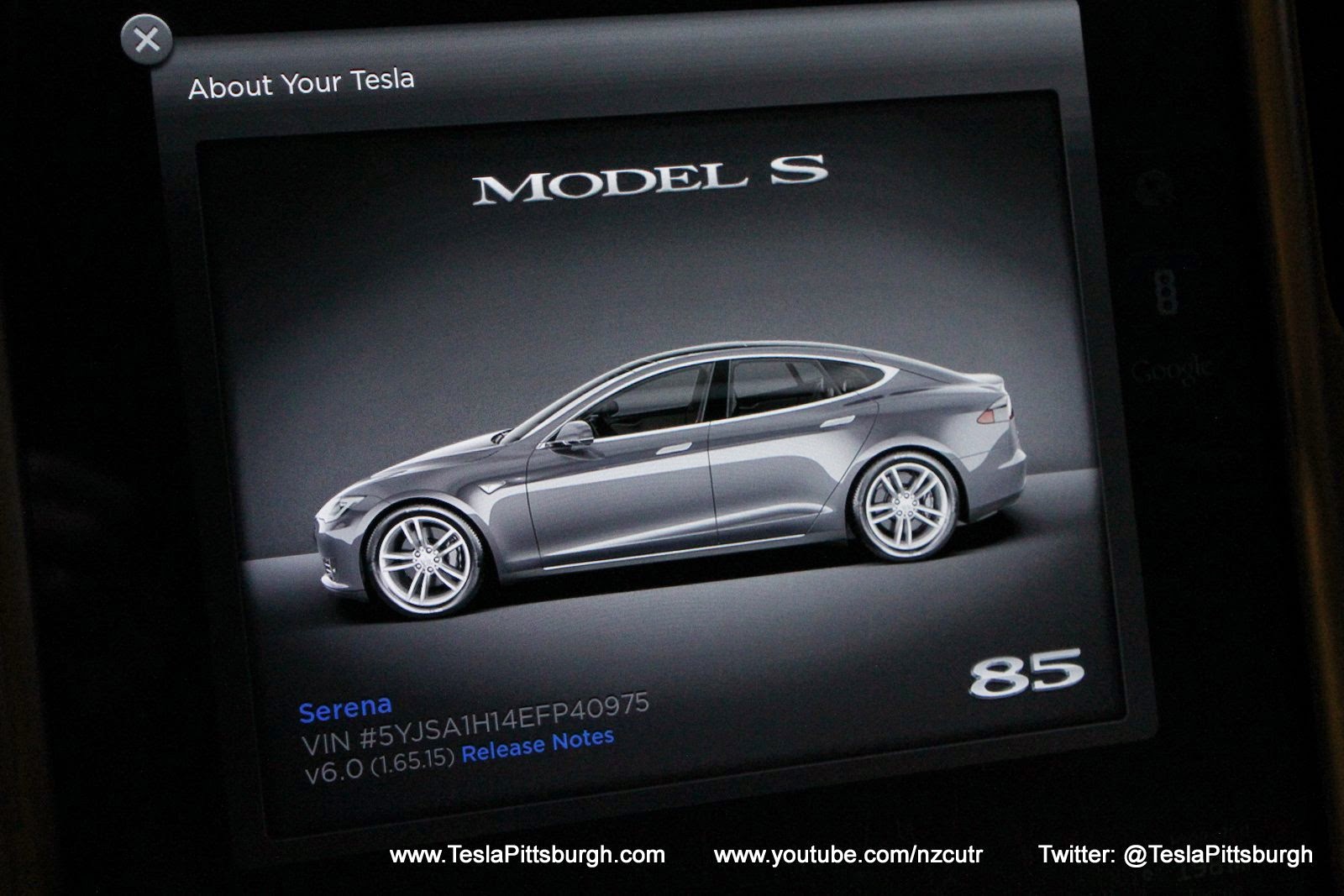
A headline feature of this version 6.0 is that you can name your Tesla. Okay. Did that. Wow. Moving on…. I suppose this is amazeballs to those of you with smartphones and apps, but here in the land of leaky toilets and Tracfones… sigh. I’d be more impressed if Serena’s name appeared somewhere on the displays ALL the time and not just when summoned from the “T”.
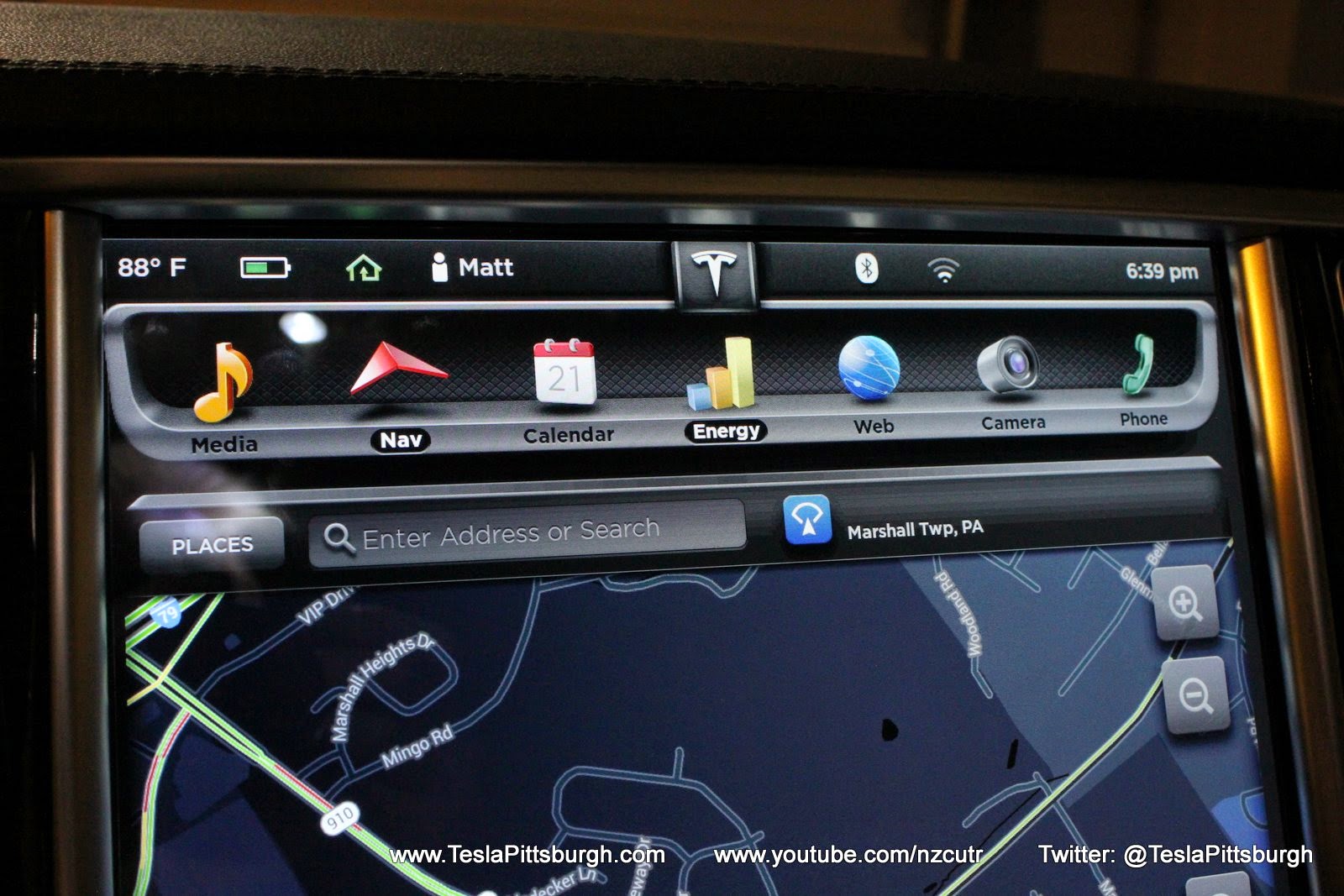
Viewing the center display the only apparent change is the addition of the calendar app’s button. It does show the current date on the button (so you can see how much procrastination went into writing this post– DOH!) but otherwise all the backgrounds and textures are unchanged. Launching the calendar app is a good way to remind yourself that you ONLY HAVE A TRACFONE. Sigh.
Spinning the main dial around into drive mode reveals even bigger changes. The lighting effects are a lot less dramatic and the contrast overall is flatter.
The deep rims around the main dial and the inset center section are gone, replaced with simpler shapes. I believe the numbers are bolder too– but that’s hard, even with pictures, to verify. The three outer sections of the main dial are also more clearly sectioned off from each other. Most helpfully, we’ve gained a white line on the rated range bar– the single biggest improvement to my eyes. On the old bar graph the edge of the charged status could be hard to pick out as the bright green of a full battery turned into the sickly yellow of a nearly empty one.
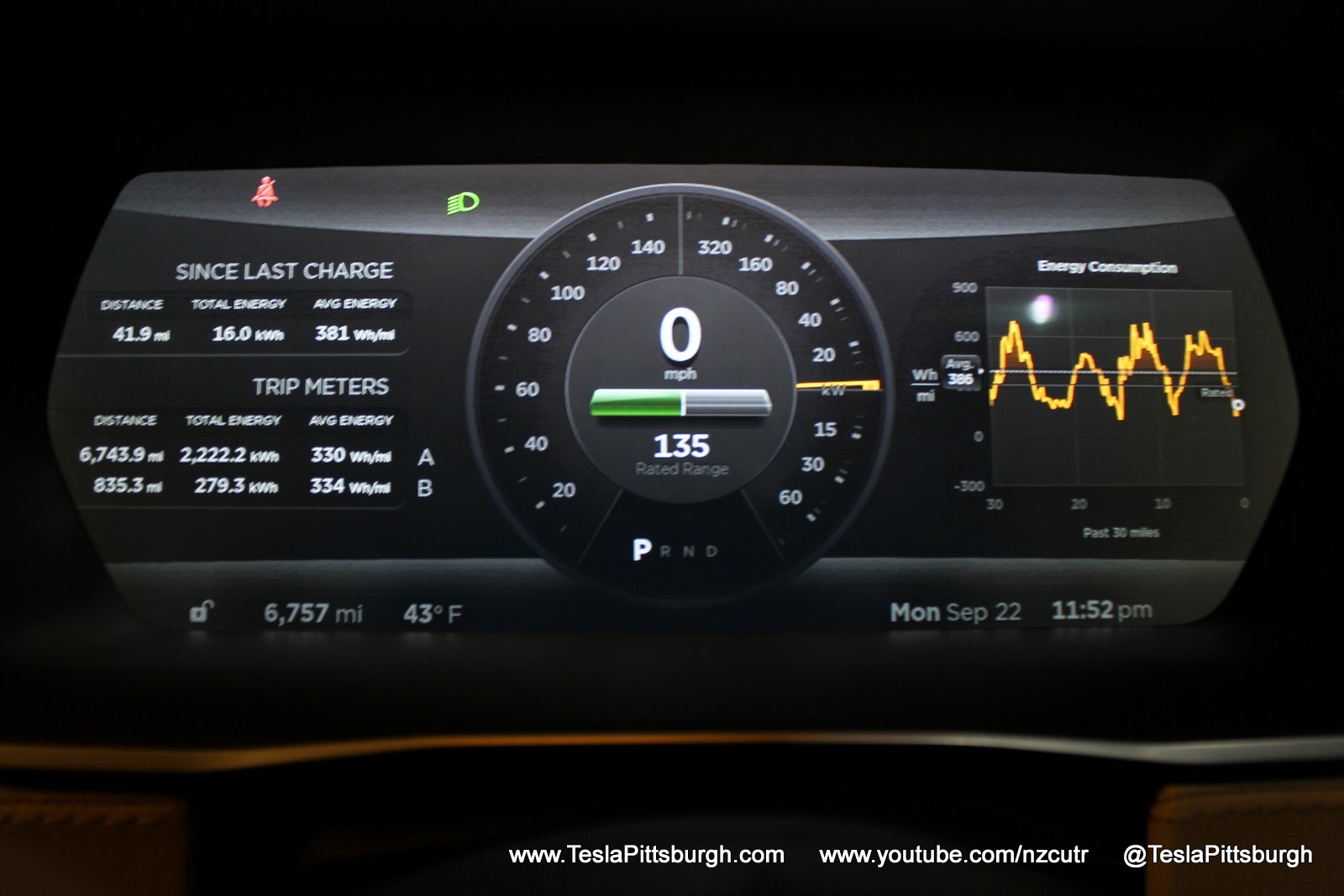
Every change Tesla makes to the fleet results in a firestorm of debate and Monday morning quarterbacking. Just as I’ve laid out my case for why the original graphics looked better, my wife strolls past and tells me that I’m wrong. Granted, this is not an unusual occurrence, but in this case I was a bit surprised. My assumption was that women would be most disappointed to see some gilding removed from the lily– but as she put it: the primary job of the instrument display is to convey information and now it does it in a clearer manner than before. It’s just easier to read at a glance.
I will reluctantly concede the point.
But I still miss the old graphics– at least up until the moment I see the orange needle fly up!
Check out my video “tour” and discussion of the upgrading process and what it has to do with a leaky toilet– oh yes, there’s a toilet cameo!
Thanks for visiting us here!
CLICK to read more at www.TeslaPittsburgh.com, check out the videos on our YouTube channel at www.YouTube.com/NZCUTR and follow us on Twitter: https://twitter.com/TeslaPittsburgh.


Firmware
Tesla unlocks in-car web conferencing to extend Google Meet, Teams and beyond
Tesla’s Summer Update lets owners join Google Meet, Teams, and Discord calls via cabin camera.

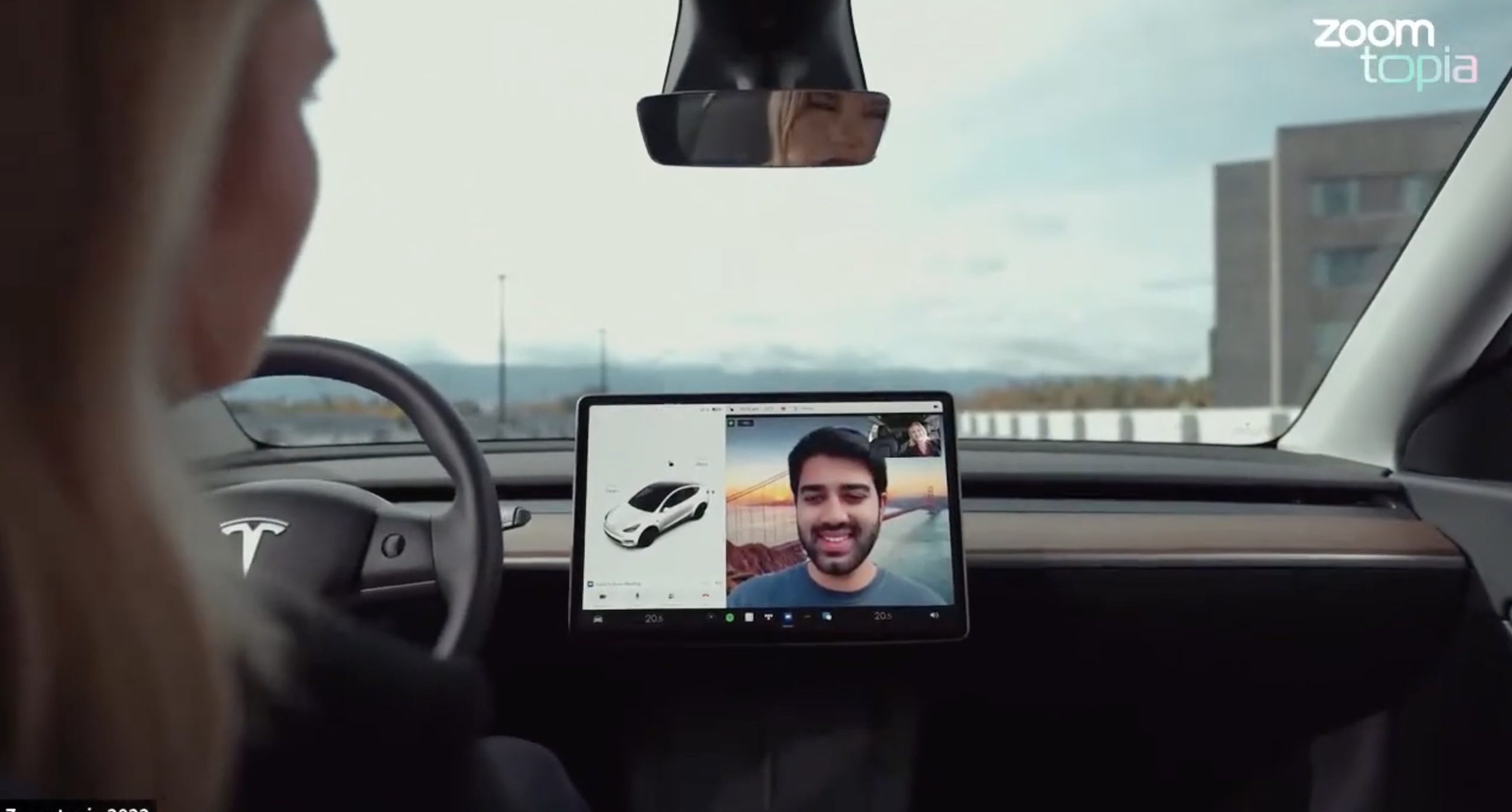
Tesla’s 2026 Summer Update, which just began rolling out to customer vehicles, now links the built-in web browser with the in-cabin camera feed and microphone input, thereby letting owners join video calls on nearly any browser-based service instead of just Zoom.
The change appears in Tesla’s own release notes for software version 2026.26 under “Web Browser,” which states that the vehicle can now use its interior camera and cabin microphone when a website requests access, with permission granted the same way a desktop browser handles it. As NotATeslaApp notes, this feature opens the door to Google Meet, Microsoft Teams, Discord, and other webcam-enabled sites to activate the in-car cabin-facing camera. The feed automatically crops and zooms to center the driver in frame.
Tesla has offered in-car video calling before, but only through a dedicated Zoom app that launched at the end of 2022, a stripped-down browser preloaded with Zoom’s own web client and gated behind Premium Connectivity. Opening the full browser to any camera-requesting site removes that walled garden. Elon Musk first called video conferencing “definitely a future feature” back in 2020, when the pandemic pushed remote meetings into daily life, so this update effectively finishes something Tesla has been promising for six years.
Tesla Summer Update begins rolling out: a look at the new features
The feature keeps the same restrictions that applied to Zoom on Tesla vehicles. It only works while the car is parked; shifting into Drive disables the camera feed, according to the release notes. It is also limited to vehicles running Tesla’s AMD Ryzen infotainment hardware, meaning older Intel-based Model S and Model X units, along with early Model 3 and Model Y builds, don’t get it.
Turning the browser into a general entry point for the in-cabin camera, rather than routing everything through one local app, widens the number of third-party sites that can ask for access, even though Tesla’s permission prompt.
With the Summer update only days into its rollout, be sure to stay with us on TikTok and X to see the latest video demonstrations.
Elon Musk
Tesla confirmed HW3 can’t do Unsupervised FSD but there’s more to the story
Tesla confirmed HW3 vehicles cannot run unsupervised FSD, replacing its free upgrade promise with a discounted trade-in.
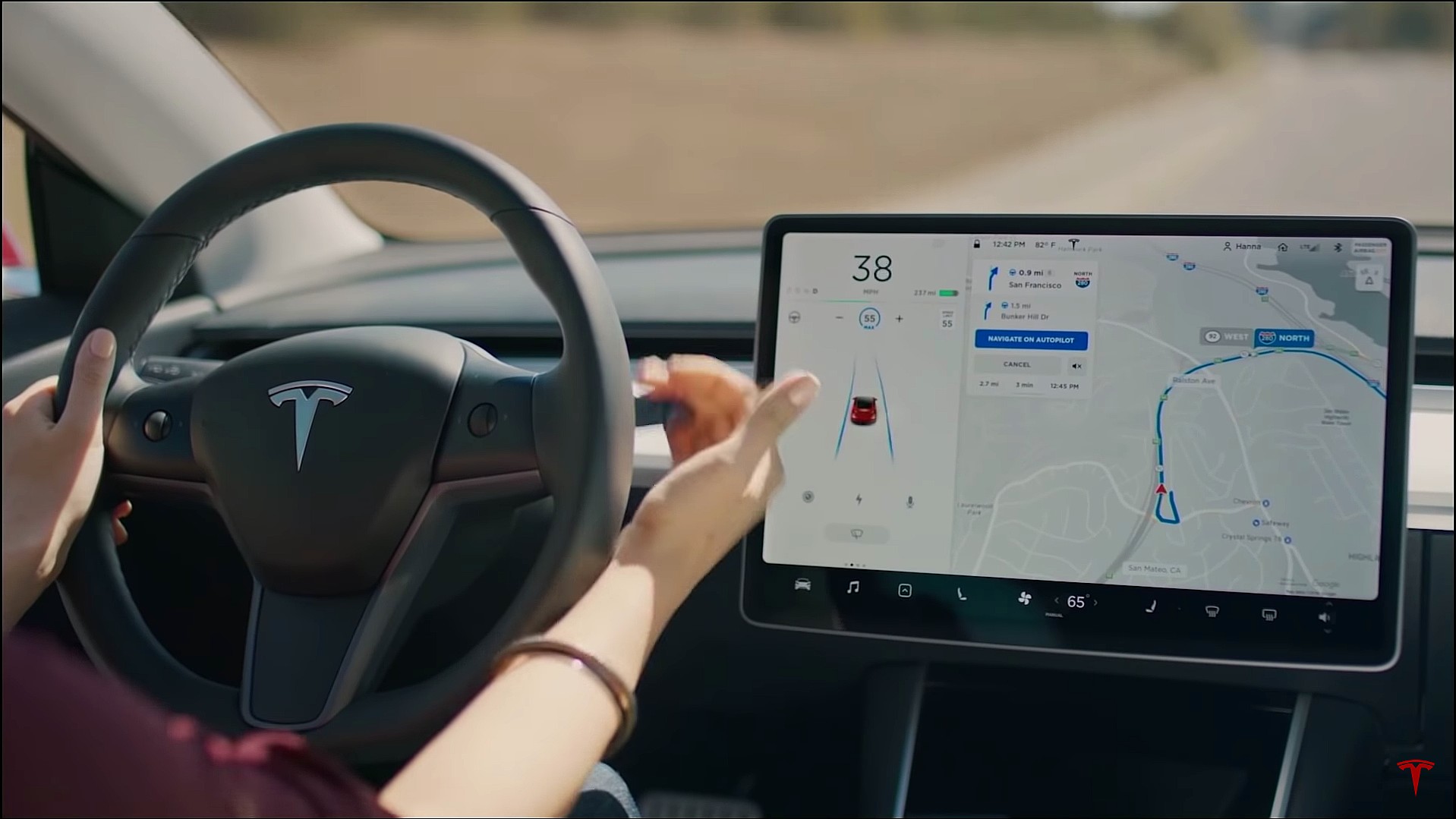
Tesla has officially confirmed that early vehicles with its Autopilot Hardware 3 (HW3) will not be capable of unsupervised Full Self-Driving, while extending a path forward for legacy owners through a discounted trade-in program. The announcement came by way of Elon Musk in today’s Tesla Q1 2026 earnings call.
🚨 Our LIVE updates on the Tesla Earnings Call will take place here in a thread 🧵
Follow along below: pic.twitter.com/hzJeBitzJU
— TESLARATI (@Teslarati) April 22, 2026
The history here matters. HW3 launched in April 2019, and Tesla sold Full Self-Driving packages to owners on the understanding that the hardware was sufficient for full autonomy. Some owners paid between $8,000 and $15,000 for FSD during that period. For years, as FSD’s AI models grew more demanding, HW3 vehicles fell progressively further behind, eventually landing on FSD v12.6 in January 2025 while AI4 vehicles moved to v13 and then v14. When Musk acknowledged in January 2025 that HW3 simply could not reach unsupervised operation, and alluded to a difficult hardware retrofit.
The near-term offering is more concrete. Tesla’s head of Autopilot Ashok Elluswamy confirmed on today’s call that a V14-lite will be coming to HW3 vehicles in late June, bringing all the V14 features currently running on AI4 hardware. That is a meaningful software update for owners who have been frozen at v12.6 for over a year, and it represents genuine effort to keep older hardware relevant. Unsupervised FSD for vehicles is now targeted for Q4 2026 at the earliest, with Musk describing it as a gradual, geography-limited rollout.
For HW3 owners, the over-the-air V14-lite update is welcomed, and the discounted trade-in path at least acknowledges an old obligation. What happens next with the trade-in pricing will define how this chapter ultimately gets written. If Tesla prices the hardware path fairly, acknowledges what early adopters are owed, and delivers V14-lite on the June timeline it committed to today, it has a real opportunity to convert one of the longest-running sore subjects among early adopters into a loyalty story.
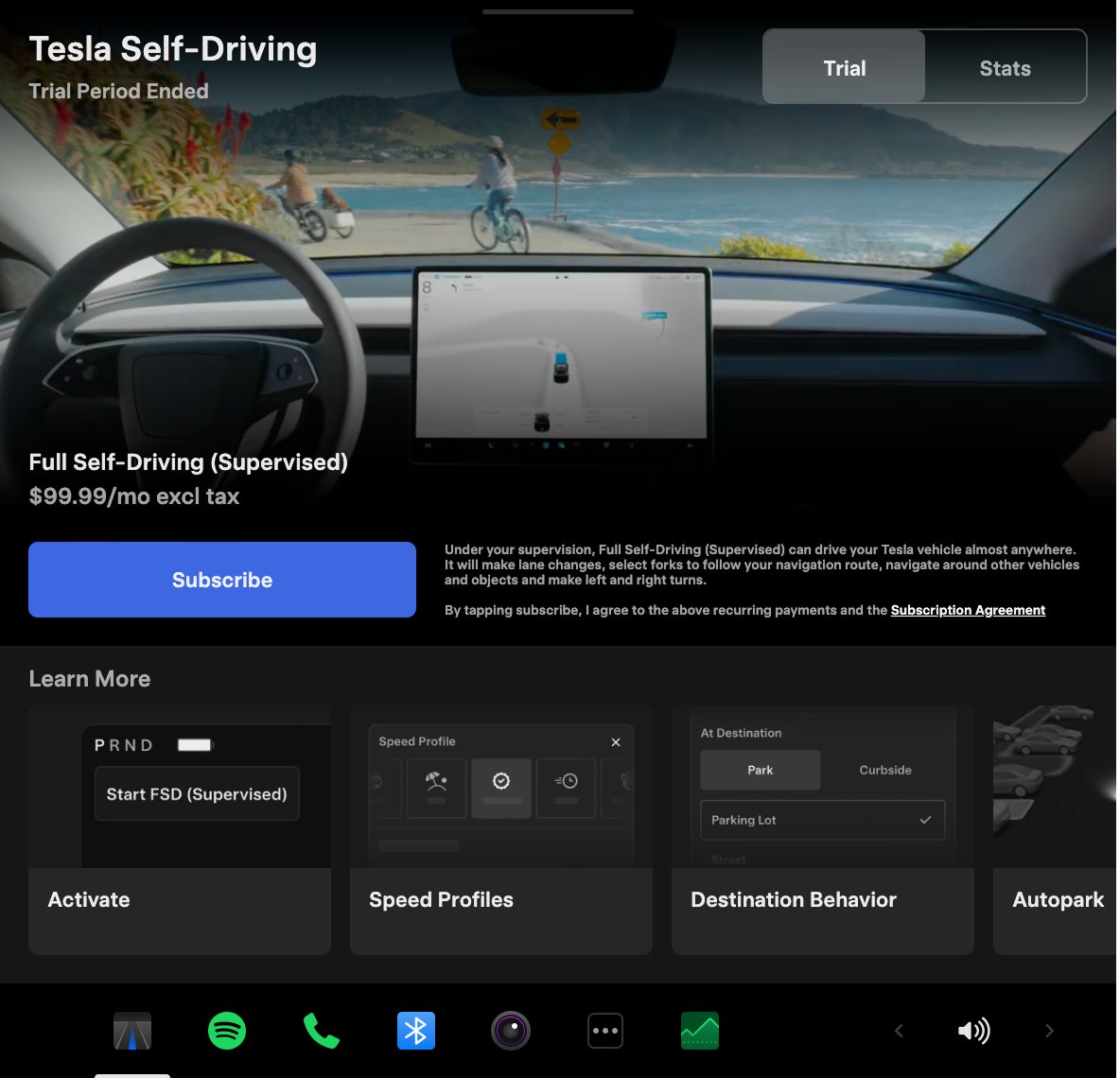
Tesla announced its Spring 2026 software update, and it’s the most feature-dense seasonal release the company has put out. The update covers twelve named changes spanning FSD, voice AI, safety lighting, dashcam storage, and pet display customization, among other things.
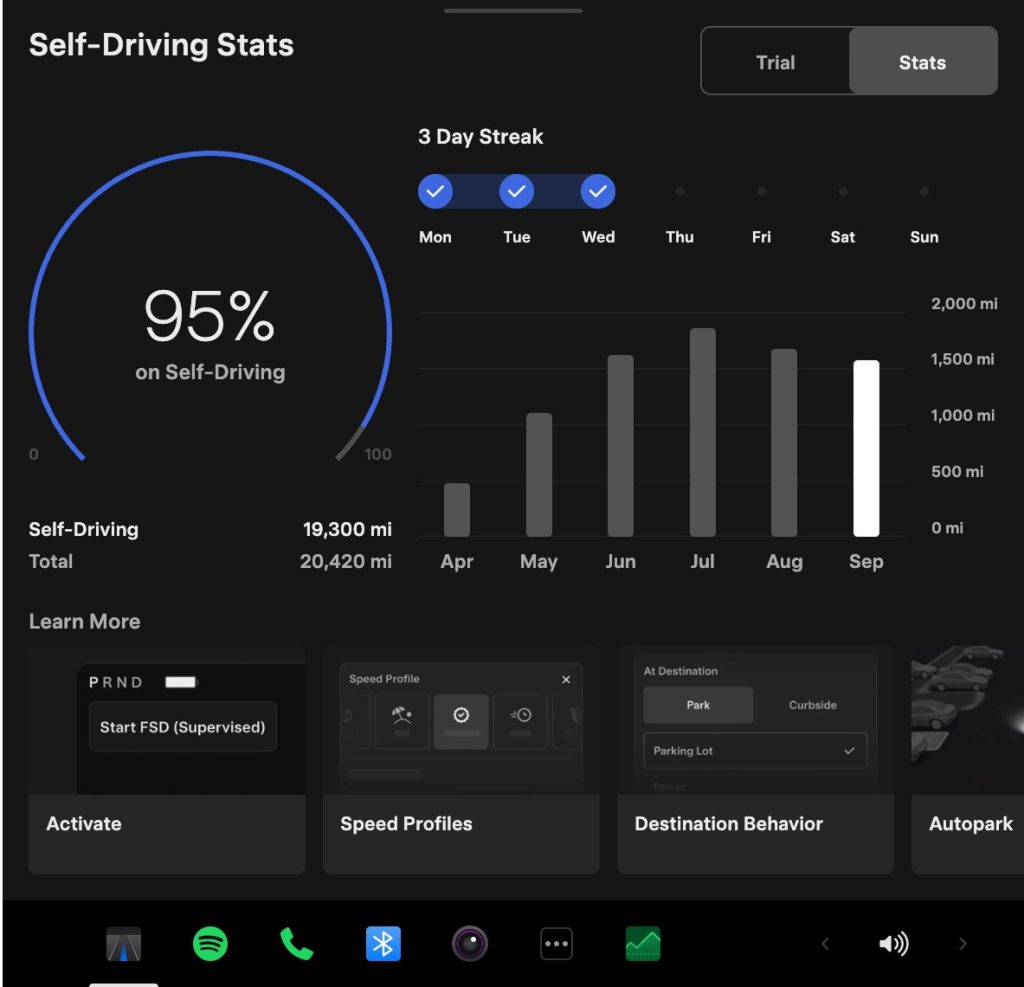
The centerpiece for owners with AI4 hardware is a redesigned Self-Driving app. The new interface lets owners subscribe to Full Self-Driving with a single tap and view ongoing FSD usage stats directly in the vehicle.
Grok gets its biggest in-car upgrade yet. The update adds a “Hey Grok” hands-free wake word along with location-based reminders, so a driver can now say “remind me to pick up groceries when I get home” without touching the screen. Grok first arrived in vehicles in July 2025, but each update has pushed it closer to genuine daily utility. Musk framed the broader vision clearly at Davos in January, saying Tesla is “really moving into a future that is based on autonomy.”
On safety, the update introduces enhanced blind spot warning lights that integrate directly with the cabin’s ambient lighting, building on the blind spot door warning that arrived in update 2026.8.
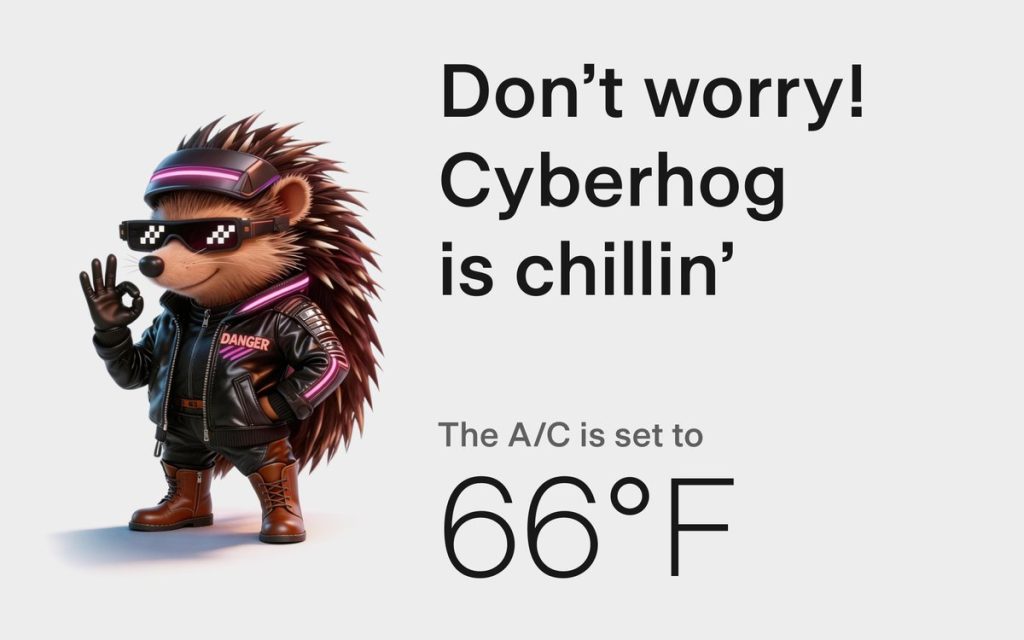
Dog Mode has been renamed Pet Mode and now lets owners choose a dog, cat, or hedgehog icon and add their pet’s name to the display.
Dashcam retention now extends up to 24 hours, up from the previous one-hour rolling loop, with a permanent save option for any clip. Weather maps now show rain and snow with better color differentiation and include the past hour of precipitation data along the route.
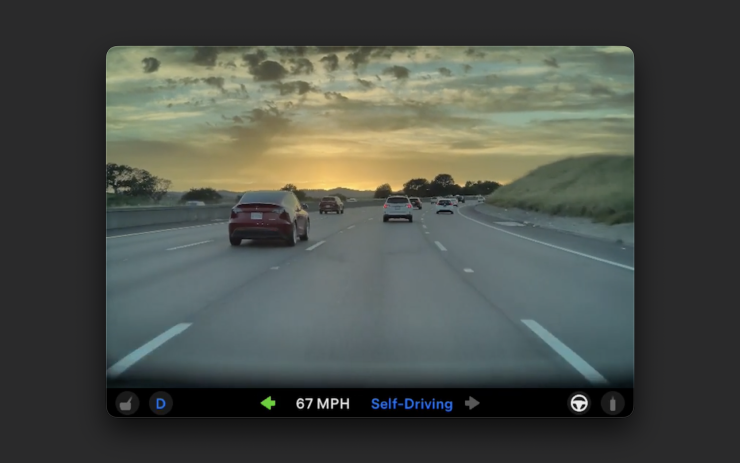
Tesla has now established a clear rhythm of two major OTA pushes per year. As with last year’s Spring update, that cycle started taking shape in 2025 with adaptive headlights and trunk customization. The 2025 Holiday Update then added Grok to the vehicle for the first time. This Spring follows that structure: the Holiday update introduces new architecture, and the Spring update broadens it across the fleet.
Two notable features still did not make it. IFTTT automations, which launched in China earlier this year, were held back from this North American release for unknown reasons, and Apple CarPlay remains absent, reportedly still delayed by iOS 26 and Apple Maps compatibility issues.
Below is the full list of feature updates released by Tesla.
— Tesla (@Tesla) April 13, 2026

Tesla Cybercabs take over Austin’s F1 weekend

Tesla makes good on its Cybercab promise in just two weeks


