Tesla Model 3
Watch Tesla Smart Summon react to a runaway “shopping cart” in latest obstacle test

Tesla Model 3 owner and electric car enthusiast Kevin Rooke performed an experiment with Smart Summon, showcasing its ability to react to moving obstacles in a simulated runaway shopping cart test.
Rooke performed a separate Smart Summon test in mid-November, where he put the software through its paces with an intense trap that would summon the vehicle into a river.
While Rooke noted his first test as helpful in terms of teaching him how well the Summon software works, he wanted to take it a step further. “I went back for another round of testing, I brought a bunch more objects with me, but this time, I had a twist,” Rooke said. “I wanted to see how a Tesla might react when the objects presented in front of it, all these obstacles, were moving.”
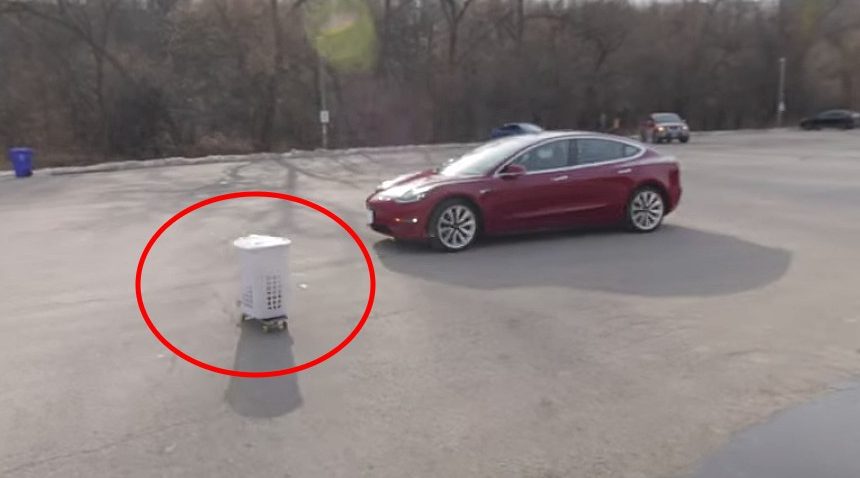
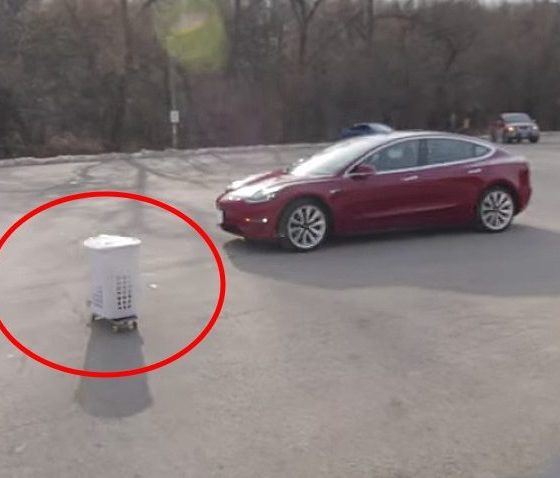
In the latest test, Rooke built a makeshift shopping cart with a skateboard on top of a laundry basket. Rooke used Summon’s “GO TO TARGET” button to have his Model 3 move in a straight line. While it was moving, he pushed the shopping cart in front of the vehicle. His Model 3 successfully recognized the approaching obstacle as it came closer to the driver’s side front quarter panel. In a second test of the shopping cart, the Model 3 once again successfully avoided the obstacle. It is safe to say that if this were a real shopping cart in a grocery store parking lot, colliding with it would do some cosmetic damage to the car’s exterior. Summon’s ability to avoid this object is beneficial for Tesla owners as it could save money in the event of a freely-rolling shopping cart.
The next test was a series of long, cylindrical balloons that resembled a tree branch. Rooke attached these to a string and stood far away from the car. As the Summon operated Model 3 recognized these balloons, it stopped with plenty of room to spare.
The more interesting tests were with basketballs and soccer balls. “We are going to do two tests, a bounce test…and then we’re just going to do a rolling test afterward to see what the sensors pick up,” Rooke said. The car did not recognize the basketball on the first bouncing test, but did see it on the second attempt. While the car made contact with the basketball, it did successfully stop immediately afterward.
The rolling test of the basketball proved to be where Summon is in need of improvement. The vehicle’s sensors did not recognize the ball, ran over it, and popped it. Rooke subsequently tested other balls of smaller dimensions, but they yielded the same results.
Impressed by the performance of Summon when confronted with the shopping cart, Rooke shared some thoughts at the end of the video. “Smart Summon will stop for large obstacles that are moving even if they happen to come from the side of the car,” Rooke said. “If there is a rogue shopping cart in a mall parking lot, you do not want your car driving into it. You want your car to stop. That was the correct decision.” When talking about the basketball test however, Rooke certainly feels that a ball of that size should be recognized by the vehicle’s sensors, and it is evident Tesla could use some improvement in this category. “Imagine a toddler crawling behind a car or a small animal crossing in front of the path of the car. Those are things that you want the car to stop for and recognize,” he added.
Noting that the previous test did display that it recognized small pylons, it is not correct to assume the car’s sensors do not recognize them at all. It is more reasonable to assume that the feature just needs to be improved upon. Judging on Tesla’s frequent software updates, the company will likely confront these concerns and do what it can to fix them.
You can watch Kevin Rooke’s second Smart Summon test below.


Energy
Tesla Model 3 and Model Y can now do what only Cybertruck could
Tesla Model 3 and Model Y can power your home with Powerwall 3 during outages.

Tesla has turned its two top sellers into backup batteries for the house.
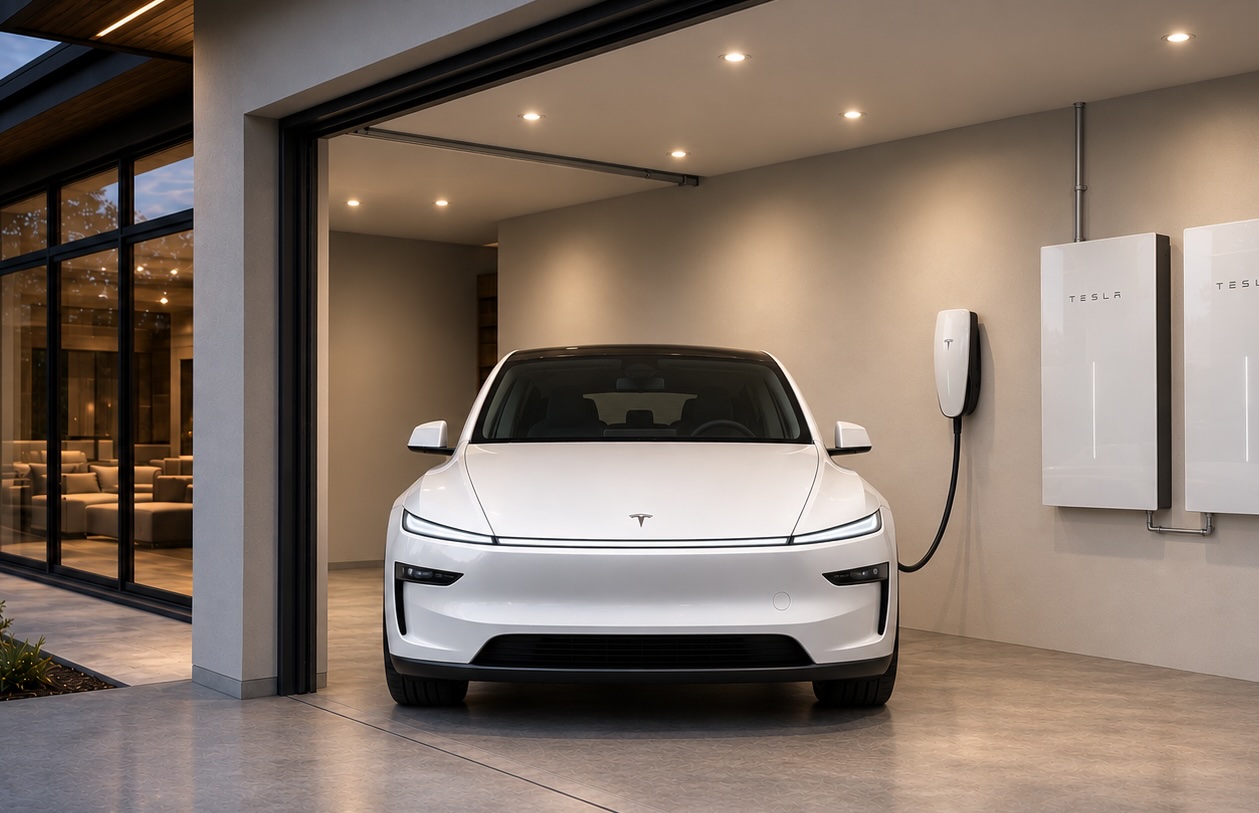
Tesla Energy announced on Tuesday that Powershare Home Backup is now available for new Model 3 and Model Y vehicles paired with a Powerwall 3, saying the car can “extend your home backup by over 2 days.” Minutes later, Tesla’s main account quoted the post with a broader pitch: “With Powerwall 3, every Tesla can now serve as your home’s backup battery.”
Until this week, the Cybertruck was the only Tesla that could send power back into a home, and that capability only began working alongside Powerwall 3 last month, after years of ambitious targets.
Tesla’s updated Powershare page says every Model 3 and Model Y ordered in the U.S. or Puerto Rico on or after October 1, 2026 can use the feature. Some, but not all, earlier cars also qualify. Owners can check on the touchscreen under Software, then Additional Vehicle Information, where a capable car shows “Powershare Support: Enabled.” As Electrek reported, bidirectional power on the two cars runs through an inverter Tesla calls PCS2 Lite, and the company has not said when that part entered production on each trim.
The home side is simpler. A house that already has a Powerwall 3 and either a Wall Connector 3 or Universal Wall Connector needs no additional equipment, and Tesla says compatibility is enabled through a software update. When the grid drops, the Powerwall and the car work together, with up to 11.52 kW of continuous power available. Tesla’s “over two days” estimate assumes a home using 30 kWh per day and a car starting at a 90 percent charge. Standard trims are rated for up to two days, while the Cybertruck adds more than three.
There are limits. Powerwall 2 and Powerwall+ support is listed as “coming soon.” Model S and Model X are not included, and Grid Support, the program that lets Cybertruck owners in Texas send power back to the grid during demand spikes for bill credits, is not available for Model 3 or Model Y.
The rollout also lines up with something Elon Musk said more than three years ago. At Tesla’s March 2023 Investor Day, Musk said, “I don’t think very many people are going to want to use bidirectional charging, unless you have a Powerwall.” Tesla has now shipped the feature for its volume cars with exactly that requirement attached.
The Powerwall pairing was the hard part on Cybertruck. Tesla told owners in December 2025 that Powershare with Powerwall had been pushed to mid 2026, and lead engineer Wes Morrill explained that two devices capable of forming a home’s grid have to negotiate which one leads during an outage, across multiple generations of hardware. With that work done for the truck, Tesla was able to extend it to the Model 3 and Model Y within a month.
Ford and GM have offered home backup from their EVs for several years, but both require a separate inverter and backup hardware. Tesla’s version leans on equipment many Powerwall 3 owners already have on the wall. Powershare for the two cars also ships as part of software update 2026.38.3, the same release that began delivering Halloween Mode on Tuesday.
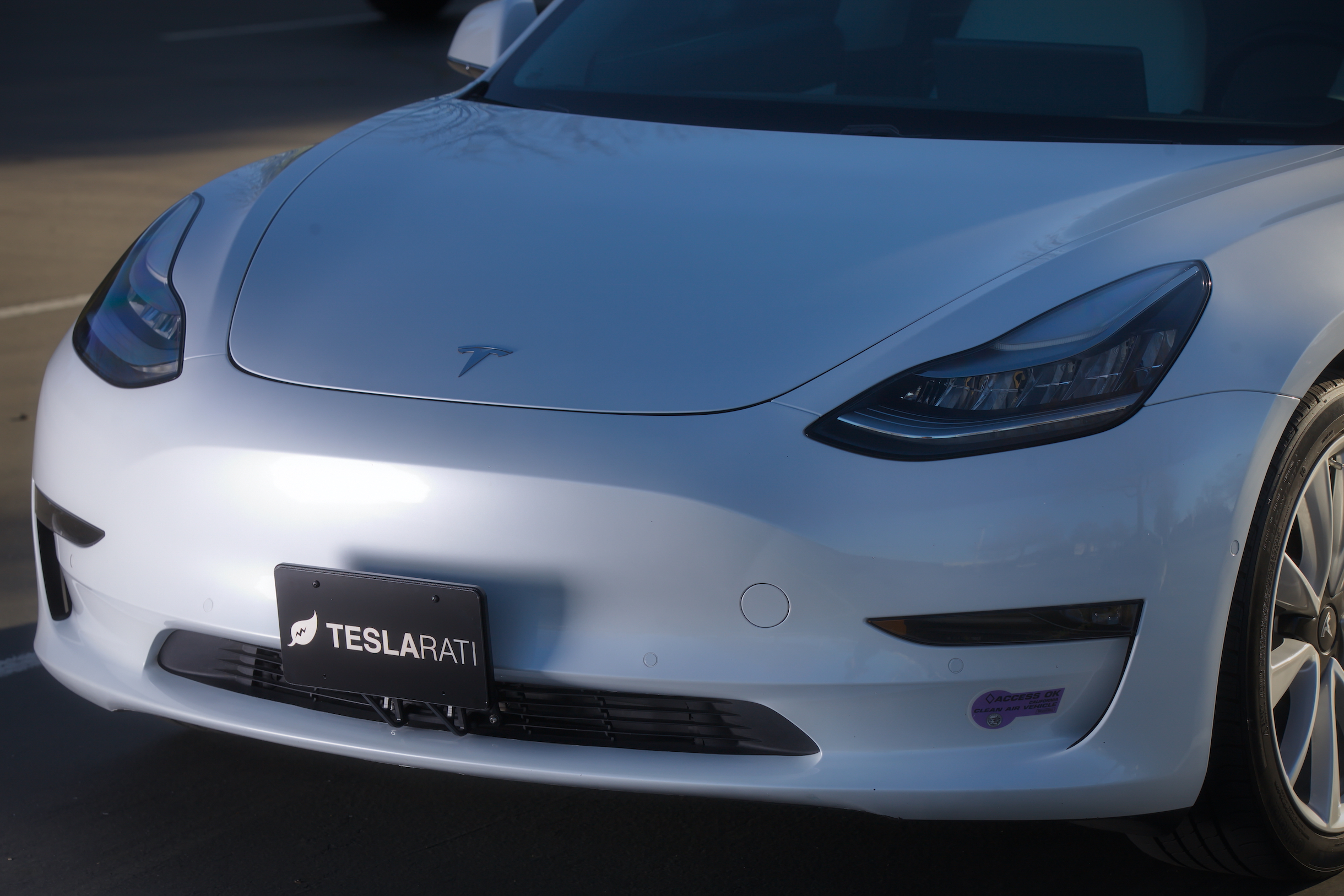
Tesla headlights have caused a recall of over 20,000 of the company’s two most popular vehicles, the Model 3 and Model Y, due to the low-beam bulb exceeding the maximum allowed intensity according to federal standards.
Tesla initiated the recall with the National Highway Traffic Safety Administration (NHTSA) this morning, stating that the low-beam output “exceeds the maximum allowed intensity in the outer upper-right and outer upper-left areas of the 10U and 90U zone, as prescribed in FMVSS No. 108.”
Tesla sourced the impacted headlights from Marelli Automotive Lighting, a Mexico-based company. The recall impacts 2020-2023 Model Y vehicles and 2017-2023 Model 3 vehicles. It is estimated that every VIN in this recall is impacted by the defect.
🚨 Tesla is recalling 20,349 2020-23 Model Y vehicles and 2017-23 Model 3 vehicles due to an excessively bright headlamp low beam.
Currently, there is no remedy plan in place, as it is still being developed. pic.twitter.com/y34cIO2U0B
— TESLARATI (@Teslarati) August 11, 2026
Typically, Tesla would remedy recalls of this nature through an Over-the-Air software update, which has been a major focus of criticism by the company and its supporters because the NHTSA still refers to it as a “recall,” even though it requires no action by the vehicle owner. The fix is shipped over the internet and downloaded to the car.
However, there appears to be a potentially different solution for this problem. Tesla has not developed a remedy for this issue, so it could potentially be on the way. The big issue appears to be the fact that these recalled lamps are out of production, and this is an old body style for both vehicles. The headlights and front-end designs are completely different.
Tesla switched to another supplier when the affected headlight design was discontinued. It plans to begin notifying owners of their remedy options by September 15.
Tesla filed a petition protesting the recall to fix the vehicles’ headlight issue, but the NHTSA denied it. Now, Tesla will come up with a solution to fix it.
Elon Musk
The Boring Company’s newest tunnel vehicle runs on Tesla parts and no one is driving it
The Boring Company’s new tunnel vehicle runs on Tesla Model 3 batteries and drive units.
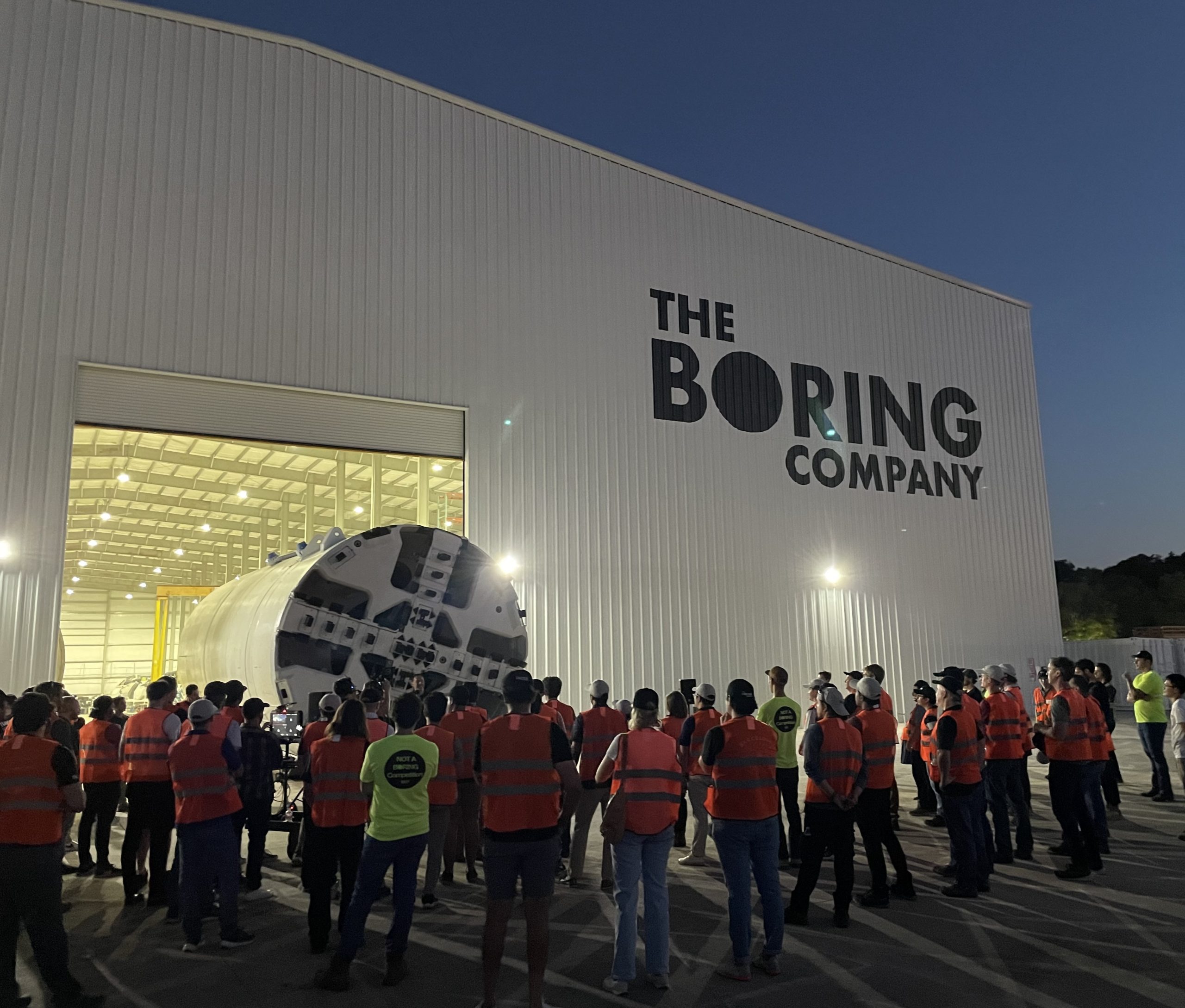
The Boring Company just introduced a new piece of hardware, and it runs on parts pulled straight from a Tesla showroom. Liner Truck 3, unveiled in a post from the tunneling company’s official X account, is an all electric vehicle built around Tesla Model 3 battery packs and drive units, purpose built to move concrete tunnel segments to the boring machine face without a single person underground.
Introducing Liner Truck 3 — our latest fully electric tunnel vehicle.
– Tesla Model 3 battery and drive units
– Transports 22,000+ lb of concrete segments to the boring machine
– 28 miles of range
– 12 mph max operating speed
– Remotely piloted from Global OCC in Texas, with… pic.twitter.com/XB7FgSXnpy— The Boring Company (@boringcompany) August 7, 2026
The job itself is unglamorous but critical. Each precast segment run weighs more than 22,000 pounds, roughly the load of a full cement mixer, and Liner Truck 3 hauls that weight repeatedly between the surface staging area and wherever the Prufrock machine happens to be cutting.
The Boring Company said Liner Truck 3 is piloted remotely out of its Global Operations Control Center in Texas, extending the Zero-People-In-Tunnel approach the company has spent years building toward. An earlier version of a ZPIT liner truck was already tested at the company’s Bastrop, Texas research tunnels, and a factory tour released last month showed an employee flying a fully loaded liner truck with a PlayStation controller. Liner Truck 3 looks like the production version of that same idea, cleaned up and pushed into daily use.
The timing lines up with a company digging in more places than it ever has before. The Boring Company now has multiple Prufrock machines active or arriving in Nashville, where Music City Loop construction has been accelerating since February, and its Vegas Loop network keeps adding tunnel mileage on a near monthly basis. Every one of those projects depends on getting concrete segments to the cutting face fast enough to keep the boring machine from idling, which is exactly the bottleneck Liner Truck 3 is designed to remove.
It also reinforces something Tesla owners have watched happen gradually across Musk’s companies: passenger car hardware finding a second life in heavy equipment. Model 3 drive units already move people through the Vegas Loop, and now the same components are hauling concrete underground in Nashville and wherever The Boring Company digs next. Whether that kind of component reuse extends further into TBC’s equipment lineup, or into other Musk owned industrial hardware, is the next thing worth watching.

Starlink is ‘biggest competitive advantage,’ but it’s temporary, United CEO says

Tesla Cybercab’s unorthodox paint process explained


