
Lots of reviews discuss Model 3—its performance and driving attributes, its interior and exterior design, the basic functionality achieved through the landscape display and a myriad of other features.
I’ve now been driving my Model 3, one of the first in South Florida, for about a week, and I’d like to share some of my observations about the car, without repeating what most of you may already know after seeing reviews performed by mass media and big name Youtubers.
 |
Above: There it is… my midnight silver Model 3 delivery at Tesla’s service center in Dania Beach, Florida (Photo: EVANNEX)
First, the big picture—Model 3 is a truly transformational vehicle. It provides high performance, long range, and a premium aesthetic at a broadly affordable price. But you already knew that. Let me talk about what you may not know—the good things and the things that might need some improvement.
Now, full disclosure—many of the early owners of Model 3 have been past owners of Model S or Model X. I’m one of those people. I’ve had over five years of driving experience with Model S and almost two with Model X. Many of my observations naturally lead to comparisons between S, X and 3. I’ll save most of that for another post.
So, let’s begin …
Charging Speed. The first time I tried to charge Model 3 in my garage, I was surprised to learn that Model 3 charging using the new Tesla Universal Mobile Charging Cable (UMC) is limited to a maximum of 32 amps. That means that charging on a 240V 40-amp, NEMA 14-50 outlet will get you about 22 – 24 miles of range per hour of charging. That’s not great, but it’ll be absolutely fine for overnight charging.
 |
Above: Charging the Model 3 (Photo: EVANNEX)
Because I also own a Model X with an old UMC, I immediately swapped out the new UMC for the old one and achieved a full 40-amps and a charging rate of between 32 and 38 miles of range per hour (actually more efficient than either Model S or X). The difference between the old UMC and the new UMC is pretty significant!
If you’re the owner of an older Model S or X, hold on to your old UMC and use it instead of the cable that comes with Model 3. And if you’re a first time Tesla owner and you want faster charging at home, you might want to consider buying an old UMC through the used components marketplace.
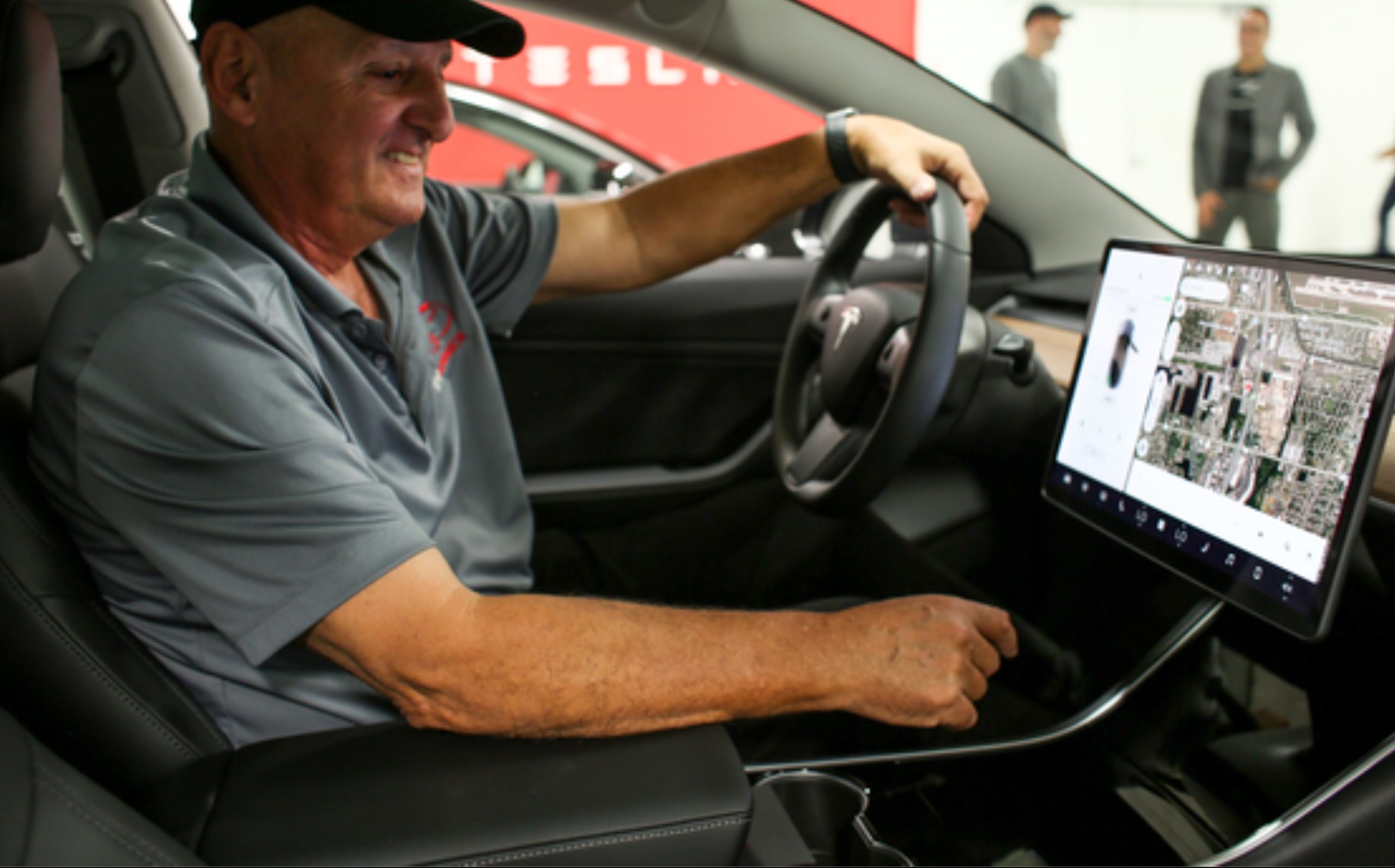
Information Placement and Ergonomics. Every reviewer mentions the lack of a binnacle—the place directly in front of the driver where a conventional speedometer and other instrumentation appears. You get over this in about 5 minutes.
 |
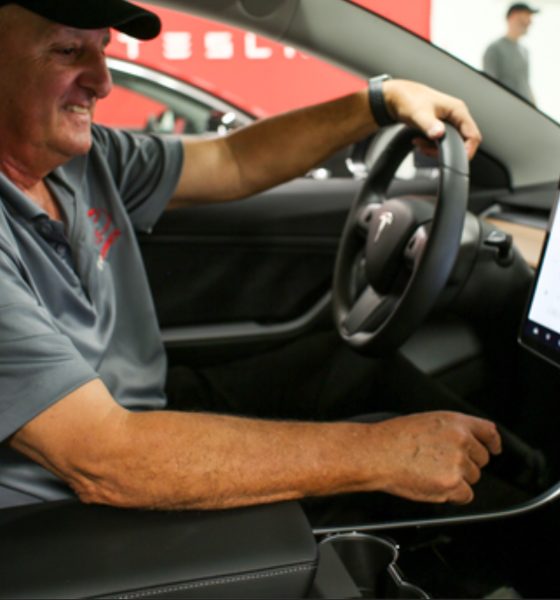
Above: Sitting in the Model 3, I find the UI easy to learn (Photo: EVANNEX)
The placement of the speedometer and other critical driving information and functions on the left-hand side of the landscape display works well. It can be scanned with no more eye movement that required to scan the binnacle.
However, because this critical information takes up some of the screen real estate, all other functionality is pushed right on the display. In general, it’s not a big problem, but it can be annoying and possibly even distracting if you must reach or look to the far right side of the display (say, for example, to see turn-by-turn directions from the nav system). There are a number of ways this can be remedied through a software update, and I suspect Tesla will do so in the near future.
Audio. I’m not an audiophile, but the sound system in Model 3 is really, really good—crisp with clearly defined high frequencies and solid bass. The “immersive sound” option makes all the difference—be sure you turn it on. In my opinion, the Model 3 sound system is better than the standard sound system in Model S or Model X. The user interface is serviceable, but I suspect that it will evolve over the coming months.
Interior Features. The Model 3 interior design language is minimalist and sleek. Visually, there is little design ‘noise’ to break the smooth flow of the interior geometry. It is, in my view, groundbreaking.
One reviewer from CNN lamented the fact that there were no buttons and knobs in the driver compartment, a clear indication that he completely misunderstands the design intent and has no clue about the future of automobiles. But I digress.
Although Model 3 has a collection of typical interior features including lighted visor mirrors (an inside joke for Model S owners), the primary focus is the center console. As the guy who designed the very first center console for Model S—EVANNEX’s critically acclaimed Center Console Insert (the CCI)—I’d like to commend Tesla for a well-executed center console for Model 3. It contains everything you’ll need to store your stuff, charge and view your smartphone display, and easy access your USB and 12V ports. It provides closed storage with smoothly operating covers and doors.

Tesla Model 3 installed with a 1080P dash cam solution
Three quibbles:
1. The standard gloss black surface of the center console shows every fingerprint, every spec of dust and every droplet of liquid that might inadvertently spill. Therefore, the surface becomes messy very quickly.
2. The center console surface is smooth and quite attractive, but its smoothness is also a minor liability. The center console is where the driver puts stuff—keys, ID cards, a pencil, even a smartphone when it’s not in its own compartment. As I mentioned, Model 3 is nimble, and during a quick turn, everything the driver places on the center console surface goes flying. It’s happened to me a few times already.
3. In my opinion, the physical height of center console violates the interior design language. It’s unnecessarily high. Hopefully, a future iteration will place the top of the center console at the same height as the seat cushion, allowing this important element to better blend with the interior. Sure, you’ll lose a little vertical storage space, but you’ll gain a better aesthetic.
Exterior Features. I love Model 3’s exterior—clean, simple, and efficient. For sticklers, the panel gaps on my vehicle were consistently good at approximately 4 to 5 mm throughout, indicating a solid manufacturing process. The trunk opening is much larger than many feared it would be and with the rear seats folded down, you can load a 72” L x 36” wide x 16 “H box into the car. That’s a big box! The trunk hatch requires a bit of a push to close.
 |
Above: A look at my Model 3 with the 18″ aero caps (Photo: EVANNEX)
The doors open wide for easy entry. Their signature feature is the J-handles that rotate outward to open. I have two minor quibbles with the doors.
1. The J-handles are very cool, rotating outward with a push on the ‘fat’ part of the handle. The problem is that gripping the handle to pull the door open can be a challenge if you use the wrong hand. On the driver side, your left hand is the one you want to use, but if you’re carrying, say, a grocery bag in your left hand, opening the driver door with your right hand can require a little bit of arm twisting. When you approach the driver door, try to remember to have your left hand free. The opposite applies on the passenger side. From a design perspective, a future improvement might be to have the door handle spring open and stay that way until a pull on the thin end occurs. It would then return to the closed position.
2. You have to be conscious of making sure that your door closes properly. In many cases, a seemingly proper push of the door will leave it slightly ajar. The problem is that the window remains slightly lowered during closing, and if you don’t notice the problem and walk away, its possible for rain to enter your passenger compartment. Be careful with this and check your doors for full closure during your early weeks of ownership.
Suspension and Ride. Most big name reviewers agree that Model 3 is a driver’s car with a tight suspension, very little roll, and nimble response. Its spring suspension allows you to feel the road, and it’s likely that some owners will accuse Model 3 of a harsh ride. I would characterize the ride as typical of a true sports sedan.
 |
Above: In order to improve the 18″ wheel aesthetics, I removed the aero caps, and installed Model S silver center caps (which also fit Model 3), chrome gorilla lug nuts, and black track/red insert wheel bands (Photo: EVANNEX)
But here’s something that you should know. The body sits relatively high above the ground. With standard 18 or 19-inch wheels, there’s a lot of space between the outer perimeter of the tire and the wheel well fender cut out. Those owners who want a closer-to-the-ground look will undoubtedly remedy this with special suspension packages in the aftermarket.
Wheels and Tires. The OEM tire and wheel packages for Model 3 are pretty pedestrian. They get the job done and look okay, but if you’re like me and believe that wheels are probably the most important element, other than body design, to a vehicle’s overall exterior aesthetic, there’s a lot of opportunities for you to improve the look of your Model 3. I moved immediately to make a wheel change.
 |
Above: My Model 3 with new 20″ AG M580 wheels installed (Photo: EVANNEX)
It is true that there are considerations you must address before you buy aftermarket wheels—additional cost and the possibility of poor fit or tire interference. It also worth noting that they’re frowned upon by Tesla, but that won’t stop tens of thousands of Model 3 owners from making a switch. My advice:
Order your Model 3 with standard 18-inch wheels and tires, then, if you’re so inclined, upgrade to aftermarket 19s or 20s to improve the exterior aesthetic. The EVANNEX-AG staggered wheels on my Model 3 are the 20s, which fit the Model 3 perfectly with no interference, and I think, give the car a very cool premium look with a muscular feel. They’ve already gotten a lot of very positive comments. This approach is somewhat more expensive than opting for the OEM 19s provided by Tesla for a $1600 premium, but I think the result is worth it.
For those that are curious, my wheels are AG M580, 20×8.5 front and 20×10 rear. I opted for Michelin PilotSport 4S tires, 245/35/20 front and 274/30/20 rear. There are other less expensive tire options. By the way, the rolling diameter of the AG 20s and tires is within one percent of OEM 19s, so there is virtually no impact on speedometer or other driving functions.
Summary. I waited almost two years for my Model 3. Overall, it’s exceeded my expectations in almost every category. But like every car, it’s not perfect. I’m confident that Tesla will remedy almost all of the quibbles and minor issues I mention in this post quickly. And for other things, we at EVANNEX will try our best to provide those of you Model 3 owners (or reservation holders) with the ability to make this near perfect car perfect for you.
 |
Above: Loving the new look (Photo: EVANNEX)
Bottom line—the Model 3 was definitely worth the wait!
===
Note: Article originally published on evannex.com, written by Roger Pressman — author of Getting Ready for Model 3, and, founder of Electric Vehicle University. Note: If you’re located in South Florida, feel free to view this Model 3 in-person at a special event this Sunday (just be sure to RSVP).


Elon Musk
How to use Grok Bot to block spam calls and texts
Musk told users to ask Grok Bot to scrub their phone numbers from spam lists.

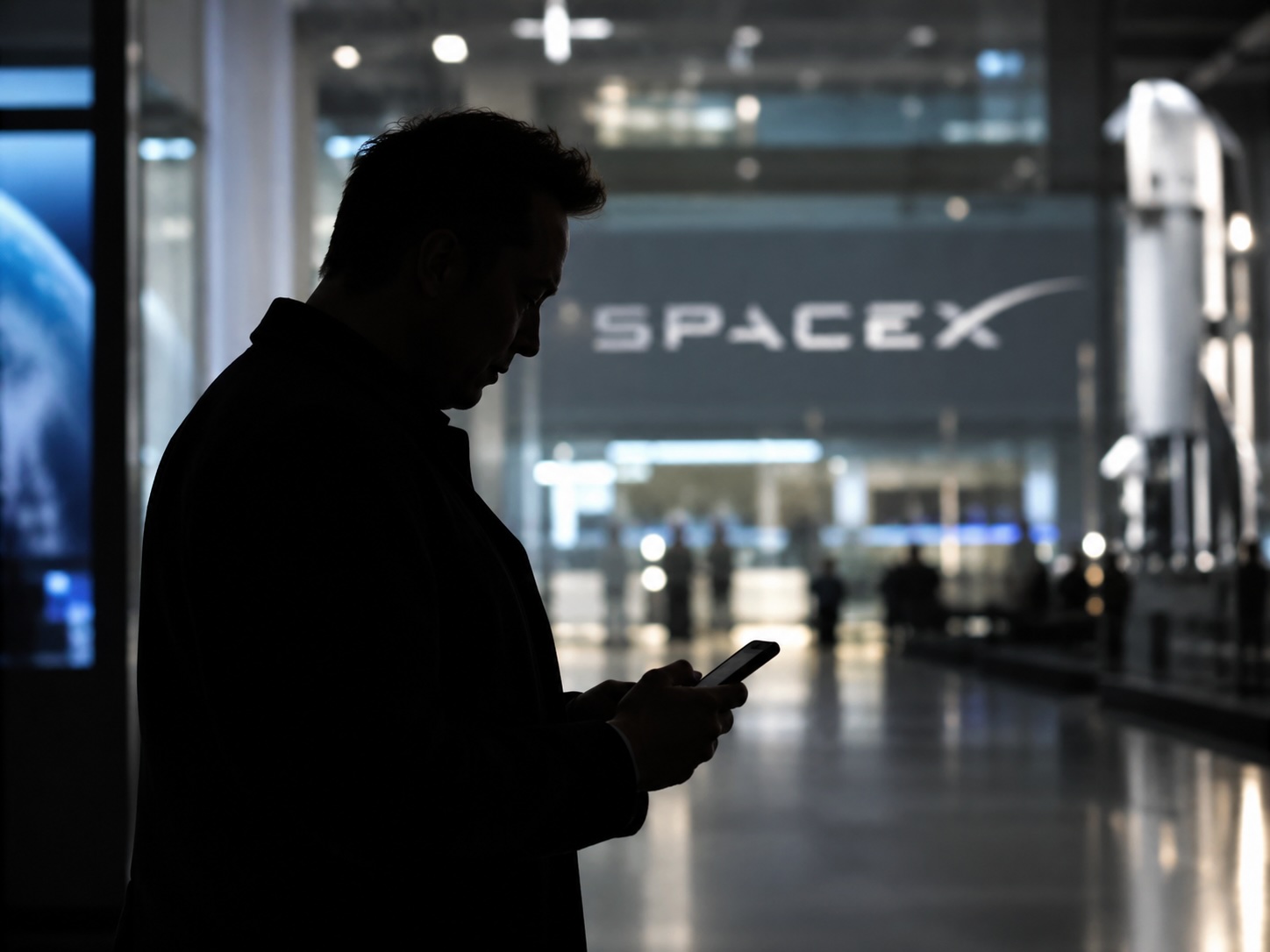
Elon Musk has a new use case for Grok Bot, and it is the spam call. On Thursday he replied to an X user named Arash with a short instruction: “Ask your @Grok @Bot to remove your phone number from spam call & text lists!” Arash had said he got tired of the calls, had an AI bot find his number on listing sites and file removal requests, and packaged the process as a free skill for others.
The skill is called Spam-Call Scrubber, which is described to find a phone number on people search sites and data brokers, submits the opt outs, completes the confirmation emails those sites send back, and rechecks on a schedule the user picks. Using it requires the Grok Bot app. The pitch is time saved, since most broker opt outs sit behind separate forms on separate sites.
Ask your @Grok @Bot to remove your phone number from spam call & text lists!
— Elon Musk (@elonmusk) October 15, 2026
Musk said Grok Bot now gives each bot its own email address, and that it can detect scam emails. On Thursday he also said SpaceX would make users whole if the bot botches a purchase or leaks a card, then told users to shop away from Amazon after the retailer blocked the agent, as Teslarati reported. The terms of service we reviewed at the time put responsibility for what an agent does on the user.
For Tesla owners, Grok Bot is not just a phone app. Tesla brought Grok Bot into its vehicles on September 22, and we argued earlier this week that the Cybercab’s real advantage may be the errands it runs during a ride. Every Cybercab and the rest of the Model Y Robotaxi fleet has it enabled. The more routine tasks like this one become, the more a rider has reason to hand over something personal in the back seat.
The new Spam-Call Scrubber skill can be downloaded for free and works on sites that honor removal requests, while noting that listings can reappear, and illegal robocallers do not check any registry. Whether Spam-Call Scrubber cuts anyone’s call volume is something the first wave of users will find out, and Musk’s endorsement guarantees that wave is coming.
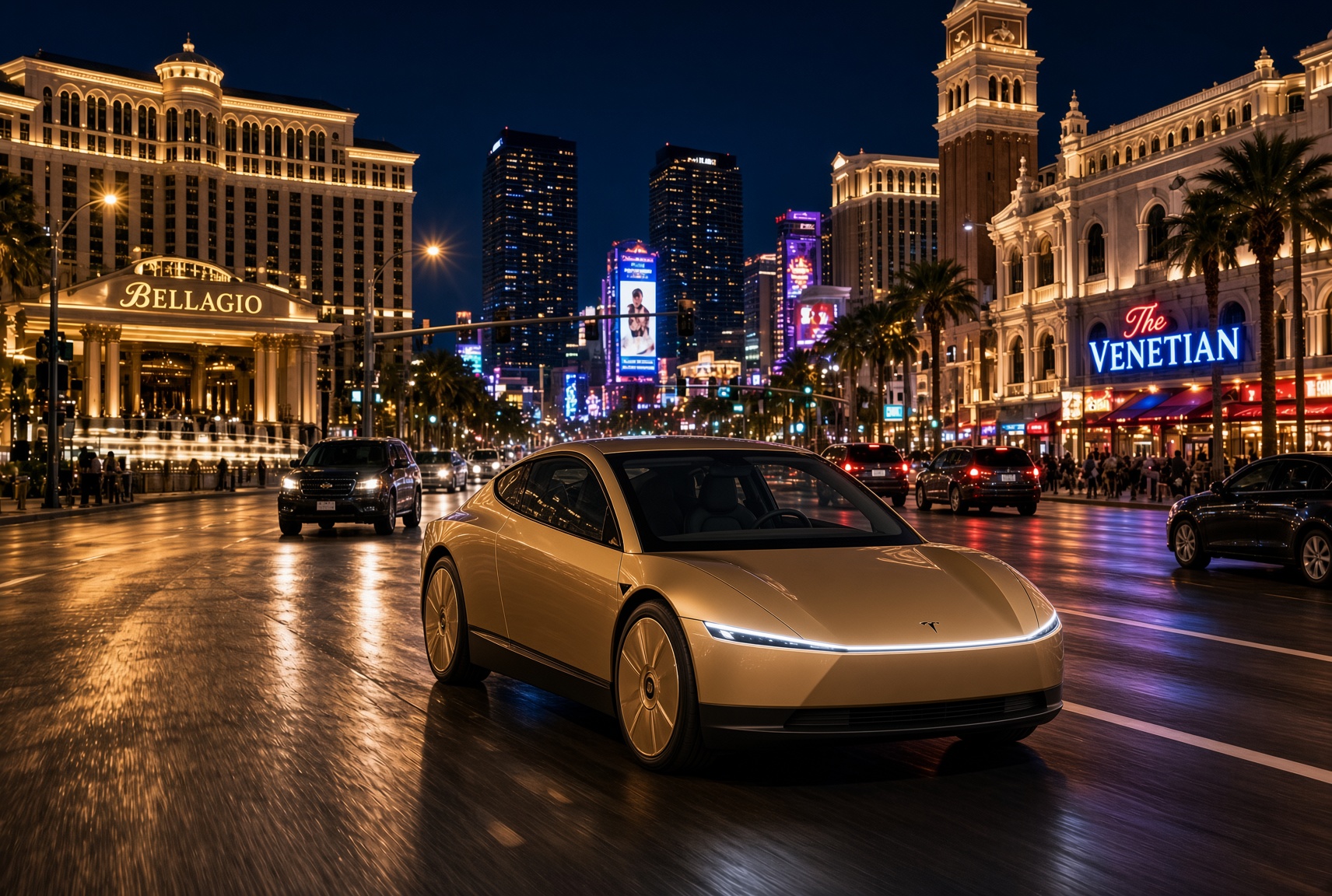
For a century, the car has asked the same thing of its owner, which is basically to pay attention. Even the best ride-hailing app like Uber or Lyft only moved the problem into someone else’s hands. You stopped driving, but you still sat in a stranger’s car, while half listening, and wondering whether to take a phone call in the car without being rude. The Cybercab has no wheel, no pedals and no driver. With Grok @bot now live inside it, it becomes something else entirely, and I think that matters more than the fleet count that everyone is tracking.
Grok @bot is an agent, not a voice assistant. A rider signs in once, and from then on can say what they need and watch it happen. Order dinner from a favorite restaurant. Fill the grocery cart. Move money, answer email, adjust a calendar, push a work project forward. Tesla engineer Yun-Ta Tsai confirmed it is enabled across every Cybercab and the rest of the Model Y fleet, and Tesla’s own pitch is that Full Self-Driving handles the commute while Grok handles the errands.
Think about what that does to a thirty minute ride. Uber sells you a trip, while Waymo sells you the same trip in a more private setting. Tesla is selling the thirty minutes themselves, returned to you with an assistant attached. Errands that used to eat a Saturday get done between pickup and drop off. The ride stops being dead time between two places and becomes a place of its own.
Tesla integrates Grok Bot into its vehicles for the ultimate personal assistant
Best of all, your Bots follow you into any Cybercab, and presumably your own Tesla, then logs you out automatically when you step out. Anyone can bolt a chatbot onto a screen, but much harder to own the vehicle, the autonomy stack and the assistant at once. It also quietly ties SpaceX’s Super Intelligence business to Tesla’s fleet, after Tesla converted its xAI stake into SpaceX equity. The relationship between those two companies is getting harder to describe as separate.
This is also where the hard questions start, because an agent that can spend your money in a vehicle other people also ride in needs some answers. How does it handle a voice it shouldn’t trust? What gets recorded, who can see it, and for how long? What happens when a rider leaves halfway through a task?
If Tesla gets those answers right, the scoreboard changes. We have been counting Cybercabs and wait times. The more telling number may be what riders accomplish per trip. That is data almost no one else will ever have, and it is the real reason to watch Grok @bot.
What do you think? Leave me a comment.
Lifestyle
Tesla’s mirrorless Cybercab will give riders a visibility upgrade
Tesla engineer confirms Cybercab update letting riders pull up rear and repeater cameras on demand.
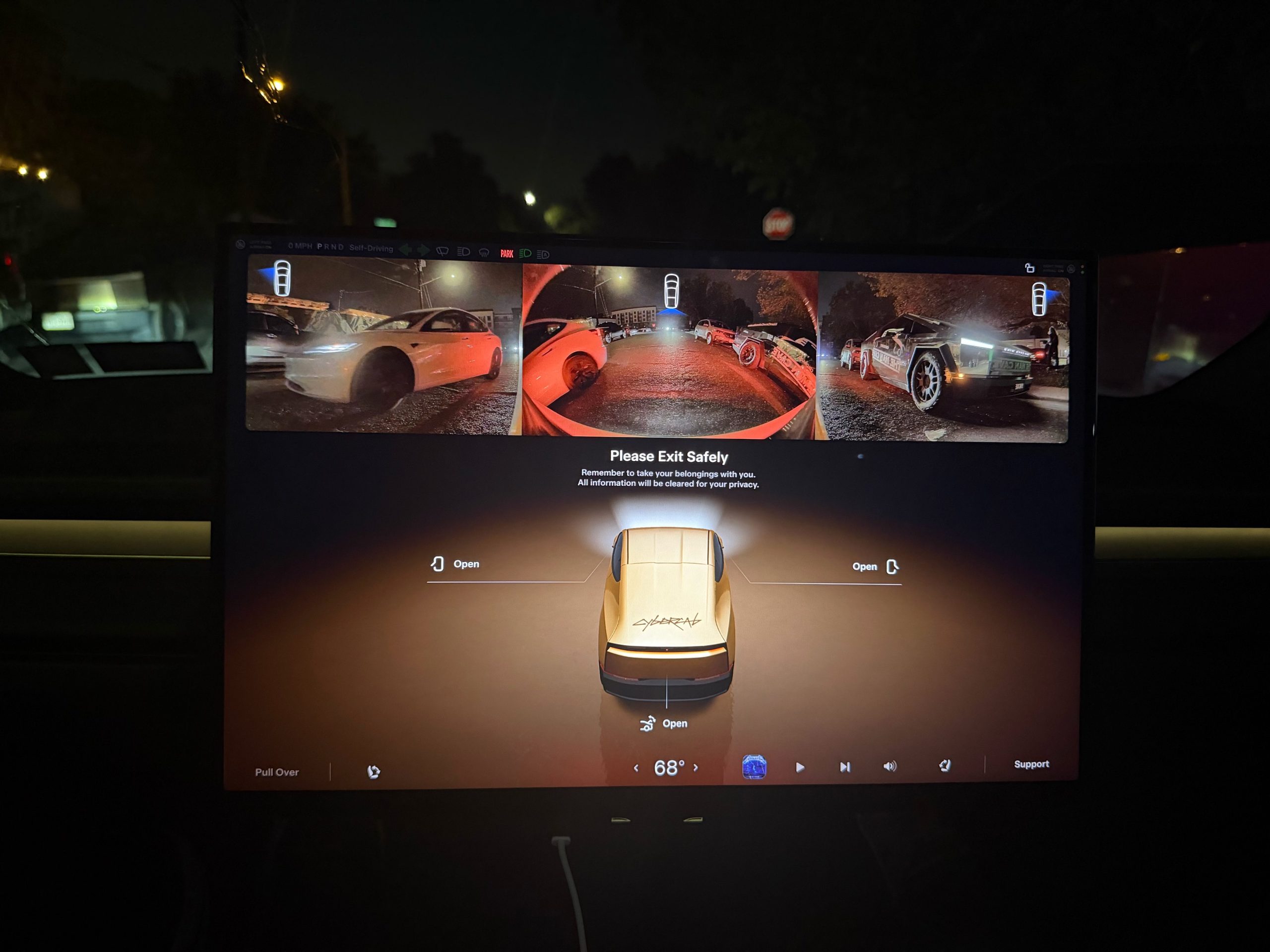
Tesla is working on a Cybercab update that would let passengers pull up the vehicle’s rear and side cameras on demand, and the request came straight from a rider.
The exchange played out on X late Friday. Cybercab rider Dan Burkland shared photos of the two-seater’s cabin screen after an evening ride, praised the UI team’s work, and left one request: let riders open the rear and repeater cameras whenever they want, “especially for peace of mind.” Tesla UI software engineer Evan (@CarCoder) answered with two words: “In development.”
The Tesla UI team absolutely crushed it with the infotainment software. Nicely done @CarCoder!
One feature request: Allow folks to pull up the rear & repeater cameras on demand. This would be great especially for peace of mind. https://t.co/mNAOSLx6pE
— Dan Burkland (@DBurkland) October 10, 2026
The idea fits a pattern Teslarati has tracked since public rides began. Days after paid Cybercab service opened in Austin, Tesla sent riders a survey that asked them to rate the touchscreen, the app and the cabin, and to pick the features they wanted most. We reported on that survey in September, and a camera view is the kind of small software change Tesla can push quickly if riders keep asking.
It also speaks to something unique about the vehicle. With no steering wheel, no pedals and no driver, passengers have no mirror to check and no way to see behind them. The hardware is clearly built for camera awareness, from the repeater cameras to the rear camera. Letting a passenger look through those same cameras would give a nervous first time rider a way to confirm what is around the car.
The timing matters because the fleet is growing fast. Tesla’s Robotaxi account said on Saturday that more than 300 Cybercabs are now serving Austin, an eightfold increase in 30 days, and Tesla AI chief Ashok Elluswamy named Dallas as the next city. More cars and more cities mean more people riding in a driverless vehicle for the first time, which is exactly when small trust features carry weight.
For now, the feature is confirmed only as in development. If Tesla follows its usual pattern with Cybercab software, riders could see it appear in a point release without any announcement, and Teslarati will watch for it.

Tesla Cybercab gets a for sale date at last

Tesla Q3 2026 Earnings results: in-line revenues, slight beat on EPS


